Help Desk Software for Small Businesses
Affordable and customizable help desk software to provide a great customer service experience.
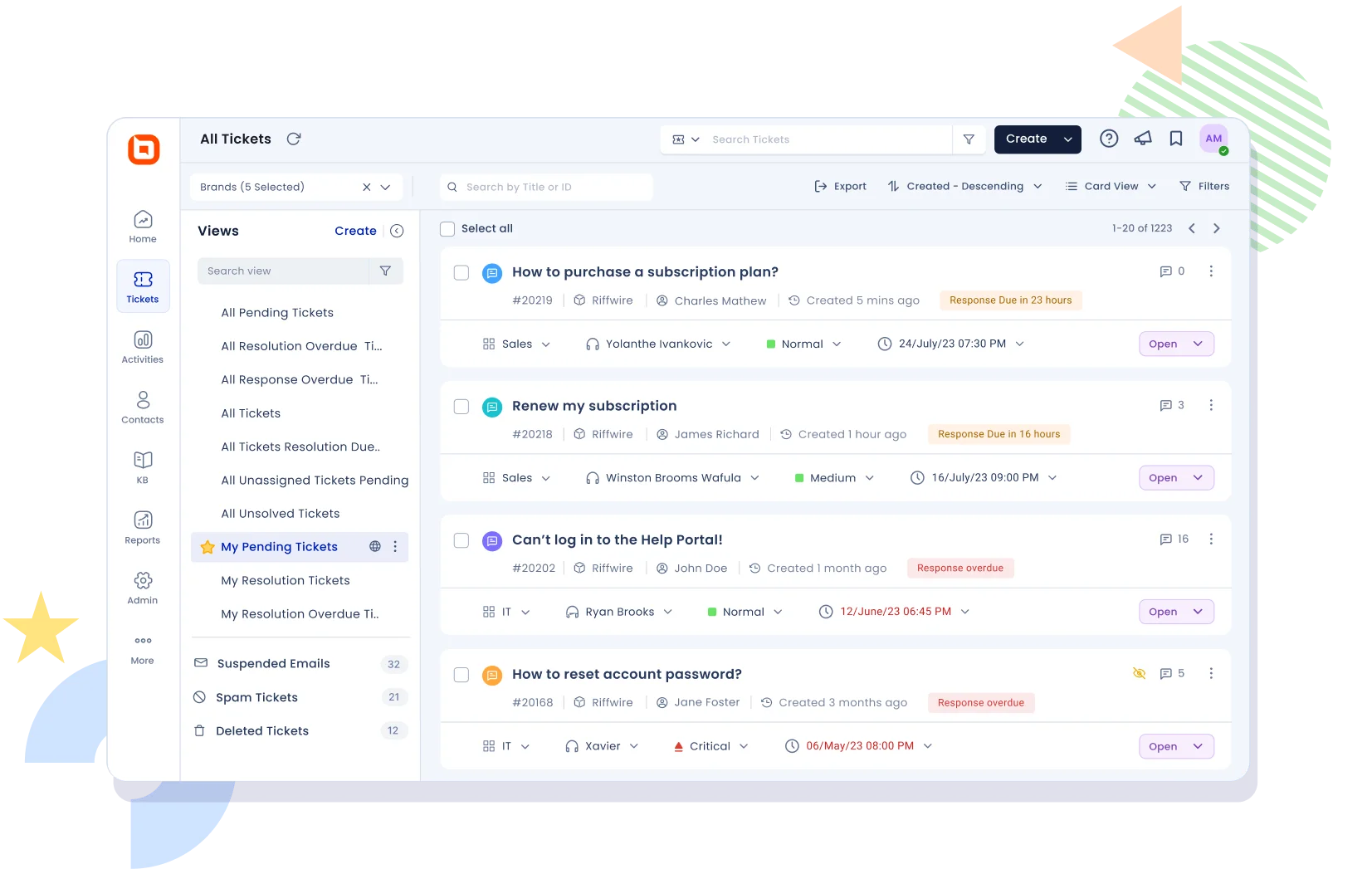
How does the help desk software benefit and add value to your small business?
If your company is struggling to provide better customer service or if you are handling support requests via email, then you need the Help Desk software. This modern software can carry out a wide range of support activities.
-
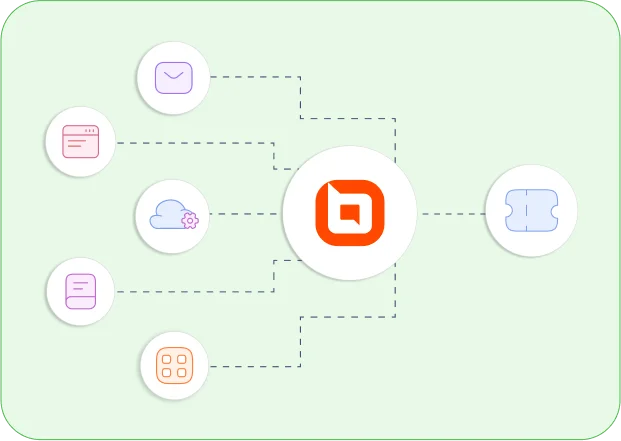
Support requests from various channels, such as emails and help widgets can be converted to tickets.
-
Assists you in prioritizing and organizing customer service requests.
-
Increase agent productivity by automating routine tasks.
-
SLA policies (service level agreement) can be used to improve response time.
-
Simple to use, no need for maintenance or installation.
-
Automatic assignment of tickets to appropriate support agents.
-
Gather customer feedback and keep track of CSAT scores.
-
Monitor real-time performance and scale your business.

Affordable & transparent pricing
-
Only pay license fee for support agents who respond to support tickets.
-
No license fee for end users.
-
No limit to the number of tickets that can be created.
-
Add or remove agent seats at any time as your team grows.
Multi-channel ticketing
A unified agent portal for your agents to track, prioritize, and follow up support requests received from various channels.
-
Convert email requests into tickets, and your customers can make back-and-forth conversations via email instead of using the customer portal.
-
Integrate help widgets and web forms into your website to collect information that can be converted into tickets.
-
Create tickets from any source using Rest APIs.
-
Create a phone ticket on behalf of a customer.
Automations
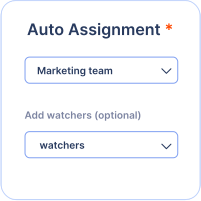
Auto assignment
Tickets can be routed to the correct agent using auto assignment.
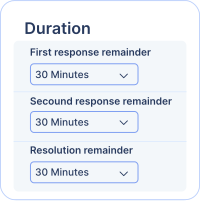
SLA automations
Set up SLA policies to improve response and resolution time.
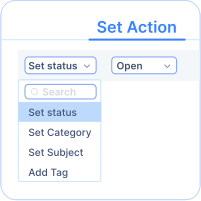
Event triggers
When a ticket is created or updated, perform a series of automated actions.
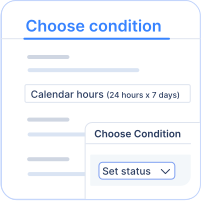
Time triggers
Perform a repeated set of actions every hour.
Customer satisfaction survey
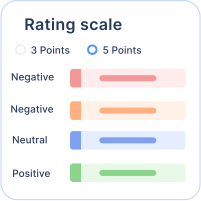
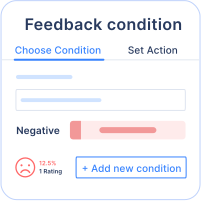
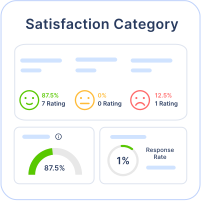
Send satisfaction surveys to customers to get feedback on the service provided. Rating scale customization are also supported. Track customer happiness rating using CSAT reports.
Productivity features
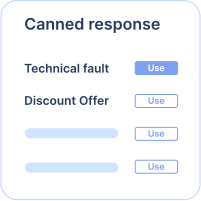
Canned responses
Save frequently used responses as templates to respond quickly to frequently asked questions.
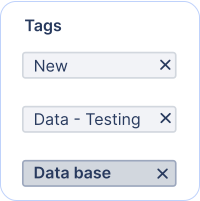
Tagging
Using tags, organize and manage your tickets.
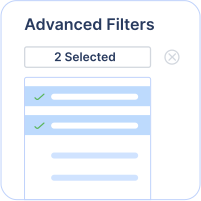
Advanced filters
Use advanced filters to view a subset of tickets and save them as views for future use.
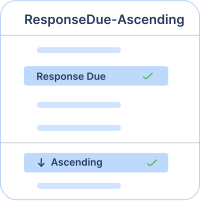
Ticket sorting
Various fields are available to sort tickets based on preferences.
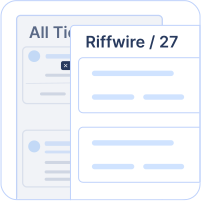
Quick preview
This allows users to preview the content of a ticket without actually opening the ticket details page.
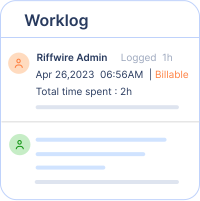
Time tracking
Track time spent by agents on tickets.
Multilingual support
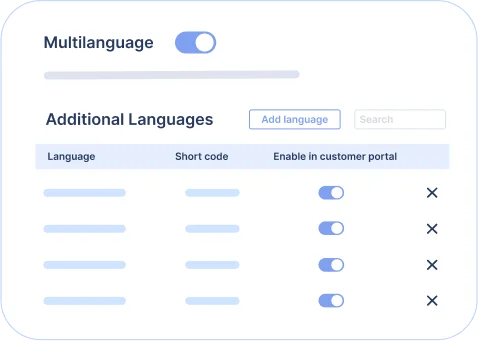
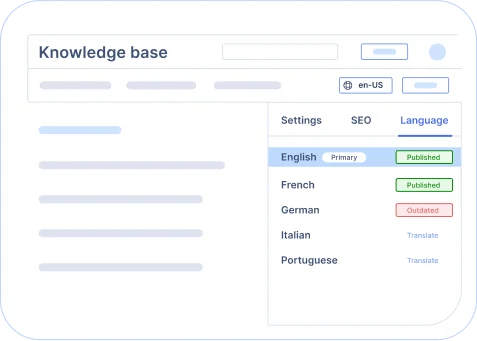
Multilingual help desk
Support your customers all across the world by providing customer service that is translated into multiple languages.
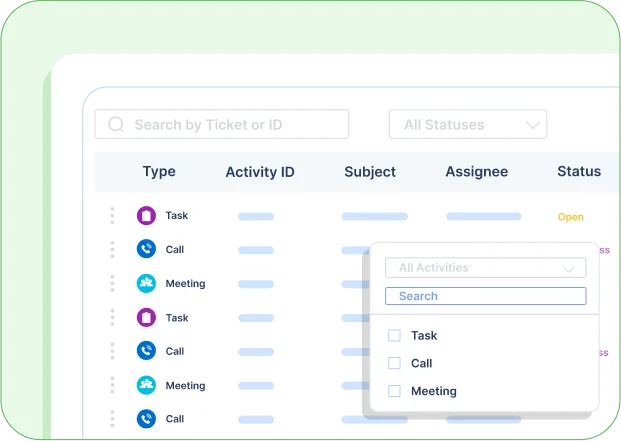
Task management
To improve agent productivity and ticket resolution, break down the steps required to resolve a ticket into smaller tasks.
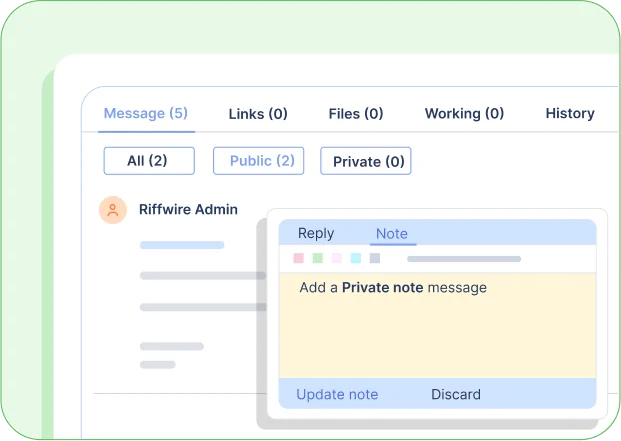
Collaborate with your teammates
Effectively collaborate with your internal teams on a ticket by using these features.
-
Begin side conversations on a ticket with internal team members by using private notes.
-
To include other team members in tickets, use @mention.
-
Using watchers, add more internal team members to track the progress of tickets for receiving email alerts.
-
Share the ticket across different departments for internal collaboration.
Organize customer information
-
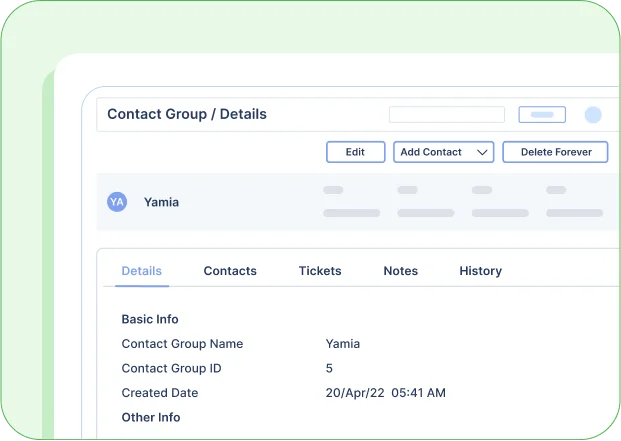
Organize your customer information in the contact module.
-
Using the contact group feature, customers can be grouped by the company.
-
Keep meeting notes or additional customer information in the notes section.
-
View all tickets created by a customer or a company from the customer or a contact group page.
Reports & analytics
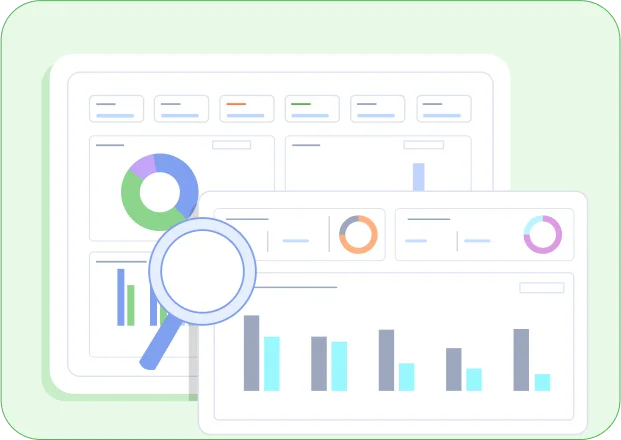
There are several pre-built reports and dashboards available for data analysis.
-
The support monitoring dashboard is a one-stop dashboard for tracking the status of support activities.
-
Support traffic dashboard helps track inflow of tickets.
-
Satisfaction Reports can be used to analyze customer happiness ratings and CSAT scores.
-
SLA Dashboard can be used to track SLA performance metrics.
We're not done yet!
You might also like these features.
Customization
There are numerous customization options for changing the ticket form fields as well as the look and feel of the portal.
Custom domains
Change the portal's support address to support.yourcompany.com by mapping custom domains.
White labelling
Customize the support portal with your company logo, colors, and login options.
Embeddable help widgets
Customize and integrate a help widget into your website and convert requests into tickets.
Embeddable web forms
Integrate a contact us form into your website and turn requests into tickets.
Custom apps
Integrate any third-party system and side load data of external apps with tickets for easy access.
Single sign on
Set up your organization’s Single Sign On for a more seamless login experience.
Task management & CRM integration
JIRA and Salesforce native integrations are supported.
Rest APIs & webhooks
Rest APIs and webhooks are quite powerful to integrate with any external system.
Start your 15-day free trial with instant access
-
No credit card required
-
Easy setup
-
80% AI Agent Automation
-
100+ Rich Features
-
No credit card required
-
Easy setup
-
80% AI Agent Automation
-
100+ Rich Features