











Shared Inbox software

Built for Faster, Smoother Team Communication

  • Centralized workspace – Manage all team emails in one organized inbox.
  • AI assistance – Draft replies, classify emails, and predict priorities with AI.
  • Collaborative team tools – Assign, track, and resolve emails together with real-time updates.
  • Insightful analytics – Monitor email metrics and team performance instantly.
  • No credit card required
  • Cancel anytime
  • No credit card required
  • Cancel anytime

Trusted by companies of all sizes

Learn how the shared inbox works to streamline your support process

What is a Shared Inbox Software?

  • Shared inbox software is a centralized platform that allows multiple team members to manage emails from a single inbox.
  • It enables assignment, collaboration, and real-time updates to prevent duplicate replies and keep communication organized.

How Does the Shared Inbox Work?

Step 1 :

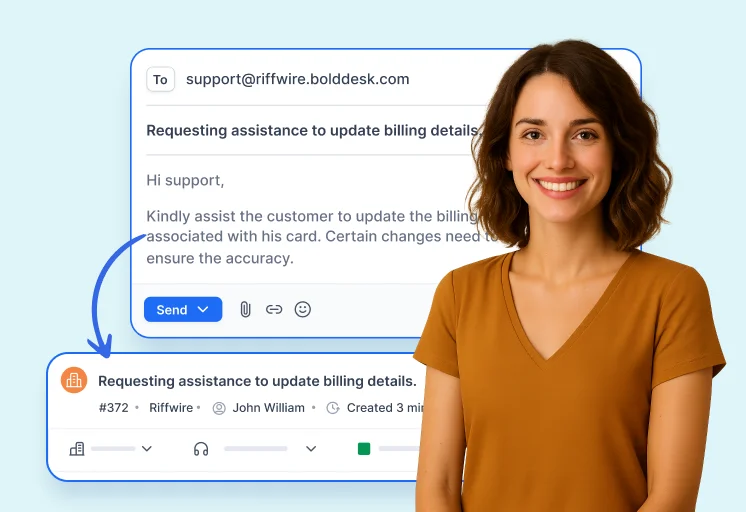
Centralize team email in one inbox.

Right arrow

Step 2 :

Assign conversations and collaborate in real time.

Right arrow

Step 3 :

Reply faster with AI suggestions and track performance.

Why Choose BoldDesk Shared Inbox Software?

One Inbox for Your Whole Team -
Effortless, Organized and Always On

The BoldDesk shared inbox software helps your team collaborate effortlessly, manage customer conversations in one place, and speed up response times.

Centralized Customer Communication

View, manage, and respond to all emails from one unified inbox without switching platforms.

Modern, Intuitive Interface

Modern UI options allow customizable views, filters, and ticket previews that boost agent productivity.

Workflow Automation

Create custom, no-code automation workflows and use AI-powered suggestions to handle repetitive tasks efficiently.

Spam Control and Inbox Protection

Protect your shared inbox by using built-in spam detection and advanced controls to block or allow specific email addresses and domains.

Assign Tickets With Ease

Automatically or manually assign incoming tickets to available agents, ensuring accountability and faster resolution times.

Seamless Team Collaboration

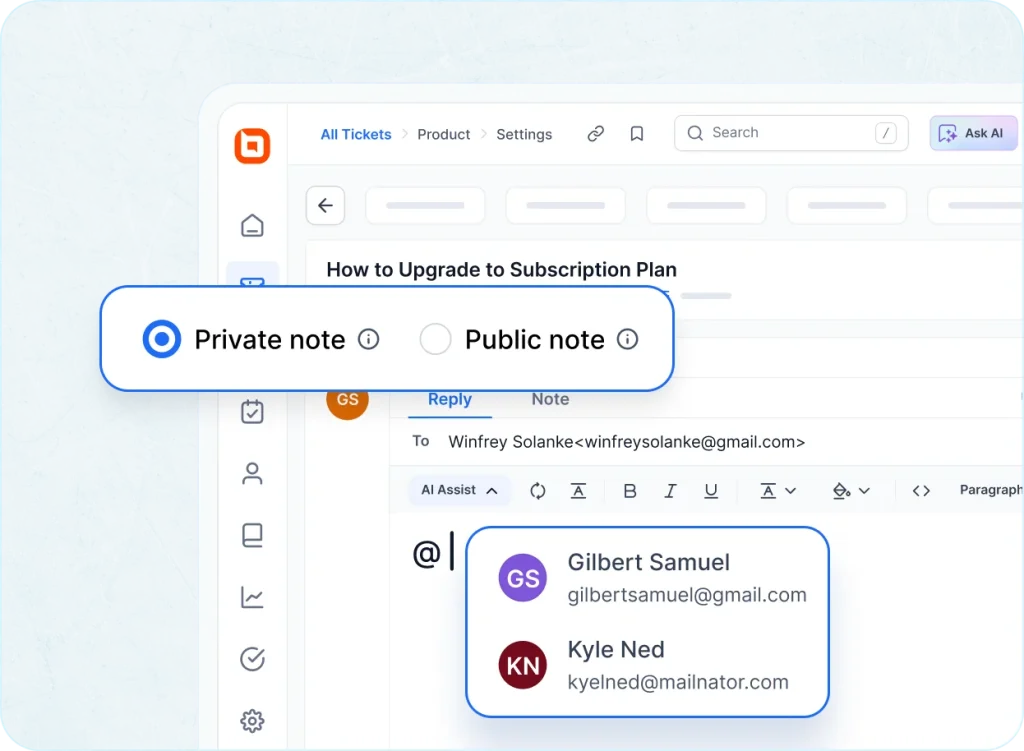
Use private notes, internal discussions, and @mentions to collaborate efficiently without disrupting customer conversations.

Shared Inbox Software Features That Drive Productivity

Shared inbox software simplifies teamwork, automate ticket handling, and enhances customer support in one place.

Effortless Team Collaboration

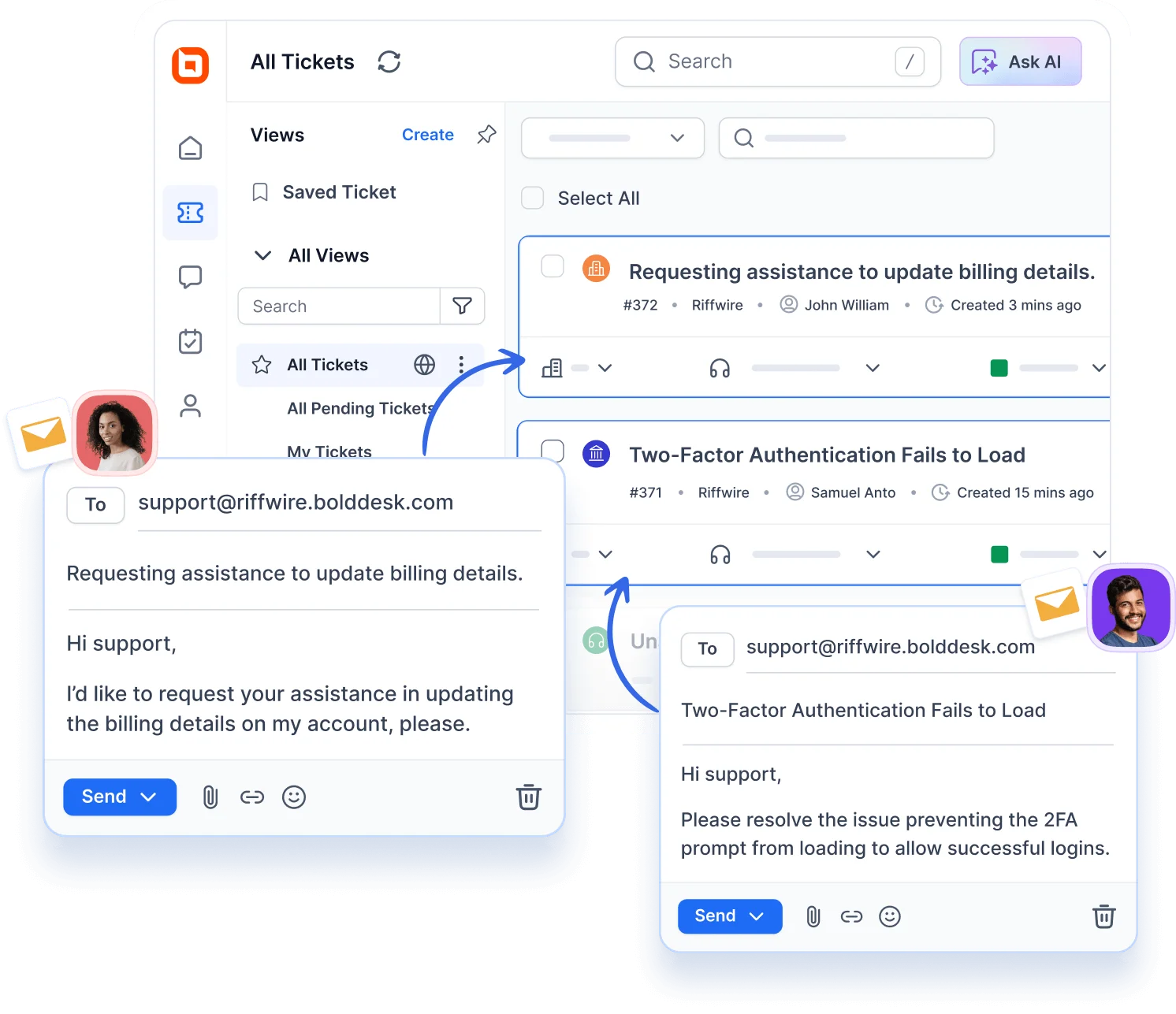
Centralize all customer emails into a single shared inbox. Collaborate without missed messages or messy threads.

  • Prevent duplicate replies with collision detection and real-time activity indicators.
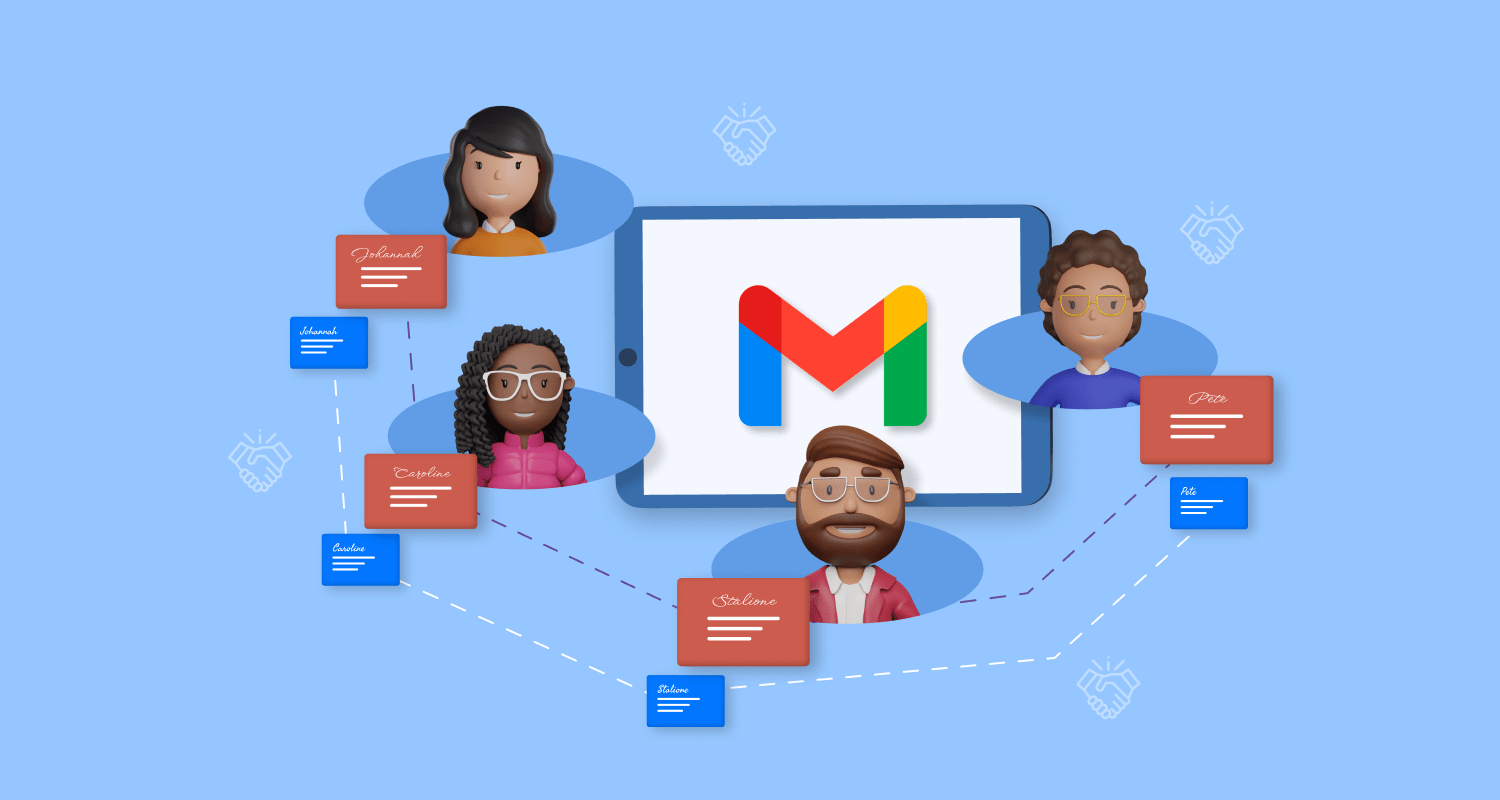
  • Works seamlessly with Gmail shared inbox and Outlook shared mailbox for smooth integration.
Enable effortless teamwork through shared inbox software features.
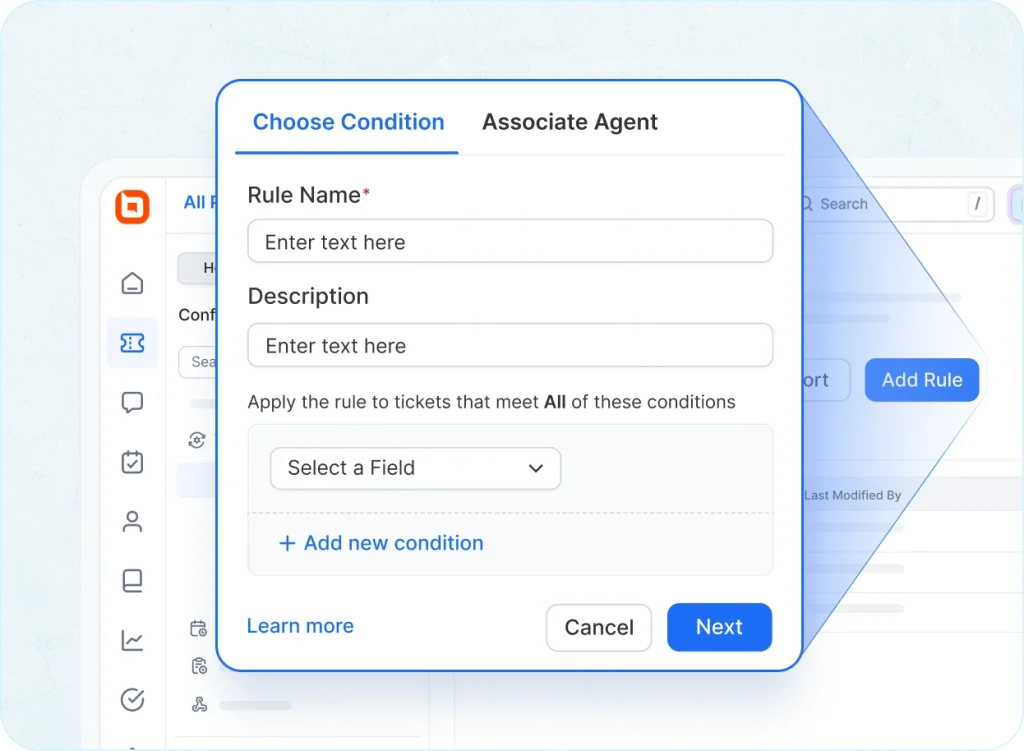
Smart auto-assignment ensures tickets reach the right agent in shared inbox software.

Smart Auto-Assignment

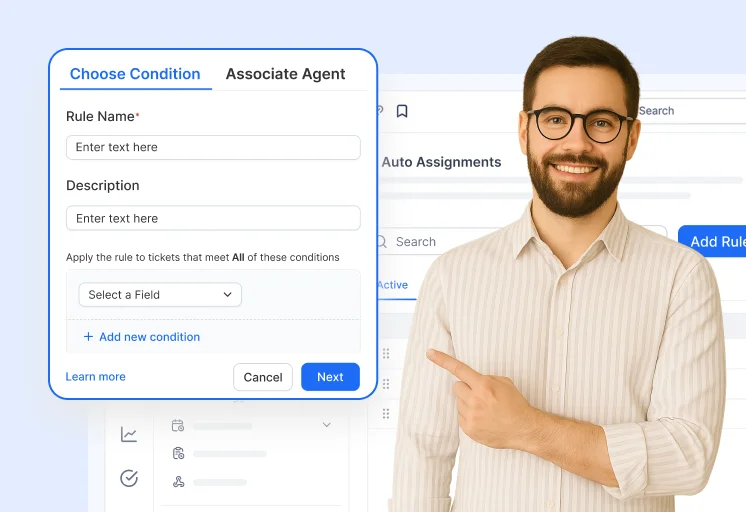
Automatically route tickets to the right agent based on workload, skill, or priority.

  • Assign watchers and backup assignees for accountability and faster responses.
  • Ensure balanced workloads across your team inbox for efficiency.

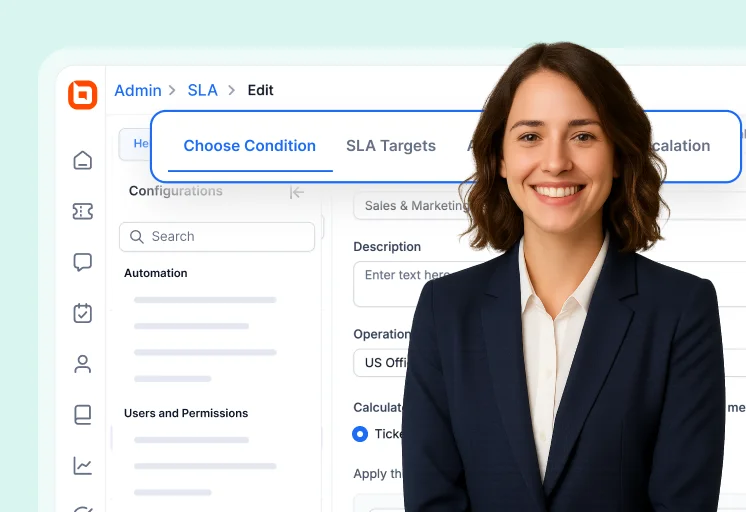
Automation and SLA Management

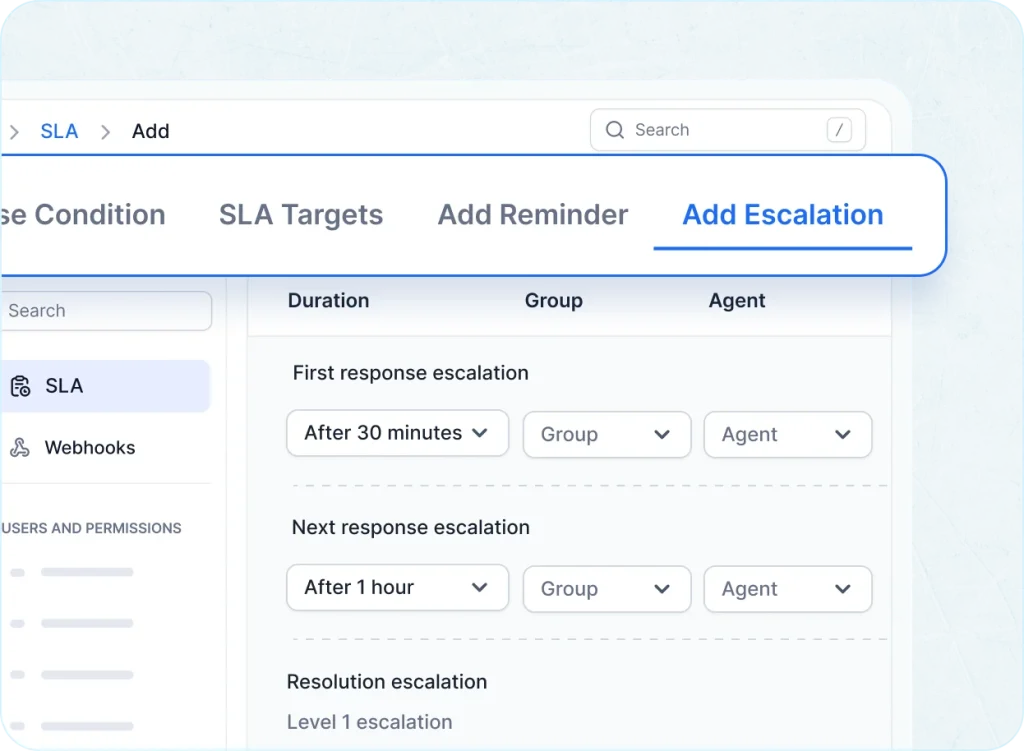
Build no-code workflows to automate assignments, escalations, and follow-ups.

  • Enforce SLAs to prioritize high-value tickets and ensure timely resolutions.
  • Boost efficiency with AI-powered suggestions for repetitive tasks and smart routing.
Manage SLAs and automate tasks effortlessly with shared inbox software.
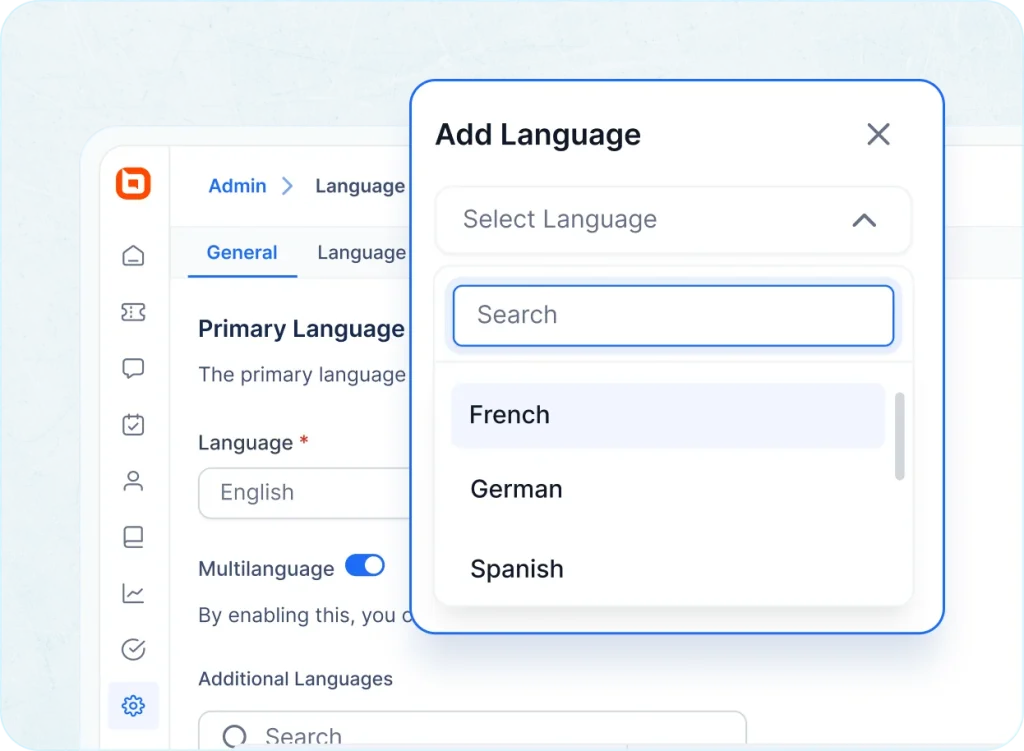
Send emails in multiple languages using shared inbox software templates.

Instant Reply Templates

Respond instantly with pre-written, personalized templates using dynamic placeholders.

  • Save time while maintaining a personal touch with canned responses.
  • Support global customers using localized email templates without translation delays.

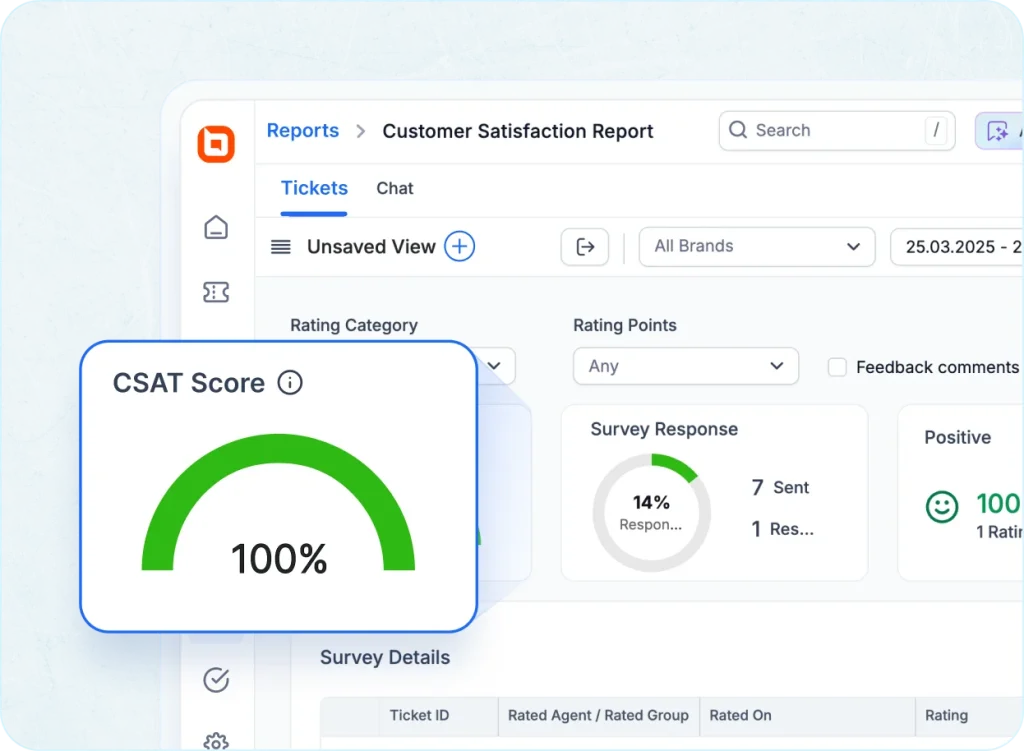
Customer Feedback Insights

Send CSAT surveys after each ticket to gather real-time feedback.

  • Track trends and improve support quality with actionable insights.
  • Use analytics to identify gaps and enhance customer experience.
Shared inbox software dashboard showing CSAT report with 100% score and survey response.
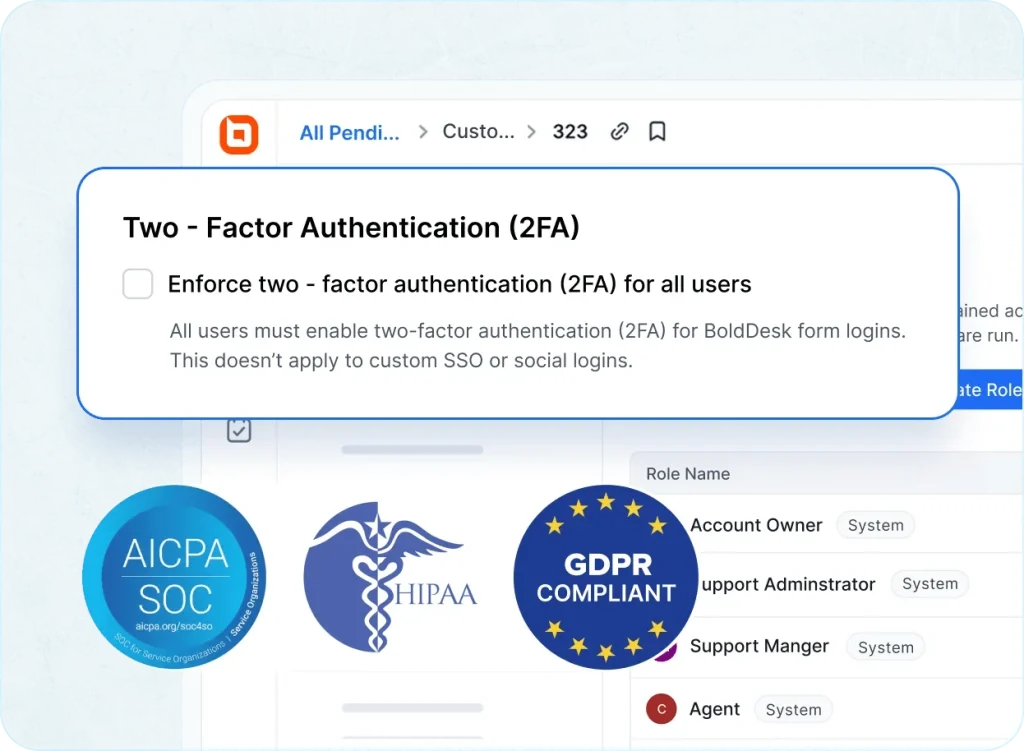
Settings panel to enforce 2FA for BoldDesk users with compliance logos for AICPA SOC, HIPAA, and GDPR

Secure Access Controls

Protect sensitive data and maintain compliance with enterprise-grade security.

  • Role-based permissions and two-factor authentication for safe collaboration.
  • Built-in compliance with GDPR, HIPAA, and SOC-2 standards.
See what changes when email becomes teamwork.

Transform Your Shared Inbox with AI Intelligence

BoldDesk brings advanced AI tools to shared inbox software, helping teams respond faster, automate workflows, and deliver exceptional customer experiences.

Edit Content

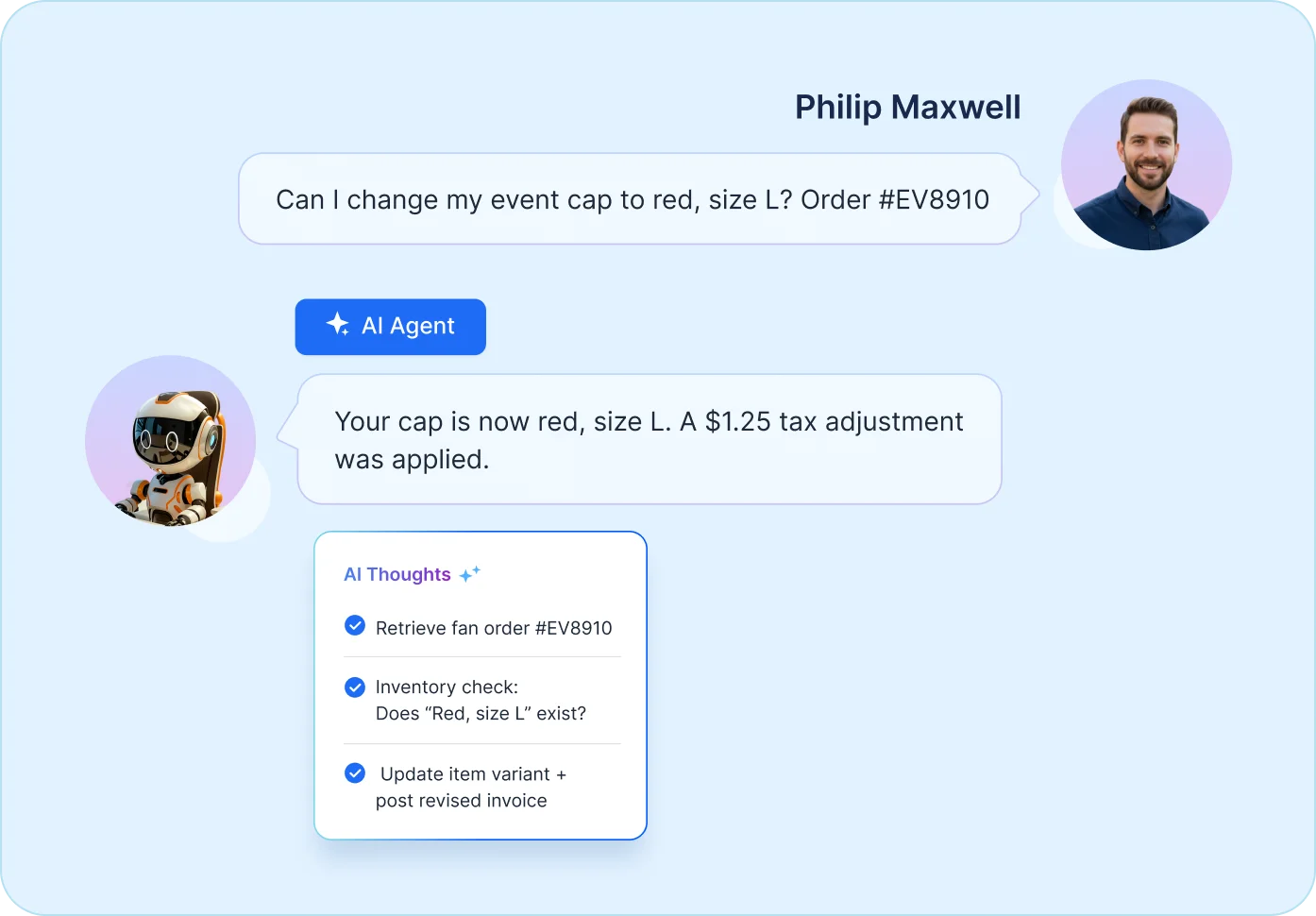
AI Agent – Smart Conversations

Handle routine queries automatically with an AI-powered virtual assistant.

  • Respond instantly to common questions without human intervention.
  • Reduce workload and improve response times for Gmail and Outlook shared inboxes.
  • Start AI-Powered Support
AI Agent
Edit Content

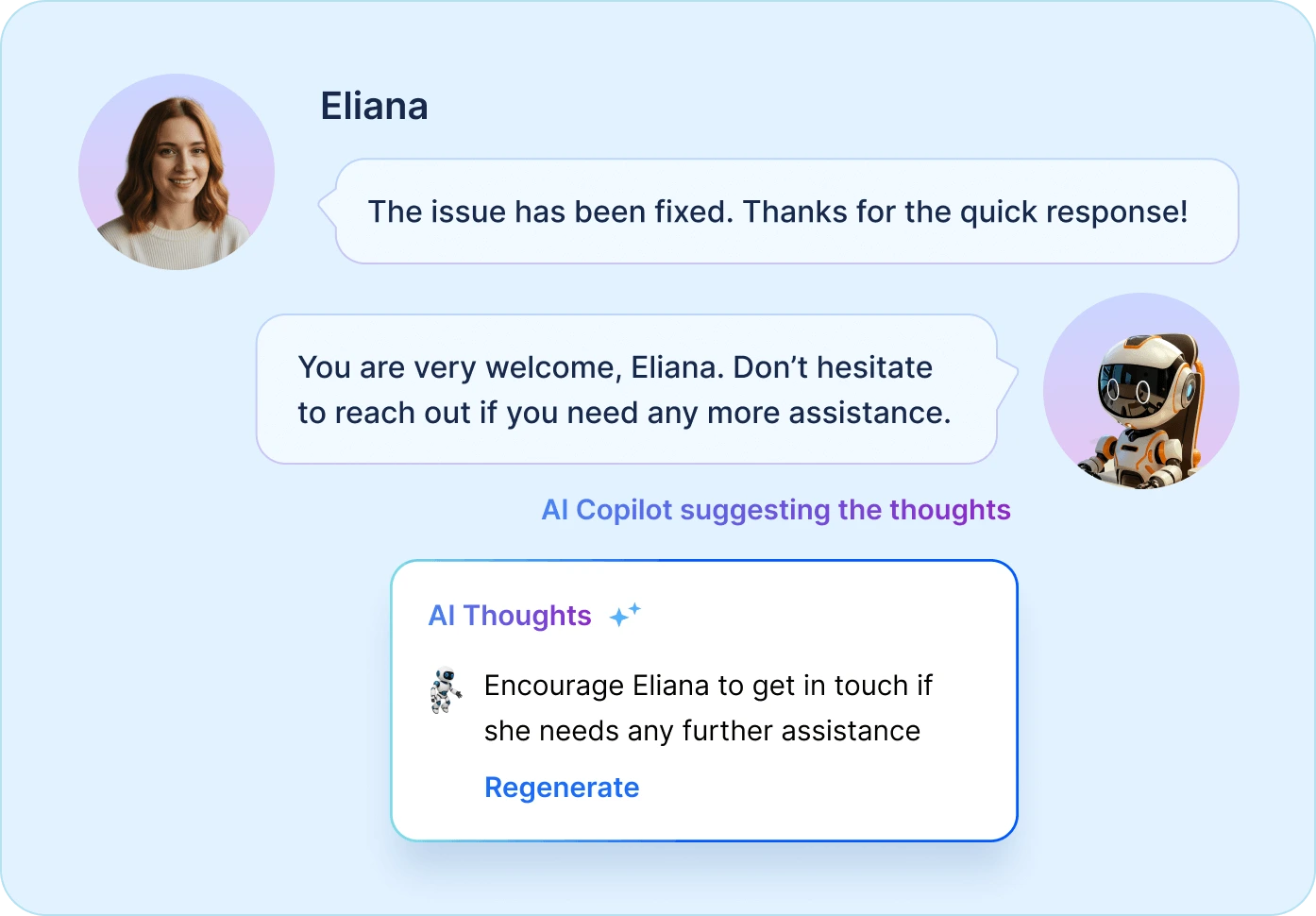
AI Copilot – Assisted Replies

Empower agents with intelligent suggestions and contextual insights.

  • Generate accurate, personalized responses based on conversation history.
  • Maintain consistency across multiple channels and shared inbox environments.
  • Start AI Copilot Trial
AI Copilot
Edit Content

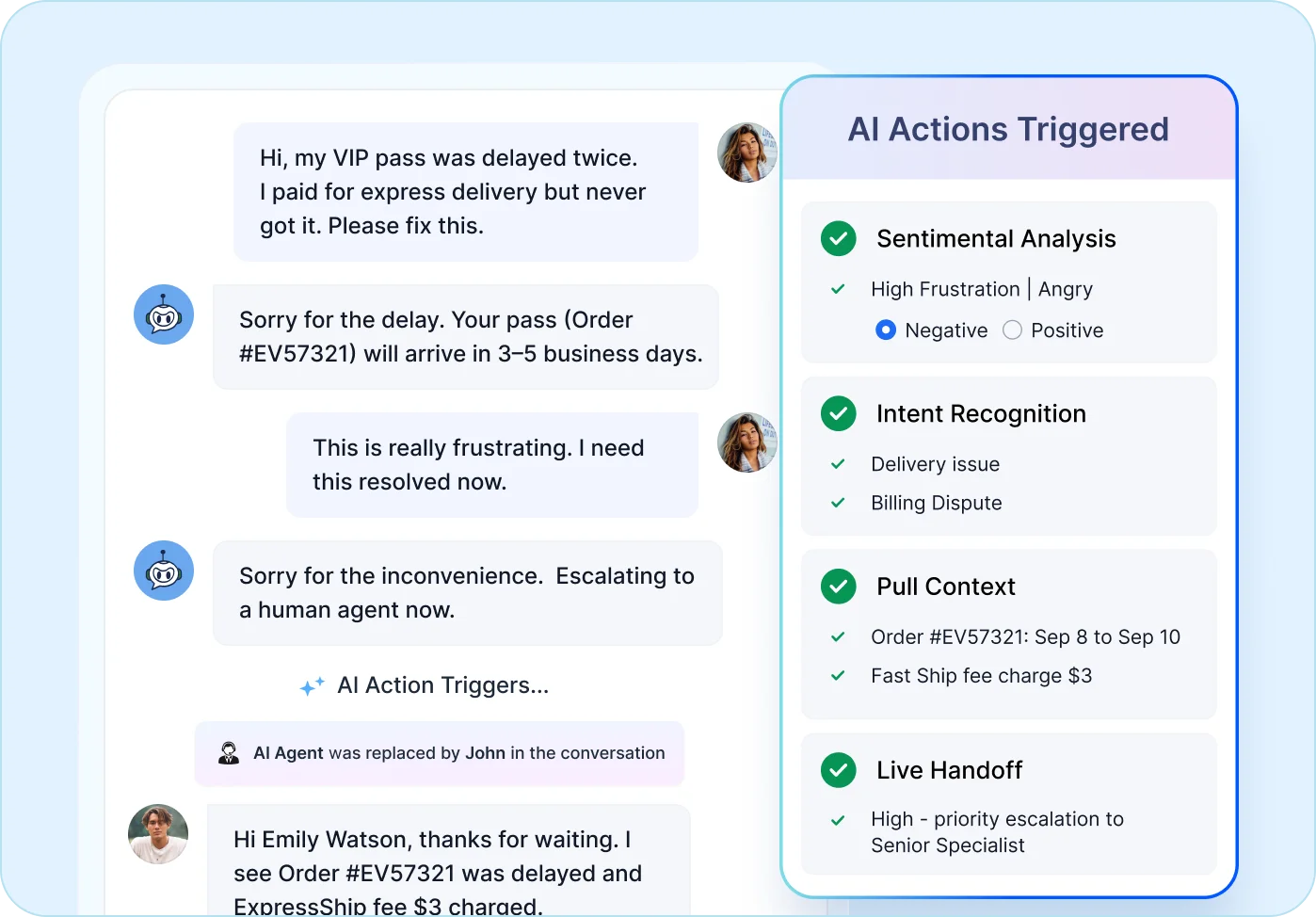
AI Actions – Automated Workflows

Streamline repetitive tasks with AI-driven triggers and actions.

  • Automate ticket assignments, escalations, and SLA updates.
  • Improve efficiency with predictive suggestions for next steps.
  • Explore AI Actions
AI Actions

Why Shared Inbox Software Beats Traditional Email?

Go Beyond Traditional Inboxes with Supercharged Collaboration & Ticket Resolution

Simplify team email management and boost support efficiency with BoldDesk’s smart shared inbox.

  • Features

  • BoldDesk Logo

    (Shared Inbox)

  • Standalone Gmail or Outlook

    Enhance collaboration and resolve tickets faster with shared inbox software.
     
  • Email Assignment

  • tick
    Auto & Manual
  • wrong
    Limited and manual
  • Internal Discussions

  • tick
    Private notes & mentions
  • wrong
    Scattered threads
  • Collision detection

  • tick
    Built-in
  • wrong
    None
  • Reports & Analytics

  • tick
    Real-time analytics
  • wrong
    Limited insights
  • CSAT Surveys

  • tick
    Built-in CSAT
  • wrong
    Not available
  • SLA & Business Hours

  • tick
    Fully Automated
  • wrong
    Manual tracking
  • Workflow Automation

  • tick
    No-code workflows
  • wrong
    No native automation
    • No credit card required

    AI-First Customer Support. Simple, Transparent Pricing

    • Free trial
    • No card required
    • No lock-ins
    • No hidden costs
    • Free trial
    • No card required
    • No lock-ins
    • No hidden costs
    Edit Content
    Edit Content

    No of Agents

    Pricing

    AI Credits

    Free for first 3 months

    Info

    5

    $99 /month $1,188 billed yearly
    500 credits /month

    10

    $199 /month $2,388 billed yearly
    1000 credits /month

    25

    $349 /month $4,188 billed yearly
    1500 credits /month

    50

    $499 /month $5,988 billed yearly
    2000 credits /month

    75

    $749 /month $8,988 billed yearly
    2500 credits /month

    100

    $999 /month $11,988 billed yearly
    3000 credits /month

    * All prices are shown in USD($).

    Edit Content

    No of Agents

    Pricing

    AI Credits

    Free for first 3 months

    Info

    5

    $124 per month
    500 credits /month

    10

    $249 per month
    1000 credits /month

    25

    $436 per month
    1500 credits /month

    50

    $624 per month
    2000 credits /month

    75

    $936 per month
    2500 credits /month

    100

    $1249 per month
    3000 credits /month

    * All prices are shown in USD($).

    Edit Content
    Edit Content

    No of Agents

    Pricing

    AI Credits

    Free for first 3 months

    Info

    200

    $1998 /month $23,976 billed yearly
    4000 credits /month

    300

    $2999 /month $35,988 billed yearly
    5000 credits /month

    400

    $3999 /month $47,988 billed yearly
    6000 credits /month

    500

    $4999 /month $59,988 billed yearly
    7000 credits /month

    * All prices are shown in USD($).

    Edit Content

    No of Agents

    Pricing

    AI Credits

    Free for first 3 months

    Info

    200

    $2498 per month
    4000 credits /month

    300

    $3749 per month
    5000 credits /month

    400

    $4999 per month
    6000 credits /month

    500

    $6249 per month
    7000 credits /month

    * All prices are shown in USD($).

    Edit Content
    Edit Content

    No of Agents

    Pricing

    AI Credits

    Free for first 3 months

    Info

    600

    $5999 /month $71,988 billed yearly
    8000 credits /month

    700

    $6999 /month $83,988 billed yearly
    9000 credits /month

    800

    $7999 /month $95,988 billed yearly
    10000 credits /month

    900

    $8999 /month $1,07,988 billed yearly
    11000 credits /month

    1000

    $9999 /month $1,19,988 billed yearly
    12000 credits /month

    For more than 1000 agents, you can contact our team

    * All prices are shown in USD($).

    Edit Content

    No of Agents

    Pricing

    AI Credits

    Free for first 3 months

    Info

    600

    $7499 per month
    8000 credits /month

    700

    $8749 per month
    9000 credits /month

    800

    $9999 per month
    10000 credits /month

    900

    $11249 per month
    11000 credits /month

    1000

    $12499 per month
    12000 credits /month

    For more than 1000 agents, you can contact our team

    * All prices are shown in USD($).

    Features and Benefits

    • Ticketing System
    • Email Ticketing
    • Workflow Automation
    • WhatsApp & SMS
    • Custom Dashboard
    • Role-Based Access Control
    • Multibrand Help Desk
    • Integration Marketplace
    • SSO / SAML Authentication
    • Free Migration
    • Live Chat
    • Omnichannel Inbox
    • Ticket Auto Assignment
    • Instagram & Facebook
    • Live Chat
    • Omnichannel Inbox
    • Ticket Auto Assignment
    • Instagram & Facebook
    • Scheduled Reports
    • Custom Email Templates
    • Multiple SLAs & Business Hours
    • API & Developer Platform
    • Audit Logs
    • Professional Onboarding
    • Scheduled Reports
    • Custom Email Templates
    • Multiple SLAs & Business Hours
    • API & Developer Platform
    • Audit Logs
    • Professional Onboarding
    • AI Agents
    • AI Copilot
    • CSAT Surveys
    • Knowledge Base
    • Recurring Tickets
    • Custom Fields
    • Ticket Approval
    • 40+ Global Languages Including RTL
    • HIPAA Compliance
    • 24×7 Support

    Always-On Email Collaboration, Wherever You Work

    Shared inbox software keeps your support team connected and responsive, whether in the office, at client meetings, or on the move.

    • Fully optimized for mobile, tablet, and desktop.
    • Access, assign, and manage conversations from iOS, Android, Mac, or Windows.
    • Deliver fast, secure responses anytime, from anywhere.
    Mobile view of shared inbox software displaying customer chat and email delivery problem.
    BoldDesk’s always-on support in help desk ticketing system with 24/5 expert assistance

    Support That Never Slows Down for Shared Inbox Teams

    • Rich tutorials, docs, and how-to resources.
    • Proactive help to solve issues before they escalate.
    • Expert guidance for Gmail shared inbox and Outlook shared mailbox setup.
    • No credit card required

    Frequently Asked Questions

    You can create a collaborative inbox in Gmail by setting up a Google Group and enabling the Collaborative Inbox feature. This allows team members to assign and track emails together.

    Google Collaborative Inbox is Gmail-specific and uses Google Groups for basic team email management. Shared inbox software offers advanced features like collision detection, SLA tracking, workflow automation, and analytics for Gmail and Outlook accounts.

    Set up a common email address like support@ and connect it to shared inbox software. This enables centralized email management, real-time collaboration, and secure access for multiple team members.

    The best email management software should include shared inbox capabilities, automation, reporting, and integrations with Gmail and Outlook. BoldDesk offers all these features along with AI-powered tools for faster responses.

    Yes. BoldDesk offers seamless integration with Gmail shared inbox, Gmail Collaborative Inbox, and Outlook shared mailbox, enabling smooth email management across platforms.

    Essential features include auto-assignment, collision detection, internal notes, canned responses, SLA tracking, and reporting dashboards.

    It provides role-based access, MFA, domain restrictions, and encryption to protect data. BoldDesk complies with SOC 2, HIPAA, and GDPR standards.

    Yes. BoldDesk offers a free trial with full features. No credit card required.

    Collision detection alerts team members when someone else is viewing or replying to the same email. This prevents duplicate responses and ensures smooth collaboration.

    Yes. Shared inbox software like BoldDesk supports no-code workflow automation for ticket assignments, escalations, SLA tracking, and follow-ups to improve efficiency.

    Click. Explore. Decide

    Your Guided Tour of Bolddesk Starts Here

    Bolddesk simplifes support with interactive tour no setup or signup needed.
    Just explore and see how it could fit your workflow.

    Configuring Your Support Email in BoldDesk

    Support Email

    Turn chaotic inboxes into organized, trackable customer threads never miss a message.

    Take a tour right-arrow

    Auto Assignment Workflow

    Route tickets intelligently with automation use rules and round-robin distribution to balance agent workloads.

    Take a tour right-arrow
    Adding Agents and Organizing Them by Teams/Departments

    SLA Management

    Learn to set business hours and automate SLAs for faster, on-time support every time.

    Take a tour right-arrow

    Recent Tutorials and Blogs

    Bring all your customer emails and tickets into one shared inbox to simplify team collaboration. Use automation to manage routing, escalations, and more-while real-time analytics help your team stay on track and deliver consistent support

    Test out all the features of BoldDesk

    Start your 15-day free trial with instant access

    • No credit card required
    • Easy setup
    • 80% AI Agent Automation
    • 100+ Rich Features
    • No credit card required
    • Easy setup
    • 80% AI Agent Automation
    • 100+ Rich Features
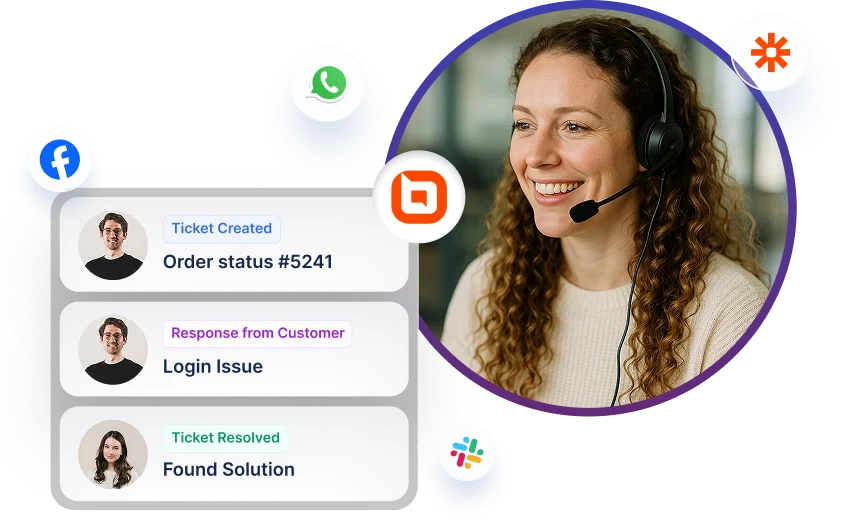
    Help desk software interface showing ticket updates with multi-channel icons for Facebook, WhatsApp, and Slack.