

 In this page
  In this page

TL;DR: The blog explains how small businesses can improve customer support and daily operations by organizing inquiries, streamlining workflows, and enhancing responsiveness. It emphasizes practical strategies that help teams stay efficient, reduce manual effort, and maintain consistency as their customer needs grow.
Running a small business means juggling customer inquiries, internal operations, and growth tasks, all with limited time and resources.
Staying responsive is often a challenge, especially when support requests increase and day‑to‑day operations start to pull teams in multiple directions.
This guide focuses on practical small business tools that simplify customer support and daily operations, helping teams stay organized and responsive as they scale.
Top small business tools to improve customer service
Small business owners often work with limited resources, and rising costs only make things harder.
While marketing and team growth matter, customer service is where small businesses can truly stand out and build loyalty.
To help, we’ve rounded up some of the best small business management software that make delivering excellent support easier, even with fewer resources.
If you’re curious about the practical side, we’ve also broken down how small teams manage customer tickets to show the real workflows behind these tools.
Customer support and help desk tools
When customer requests pile up, the right help desk tools turn chaos into organized, trackable conversations.
Here are some of the small business tools you can rely on:
BoldDesk for customer service management
BoldDesk® is designed to help small businesses bring all their customer questions into one organized space.
Instead of juggling messages across different channels, teams can handle everything from a single dashboard, making support smoother and easier to manage.
Small teams benefit from clearer visibility, faster follow‑ups, and better collaboration, especially when customer requests start to increase.
For growing businesses that want a more structured approach to managing conversations, BoldDesk offers an easy way to stay consistent and responsive.
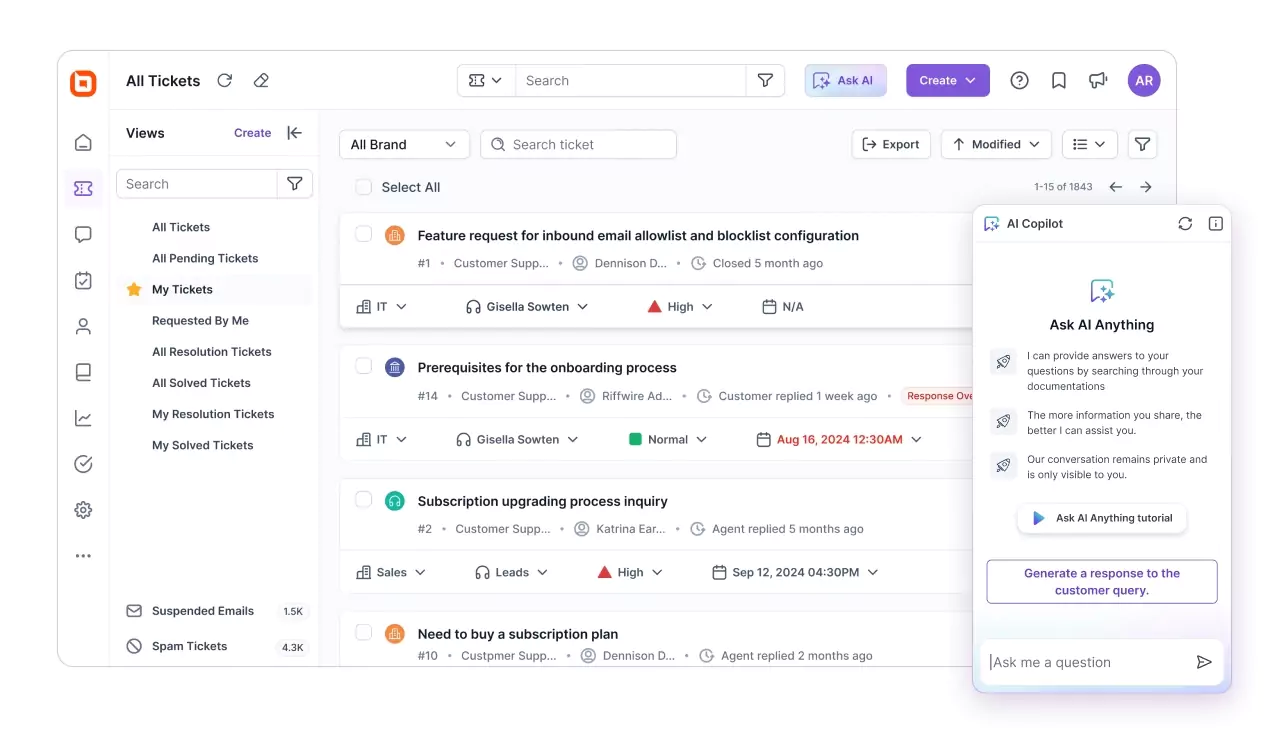
BoldDesk’s top features
- AI Agent
- AI Copilot
- Shared inbox software
- Robust ticket routing system
- Live chat software
- Omnichannel customer service
- Knowledge base software
- Integrations
- Reports and analytics
- Help desk automation
- Customization
Pricing
Whether you’re a startup or exploring BoldDesk for the first time, our pricing is built to be transparent, scalable, and ready for modern support teams.
Every plan includes the full feature set, so you can grow confidently without paying extra for essential capabilities.
| No. of agents | Monthly price (USD) | Free AI credits/month |
| 5 | $99 | 500 |
| 10 | $199 | 1,000 |
| 25 | $349 | 1,500 |
| 50 | $499 | 2,000 |
| 75 | $749 | 2,500 |
| 100 | $999 | 3,000 |
Note: AI Agent is available at $20 per 1,000 credits, while AI Copilot can be added for $20 per agent/month.
For a complete breakdown of pricing tiers, including features and AI add-ons, explore the full BoldDesk pricing details. You can also start a 15-day free trial or arrange a live demo.
LiveAgent for multichannel support
Small businesses often struggle to manage customer conversations spread across email, chat, and phone.
LiveAgent brings these channels together in one unified inbox, giving teams the essentials, automations, canned responses, and multichannel management, without unnecessary extras.
For support teams that need reliability and speed while staying within budget, it offers a straightforward way to keep service consistent.
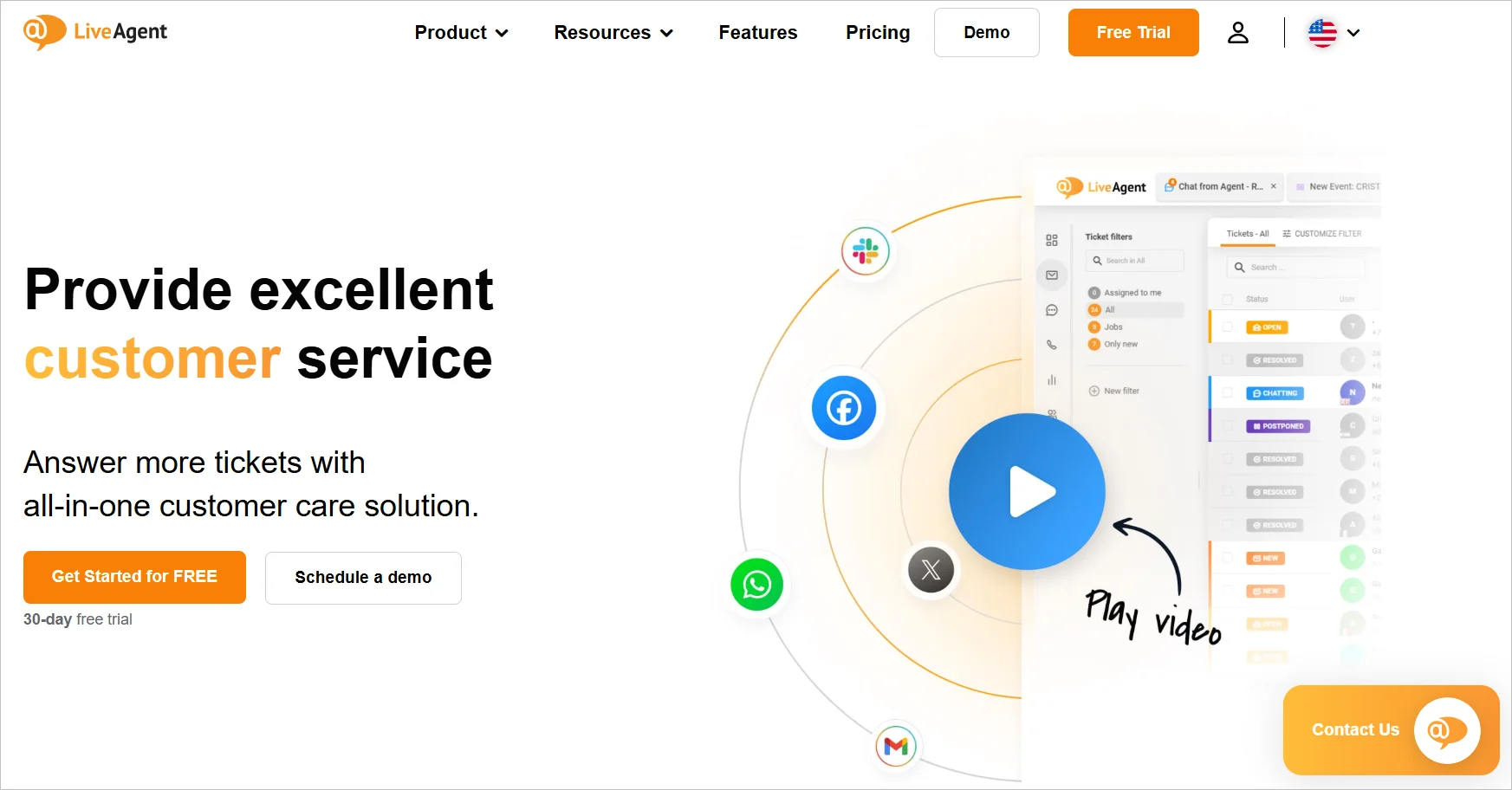
Top features
- Real‑time notifications
- Integrated live chat + ticketing
- AI chatbots
Pricing
- Small business: $15/agent/month
- Free plan: Available
Tidio for automated customer support
Tidio is a customer support platform designed for small teams that need to manage conversations efficiently across multiple channels.
By automating routine interactions helps reduce workload and maintain quick response times even without round‑the‑clock staffing.
With its straightforward setup and scalable design, Tidio becomes a sensible option for small businesses that want dependable support without added complexity.
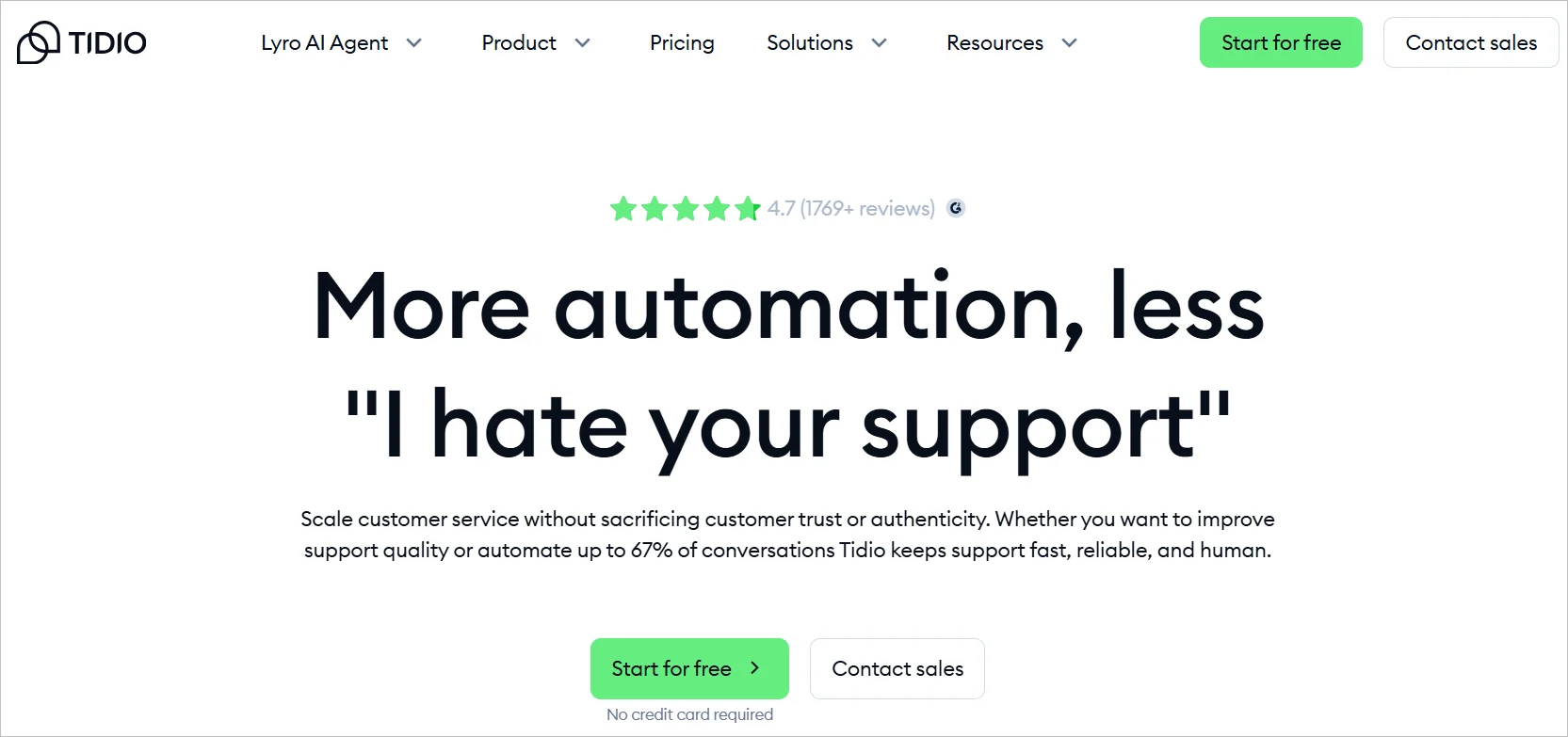
Top features
- Automation and canned replies
- Live chat and call center tools
- Ticketing system
Pricing
- Small business: $15/agent/month
- Free plan: Available
Shared inbox and ticket management tools
Once support is centralized, shared inboxes and ticketing systems ensure no message goes unanswered.
These are the small business tools that can help:
Front for streamlined customer email support
Front is an email ticketing system and shared inbox that helps small businesses manage customer emails together from one shared workspace.
Rather than support messages being scattered across individual inboxes, teams can see everything in one place and quickly decide who should respond.
This makes it easier to stay organized, prevent missed messages, and keep communication consistent as customer inquiries grow.
Top features
- Shared inbox for team email
- Assign and track messages
- Internal comments for quick teamwork
- Simple workflow rules
- Reporting to see response times and workload
Pricing
- Starts at $25/seat/month
- Free plan: Available
Missive for shared inbox management
Missive is a shared inbox tool built for small teams that want email, chat, and task management all in one place.
It creates a calm, organized environment where teams can discuss a customer message right beside it, reducing back‑and‑forth across different apps.
This setup is useful for small businesses where one person handles multiple responsibilities and needs a simple way to collaborate without losing track of updates.
Top features
- Shared inbox for email and messaging
- Team chat built directly beside conversations
- Task assignments to delegate follow‑ups
- Shared labels and rules to keep things structured
Pricing
- Starts at $14/user/month
- Free plan: Available
Help Scout for ticket management
Help Scout is a shared inbox and ticketing tool that gives small businesses a straightforward way to organize customer emails without the complexity of larger support platforms.
Messages come in as clean conversation threads that are easy for the team to understand, assign, and track.
Its familiar inbox‑style layout helps small teams start quickly and deliver more consistent support, especially when requests begin to increase.
Top features
- Shared inbox with clean, conversation‑style views
- Assignments to route questions to the right person
- Saved replies to speed up common responses
- Collision detection to prevent duplicate replies
- Light reporting to spot busy times and performance trends
Pricing
- Starts at $25/user/month
- Free plan: Available
Operations and workflow automation tools
Behind the scenes, workflow automation tools keep your team moving, streamlining tasks so support runs without delays.
Below are the small business tools any team can use for improved productivity:
Zapier for automating workflows
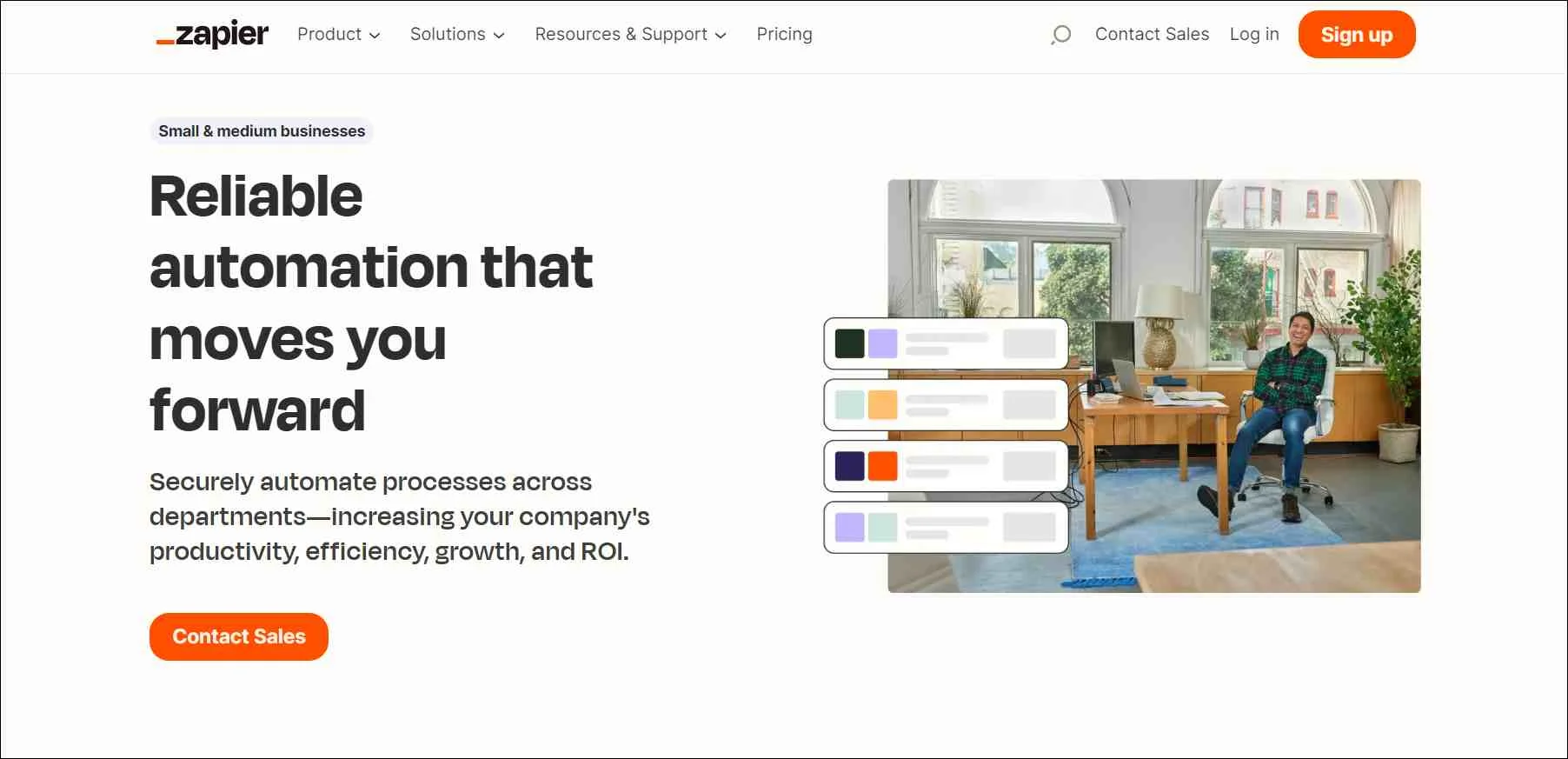
Zapier is an automation software for small businesses that allows various online applications to communicate and share data with each other.
It operates on the principle of Zaps, which refers to automated workflows created to perform specific tasks when triggered by a predefined event.
With a vast collection of supported apps, Zapier empowers small enterprises to automate repetitive tasks and integrate their favorite tools without the need for complex coding.
Top features
- Customizable workflows
- Business process automation
- Real-time data syncing
Pricing
- Starts at $29.99/month
- Free plan: Available
Asana for productivity and planning
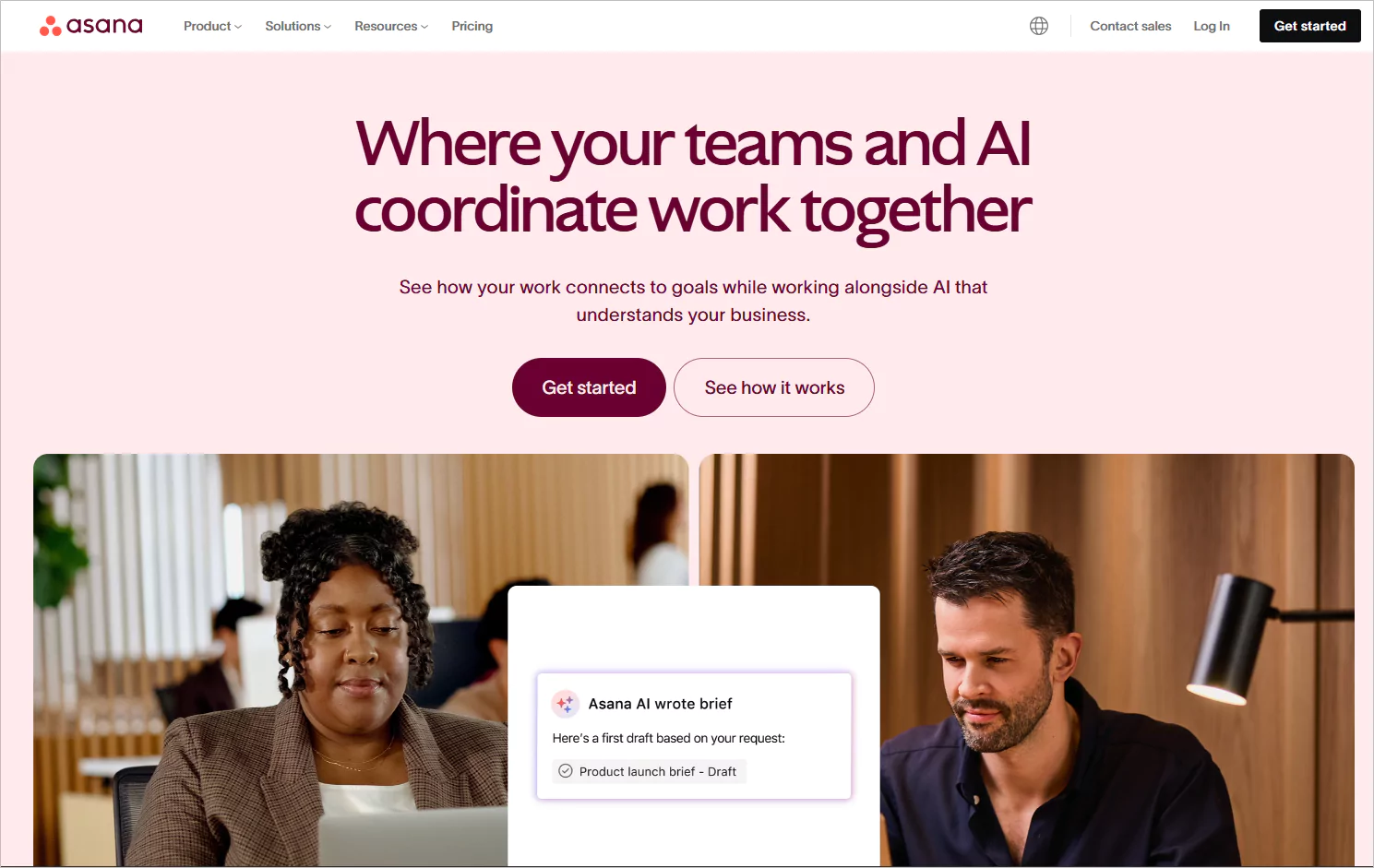
Asana, a work management software, helps small support teams turn messy customer requests and follow‑ups into organized, trackable workflows so nothing gets lost in the daily rush.
You can map out repeatable processes, like ticket escalations, onboarding steps, internal approvals, or SLA reminders, to keep everyone aligned and accountable.
With one shared dashboard showing priorities and progress, teams can respond faster and deliver a more dependable experience as customer volume grows.
Top features
- Time tracking
- Document sharing and storage
- Goal management
- Resource scheduling
Pricing
- Starts at $13.49/user/month
- Free plan: Available
Trello for task management
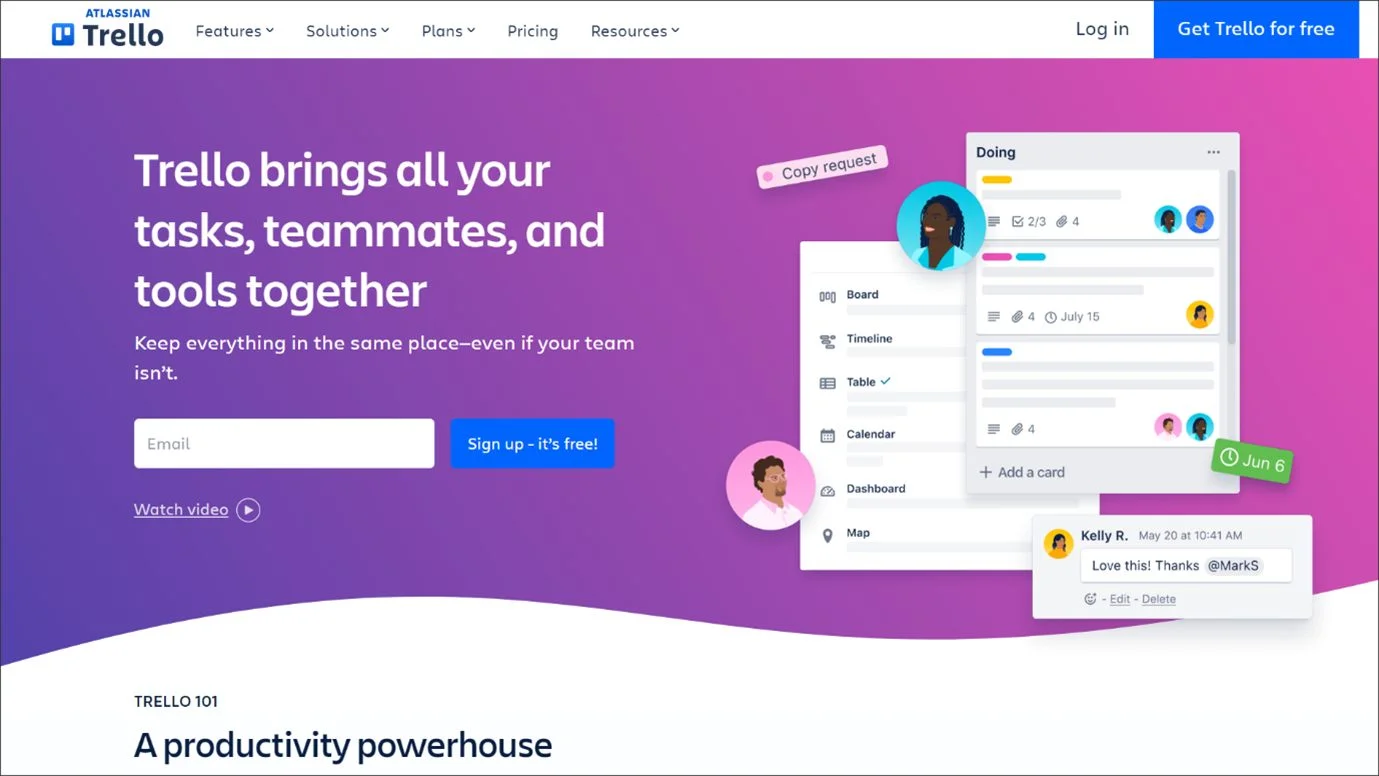
Trello lets small support teams track customer inquiries with clear, movable cards showing status and ownership.
With add‑ons like Email for Trello or Help Desk Power‑Ups, boards become shared inboxes that automate follow‑ups and prevent missed messages.
Its visual layout helps teams spot priorities, manage escalations, and maintain fast response times as they grow.
Top features
- Engaging interface
- Collaborative workspace
- Customizable workflows
- Task automation
Pricing
- Starts at $5/month
- Free plan: Available
Communication and collaboration tools
Smooth internal communication bridges the gap, helping support teams coordinate quickly and respond with confidence.
The small business tools and software that handle this effectively are:
KrispCall for modern telephony business
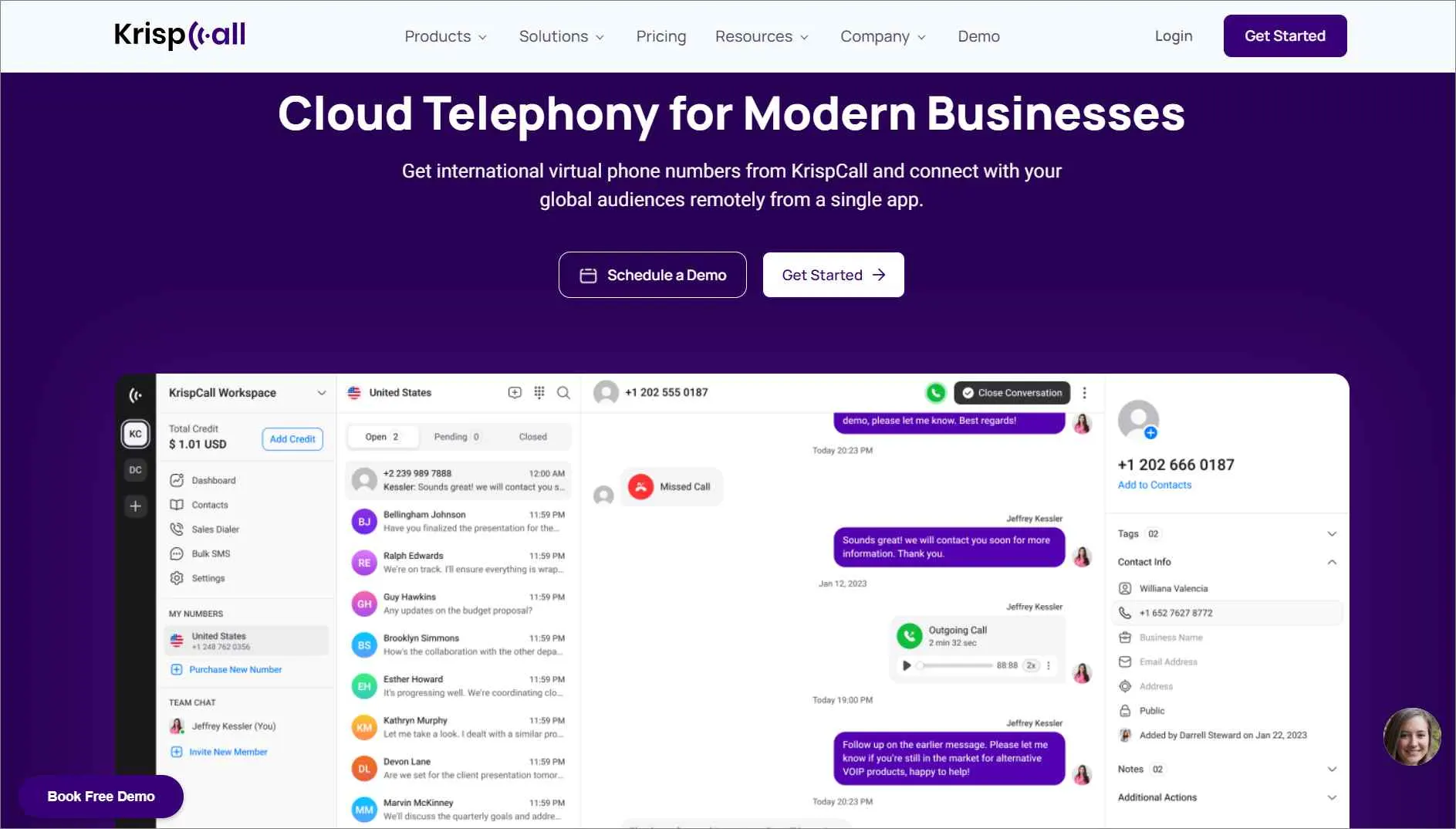
KrispCall is a cloud-based call center software that lets small businesses manage calls, voicemails, texts, and history in one place.
Teams handle incoming and outgoing calls more efficiently, staying organized and professional as volumes grow, without the complexity of traditional call center systems.
Top features
- Global calling
- Shared phone numbers
- Call analytics
- Call transfer and forwarding
Pricing
- Starts at $15/user/month
- Free plan: Available
Connecteam for team collaboration
Connecteam gives support teams one place to manage schedules, tasks, and chats so everyone stays aligned.
Its internal help desk routes issues to the right department, helping managers resolve problems quickly.
With a built‑in knowledge base and mobile‑first design, small business teams can access SOPs and updates instantly, ensuring consistent customer support.
Top features
- Dedicated work chat
- Forms and checklists
- Employee scheduling
- Task management
Pricing
- Starts at $29/month
- Free plan: Available
Hootsuite for social media management
Managing customer questions across multiple social channels can overwhelm small teams.
Hootsuite centralizes messages in one inbox, making responses faster and more consistent.
With scheduling, monitoring, and built‑in analytics, small businesses can reduce missed interactions, track trends, and improve how they support customers on social media.

Top features
- Social media scheduling
- Team collaboration
- Social media analytics
- Social media listening
Pricing
- Standard: $149 per month
- Free plan: Available
Customer experience and analytics tools
Finally, analytics reveal the bigger picture, turning every interaction into insights that shape stronger customer relationships.
These small business tools help organizations move from guesswork to clear, data‑driven decisions about their customers.
Google Analytics for analyzing customer website behavior
Understanding how customers move through a website is easier with Google Analytics.
Small businesses can see where visitors get stuck or drop off, helping support teams anticipate issues and fix problem pages before they generate tickets.
By tracking behavior trends over time, teams make confident improvements that reduce frustration and create a smoother journey.

Top features
- Website performance metrics
- Traffic sources
- Content performance
- Customer journey mapping
Pricing
- Free plan: Available for small businesses
- Advanced features require a paid subscription
HubSpot for customer relationship management (CRM)
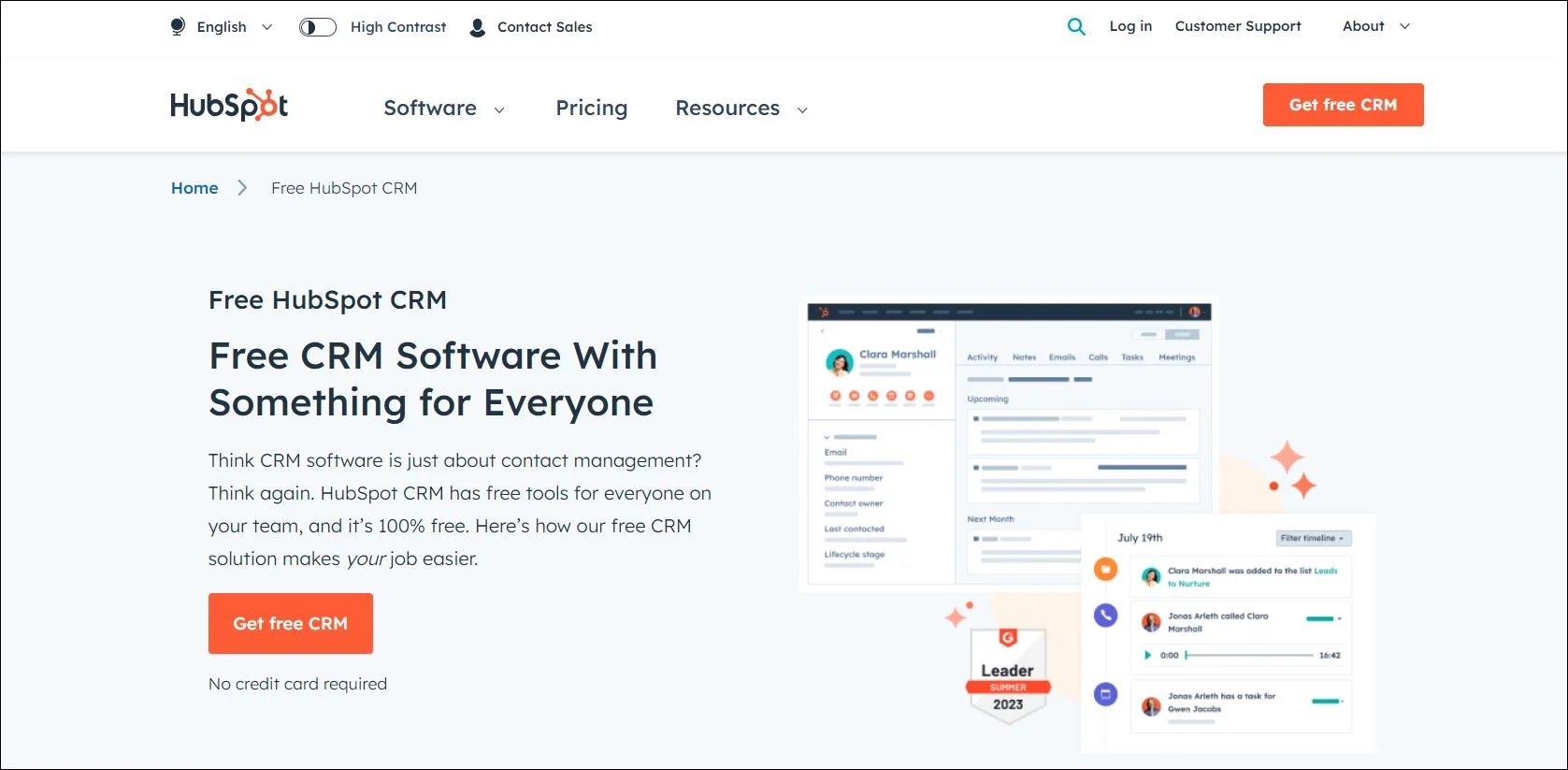
For small businesses, keeping every customer interaction in one place is essential.
HubSpot CRM organizes communication history, surfaces key details, and gives teams the context to respond quickly and professionally.
With its intuitive design and streamlined small business tools, it helps strengthen relationships, reduce support gaps, and deliver a more reliable customer experience.
Top features
- Contact and company management
- Customer database
- Lead capture and tracking
- Performance metrics
Pricing
- Starter: $15 per month
- Free plan: Available
Contentsquare for understanding customer behavior
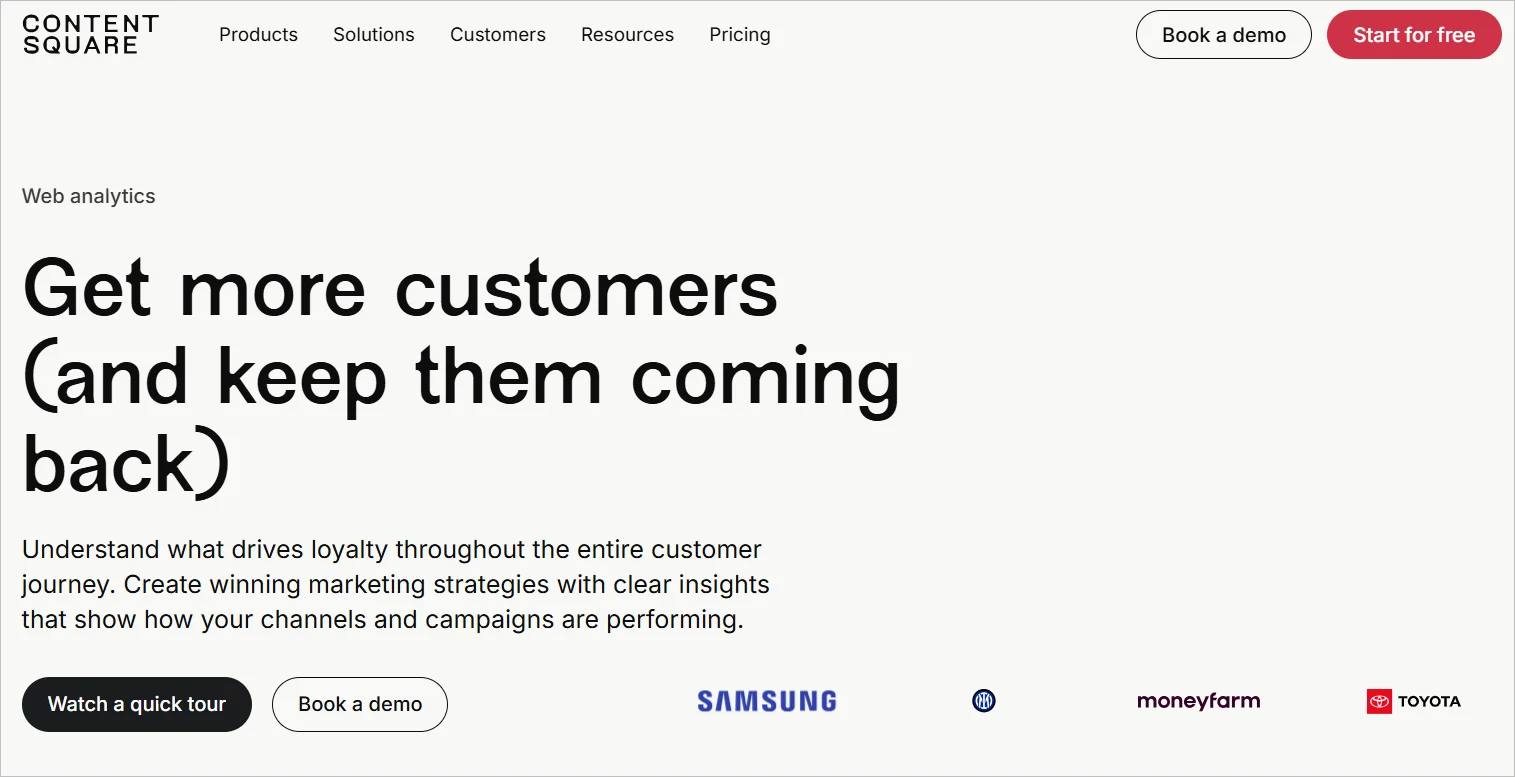
Small businesses need to know where visitors hesitate, get stuck, or abandon key steps.
Contentsquare captures these behaviors and uses AI insights to highlight friction points before they become support tickets.
With automatic tracking that requires no manual tagging, teams can act quickly and make data‑driven decisions to improve conversion and customer experience.
Top features
- Zoning analysis
- Acquisition Analysis
- Journey analysis
Pricing
- Growth: $40/month
- Free plan: Available
Comparison table for the top small business software for customer support
To make it easier to see which tools fit your team’s needs, here’s a side‑by‑side look at the best software for small business customer support solutions.
| Small Business Tool | Pricing | Best For | Top Features |
| BoldDesk
G2 rating: 4.5 |
Starts at $12/user/month | Full customer support management |
|
| LiveAgent
G2 rating: 4.5 |
Starter: $24.17/month | Multichannel customer support |
|
| Tidio
G2 rating: 4.7 |
Small business: $15/agent/month | Automated customer support |
|
| Front
G2 rating: 4.7 |
Starts at $25/seat/month | Centralized customer email support |
|
| Missive
G2 rating: 4.6 |
Starts at $14/user/month | Email + chat collaboration |
|
| Help Scout
G2 rating: 4.4 |
Starts at $25/user/month | Simple email‑based ticket management |
|
| Zapier
G2 rating: 4.5 |
Starts at $29.99/month | Automating support tasks |
|
| Asana
G2 rating: 4.4 |
Starts at $13.49/user/month | Managing support tasks & follow‑ups |
|
| Trello
G2 rating: 4.4 |
Starts at $5/month | Visual ticket follow‑up & support tasks |
|
| KrispCall
G2 rating: 4.5 |
Essential: $12/user/year | Handling customer calls & voice support |
|
| Connecteam
G2 rating: 4.6 |
Basic: $29/month | Field support teams & internal coordination |
|
| Hootsuite
G2 rating: 4.3 |
Starts at $149/month | Social support messaging & monitoring |
|
| Google Analytics
G2 rating: 4.5 |
Free for small businesses | Understanding user behavior |
|
| HubSpot CRM
G2 rating: 4.5 |
Starts at $15/month | Tracking customer interactions & history |
|
| Contentsquare
G2 rating: 4.4 |
Growth: $40/month | Understanding customer behavior & UX friction |
|
Utilize small business tools to strengthen customer support
Choosing the right tools can make everyday work much easier for a small business. With clearer communication and more organized workflows, teams can support customers better and stay productive.
As customer volume increases, many teams move from basic tools to a dedicated help desk software for growing businesses that offers automation, SLAs, and shared visibility.
Starting with simple, practical small business tools helps build a strong foundation for smoother operations and long‑term success.
Related articles
- Top 10 Free Help Desk Software and Ticketing Systems in 2026
- 15 Best Issue Tracking Software Solutions for 2026
- 12 Best Knowledge Management Software Solutions in 2026
Frequently asked questions
A small business should consider customer support tools when managing customer emails becomes overwhelming, response times slow down, or support requests start getting missed.
Dedicated small business tools help bring structure, visibility, and accountability to customer conversations.
Small businesses should choose tools based on team size, budget, ease of use, and how well the tool fits their current workflows.
It’s also important to consider whether the small business tool can scale as the business grows.
Small business tools improve productivity by automating repetitive tasks, organizing information in one place, improving team collaboration, and reducing time spent switching between systems.
This allows teams to focus more on customer experience and growth rather than manual operations.