


 In this page
  In this page

TL;DR: Ecommerce tools help businesses manage online storefronts, payments, marketing, analytics, and customer support in one streamlined ecosystem. They reduce manual work, improve operational efficiency, and enable scalable, data driven growth by connecting essential ecommerce functions across the customer journey.
Running an ecommerce business today involves managing far more than an online storefront.
Teams must upload products, monitor inventory, process payments, and resolve customer inquiries across multiple channels, all while maintaining speed and consistency.
As operations scale, many ecommerce teams end up juggling disconnected tools and scattered data, leading to inefficiencies and inconsistent customer experiences.
Craftberry reports that the global AI ecommerce market is projected to reach $51 billion by 2033, growing at a compound annual growth rate (CAGR) of 24.3%.
With customer expectations increasing, businesses must adopt ecommerce tools to streamline workflows, automate repetitive tasks, and improve data-driven decision‑making.
These platforms reduce manual work, centralize insights, and enable faster, more consistent shopping experiences that drive long‑term growth.
This blog breaks down the essential ecommerce tools available today, how they work, and how they help you run your business more efficiently.
What are ecommerce tools?
Ecommerce tools are software solutions that help build, manage, and optimize online stores.
They support core functions such as storefront management, payment processing, marketing automation, analytics, customer service, and workflow automation.
By centralizing these operations, ecommerce tools streamline workflows, improve efficiency, and enhance the overall shopping experience.
Why are ecommerce tools important?
As online activity continues to grow, businesses rely on ecommerce tools to manage sales, product visibility, and customer interactions with greater accuracy and control.
According to the International Trade Administration, ecommerce marketplaces have become the primary starting point for product searches globally, with roughly three out of ten online shoppers beginning their search on these platforms.
This highlights the increasing importance of tools that help businesses maintain consistent presence across marketplaces and digital storefronts.
These are some of the benefits businesses enjoy from ecommerce software.
- Efficient store management: Tools like Shopify, Wix, or BigCommerce allow you to easily build and manage an online store without needing coding expertise.
- Stronger customer engagement: Live chat, email automation, and chatbot tools help businesses engage with customers in real time, improving satisfaction and conversions.
- Data-driven decision-making: Analytics tools provide insights into customer behavior, sales trends, and marketing performance, allowing for smarter business decisions.
- Operational efficiency: Automation tools reduce manual tasks such as order processing, inventory updates, and follow-ups.
- Improved user experience: Tools like website builders, payment gateways, and customer support software improve the shopping experience, making it easier for customers to find, purchase, and receive products.
How to choose the right tool for your ecommerce business
Selecting the right ecommerce software requires evaluating how well each solution supports your operational needs, workflows, and long‑term growth.
The following criteria will help you identify tools that align with your business structure and technical requirements.
- User-friendliness: The tool should be easy to set up, navigate, and learn. Look for intuitive interfaces, clear menu structures, and built‑in self‑help resources that reduce the learning curve for your team.
- Pricing transparency: Choose tools with clear, scalable pricing plans that match your budget. Ensure the cost structure (subscriptions, usage‑based fees, add‑ons) aligns with your expected volume and future growth.
- Accessibility and scalability: Reliable uptime and performance are essential. The software should be accessible across devices and capable of handling increased traffic, orders, or users as your business expands.
- Integration capabilities: The ecommerce tools must connect seamlessly with your existing systems, including payment gateways, marketing platforms, reporting and analytics tools, and customer support software, ensuring smooth data flow and consistent operations.
- Security and compliance: Select tools that follow modern security practices, support data protection, and comply with standards such as GDPR for customer data where applicable.
- Automation and workflow support: Evaluate whether the tool can automate repetitive tasks, such as order updates, marketing flows, or ticket routing, to reduce manual work and improve operational consistency.
- Reporting and analytics: A strong ecommerce tool should provide clear insights into customer service metrics, user behavior, sales trends, and operational bottlenecks to support data‑driven decision‑making.
- Customer support availability: Ensure the provider offers reliable and accessible support channels, whether via documentation, live chat, or email, to assist when technical issues arise.
- Customization and flexibility: Tools should allow you to adjust settings, workflows, and design elements to match your business needs without requiring complex development work.
- Future‑readiness: Choose tools that evolve with industry trends, such as mobile optimization, omnichannel support, and AI‑powered features. This ensures your stack remains relevant as ecommerce grows more complex.
The best ecommerce tools and software for your business (2026)
Technology is improving each year, and you must use the best software available to be on top of your game. We’ve categorized the top ecommerce tools that you can adopt to supercharge your online business.
However, not every ecommerce software suits every business. So, choose a set of tools that align with your needs and ensure they integrate smoothly to support you in reaching your objectives.
Types of ecommerce tools
Popular ecommerce platforms
1. Shopify
Shopify is a popular ecommerce platform where businesses can set up stores to sell products. It has several features that make running an online store more efficient, including a point of sale and content marketing tools.

Key features
- Drag-and-drop store creator
- Customizable templates
- Customer data analytics
Pricing
- Starts at $19/month, for solo entrepreneurs
Free trial duration: 3 days
2. WooCommerce
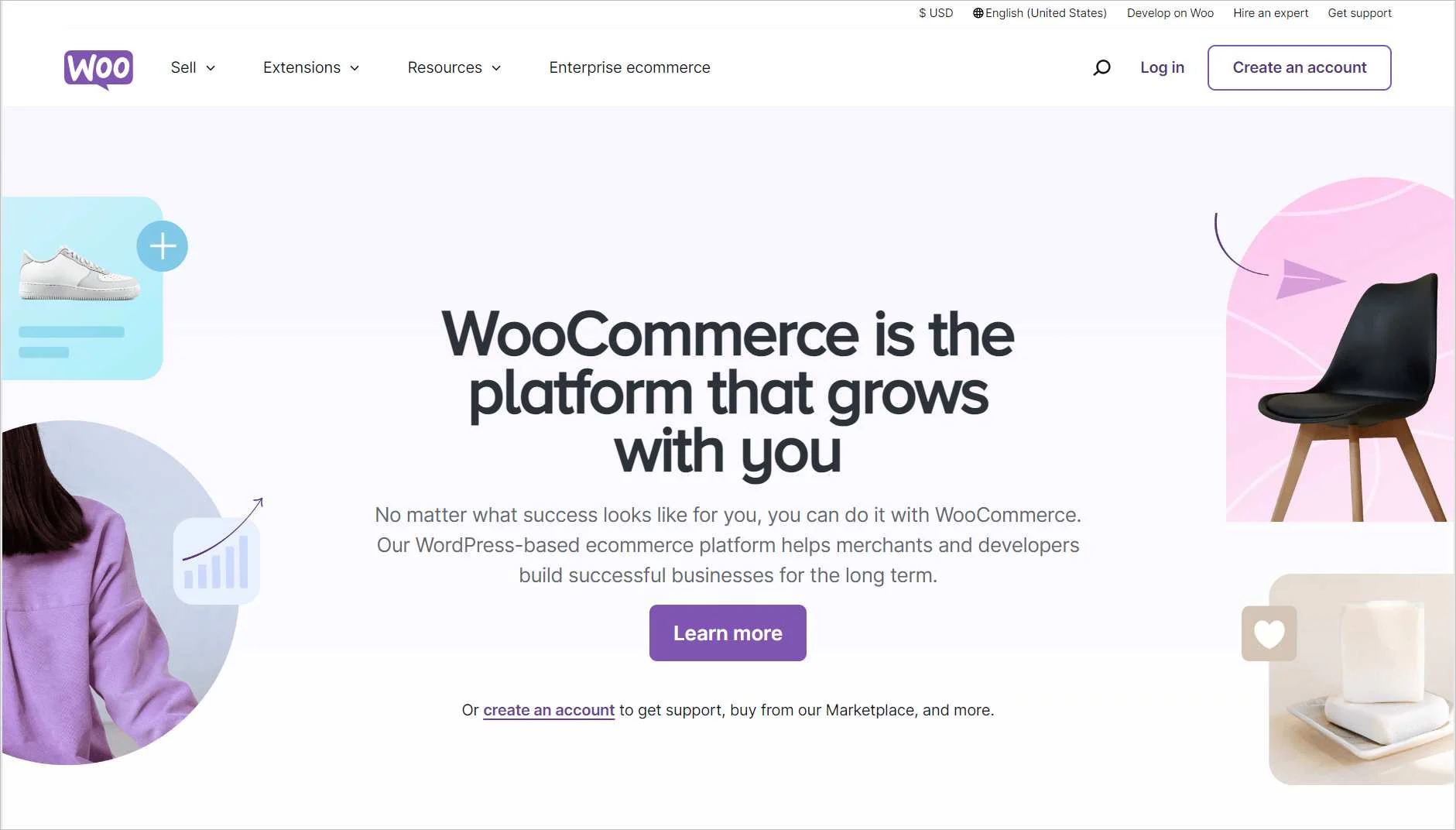
WooCommerce is another popular online shopping platform that businesses can use to set up online businesses. It offers extensive store customization features and marketing options.
Key features
- Customizable themes
- Extension options such as subscriptions and bookings
- Online store setup
Pricing
- Contact WooCommerce for pricing
Free trial duration: Contact WooCommerce
3. BigCommerce
BigCommerce is a well-known ecommerce platform for selling products and services online. It has lots of integrations that make it flexible and reliable.

Key features
- Integrations with marketing and payment software
- Checkout options
- Analytics and reporting tools
Pricing
- Contact BigCommerce for pricing
Free trial duration: Contact BigCommerce
The best customer service software
4. BoldDesk
BoldDesk is a web-based customer service platform that helps ecommerce teams streamline support and improve customer experience.
It offers essential capabilities such as omnichannel customer service and an automated help desk that reduces manual work, improves consistency, and supports teams in delivering faster resolutions.
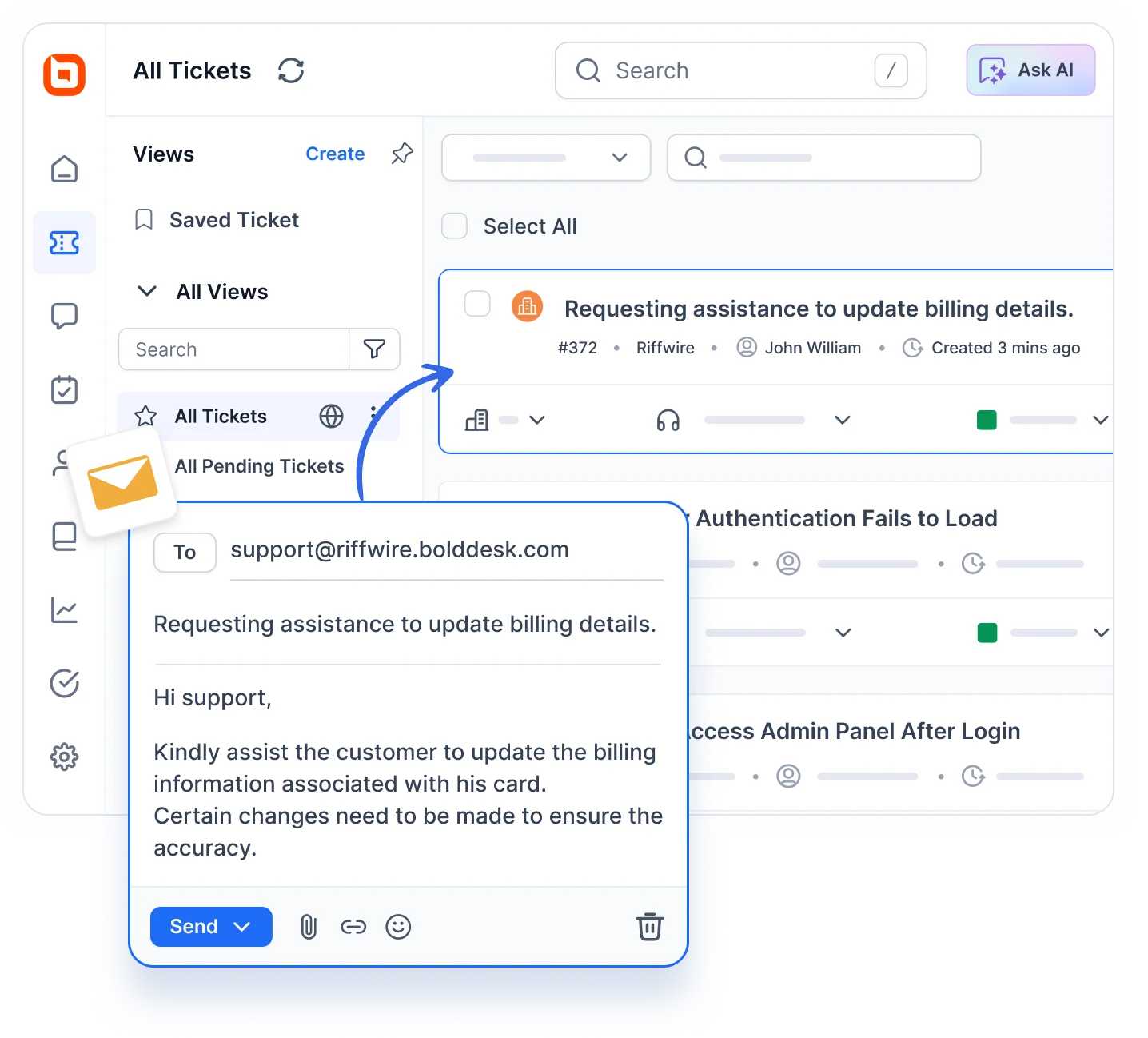
The platform provides a unified workspace where agents can manage tickets from email, live chat, social media, and other channels in one place, helping support teams handle requests efficiently.
Its user-friendly interface makes navigation easy for teams of all sizes.
Built‑in analytics offer visibility into performance trends, such as average response times and customer satisfaction scores, enabling managers to track service quality and identify areas for improvement.
Key features
- Robust ticketing system
- Live chat support
- Omnichannel inbox
- Task management
- Knowledge base software
- AI Copilot
- AI Agent
- Mobile support
- Automated help desk
- Multilingual support
- Multiple integrations
- Team collaboration features
- Customizable, expandable, and intuitive interface
- User-friendly customer portal
- Reports and analytics
If you have any questions about the product or how it works, feel free to contact the BoldDesk support team for assistance. You can also book a live demo or sign up for a free trial today to experience its features.
Pricing
BoldDesk structures its pricing by team size, with each plan offering the full feature set and monthly AI credits at no extra cost.
| No. of agents | Monthly price (USD) | Free AI credits/month |
| 5 | $99 | 500 |
| 10 | $199 | 1,000 |
| 25 | $349 | 1,500 |
| 50 | $499 | 2,000 |
| 75 | $749 | 2,500 |
| 100 | $999 | 3,000 |
For a complete breakdown of pricing tiers, including features and AI add-ons, explore the full BoldDesk pricing details.
AI Add-Ons Pricing
BoldDesk also provides optional AI enhancements for teams looking to automate workflows and speed up ticket resolution.
- AI agent: $20 for 1,000 AI credits – Ideal for automating customer conversations across chat, email, and other channels. Usage‑based pricing means you only pay for what you consume.
- AI Copilot: $20 per agent/month – AI-powered assistance that helps agents respond faster with AI‑generated replies, summaries, and recommendations for resolving support requests efficiently.
Free trial duration: 15 days
5. LiveChat
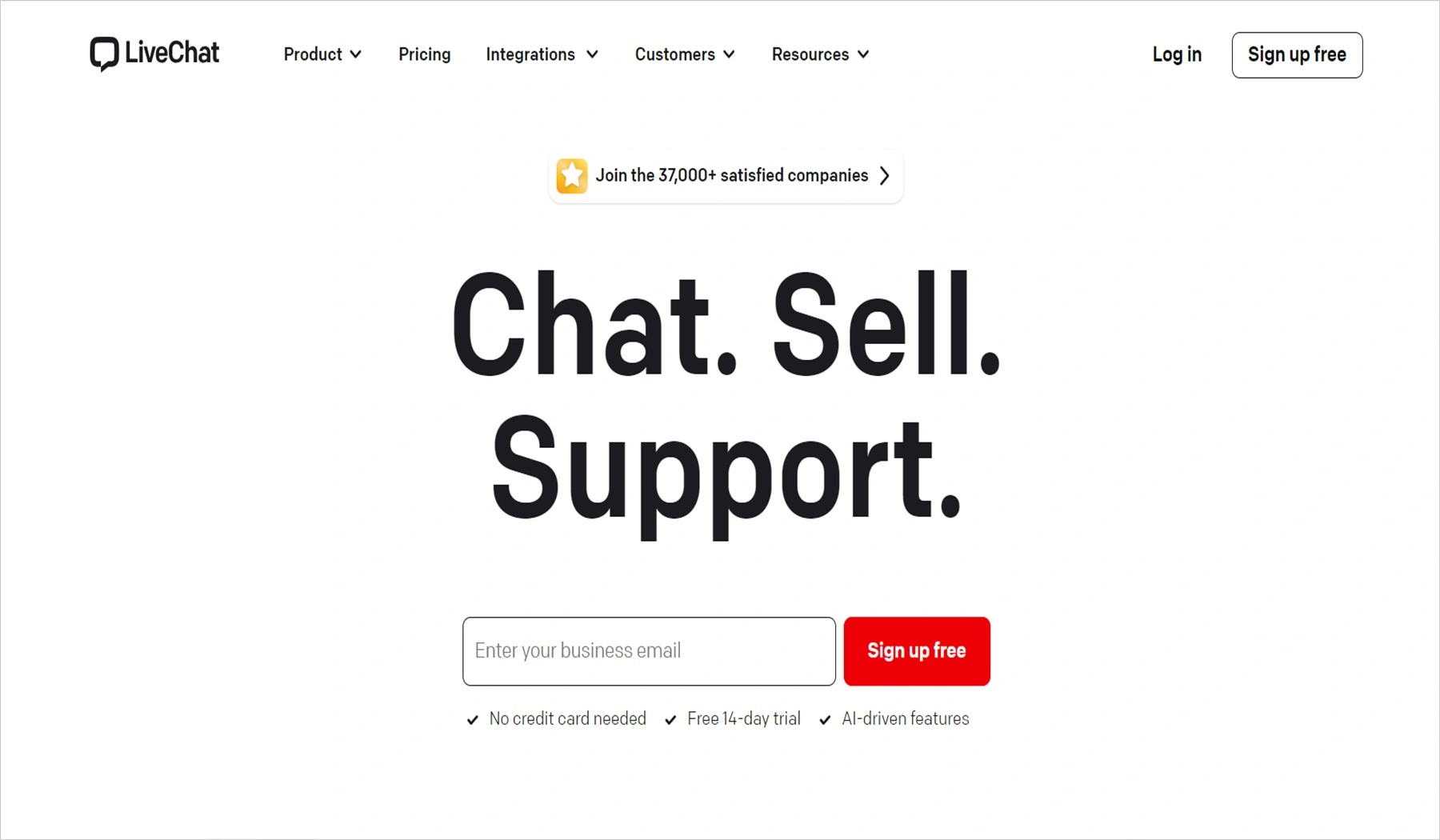
LiveChat is another good customer service tool that helps e-commerce stores offer instant customer support. It provides features like AI chatbots and canned responses.
Key features
- Chat transfers
- AI automation
- WhatsApp integration
Pricing
- Starts at $19/month/agent
Free trial duration: 14 days
6. Intercom
Intercom is a customer messaging platform designed to help businesses resolve queries quickly through automation and proactive support.
There are multiple integration features, making it suitable for any type of business.

Key features
- Proactive support
- Side conversations
- AI autofill
Pricing
- Starts at $29/month/agent
Free trial duration: 14 days
7. Tidio
Tidio is a customer service platform designed to help businesses engage with their website visitors in real-time.
It combines live chat, chatbots, and email marketing features to provide comprehensive customer support and boost sales.

Key features
- Live chat functionality
- Email marketing tools
- Visitor tracking and analytics
Pricing
- Starts at $41.17/month (from 250 billable conversations)
Free trial duration: 7 days
8. Zoho Desk
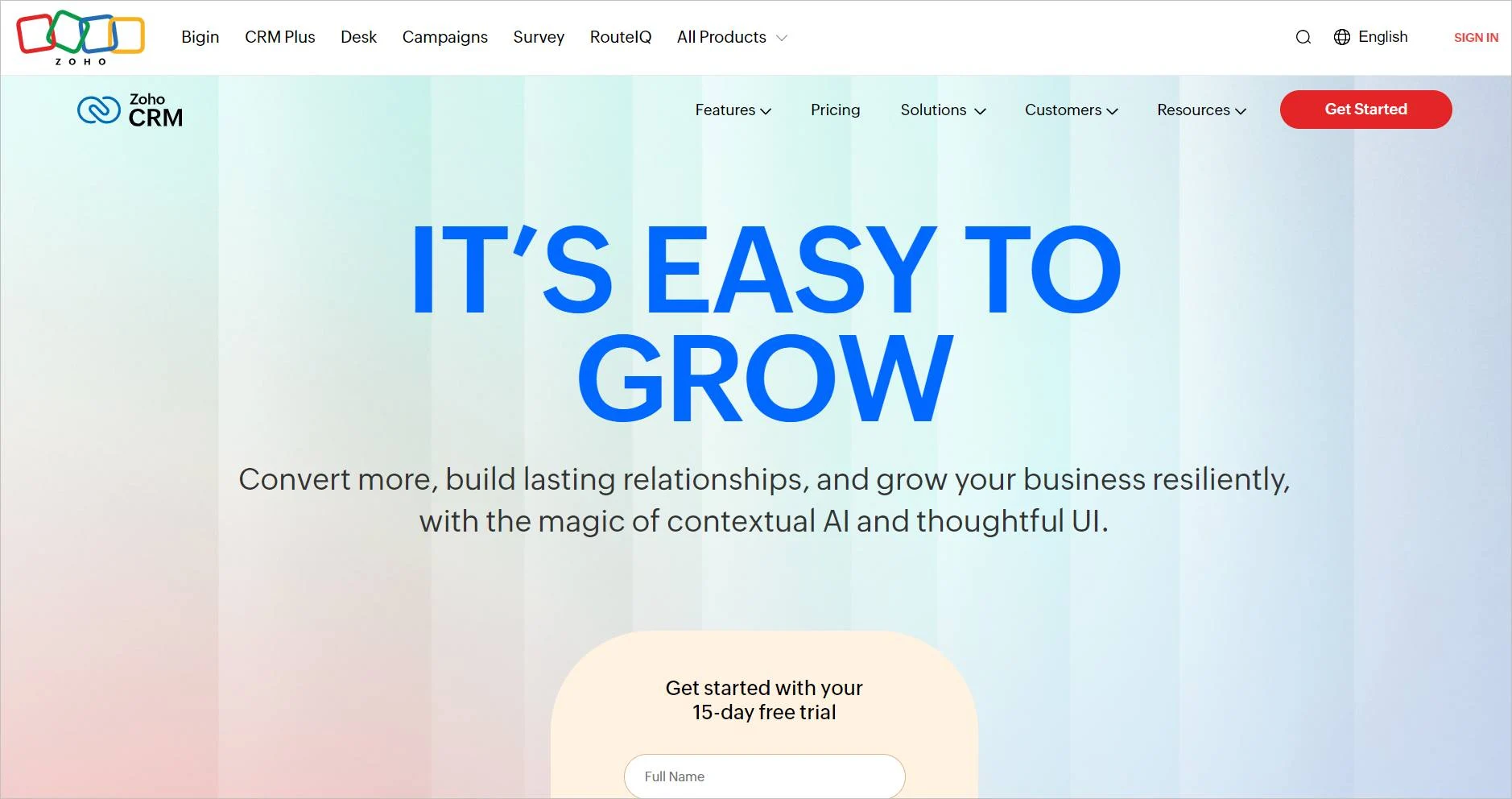
Zoho CRM is a customer management tool that helps ecommerce stores track customer issues and provide better support.
This tool also helps collect and analyze customer data.
Key features
- Workflow automation
- Real-time customer insights
- Contact management
Pricing
- Starts at $4.88/month/agent
Free trial duration: 15 days
Common ecommerce tools for automation
9. Zapier
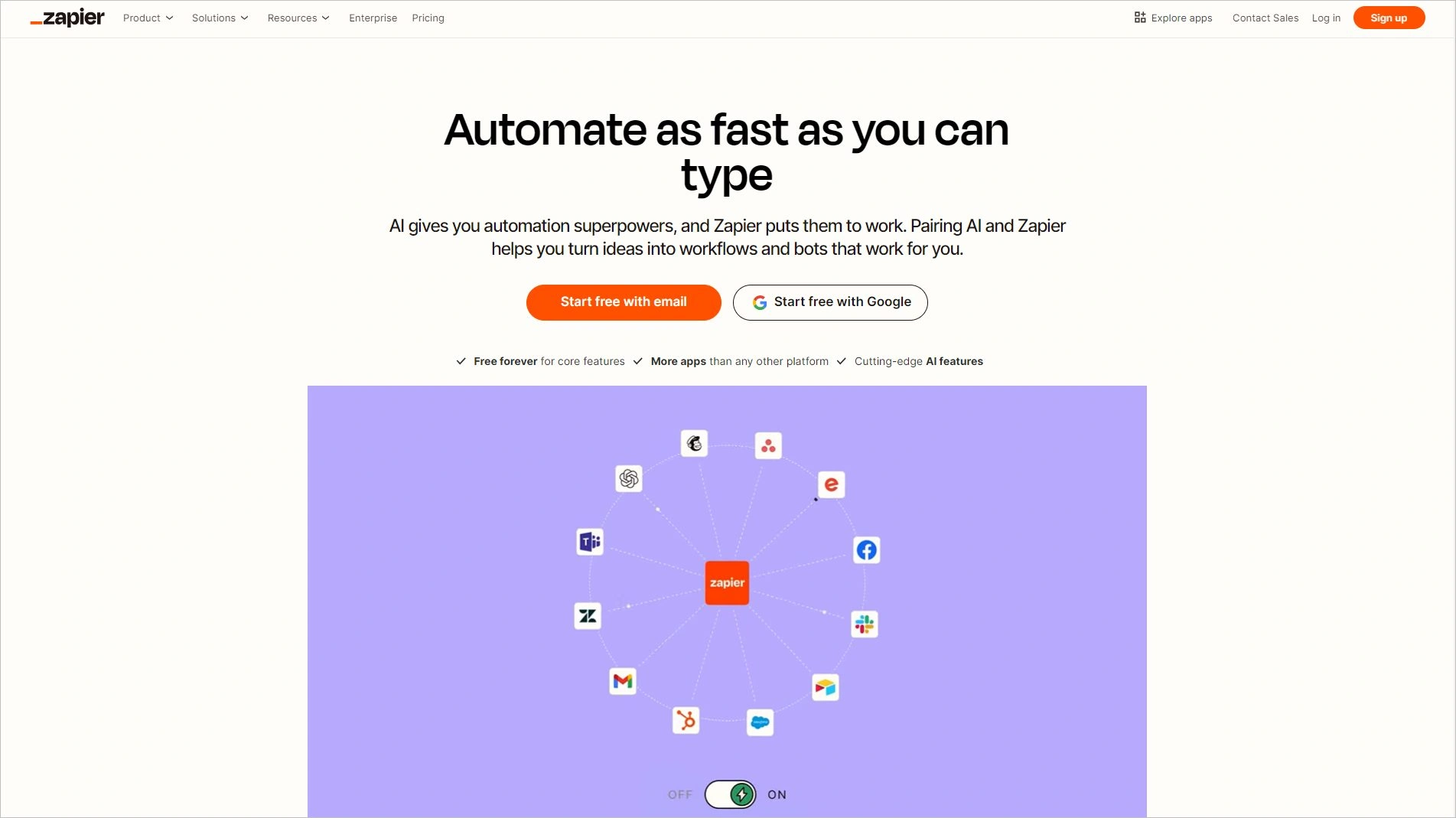
Zapier is a tool that allows brands to automate various tasks in their ecommerce applications. It easily integrates with other ecommerce software tools, making it a good choice for ecommerce.
Key features
- Customizable workflows
- Business process automation
- Real-time data syncing
Pricing
- Starts at $19.99/month
Free trial duration: 14 days
10. Omnisend
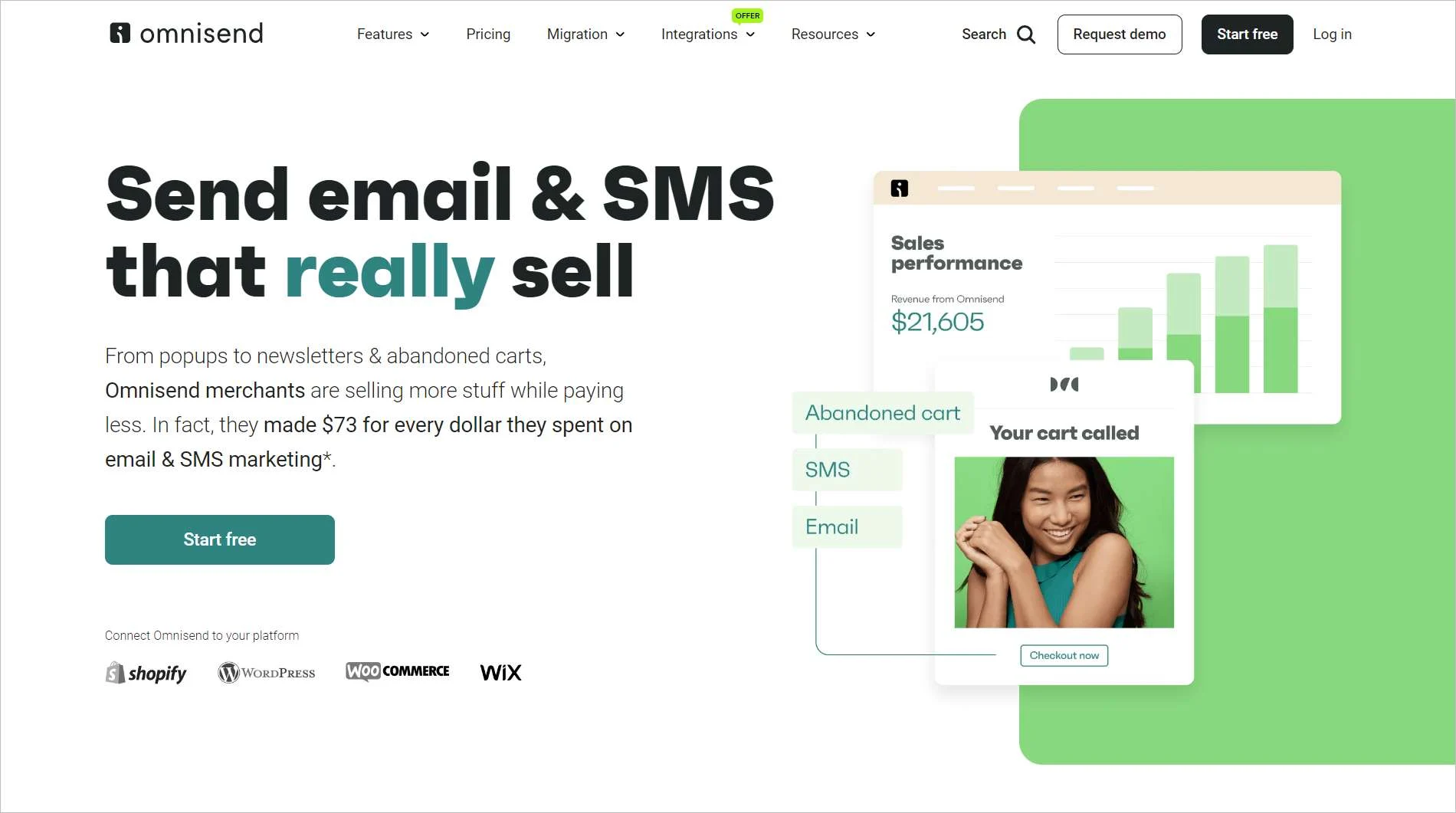
Omnisend enables ecommerce brands to send emails and messages to customers. It helps brands to communicate easily with customers and conduct targeted campaigns.
Key features
- Integrations with other ecommerce tools
- Customizable templates
- Integrated email and SMS campaigns
Pricing
- Starts at $11/month, up to 500 contacts
Free trial duration: 14 days
Top ecommerce tools for payment processing platforms
11. PayPal
PayPal is an ecommerce tool that allows businesses to accept customer payments. It offers clients a safe and secure way to purchase on your website.

Key features
- Integration with most banking applications and other ecommerce software
- Simple checkout and user interface
- Fraud protection
Pricing
PayPal has custom charges based on the transaction amount, region, and currency.
Free trial: Not available
12. Stripe
Stripe is another payment application that brands can use to handle transactions. It is secure and easy to use, making it a good option for online businesses of all sizes.

Key features
- Embeddable checkout
- Invoice support
- Real-time reporting
Pricing
Stripe charges custom prices based on region and number of transactions.
Free trial duration: Not available
13. Square
Square is an ecommerce payment tool that tracks profits and manages inventory. It easily integrates into your website and other online applications.

Key features
- Customer data analytics, reporting, and insights
- 24/7 support
- Secure payments
Pricing
- Starts at $29/month
Free trial duration: Not available
Key ecommerce websites for collaboration and project management
14. Microsoft Teams
Microsoft Teams, a collaboration tool for sharing files and chatting, tops this category. It facilitates effective communication and can help you improve the efficiency of your support team.

Key features
- Instant messaging
- Video calls and group meetings
- Integrations with third-party apps
Pricing
- Starts at $4/month/agent
Free trial duration: 30 days
15. Slack
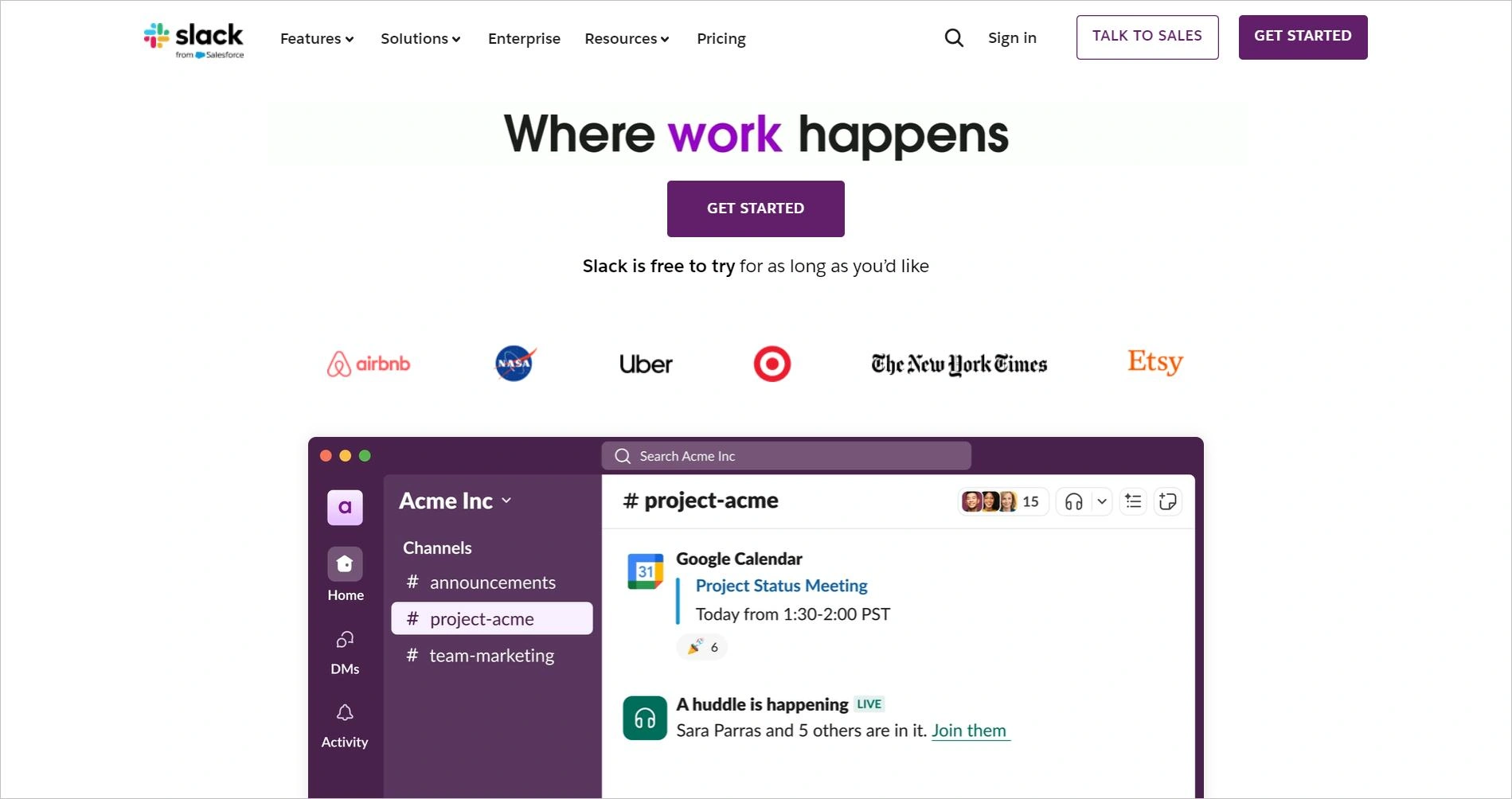
Slack is another popular collaboration tool for teams. It lets you share files and work on projects with colleagues in real time, improving communication among your support team.
Key features
- Direct messaging
- Integrations with many applications
- Collaborative workspaces
Pricing
- Starts at $8.75/month/agent
Free trial duration: A free version is available with limited options.
16. Trello
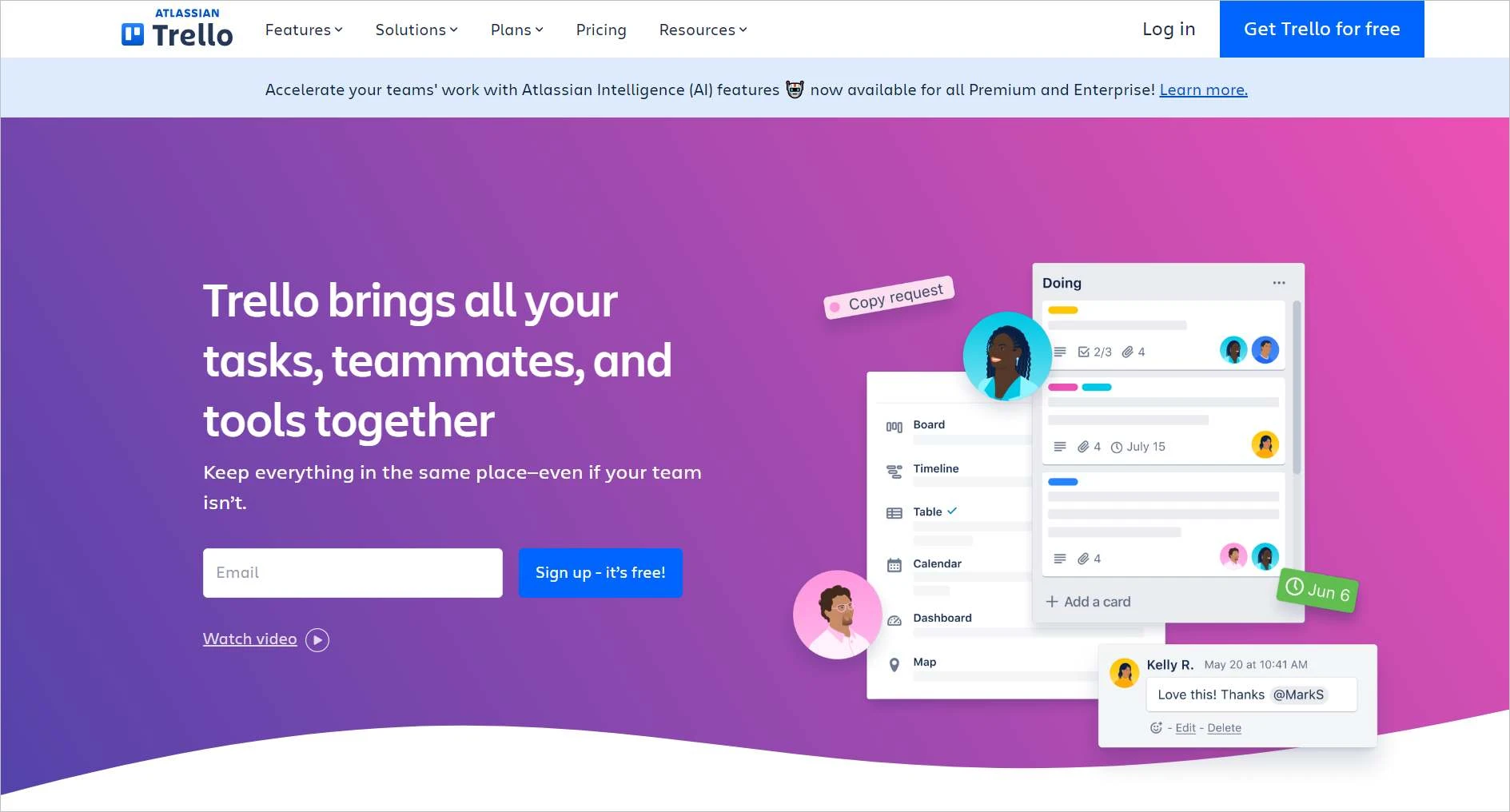
Trello is a project management app used to manage a team that includes remote workers. It has an intuitive interface featuring cards, lists, and boards, providing various options for customizing workflows.
Top features
- Engaging interface
- Collaborative workspace
- Task automation
Pricing
- Starts at $5/month/agent
Free trial duration: 14 days
Best ecommerce tools for SEO
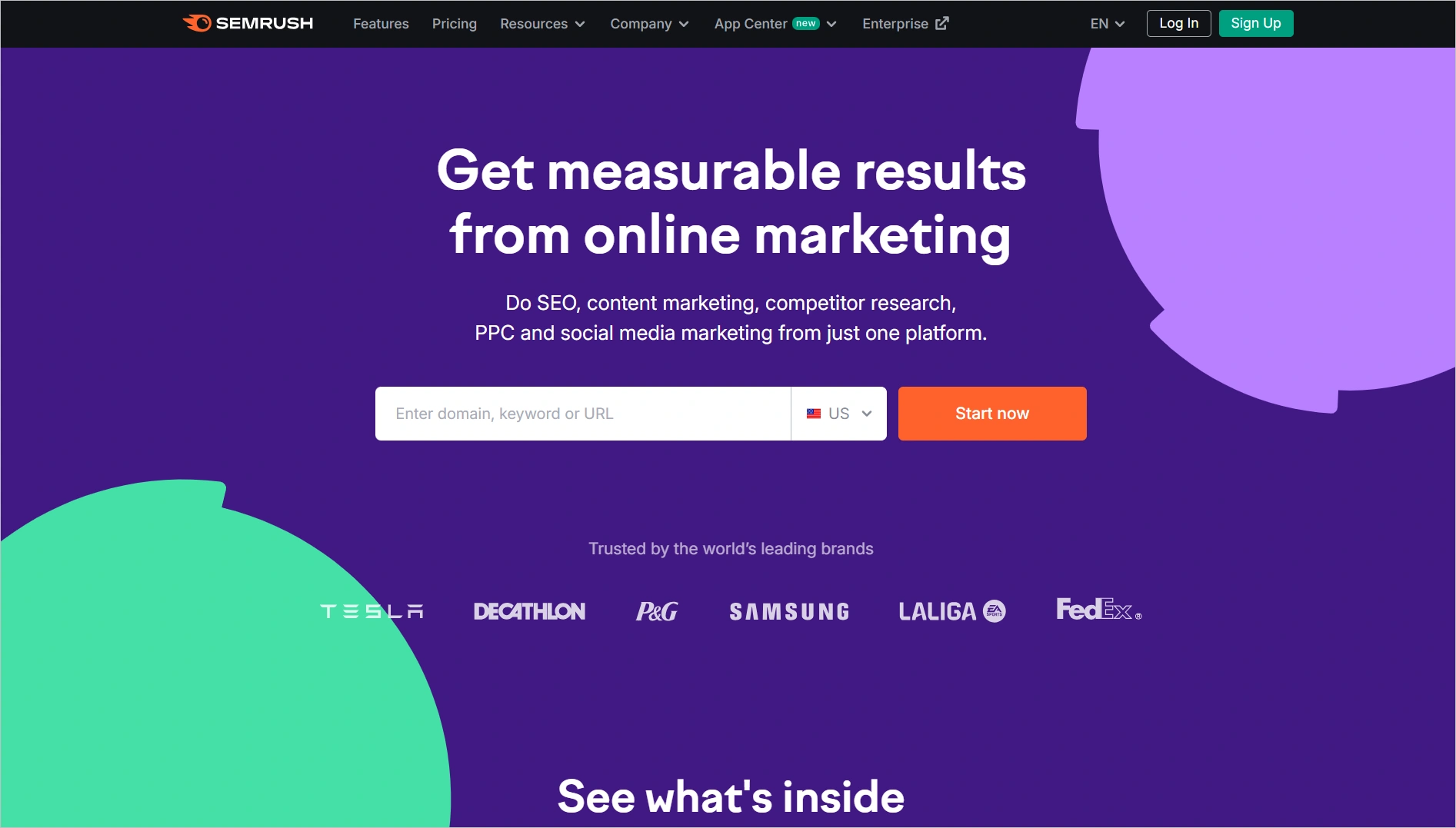
17. Semrush
Semrush is an ecommerce tool that gives you recommendations on how to improve your web content to rank better in search engines. It also helps brands to optimize their presence online and increase the number of site visitors.
Key features
- Keyword research
- Rank tracking
- Link building
Pricing
- Starts at $117.33/month, up to 5 websites to monitor.
Free trial duration: 7 days
18. Ahrefs
Ahrefs is a common digital marketing tool that allows brands to optimize web content and track their search engine rankings.

Key features
- Website auditor
- Site explorer
- AI content optimization
Pricing
- Starts at $129/month, up to 5 projects
Free trial duration: Contact Ahrefs
19. Moz
Moz is a leading SEO software suite that provides tools and resources to help businesses improve their visibility in search engine results, driving organic traffic to their online stores.

Key features
- Keyword explorer
- Content optimization tools
- Local SEO tools
Pricing
- Starts at $49/month/agent
Free trial duration: 7 days
Top ecommerce CRM tools
20. Salesforce
There is a reason why Salesforce tops most customer relationship management (CRM) lists. The ecommerce tool helps you manage your customer support operations and interactions. It offers many features, including tools for managing sales and tracking leads.

Key features
- Customer journey monitoring
- Automated workflows
- Integration with most ecommerce platforms
Pricing
- Starts at $25/month/agent
Free trial duration: 30 days
21. Hubspot
HubSpot is a CRM tool that allows ecommerce stores to launch and manage marketing campaigns. This tool can track customer interactions, monitor leads, and organize customer journeys.

Key features
- Easy contact management
- Email tracking and templates
- Reports and analytics
Pricing
- Starts at $9/month/agent
Free trial duration: 14 days
Trendy analytics and reporting ecommerce tools
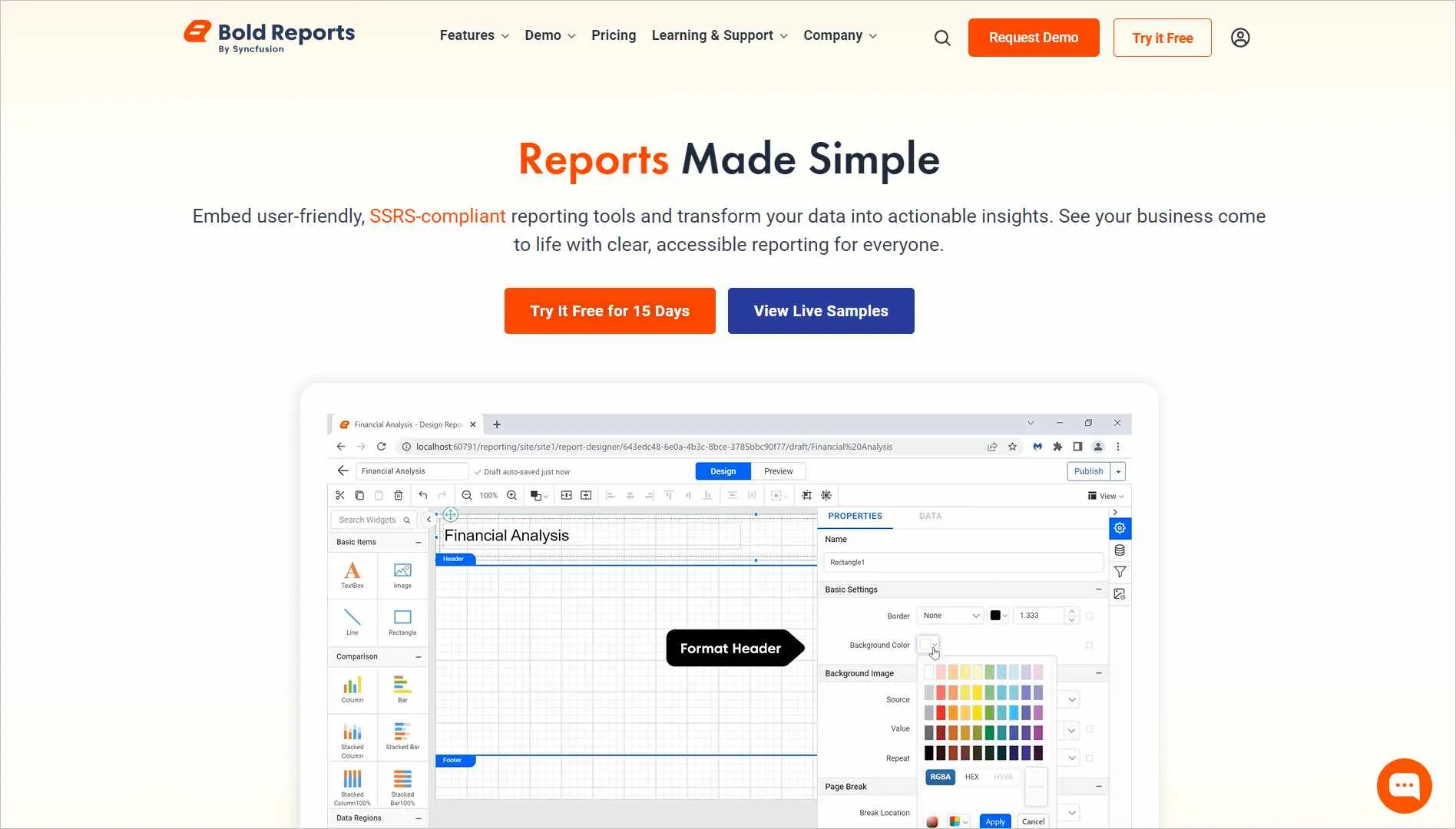
22. BoldReports
Are you looking for an efficient reporting tool? BoldReports is a good choice. Brands use this ecommerce tool to gather customer insights. It lets you analyze and visualize customer data through live, real-time reports.
Key features
- Real-time interactive reports
- 360° data visualization
- Integrations with most ecommerce platforms
Pricing
Contact BoldReports for pricing.
Free trial: 30 days
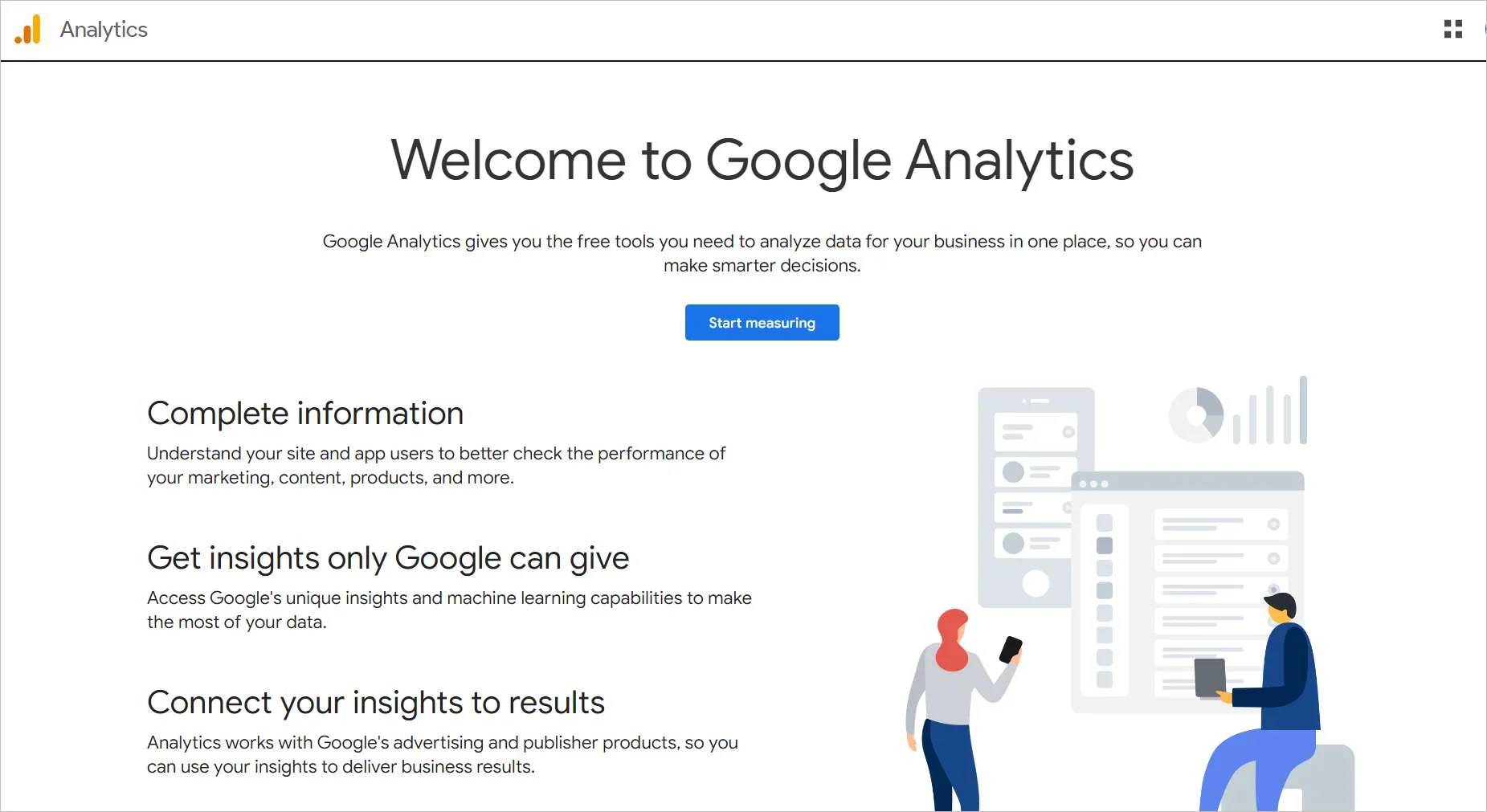
23. Google Analytics
Google Analytics helps you understand your customers’ journeys, improve marketing strategies, and monitor your ecommerce website’s performance.
Key features
- Built-in automation
- Shareable reports
- Data analytics and insights
Pricing
- Starts at $150,000/year.
Free trial duration: A free version is available with limited functionalities.
24. Hotjar
Hotjar helps you monitor how users interact with your website. This ecommerce tool gives brands insights into how they can improve their landing pages.

Key features
- Session recording
- User behavior monitoring
- Analytics and insights
Pricing
- Starts at $32/month
Free trial duration: 30 days
Ideal business intelligence platforms for ecommerce businesses
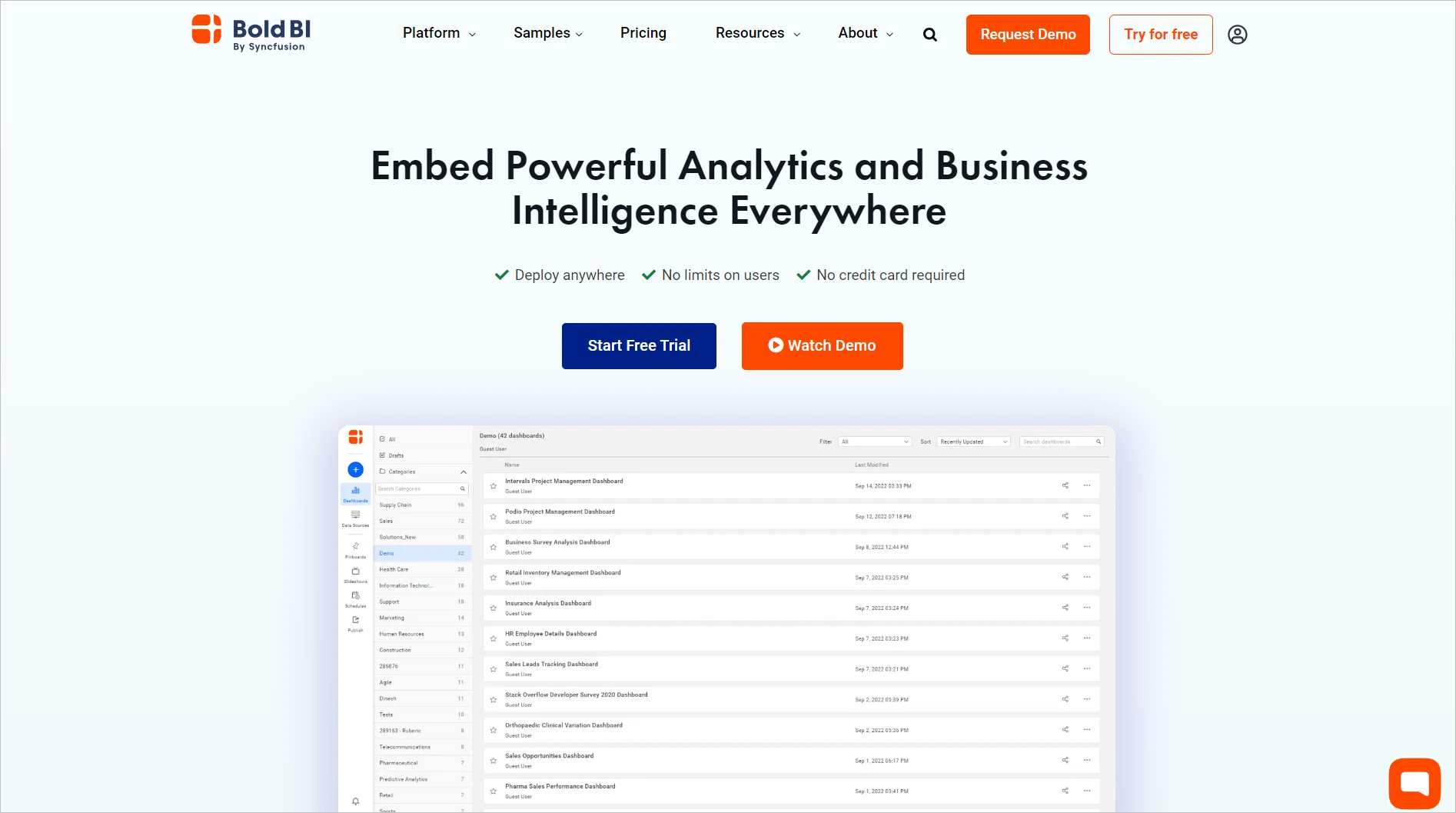
25. BoldBI
BoldBI is a business intelligence (BI) tool for visualizing and analyzing data. It has intuitive widgets and lets you create dashboards to visualize various metrics.
Key features
- Embedded analytics
- Data visualization
- Collaboration features
Pricing
Contact BoldBI for pricing.
Free trial duration: 30 days
26. Heap
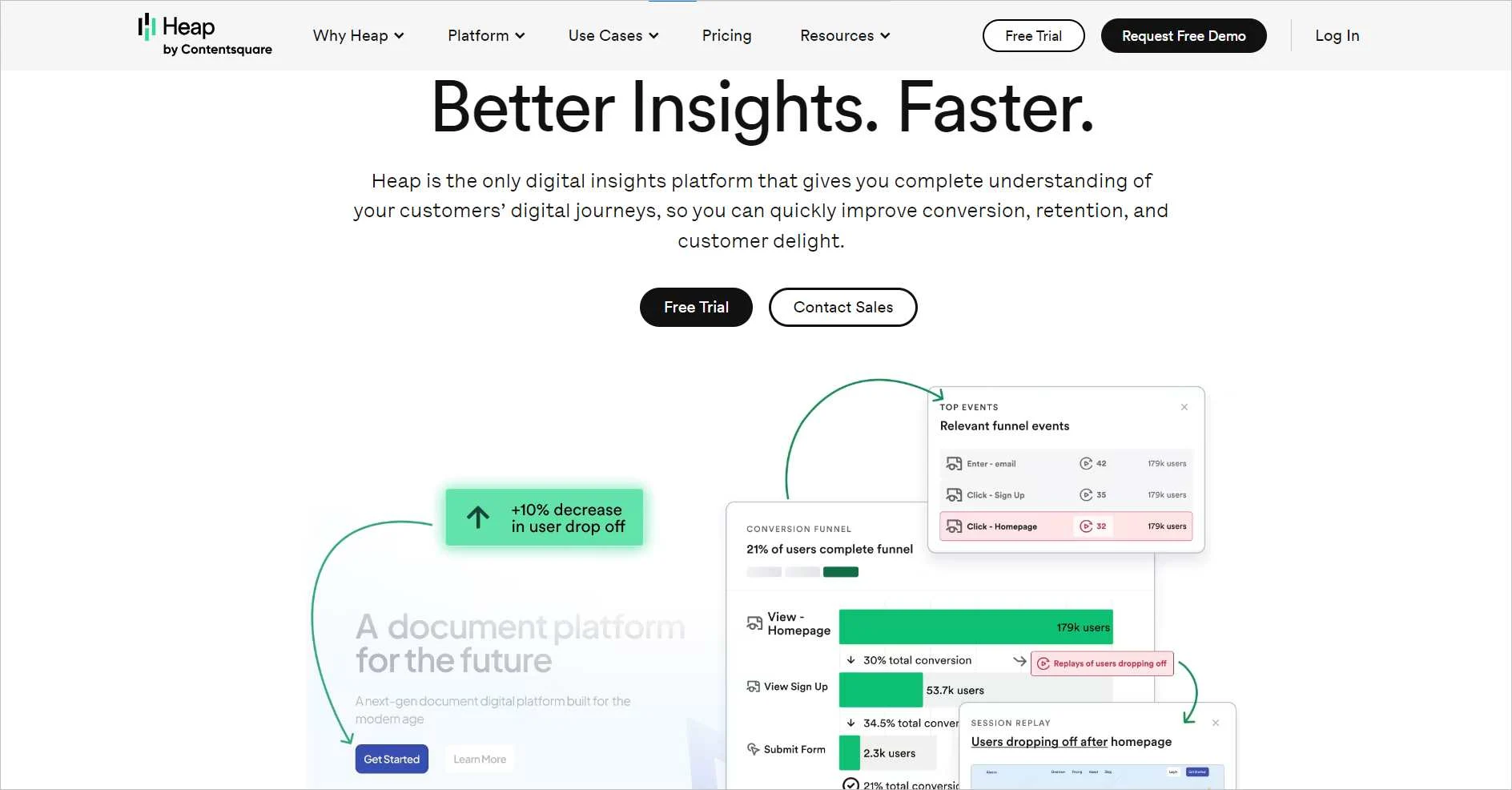
Heap is an ecommerce tool that brands can use to gain insights into customers’ data. It gives you information on user sessions, actions, and behaviors on your website.
Key features
- Analytics charts and reports
- Customer data history
- Email alerts
Pricing
- Contact Heap for pricing.
Free trial duration: 14 days
Modern inventory management and ecommerce tools
27. NetSuite
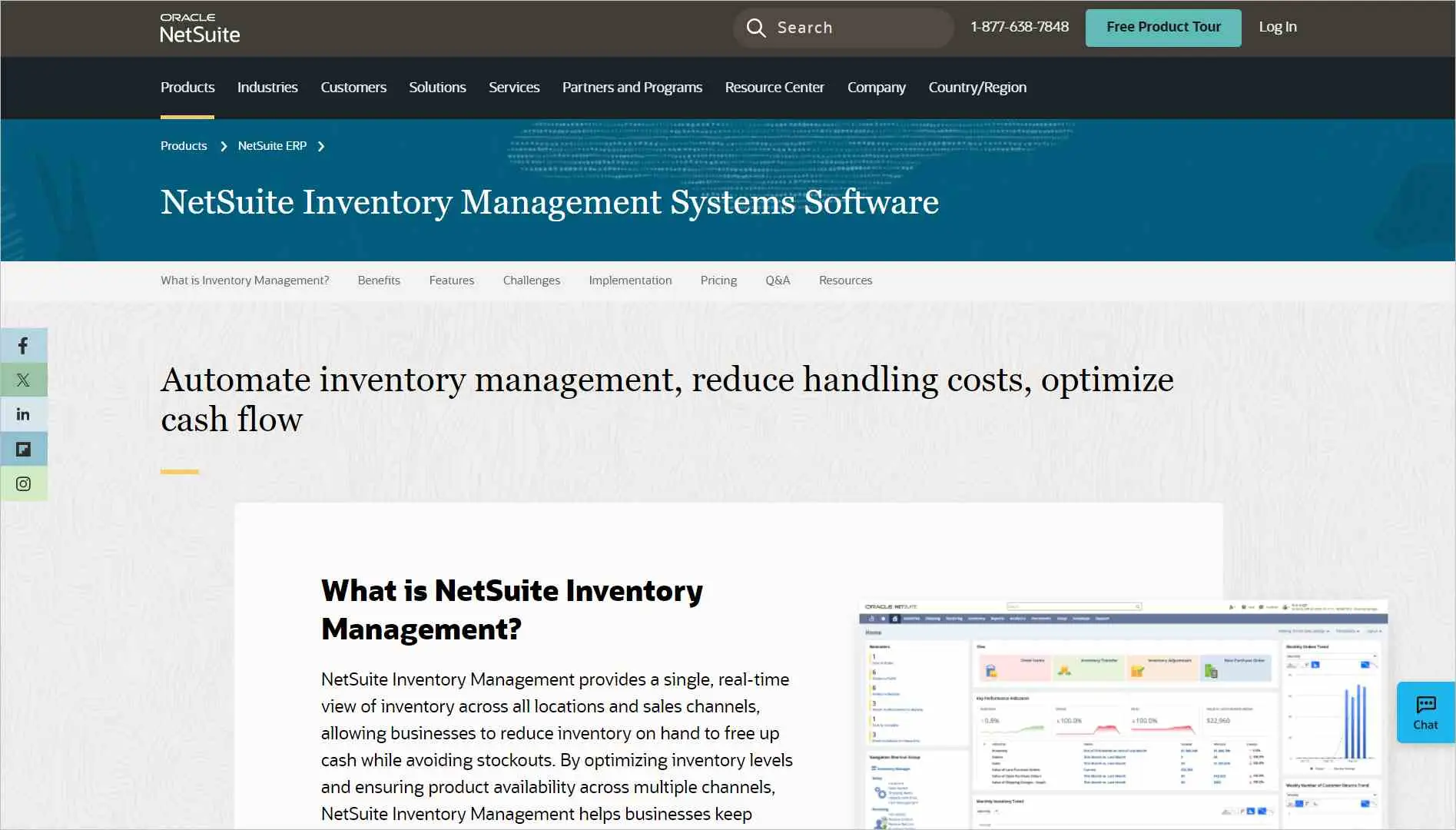
Starting off this category, we have NetSuite. It provides a real-time view of your inventory across different locations. With it, you can organize and manage your inventory.
Key features
- Automated inventory tracking
- Real-time inventory view
- Analytics and reporting capabilities
Pricing
- Starts at $2,500 – $5,000/month
Free trial duration: 14 days
28. QuickBooks
QuickBooks is another popular inventory tracking application. It helps brands track what’s in stock, get alerts when it’s time to restock, and gather insights on what to buy and sell.

Key features
- Inventory tracking
- Restock alerts
- Product reports
Pricing
- Starts at $19/month/agent, up to 2 accountants.
Free trial duration: 30 days
The best ecommerce sales platforms for marketing
29. Mailchimp
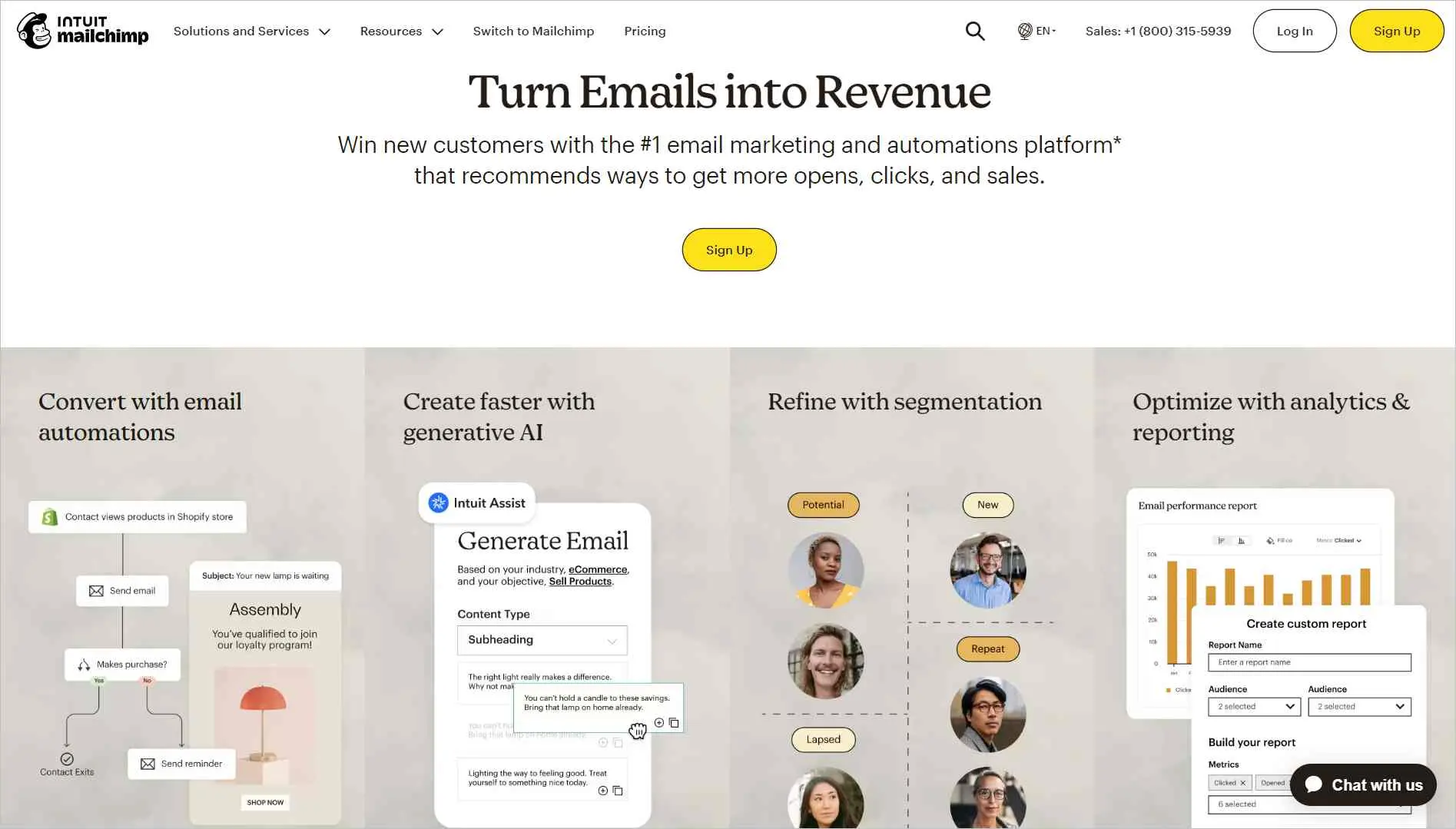
Another tool worth mentioning, Mailchimp, is an email marketing tool that lets you personalize emails based on customer data, generate brand content, and conduct targeted campaigns to boost ecommerce sales.
Key features
- Customer journey builder
- Generative AI content
- Advanced reporting and analytics
Pricing
- Starts at $6.50/month for 4 flows
Free trial duration: 30 days
30. Hootsuite
Hootsuite is one among many ecommerce tools that brands can use to maximize their engagement on social media platforms. It enables brands to manage multiple social media accounts, schedule posts, and track analytics.

Key features
- Social media scheduling
- Team collaboration
- Social media analytics
Pricing
- Starts at $199/month/agent
Free trial duration: 30 days
31. Klaviyo
Another important email marketing software is Klaviyo, which often integrates with most ecommerce platforms. It lets you create personalized email campaigns to target different customer segments.

Key features
- Marketing automation
- Custom templates
- Web forms
Pricing
- Starts at $45/month, up to 15,000 emails
Free trial duration: You can remain on the free plan indefinitely as long as you stay within set limits.
Common content management platforms for ecommerce websites
32. WordPress
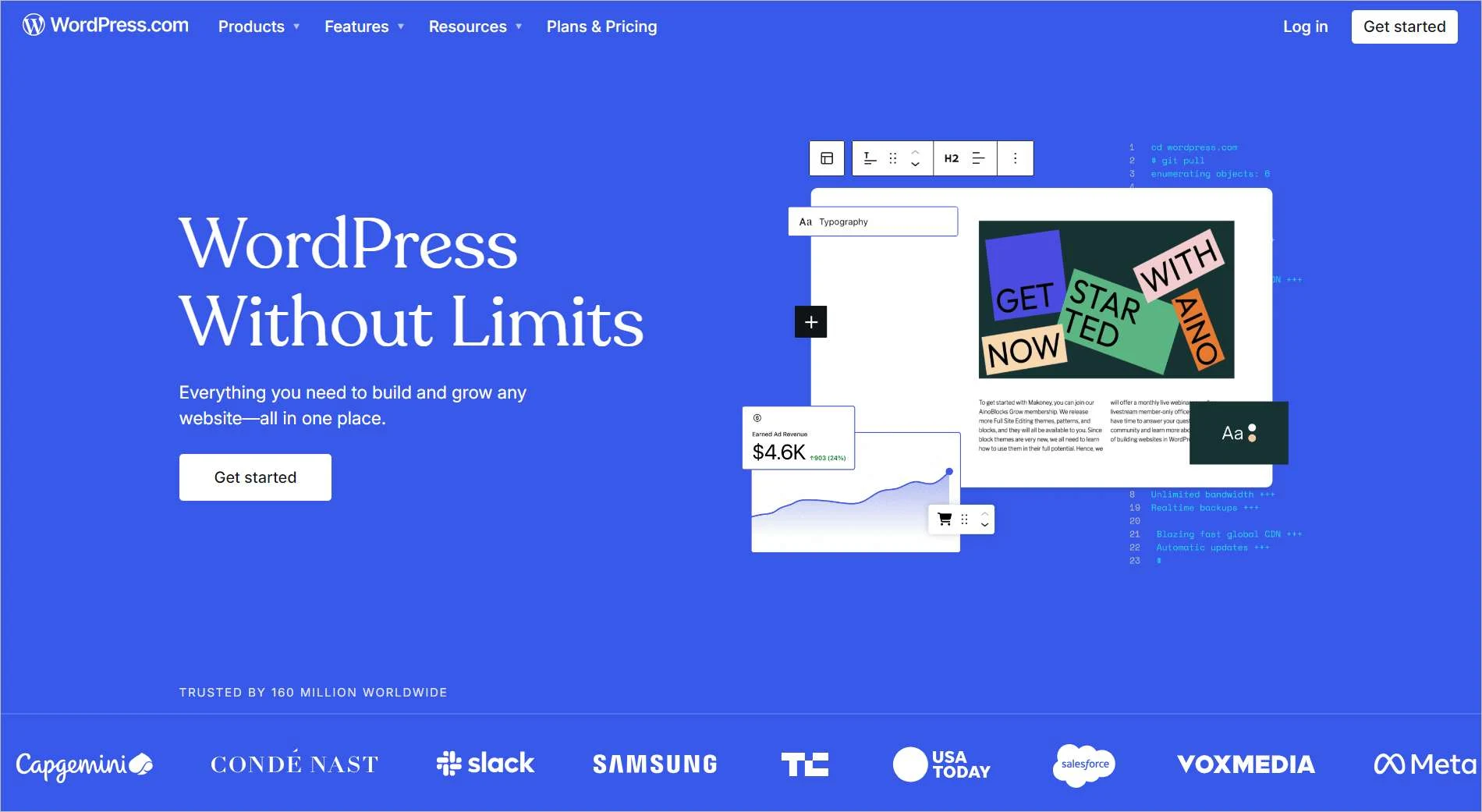
Another good tool, WordPress, is used for building and managing ecommerce websites. It enables ecommerce brands to create, edit, and publish web content.
Key features
- A library of custom themes
- Integrations with most social media applications
- Search engine optimization
Pricing
- Starts at $4/month, up to 6GB storage
Free trial duration: WordPress offers a free plan, not a free trial.
33. Canva
Canva is a good ecommerce platform for creating web and social media content for marketing and engagement. It allows users to organize images, text, and other components using a drag-and-drop interface, making it easy to build a unique brand identity for your business.

Key features
- Logo maker
- Custom templates
- Video editor
Pricing
- Starts at $6.58/month/agent
Free plan duration: 30 days
34. Wix
Wix offers a user-friendly platform for businesses to build and manage their online stores. Its intuitive interface and a wide range of features simplify the process of selling products online, from showcasing items to processing payments.

Key features
- Drag-and-drop website builder with e-commerce functionality
- Customizable design templates
- Tools for managing inventory, orders, and customer data
Pricing
- Starts at $17/month, up to 2 site collaborators.
Free trial: 14 days
Leverage the power of ecommerce tools to grow your online business
You do not need to implement every tool listed here to run a successful ecommerce business.
Most online stores rely on a carefully selected set of tools that work together to support key operations.
For example, a business might use Shopify to manage its storefront, Stripe to process payments, BoldDesk to handle customer support, Mailchimp for marketing automation, and Google Analytics to track performance.
When these tools integrate effectively, they create a connected ecommerce ecosystem that helps teams automate workflows, improve customer experiences, and scale operations efficiently.
Whether your goal is improving support, managing inventory more effectively, or strengthening collaboration across teams, choosing the right ecommerce tools can help your business grow sustainably.
We hope this guide helped you explore the ecommerce tools available today. If there are other tools you think deserve a place on this list, feel free to share them in the comments below.
Related reads
- Top eCommerce Customer Support Challenges (and How to Solve Them)
- Best Ecommerce Help Desk Software in 2026
- 12 Best Ecommerce Live Chat Tools for Customer Engagement
- 9 Top Ecommerce Customer Service Tips for 2026
Frequently Asked Questions
The four primary types of e-commerce models are:
- Business-to-Consumer (B2C): Transactions where businesses sell products or services directly to individual consumers.
- Business-to-Business (B2B): Transactions between businesses, such as a manufacturer selling to a wholesaler or a wholesaler selling to a retailer.
- Consumer-to-Consumer (C2C): Transactions where consumers sell products or services to other consumers, often facilitated by third-party platforms.
- Consumer-to-Business (C2B): Transactions where individuals offer products or services to businesses, such as a photographer selling stock photos to a company.
The largest ecommerce websites and marketplaces typically include Amazon, eBay, Walmart, and Etsy.
Many brands also sell through their own storefronts built on platforms like Shopify or WooCommerce.
The best option depends on whether you want marketplace reach, brand control, or both.
Shopify is one of the most widely used ecommerce platforms, especially for small to mid-sized stores, because it’s easy to launch and has a large app ecosystem.
WooCommerce is also popular for WordPress-based sites. The best platform depends on budget, customization needs, and operational complexity.
Most ecommerce stacks include an ecommerce platform (storefront and catalog), a payment processor, and marketing and retention tools.
A practical way to group ecommerce operations is: storefront and product management, checkout and payments, fulfillment and post-purchase operations (shipping or returns), and marketing and customer experience.