
 In this page

TL;DR: The best help desk software in 2026 depends on team size and support needs. BoldDesk offers all features at one flat price, Zendesk suits enterprises, Zoho Desk and Freshdesk deliver value, Gorgias serves ecommerce, and Jira Service Management and SolarWinds support internal IT teams.
Choosing the best help desk software can have a major impact on customer satisfaction, agent productivity, and operational costs.
To help you find the best help desk solution for your needs, we’ve evaluated 16 help desk tools based on features, pricing, customer reviews, and market popularity to identify the platforms that deliver the best overall value and support experience.
Whether you’re a startup looking for an affordable help desk solution, an enterprise managing thousands of tickets per month, or an IT team seeking advanced service management capabilities, this guide will help you compare the strengths and limitations of each platform.
In this article, you’ll learn what a help desk solution is, explore some of the best help desk tools available today, and discover what to consider when choosing the right tool.
Best help desk software at a glance
The table below provides an at-a-glance overview of the best help desk software solutions and the teams they are best suited for.
| Help desk software | Best for | Starting price |
| BoldDesk | Teams that want all features in one flat price. | $99/month for 5 agents (billed yearly) |
| Zendesk | Large enterprises with complex integration needs. | $19/user/month |
| Zoho Desk | Small businesses on a tight budget. | $7/user/month |
| Freshdesk | Growing teams that want a free starting tier. | $15/user/month |
| Help Scout | Small teams that want a simple shared inbox feel. | $25/user/month |
| Gorgias | Shopify and ecommerce support teams. | $77/month for 300 tickets |
| Kustomer | High-volume B2C support with a CRM-style timeline. | $89/user/month |
| HubSpot Service Hub | Teams that are already running HubSpot CRM. | $15/seat/month |
| Jira Service Management | Internal IT and engineering-adjacent service desks. | $20/user/month |
| SolarWinds Service Desk | IT teams that need asset management with ITSM. | $8/node/month |
| SysAid | Mid-market IT service management. | Contact SysAid |
| HappyFox | Teams that want a clean, opinionated ticketing UI. | $24/user/month |
| Salesforce Service Cloud | Enterprises standardized on Salesforce. | $25/user/month |
| Vivantio | B2B service providers supporting multiple clients. | $49-$99/user/month |
| LiveAgent | Teams that need built-in call centre and live chat. | $9/user/month |
| Spiceworks Cloud Help Desk | Small IT teams with zero budget | Free |
How we evaluated these help desk tools
Every help desk platform offers ticketing and automation, but differences in AI capabilities, pricing, channel support, and scalability can significantly impact the overall experience.
To provide a balanced comparison, we evaluated each tool using six criteria that influence both short-term adoption and long-term success.
We scored all 16 tools against the following criteria:
- AI depth: Whether the tool offers an autonomous AI agent that resolves tickets, an agent-side Copilot, or only AI text assistance.
- Real cost at your team size: Per-agent list pricing can be misleading once add-ons and upgrades are factored in. We compared the cost based on each vendor’s published pricing.
- Channel coverage: Availability of email, live chat, WhatsApp, social media, voice, and self-service support, including whether each channel is native or requires a paid add-on.
- Setup effort: How long it typically takes a team without implementation support to configure the platform and route its first ticket.
- Independent ratings: G2 and Capterra ratings, verified in September 2026.
- Migration path: Whether teams can migrate away from the platform while retaining their ticket history and key data.
Disclosure: BoldDesk is listed first because it is our product, not because it ranked first in a blind evaluation. The ratings shown throughout this article come from G2 and Capterra, not from our own assessment.
What is help desk software?
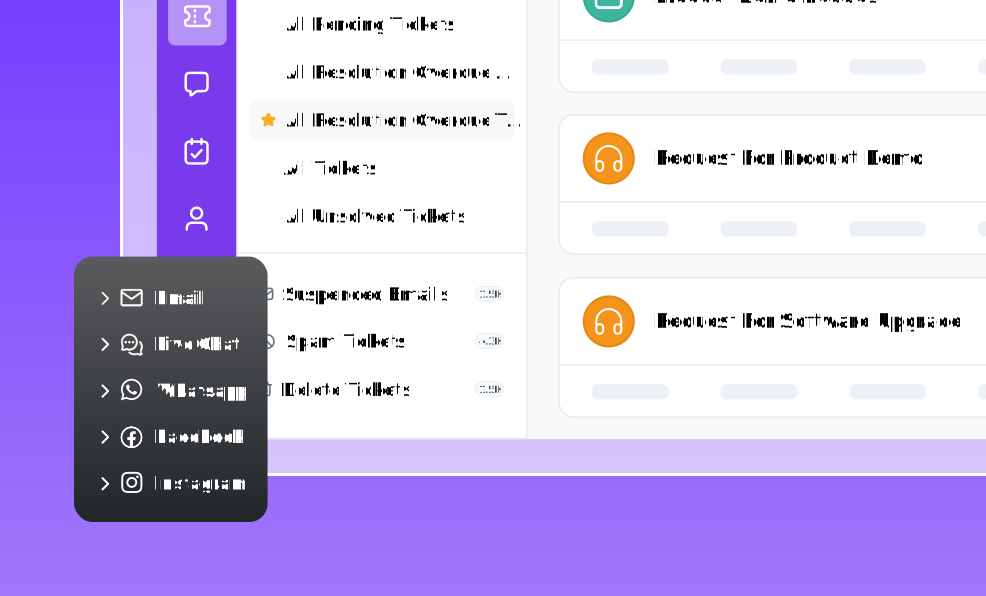
Help desk software is a system that collects customer requests from email, chat, phone, and social channels into one queue, turns each request into a trackable ticket, and routes it to the right agent with the context needed to resolve it.
It differs from a shared inbox in three ways: tickets have owners and SLAs, work is routed by rules instead of by hand, and every conversation is reportable.
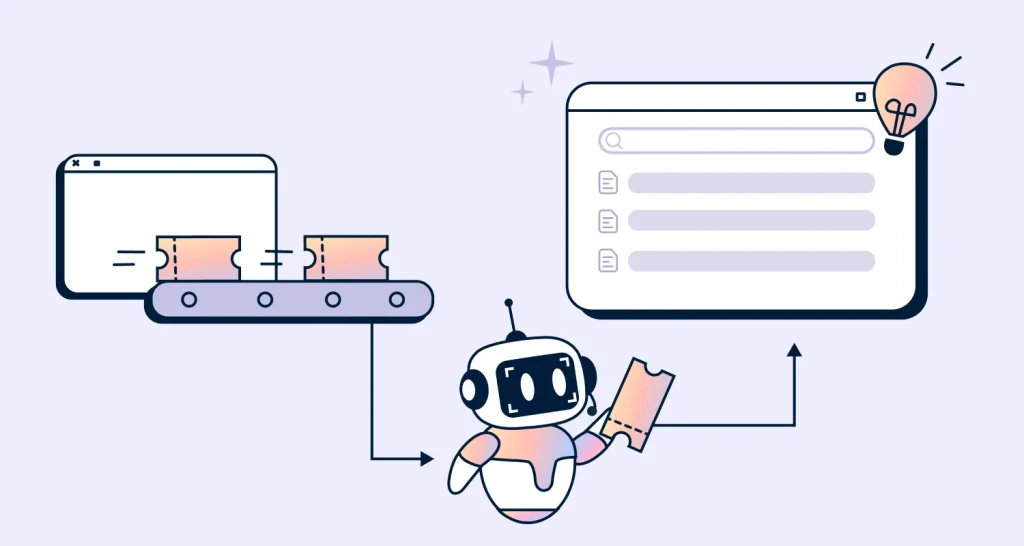
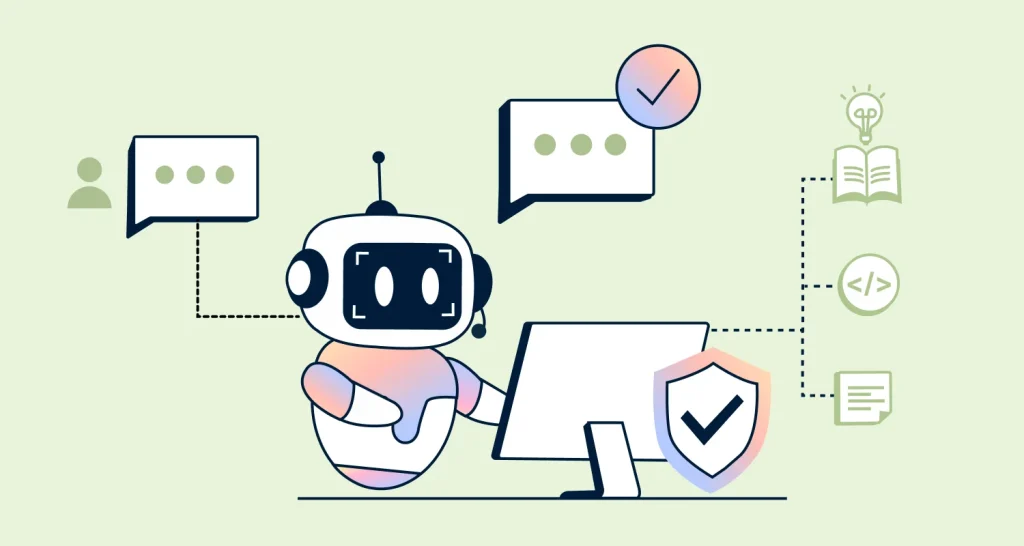
Most modern platforms now add AI agents that resolve routine requests without an agent touching them.
If you already know you need one and want to see how a modern system is built, our help desk software page walks through ticketing, AI, and reporting in one place.
The 16 best help desk software tools in 2026
What constitutes the best help desk software can vary depending on the specific business demands, including its size, industry, and required features.
Here are 16 of the best help desk tools for streamlining help desk workflows and improving customer service.
Elevate Customer Support with Advanced Tools for Free!
Ready to scale your startup support effortlessly? Try BoldDesk’s help desk tool at no charge to streamline customer service.
1. BoldDesk
Best for: Teams that want the full platform at one flat price instead of paying per feature.
BoldDesk is an AI-powered help desk built around a single plan priced by team size.
Every account gets a help desk ticketing system, live chat, omnichannel support, a knowledge base, workflow automation, and reporting from day one.

Main features of BoldDesk
- AI Agent that resolves routine tickets end-to-end, plus AI Copilot for agents and AI-powered self-service
- Omnichannel inbox covering email, live chat, WhatsApp, Instagram, Facebook, SMS, Telegram, and LINE
- No-code workflow automation for routing, escalation, and approvals
- Knowledge base with AI search, plus a customer portal
- SLA management, custom dashboards, and CSAT reporting
Pros
- One plan, no feature tiers, so advanced automation and SSO are not locked behind an upgrade.
- Offers free migration from Zendesk or Freshdesk, along with contract buyout coverage.
- Flat team-size pricing gets cheaper per agent as you grow
- SOC 2, GDPR, and HIPAA-ready controls on every plan, not only enterprise.
Cons
- No permanent free tier. The 15-day trial and the startup program are the only free routes in.
- Voice is handled through integrations rather than a native dialler.
- Smaller integration marketplace than Zendesk or Salesforce.
Pricing
- BoldDesk’s pricing starts at $99/month for 5 agents (Billed yearly).
- Subscription AI credits are included for the first three months; extra AI Agent credits are $20 per 1,000. AI Copilot is a $20/agent/month add-on with unlimited usage.
- Qualifying startups get BoldDesk free for 12 months on up to 10 agents.
Free trial: 15-day free trial
2. Zendesk
Best for: Large enterprises that need the deepest app marketplace and can staff an admin to run it.
Zendesk is the category incumbent. Its strengths include a vast integration marketplace, mature reporting, and the flexibility to support highly complex customer service operations across teams, brands, and regions.
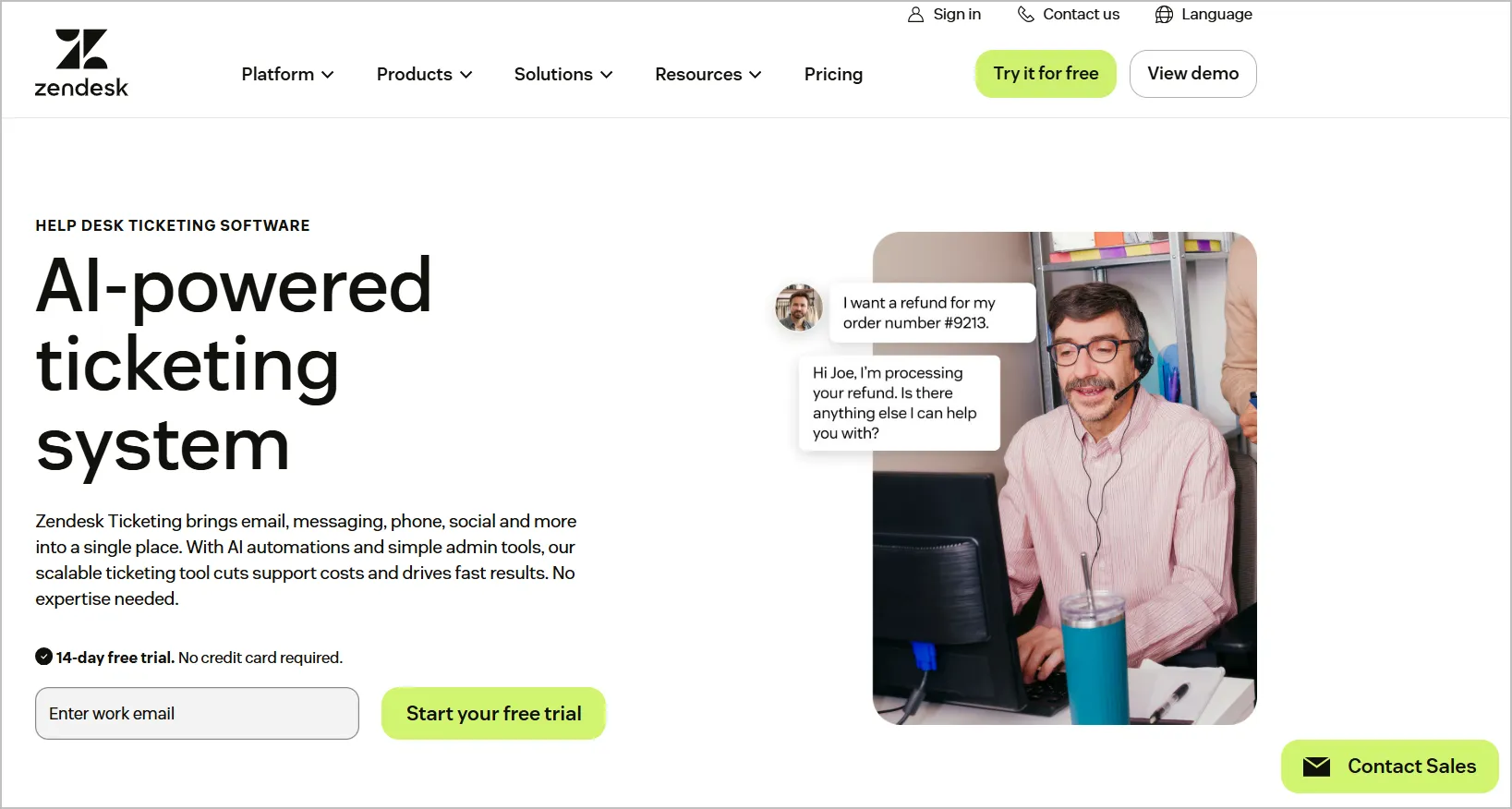
Main features of Zendesk
- Ticketing with a highly customizable agent workspace.
- AI agents, agent Copilot, and generative reply assistance.
- Omnichannel, including voice, messaging, and social.
- Help center with multi-brand support.
- 1,000+ marketplace apps.
Pros
- Multi-brand and multi-language support is genuinely enterprise-grade.
- Deep, flexible reporting.
- Widest integration ecosystem.
Cons
- Needs a dedicated admin to configure and maintain.
- Contract and renewal terms are frequently cited as inflexible in user reviews.
- Entry pricing is misleading. AI, advanced reporting, workforce management, and quality assurance are separate line items, so real spend lands well above the headline per-agent figure.
Pricing
- Starts at $19/user/month
Free trial: 14 days
Already on Zendesk and comparing costs? See our complete side-by-side Zendesk alternatives.
3. SysAid
Best for: Mid-market IT service management with an automation focus.
SysAid is an IT service management (ITSM) and help desk software solution designed to streamline and automate IT support processes for businesses of all sizes.
SysAid offers both cloud-based and on-premises deployment options.
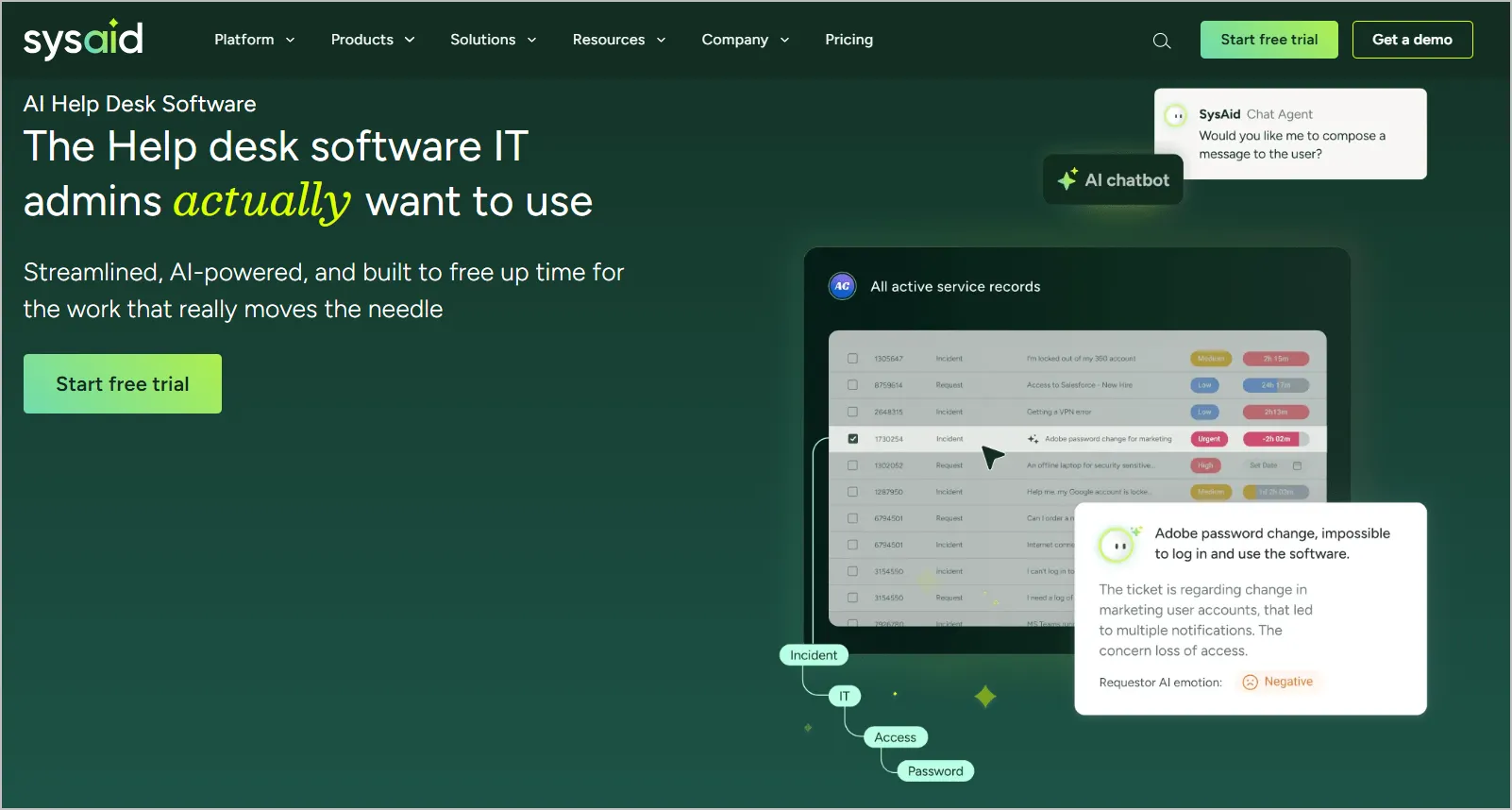
Main features of SysAid
- ITSM ticketing with a self-service portal
- Asset and patch management
- Workflow automation with AI triage
- Change management
- Built-in reporting
Pros
- Broad ITSM feature coverage for the mid-market.
- Automation capability is above average in this segment.
- Long track record with IT buyers.
Cons
- Interface can feel dated compared to newer cloud-native solutions.
- Customer support use cases are secondary.
- No public pricing, so you cannot compare without a sales call.
Pricing
- Contact SysAid
Free trial: 14 days
4. Vivantio
Best for: B2B service providers supporting multiple client organizations.
Vivantio is an IT service management (ITSM) and customer service management (CSM) platform designed to enhance service delivery and support operations across various industries.
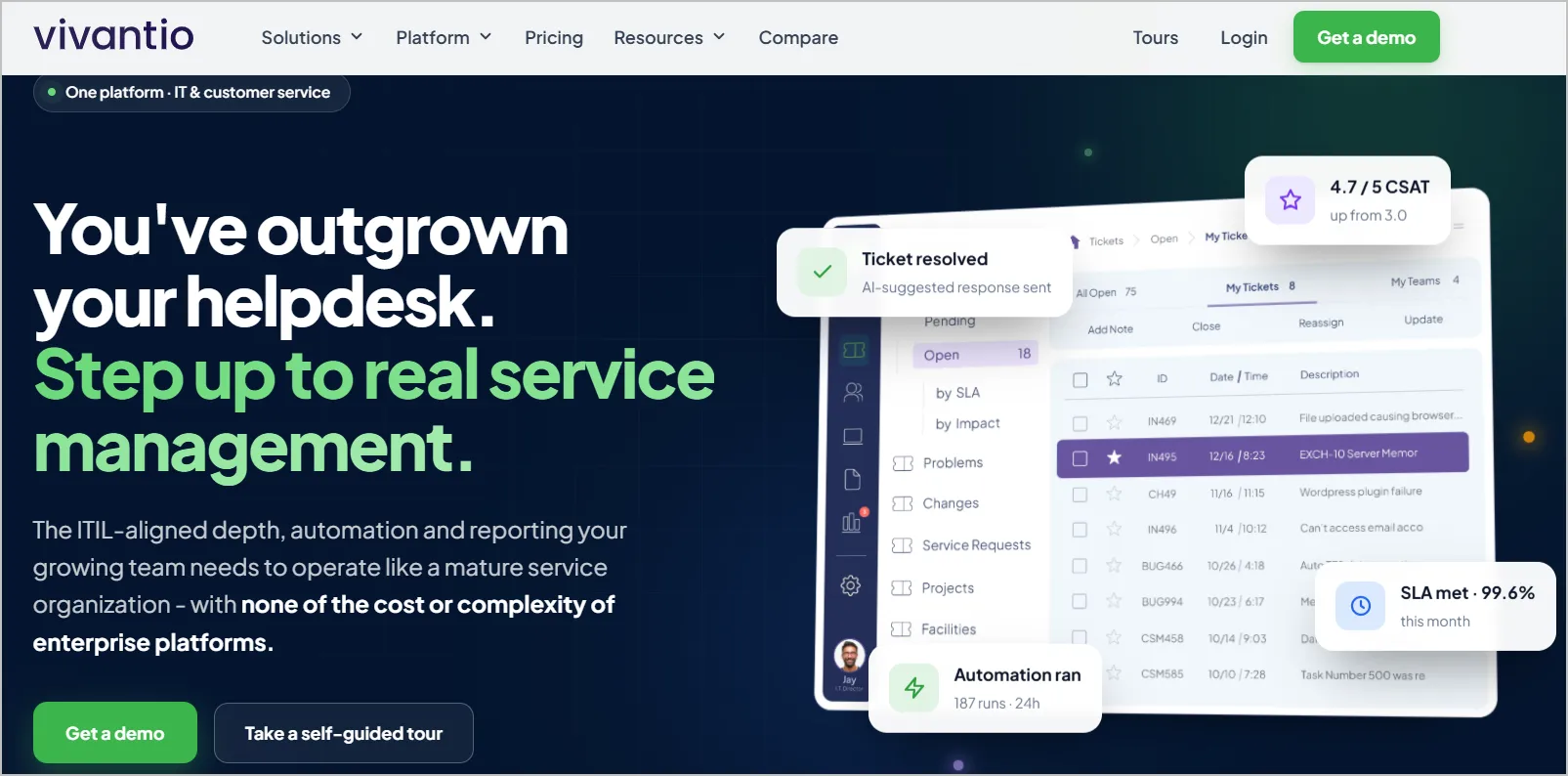
Main features of Vivantio
- Multi-client service desk with per-client separation
- ITSM and customer service in one instance
- Configurable workflow engine
- Asset management
- Client self-service portals
Pros
- Flexible enough to model unusual service structures.
- Strong role and permission controls.
Cons
- The higher entry price may be high for small businesses.
Pricing
- Starts at $49-$99/user/month
Free trial: Contact Vivantio
5. Spiceworks Cloud Help Desk
Best for: Small internal IT teams with no budget at all.
Spiceworks Cloud Help Desk is a web-based IT help desk solution provided by Spiceworks Inc.
It’s designed to help IT professionals manage their help desk and IT support tasks without the need for an on-premise server.
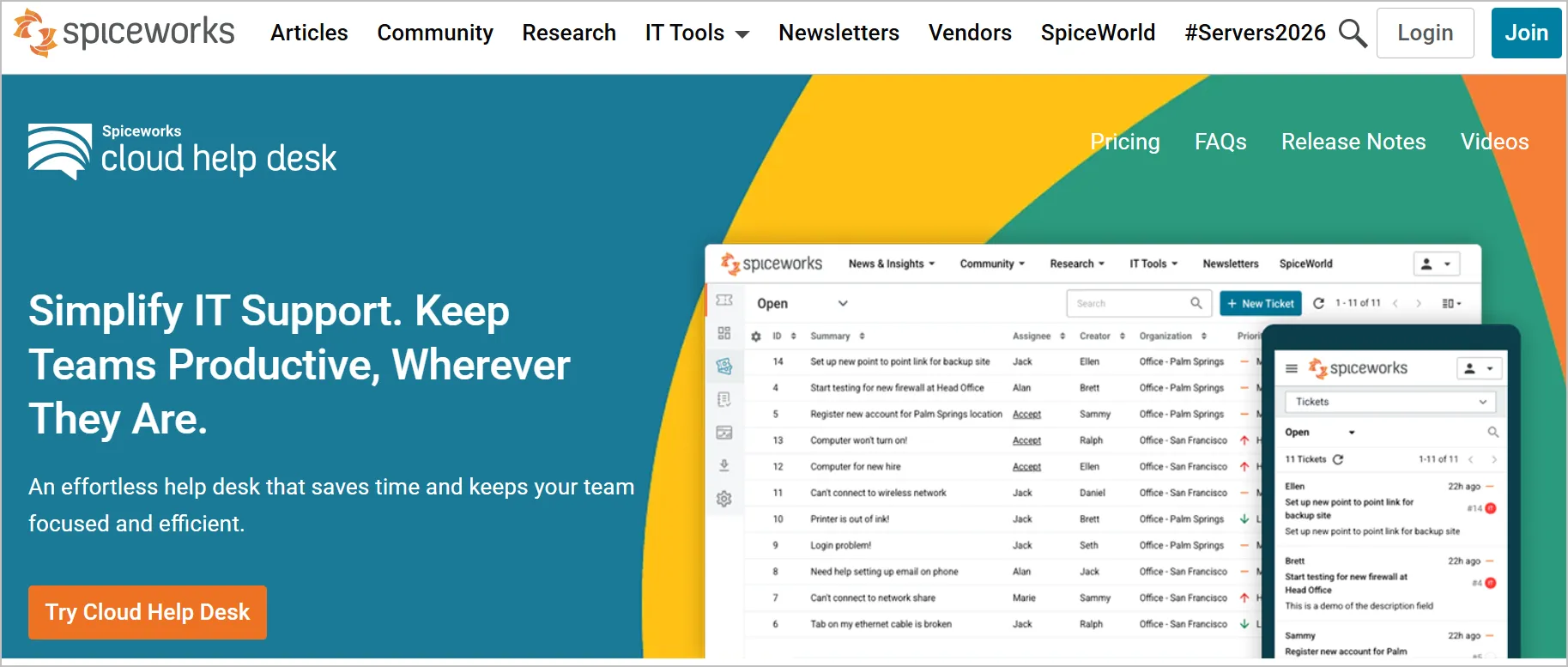
Main features of Spiceworks Cloud Help Desk
- Free cloud ticketing
- Email-to-ticket
- Basic reporting
- Mobile app
- IT community access
Pros
- Completely free to use with no agent limit.
- Adequate for basic internal IT ticket tracking.
- Active IT practitioner community.
Cons
- No SLA management, thin automation, minimal support.
- Ad-supported, and the ads are visible to your agents.
- No AI capability of any kind.
Pricing
- Free
6. Kustomer
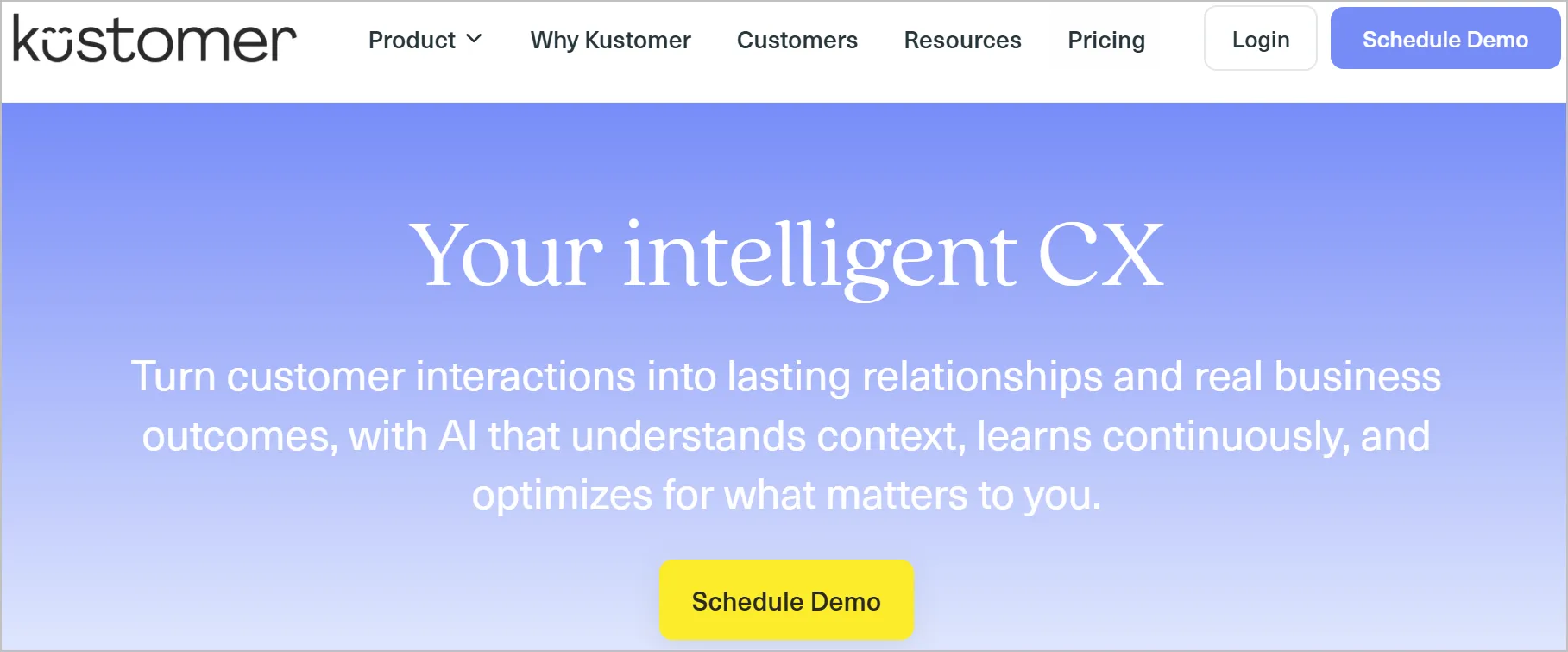
Best for: High-volume B2C support teams that want a customer timeline instead of a ticket list.
Kustomer models the customer, not the ticket. Every order, conversation, and event sits on one timeline, which suits businesses where a single customer contacts you often.
Main features of Kustomer
- Unified customer timeline across channels
- AI agents and self-service deflection
- Visual workflow builder
- Native messaging and chat
- Custom objects for business data
Pros
- Timeline view is genuinely better for repeat-contact customers.
- Strong automation and custom data modelling.
- Good messaging-first channel support.
Cons
- Higher entry price for small teams.
- Implementation is a project, not an afternoon
- Now part of Meta’s ecosystem, which some buyers weigh in procurement.
Pricing
- Starts at $89/user/month
Free trial: 14 days
7. Gorgias
Best for: Ecommerce businesses and online retailers looking to centralize customer support and automate responses using store data and customer insights.
Gorgias is the only tool built specifically for ecommerce.
It pulls order data into the ticket, lets agents refund or edit an order without leaving the conversation, and automates the repetitive “where is my order” volume that dominates retail support.

Main features of Gorgias
- Native Shopify, BigCommerce, and Magento integrations with order actions in the ticket
- AI agent tuned to ecommerce intents
- Revenue attribution per support conversation
- Social and ad-comment ticketing
- Macros with order variables
Pros
- Deepest ecommerce integration of any help desk.
- Ties support activity to revenue, which makes budget conversations easier.
- Automates order-status volume well out of the box.
Cons
- Less suitable for non-ecommerce support operations.
- Pricing is ticket volume-based, so a viral moment can spike the bill.
- Reporting is narrow beyond commerce metrics.
Pricing
- Starts at $77/month for 300 tickets
Free trial: 30 days
8. SolarWinds Service Desk
Best for: IT teams that need asset management and ITSM in the same tool.
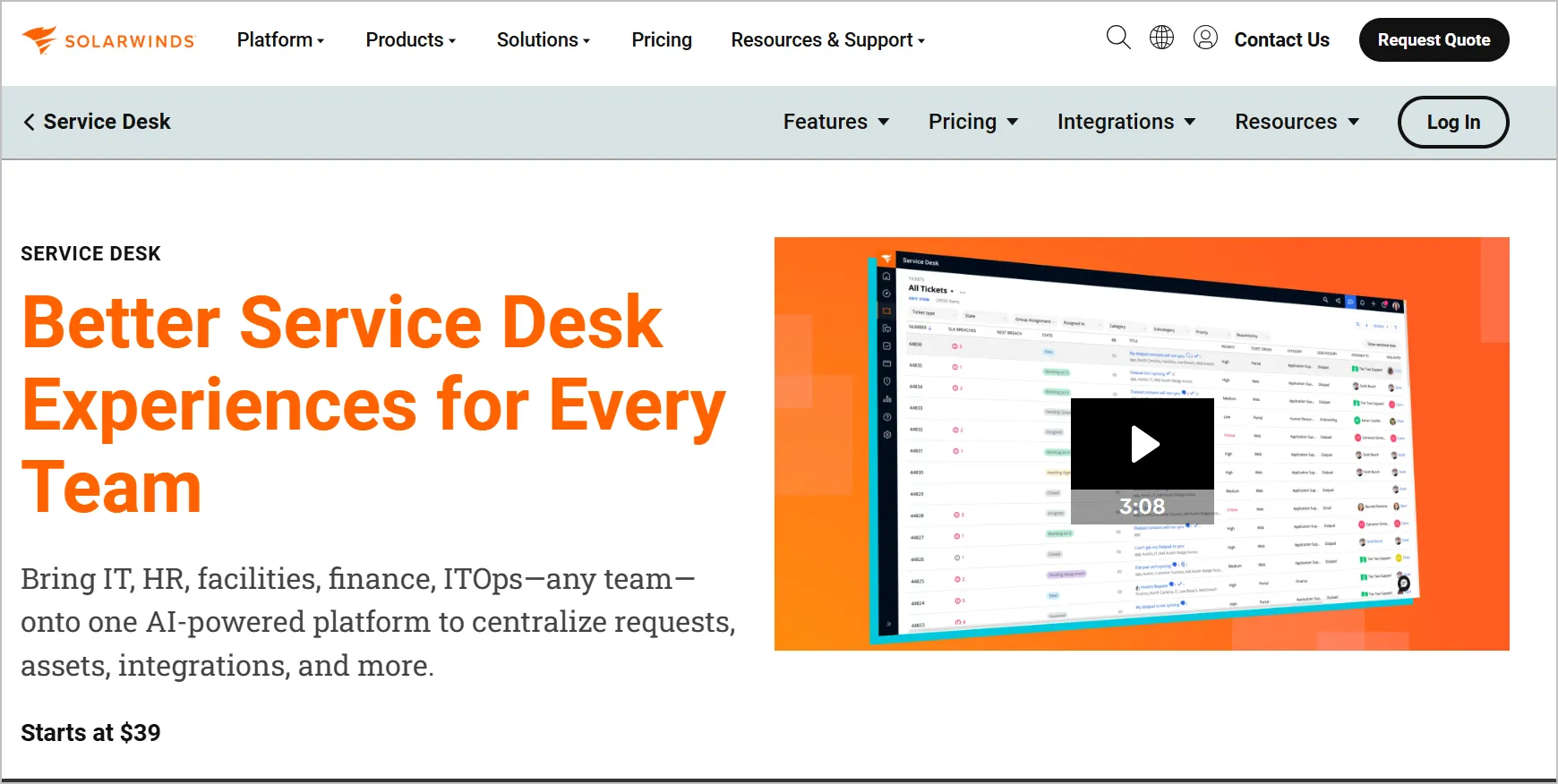
SolarWinds Service Desk is a cloud-based IT service management (ITSM) system designed to streamline and improve IT operations within organizations of all sizes.
Main features of SolarWinds Service Desk
- Incident, problem, and change management
- Automated asset discovery and hardware/software inventory
- Employee service portal
- Configuration management database
- AI-assisted categorization and routing
Pros
- Asset discovery is strong and largely automatic.
- Solid ITIL-aligned workflows.
- Node-based pricing can be cheaper than per-agent for small IT teams.
Cons
- Node-based pricing is hard to forecast as the estate grows.
- .Reporting customisation is limited
- Not designed for external customer support.
Pricing
- Starts at $8/node/month
Free trial: 30 days
9. Jira Service Management
Best for: Internal IT and service desks that sit next to an engineering team on Jira.
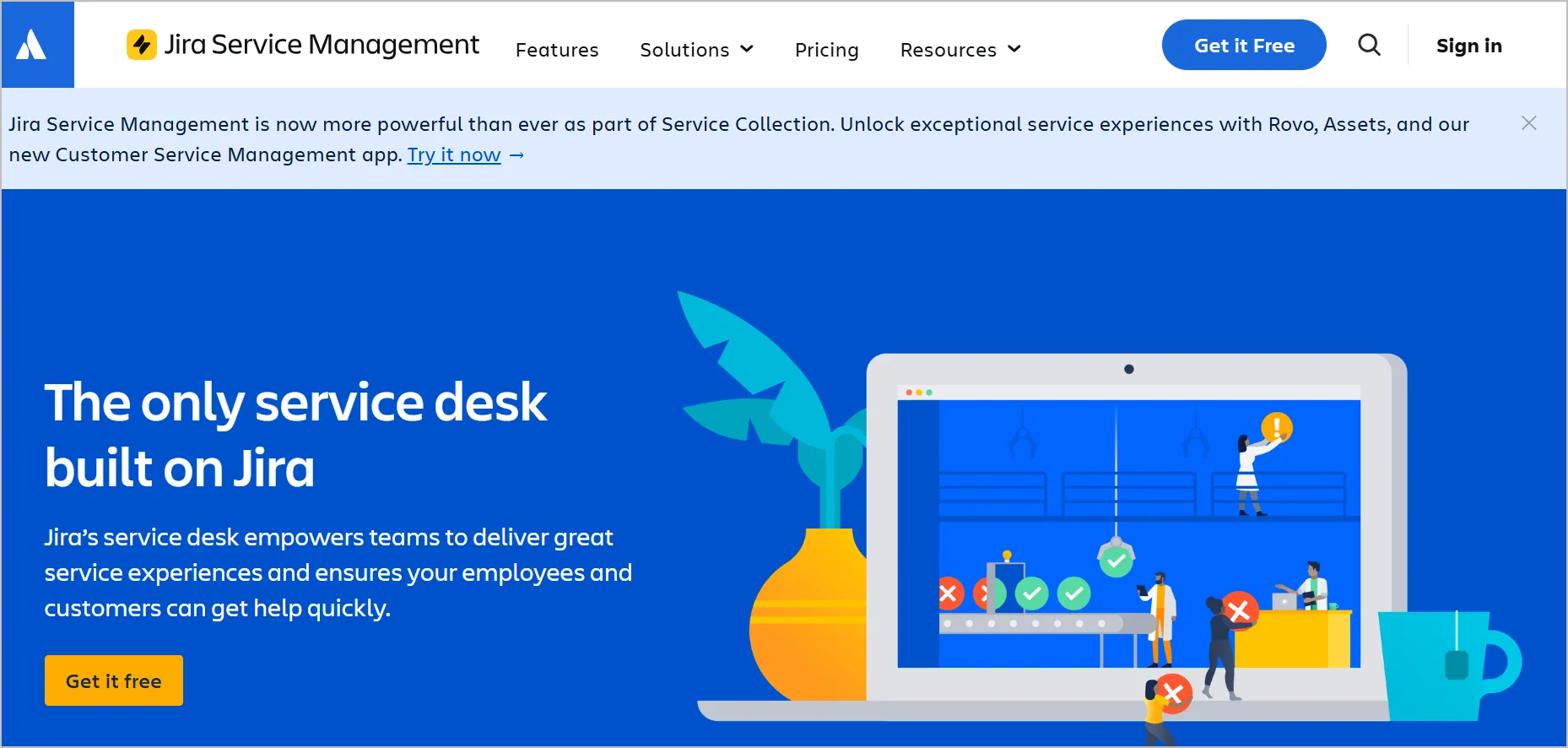
The advantage is a single system between support and development. A service request can become a linked Jira issue without a connector, which removes a real source of friction in software companies.
Main features of Jira Service Management
- Request types, queues, and SLA rules
- Native link between service requests and Jira software issues
- Change, incident, and problem management
- Asset and configuration management
- Atlassian Intelligence for summaries and search
Pros
- Best support-to-engineering handoff of any tool.
- Mature ITSM practices built in.
- Free tier for up to 3 agents.
Cons
- Steeper learning curve and significant administrative overhead for non-technical teams.
- The interface is functional rather than pleasant.
- Built for internal service, not customer-facing support. Customer channels are limited.
Pricing
- Starts at $20/user/month
Free trial: 7 days
10. Salesforce Service Cloud
Best for: Enterprises already standardised on Salesforce.
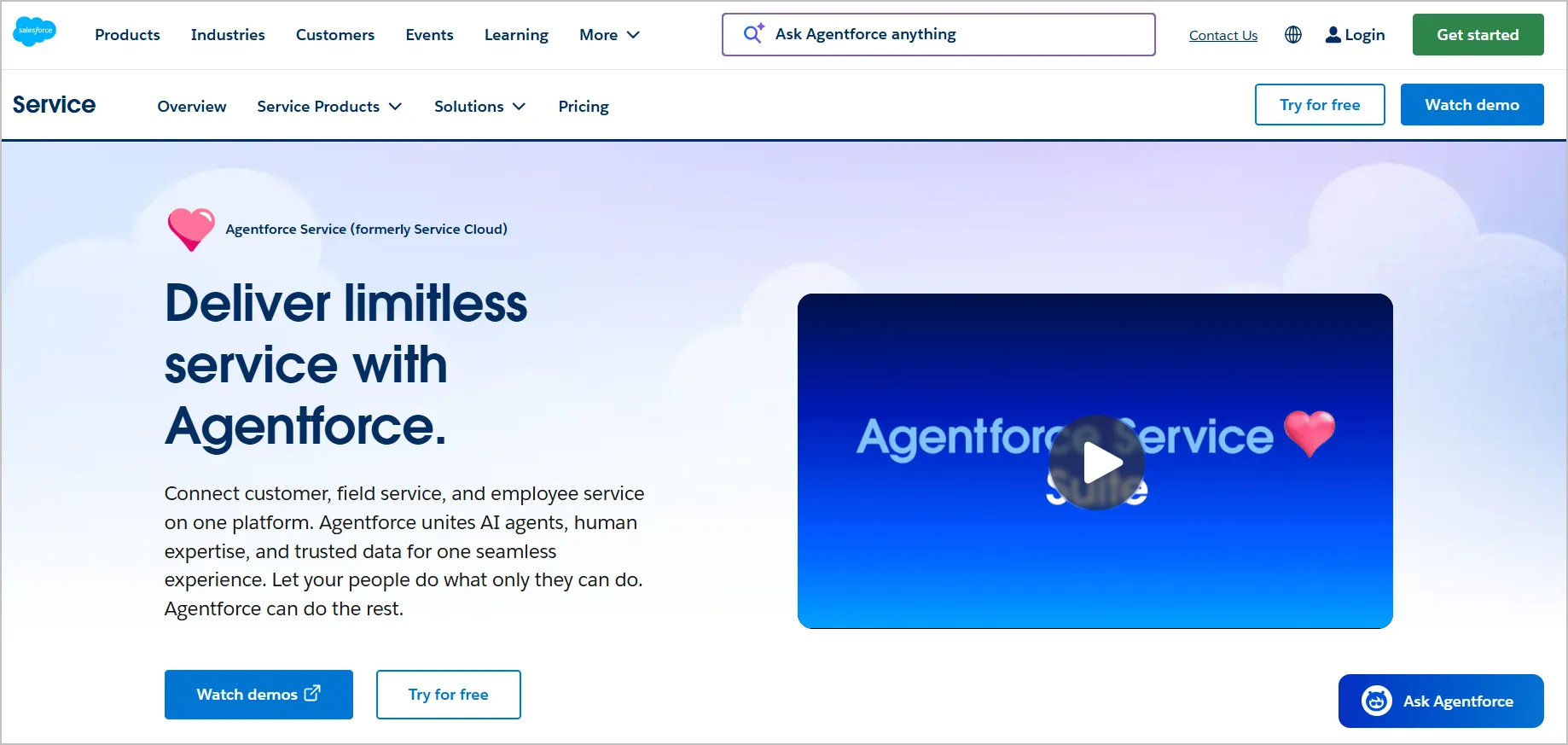
Salesforce Service Cloud is a customer service application provided by Salesforce, which is one of the leading customer relationship management (CRM) platforms.
Service Cloud is designed to empower companies to manage customer communication, providing tools for support agents, customer self-service, and field service operations.
Main features of Salesforce Service Cloud
- Case management on the Salesforce platform
- Agentforce AI agents and Einstein Copilot
- Omnichannel routing, including voice
- Knowledge and self-service communities
- Extensive AppExchange ecosystem
Pros
- Genuinely good at multi-tenant B2B service delivery.
- Flexible enough to model unusual service structures.
- Strong role and permission controls.
Cons
- No autonomous AI agent.
- The entry price is high for small teams.
- Setup requires more configuration than most.
Pricing
- Starts at $25/user/month
Free trial: 30 days
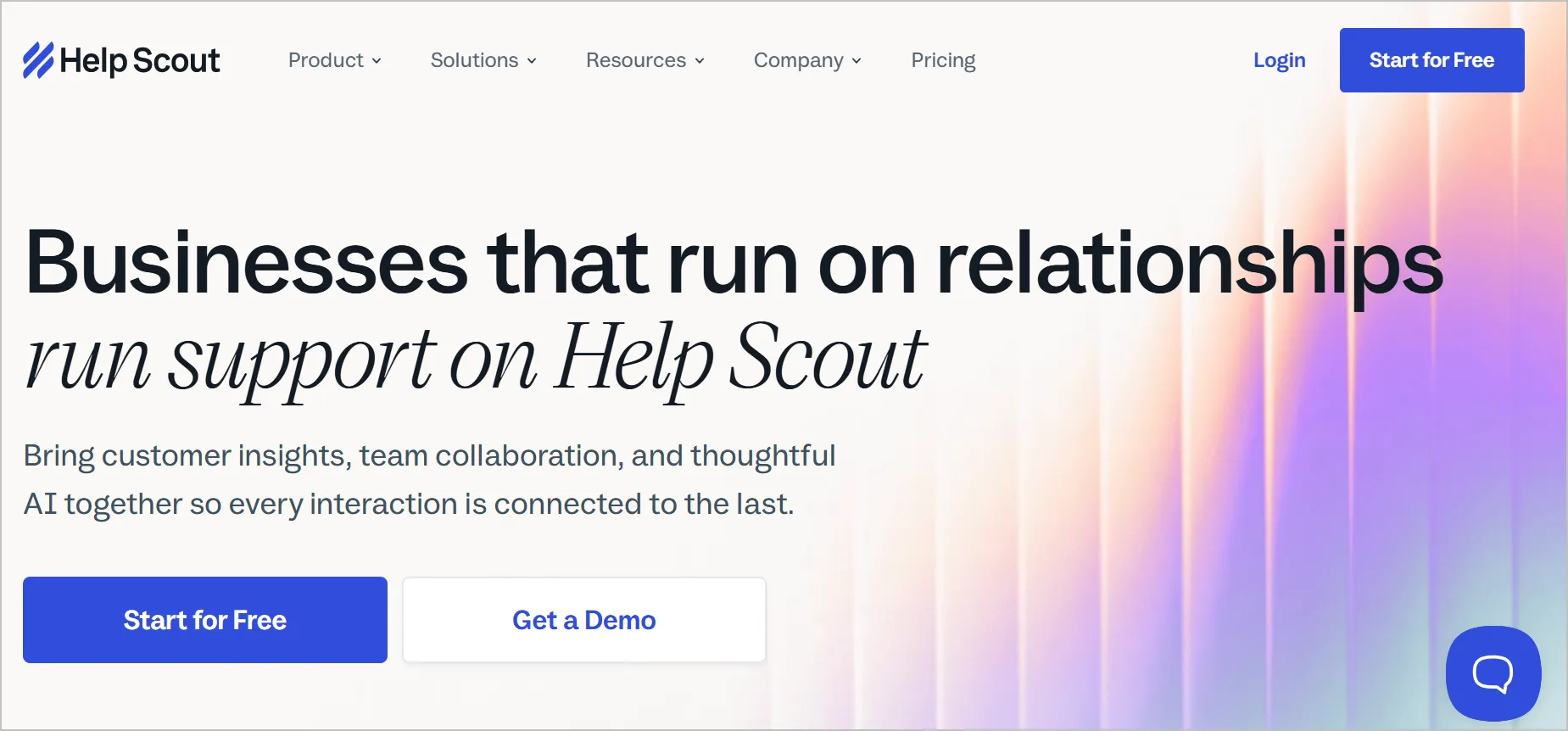
11. Help Scout
Best for: Small to mid-sized teams that want ticketing without it feeling like ticketing.
Help Scout deliberately hides ticket mechanics. Customers get plain email replies, agents get a shared inbox with structure behind it. For a five-person team that values tone, it is often the right answer.
Main features of Help Scout
- Shared inbox with collision detection
- Knowledge base
- Beacon live chat and in-app messaging
- Saved replies and workflows
- Customer profiles and conversation history
Pros
- Very short onboarding time.
- Excellent documentation product.
- Cleanest and most human customer-facing experience.
Cons
- Reporting and workflow automation are less advanced.
- Per-user price is high relative to the feature depth.
- Automation and routing are thinner than the enterprise tools.
Pricing
- Starts at $25/user/month
Free trial: 15 days
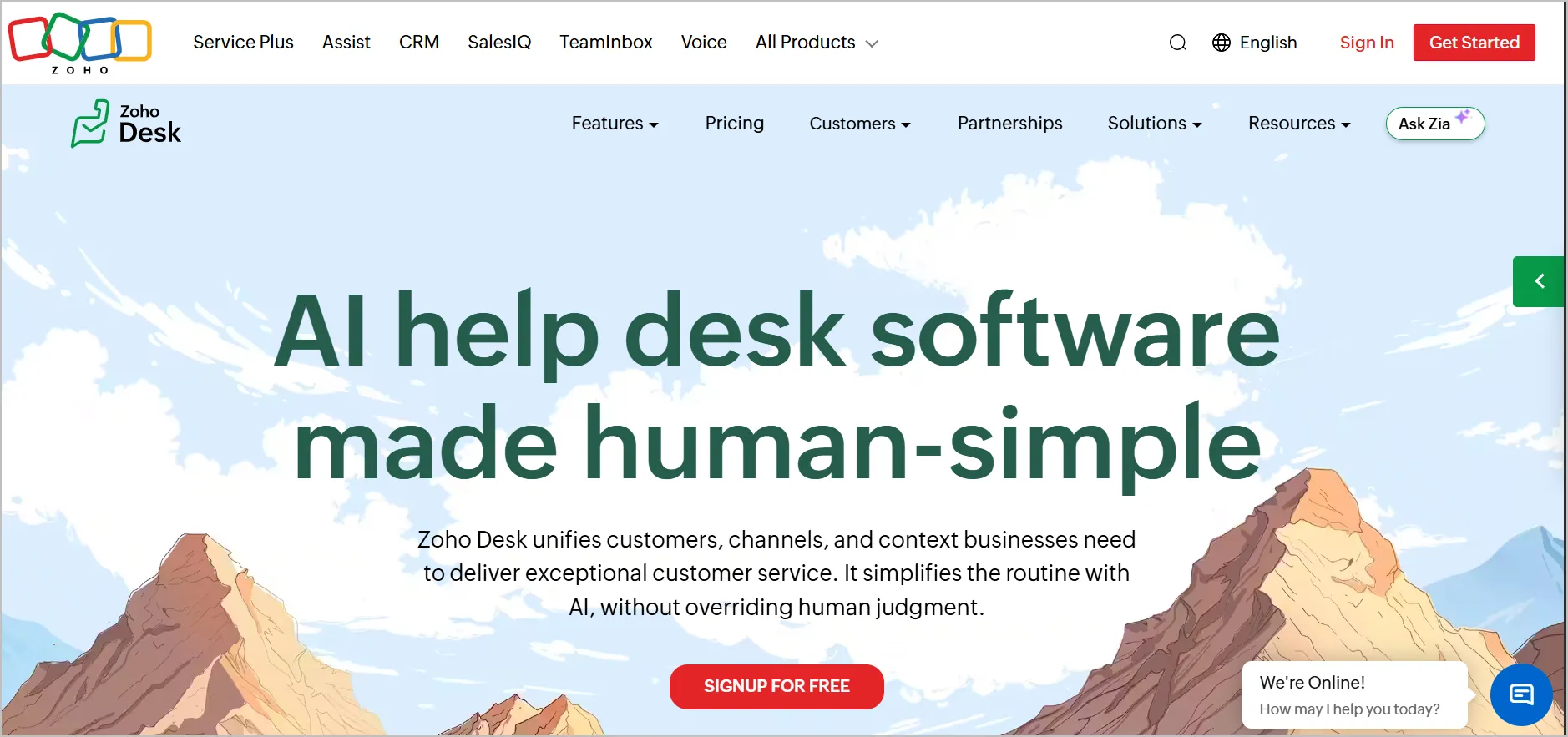
12. Zoho Desk
Best for: Small teams on a tight budget, especially those already using other Zoho apps.
Zoho Desk gives you a surprising amount of platform for the money, including AI features that competitors charge extra for.
The trade-off is interface density and a support experience that reflects the price.
Main features of Zoho Desk
- Multichannel ticketing with a work-mode ticket view
- Zia AI for sentiment, tagging, and reply suggestions
- Self-service help center and community forums
- Blueprint process automation
- Tight integration with Zoho CRM and Zoho One
Pros
- Lowest credible entry price of any full-featured tool here.
- Strong value if you are already in the Zoho ecosystem.
- Free tier available for very small teams.
Cons
- Support responsiveness is a recurring theme in reviews.
- The interface is dense and takes longer to learn.
- Reporting is capable but slower to configure.
Pricing
- Starts at $7/user/month
Free trial: 15 days
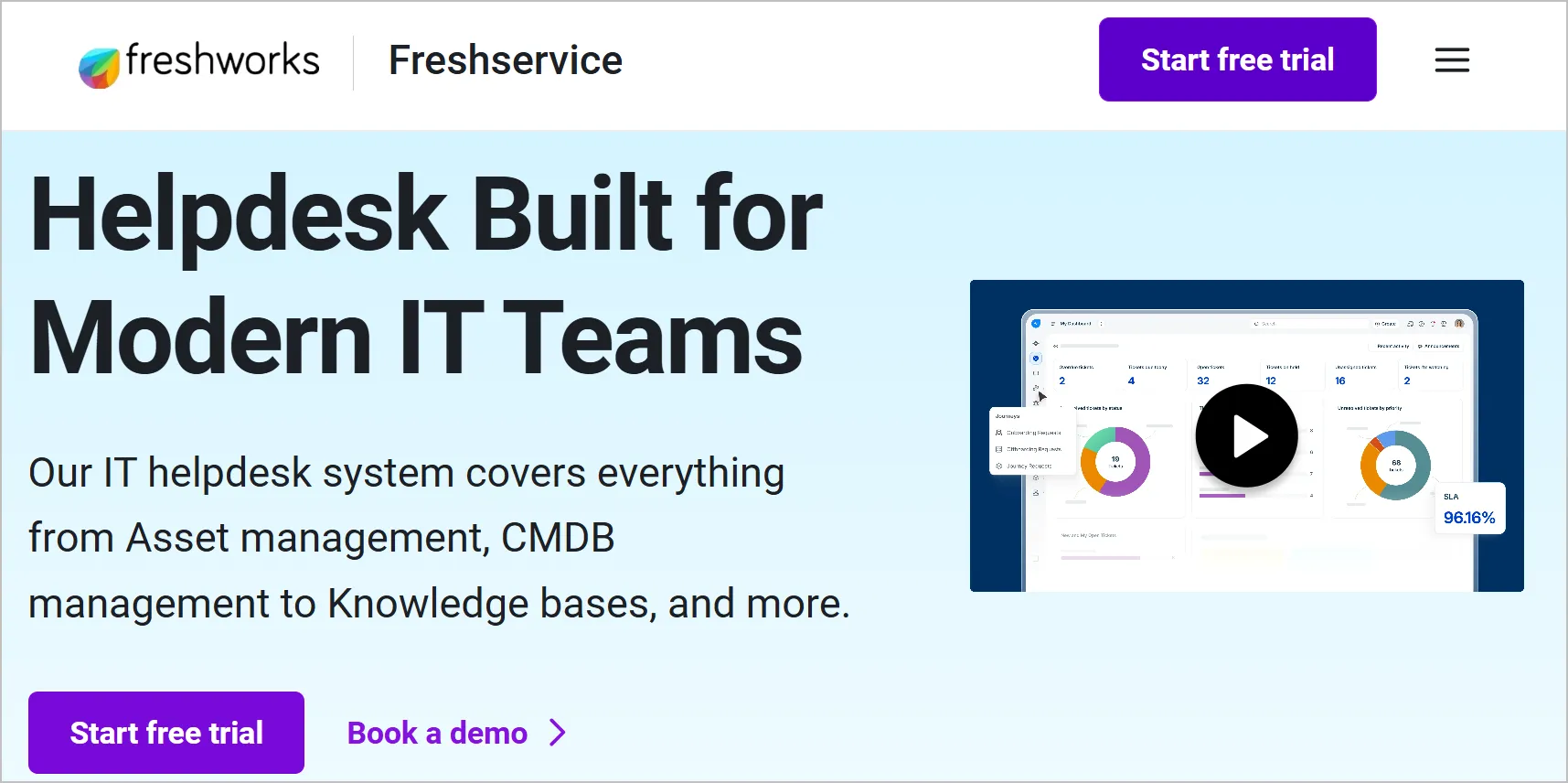
13. Freshdesk
Best for: Growing teams that want to start free and add capability as volume rises.
Freshdesk is the most approachable of the large platforms. Setup is fast, the UI is clean, and the free tier lets a small team run real support before paying anything.
Main features of Freshdesk
- Email, chat, phone, and social ticketing.
- Freddy AI for reply assistance and self-service.
- Knowledge base and customer portal.
- SLA management and automation rules.
- Marketplace apps and open API.
Pros
- Genuinely usable free tier.
- Clean agent interface with a short learning curve.
- Fastest time to a working setup among other vendors.
Cons
- AI, advanced automation, and analytics sit in higher tiers, so cost climbs sharply with capability.
- Reporting depth trails Zendesk.
- Per-agent pricing gets expensive past 25 agents.
Pricing
- Starts at $15/user/month
Free trial: 14 days
Comparing Freshdesk to BoldDesk directly? Our Freshdesk alternative page shows the cost difference at each team size.
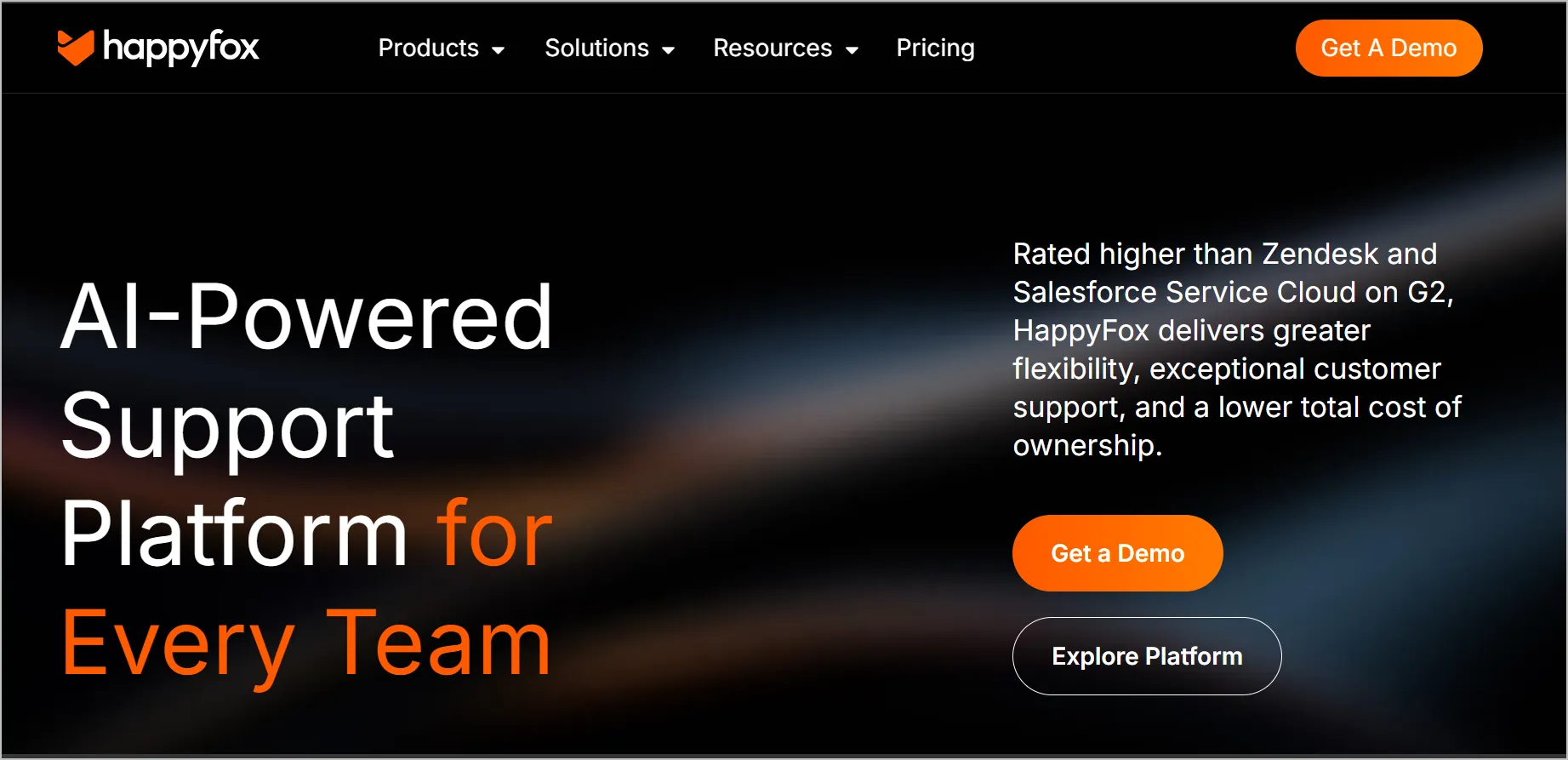
14. HappyFox
Best for: Teams that want an opinionated, clean ticketing UI with less configuration.
HappyFox is a customer support and help desk tool designed to streamline customer support operations and improve service quality.
It serves businesses of all sizes, providing a centralized platform for handling customer inquiries and support tickets across multiple channels.
Main features of HappyFox
- Multichannel ticketing
- Smart rules automation
- Knowledge base and self-service
- SLA management
- Asset management module
Pros
- Fast to configure because it makes decisions for you.
- Solid reporting for the price.
- Cleanest agent interfaces.
Cons
- Higher minimum agent commitments than HappyFox alternatives.
- Fewer integrations than the large platforms.
- No autonomous AI agent, only AI assistance.
Pricing
- Starts at $24/user/month
Free trial: Contact HappyFox
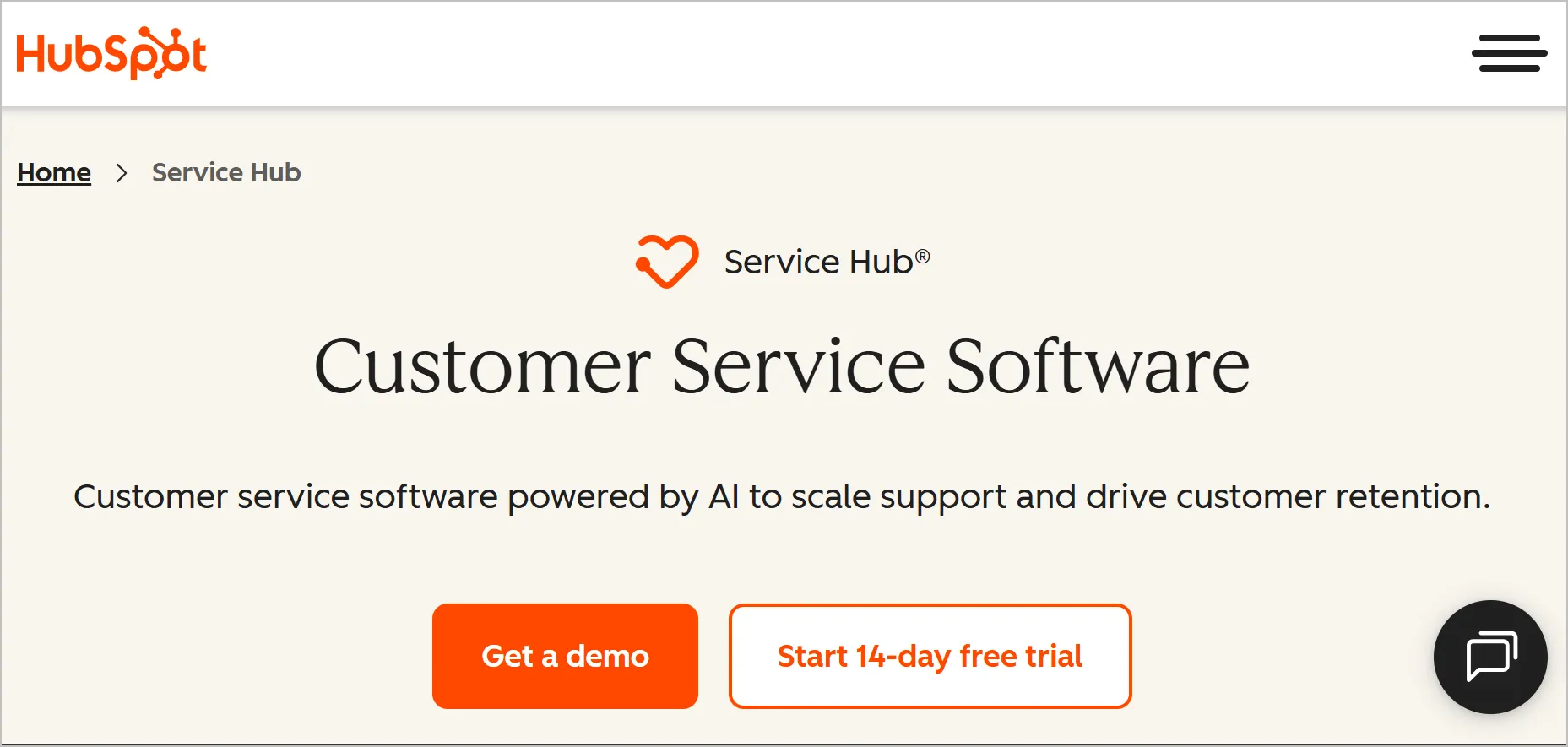
15. HubSpot Service Hub
Best for: Teams already running HubSpot CRM who want support in the same record.
If your sales and marketing data lives in HubSpot, Service Hub removes the integration problem entirely. Outside that context, it is harder to justify.
Main features of HubSpot Service Hub
- Tickets attached to the HubSpot CRM record
- Knowledge base and customer portal
- Live chat and conversational bots
- Feedback surveys, including NPS and CSAT
- Shared inbox
Pros
- Zero-friction alignment with HubSpot sales and marketing data.
- Free tier to start.
- Reporting inherits HubSpot’s dashboard engine.
Cons
- Costs escalate quickly once you add seats and tiers.
- Limited value if you are not already a HubSpot customer.
- Weakest pure ticketing feature set among the paid tools.
Pricing
Starts at $15/user/month
Free trial: 14 days
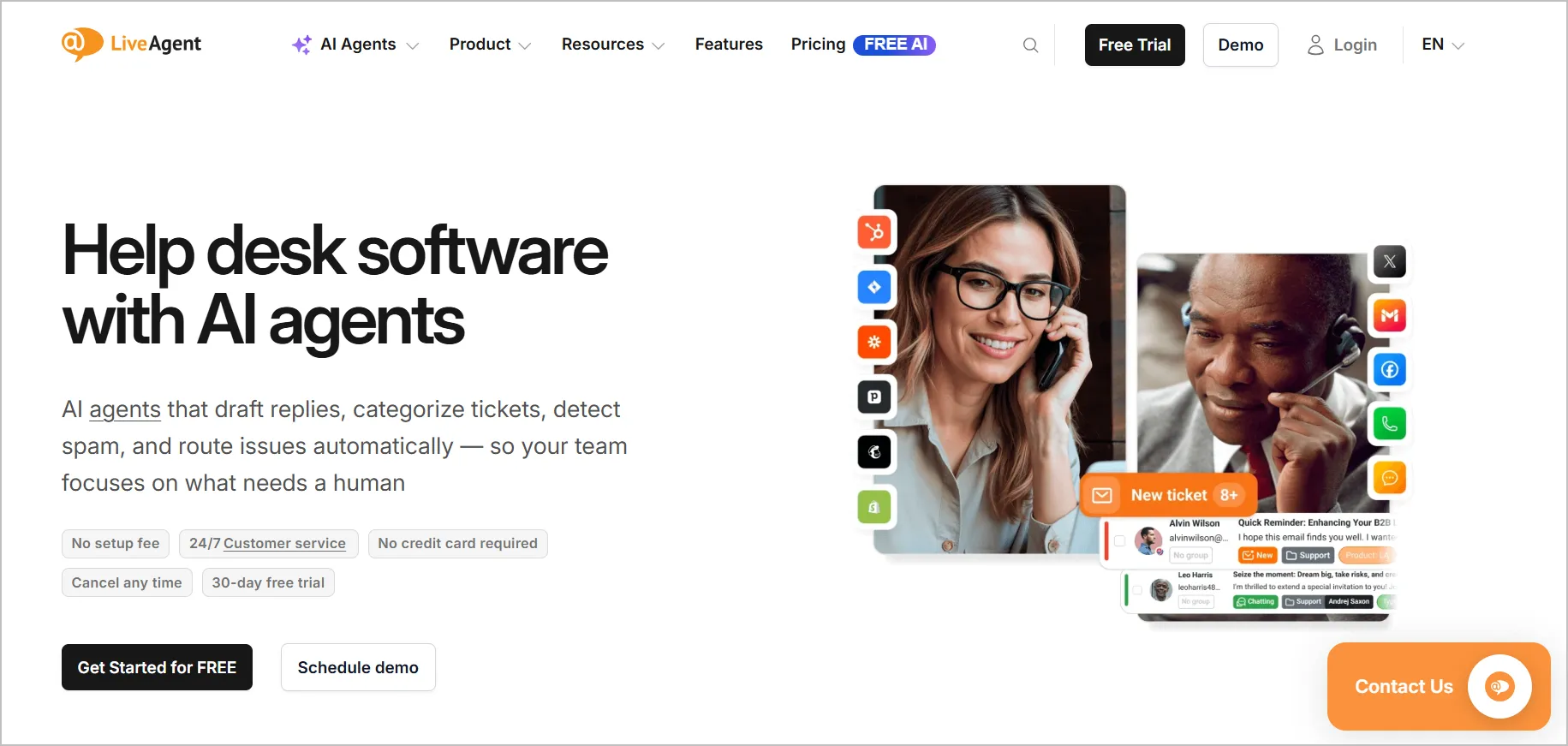
16. LiveAgent
Best for: Teams that need a real built-in call center alongside chat and email.
LiveAgent is a help desk and customer support software designed to help businesses handle customer interactions across multiple channels.
Main features of LiveAgent
- Native call center with IVR and call routing
- Live chat with the fastest chat widget in most published tests
- Universal inbox across email, chat, social, and voice
- Knowledge base and customer portal
- Gamification for agent performance
Pros
- Native voice functionality rather than a third-party integration.
- Low per-user price for the channel coverage.
- Free tier available.
Cons
- No autonomous AI agent.
- The interface is dated.
- Reporting is thin against the larger platforms.
Pricing
- Starts at $9/user/month
Free trial: 14 days with free email or 30 days with company email
If you’re evaluating solutions for an online store, check out our detailed guide on ecommerce help desk before comparing the platforms above.
Full comparison: 16 help desk tools side by side
The table below provides the best help desk software comparison of the leading platforms, helping you compare pricing, reviews, and AI capabilities.
Note: All pricing information in this article was verified in September 2026. Vendors may change pricing, plans, or features without notice. Check the official vendor website for the most up-to-date details.
| Help desk tool | Best for | G2 rating | Capterra rating | Autonomous AI agent | Agent AI Copilot | AI text assist | Free tier |
| BoldDesk | All features, flat price | 4.5/5 | 5.0/5 | Yes | Yes | Yes | No |
| Zendesk | Enterprise integrations | 4.3/5 | 4.4/5 | Yes | Yes | Yes | No |
| SysAid | Mid-market ITSM | 4.5/5 | 4.5/5 | Yes | Yes | Yes | No |
| Vivantio | Multi-client B2B service | 4.3/5 | 4.3/5 | No | Yes | Yes | No |
| Spiceworks Cloud Help Desk | Zero-budget internal IT | 4.3/5 | 4.3/5 | No | No | No | Yes |
| Kustomer | High-volume B2C | 4.4/5 | 4.7/5 | Yes | Yes | Yes | No |
| Gorgias | Ecommerce | 4.6/5 | 4.6/5 | Yes | Yes | Yes | No |
| SolarWinds Service Desk | IT with asset management | 4.3/5 | 4.6/5 | Yes | Yes | Yes | No |
| Jira Service Management | Internal IT next to engineering | 4.3/5 | 4.5/5 | Yes | Yes | Yes | Yes |
| Salesforce Service Cloud | Salesforce enterprises | 4.4/5 | 4.4/5 | Yes | Yes | Yes | No |
| Help Scout | Small teams, simple UX | 4.4/5 | 4.6/5 | Yes | Yes | Yes | No |
| Zoho Desk | Tight budgets | 4.4/5 | 4.5/5 | Yes | Yes | Yes | Yes |
| Freshdesk | Growing teams | 4.4/5 | 4.5/5 | Yes | Yes | Yes | Yes |
| HappyFox | Clean opinionated UI | 4.5/5 | 4.6/5 | No | Yes | Yes | No |
| HubSpot Service Hub | HubSpot CRM users | 4.4/5 | 4.4/5 | Yes | Yes | Yes | Yes |
| LiveAgent | Built-in call centre | 4.5/5 | 4.7/5 | No | Yes | Yes | Yes |
While many help desk platforms offer advanced features, not every business requires a paid solution from day one. Startups, nonprofits, and small businesses can explore our roundup of the best free help desk software to find cost-effective alternatives that still deliver excellent customer support capabilities.
How to choose the right help desk tool
Before choosing a help desk platform, assess how well it aligns with your team’s size, budget, support channels, and future growth plans. The following considerations can help you make a more informed decision.
- Price it at your real team size, not per agent: Take the vendor’s price, add AI, add advanced reporting, add the tier that unlocks SSO, then multiply by your headcount in twelve months. Several tools in this list triple between the headline number and a working configuration.
- Separate the three kinds of AI: An autonomous AI agent resolves a ticket without a human. A copilot drafts for an agent. AI assist rewrites text. Vendors sell all three as “AI”. Ask which one is included in your tier and how it is metered.
- Check whether your channels are native: WhatsApp, voice, and social are add-ons on several platforms. A native channel is one you can turn on today without a third-party connector.
- Ask how you would leave: Confirm you can export ticket history, custom fields, and knowledge base articles. If the answer is vague, that is your answer.
- Test setup effort with a real ticket: In the trial, get one email routed to the right agent with an SLA attached. If that takes more than an afternoon without help, budget for implementation.
For the operational side of this decision, see our guides on help desk workflow and help desk migration.
Help desk, service desk, and ticketing system: What’s the difference
While these terms are often used interchangeably, they serve different purposes. Understanding the distinction can help you choose the right help desk software for your organization’s needs.
- Help desk: Focuses on resolving individual support requests, typically from customers. It’s designed for issue resolution, troubleshooting, and answering questions.
- Service desk: Takes a broader approach by managing services rather than just requests. It typically includes ITIL practices such as incident, change, and problem management, making it a common choice for internal IT teams.
- Ticketing system: The underlying system that tracks, organizes, and manages support requests. It can serve as the foundation of both help desk and service desk software.
For a deeper comparison, see our guide on help desk vs service desk.
Types of help desk tools
Help desk software comes in several deployment and usage models, each designed to meet different operational, security, and scalability requirements. They include:
- Cloud: Vendor-hosted, fastest to deploy, and the most common choice for modern support teams.
- On-premise: Self-hosted and suited for organizations with strict data residency, security, or regulatory requirements.
- Open source: No licensing fees, but often requires significant technical resources for deployment, customization, and maintenance.
- Enterprise: Built for large organizations that need multi-brand support, multi-region operations, advanced governance, and extensive customization.
If you’re supporting a smaller team, our guide to help desk software for small businesses highlights tools that balance affordability and functionality.
Choosing the best help desk software for your team
The best help desk software depends on your team’s size, support channels, budget, and operational requirements.
While some platforms focus on affordability and ease of use, others are built for complex enterprise environments, ecommerce support, or IT service management.
Before making a decision, evaluate each platform based on your expected team growth, preferred support channels, AI requirements, implementation effort, and long-term costs.
If you’re exploring help desk solutions that combine AI capabilities, omnichannel customer service, automation, and team-based pricing, BoldDesk is one option worth considering.
You can explore its features further with a 15-day free trial.
Did we miss a help desk platform you think deserves a place on this list? Share your recommendations and experiences in the comments below.
Related articles
- 11 Best SaaS Help Desk Software to Simplify Your Customer Support
- 20 Best Customer Service Software for Businesses in 2026
- 15 Best Email Ticketing Systems for 2026 (Compared)
FAQs
There is no single best help desk software for every organization. BoldDesk is a strong fit for teams that want all features at one flat price.
Zendesk suits large enterprises with complex integration requirements. Zoho Desk offers strong value for budget-conscious teams, Gorgias is ideal for ecommerce support, and Jira Service Management is a popular choice for internal IT teams.
List prices in this comparison run from free to $99 per user per month. A realistic mid-market budget is $15 to $50 per agent per month once AI and reporting are included.
Flat team-size pricing, like BoldDesk’s $99/month for 5 agents billed yearly, removes the per-seat escalation.
Spiceworks Cloud Help Desk is free with no agent cap, but is ad-supported and has no AI. Freshdesk, Zoho Desk, HubSpot Service Hub, LiveAgent, and Jira Service Management all offer free tiers with feature or seat limits.
Only some tools ship an autonomous AI agent that resolves tickets without a human.
In this comparison, BoldDesk, Zendesk, Salesforce, Kustomer, Gorgias, Zoho Desk, Freshdesk, HubSpot, Jira Service Management, SolarWinds, Help Scout, and SysAid do. Vivantio, HappyFox, LiveAgent, and Spiceworks do not.
Look for omnichannel ticketing, rule-based routing, SLA management, a knowledge base, workflow automation, reporting, and an AI layer you understand the metering of.
Anything beyond that list should be justified by a specific process you already run.
A small team can get a first routed ticket live in an afternoon on Help Scout, Freshdesk, HappyFox, or BoldDesk. Zendesk, Salesforce Service Cloud, Kustomer, and Jira Service Management usually need weeks and often a partner.
Yes, in most cases. Tickets, contacts, custom fields, and knowledge base articles are all normally portable. Confirm history depth and attachment handling before signing.
BoldDesk runs the migration for you and covers your remaining Zendesk or Freshdesk contract.