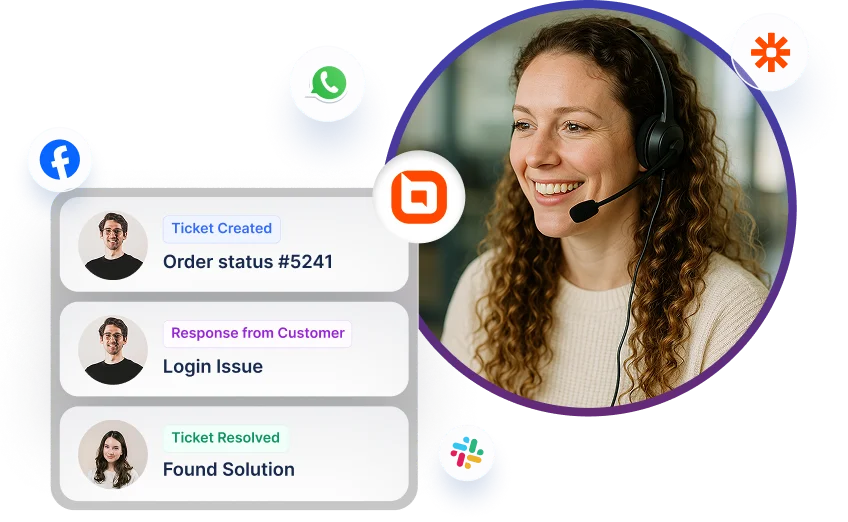
BoldDesk® + Calendly Integration
Enable customers to schedule Calendly meetings through BoldDesk’s live chat widget.

Why you should integrate Calendly
-
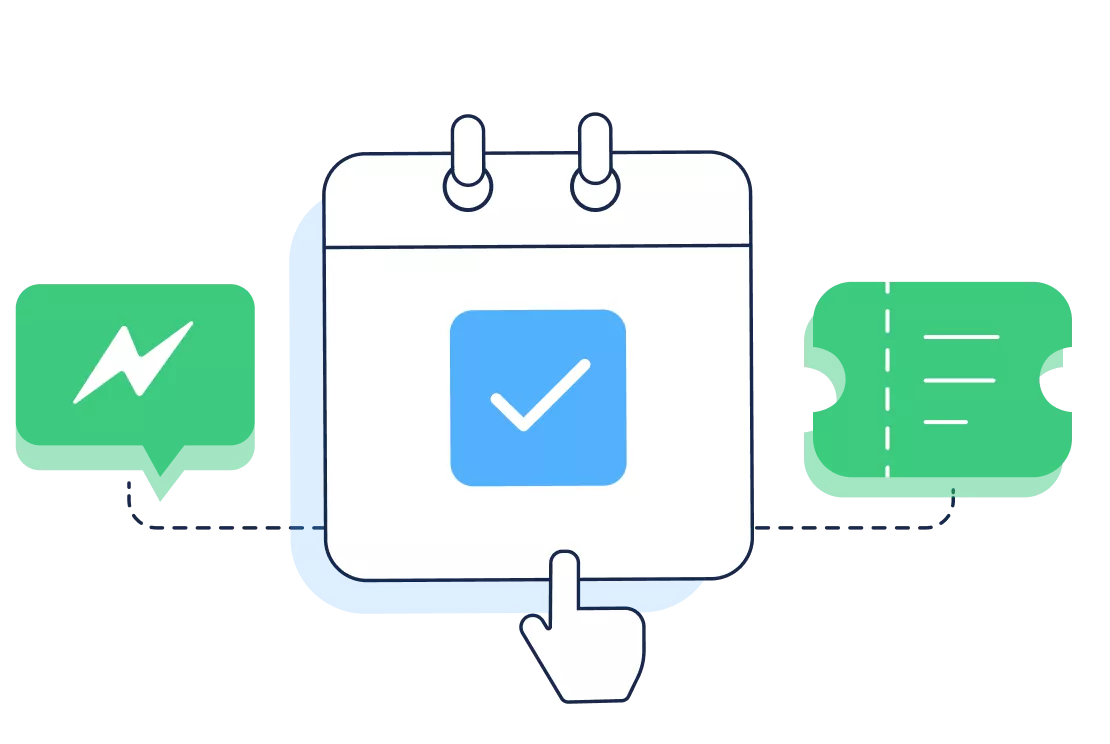
Let customers book meetings during a live chat conversation.
-
Eliminates manual back-and-forth to find available time slots.
-
Automatically creates a BoldDesk ticket with complete meeting details.
-
Keeps agents organized and improves overall response and resolution times.
Schedule meetings from live chat
-
A configured chat workflow sends the Calendly scheduling option to the customer during a live chat.
-
Customers select a time slot directly through Calendly based on your availability.
-
BoldDesk creates a ticket automatically and includes all meeting details such as date, time, participants, requester, assignee, and the meeting link.

Track meeting changes easily
-
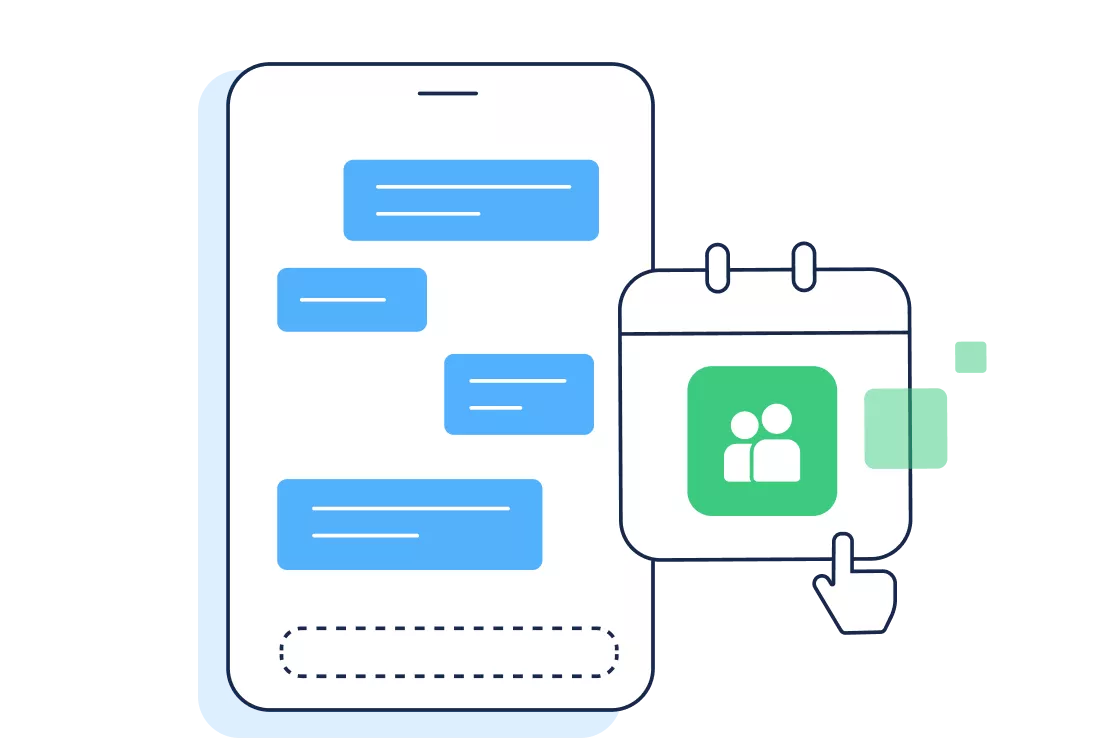
Rescheduled meetings are added as notes in the same ticket.
-
Cancelled meetings automatically close the ticket with a clear cancellation note.
-
All updates stay organized in the ticket timeline for quick reference.
For more information on how to get started with the Calendly integration
Test out all the features of BoldDesk
Start your 15-day free trial with instant access
-
No credit card required
-
Easy setup
-
80% AI Agent Automation
-
100+ Rich Features
-
No credit card required
-
Easy setup
-
80% AI Agent Automation
-
100+ Rich Features