

 In this page
  In this page

TL;DR: An HR help desk centralizes employee inquiries, automates repetitive HR tasks, and ensures faster, more organized support. It improves onboarding, offboarding, recruitment, performance management, and access to HR documents. By centralizing requests and using automated ticketing, HR teams boost efficiency, accuracy, and overall employee experience.
Managing HR operations becomes increasingly complex as organizations scale. With growing teams, rising request volumes, and higher expectations for fast, transparent support, manual processes can quickly overwhelm HR staff.
Emails and spreadsheets make it difficult to track issues, prioritize tasks, or ensure nothing slips through the cracks, leading to delays, frustrated employees, and burnout within HR teams.
An HR help desk centralizes all employee inquiries, automates repetitive tasks, and gives HR teams real-time visibility into workloads and service trends. This not only reduces manual effort but also helps HR deliver faster, more consistent support across the organization.
In this blog, we’ll explore what an HR help desk is, the benefits it brings to HR teams, and the key features to look for when choosing the right solution for your organization.
What is an HR help desk?
An HR help desk is a support system that allows HR departments to manage employee inquiries, requests, and concerns related to human resources in an organized way.
This tool acts as a platform for guidance on certain topics to improve HR service efficiency, including:
- Employee benefits
- HR policies
- Onboarding and offboarding
- Paid time off
- Holidays and leave days
- Performance reviews
Employees can access support through multiple channels, including mobile, email, live chat, and HR portals.
It uses a ticketing system that automatically directs HR requests to the most appropriate HR staff member.
HR help desk software use cases
Businesses use HR help desks in multiple ways, including:
Recruitment of employees
HR help desks automate manual actions like managing job applications and responding to queries about the recruitment process. This reduces the time spent on repetitive recruitment processes, creating more time to handle other complex issues.
Onboarding and offboarding process
Departments use HR help desk software to assign tasks to teams, ensure new hires receive the necessary equipment, and streamline the onboarding process.
Similarly, workers who intend to leave can access the clearance procedures and retirement benefits from the HR help desk.
Accessing documents anytime online
HR help desks give employees a single online hub where they can instantly access benefits information, forms, and essential HR documents from any connected device.
This self‑service access reduces routine inquiries and frees HR teams to focus on higher‑value tasks.
Performance management
With an HR ticketing system and automation, complex processes become faster and more consistent.
Employees can view evaluation guidelines, promotion criteria, and current performance status in one place.
Moreover, human resource personnel can use the HR issue tracking software to monitor employee concerns, streamline workflows, and ensure timely resolutions.
Leave management
HR help desks provide employees with a centralized platform to request, track, and manage their leave requests seamlessly.
The help desk for HR professionals:
- Enables businesses to automate the leave approval process
- Allows employees to view their leave days, submit requests for various types of leave such as sick, vacation, or personal, and track the status of their applications.
Payroll support
An HR help desk offers employees a channel to access payroll information, such as pay slips, tax forms, or pay history.
Through the help desk, employees can easily report inconsistencies, ask questions about their salary, deductions, tax calculations, or benefits, and receive timely responses.
Policy clarification
HR help desk software serves as a centralized point for employees to easily access and inquire about company policies.
The system can offer self-service tools like searchable policy manuals, FAQs, and knowledge bases, streamlining policy communication.
Why do businesses need a human resource help desk?
Implementing a help desk for HR professionals benefits HR teams and employees by streamlining support and improving overall service quality.

Boosts productivity
An effective HR help desk automates repetitive tasks, suggests responses, and centralizes information, enabling HR teams to provide timely and consistent responses.
Additionally, self-service in modern help desks for HR professionals minimizes the time workers spend waiting for HR support.
Supports growth
HR help desk software provides scalable solutions that adapt to the increasing complexity of managing a growing workforce.
As businesses grow, the software can handle a high volume of employee requests, automate processes, and streamline HR tasks without the need to hire more HR staff.
Saves costs
Streamlining and automating many HR processes reduces the need for a large HR team to handle repetitive tasks.
A human resource help desk boosts efficiency and reduces errors, helping organizations deliver high‑quality HR services at lower operational costs.
Helps in making data-driven decisions
HR help desk software offers reporting and analytics dashboards that give insights into:
- Workforce analytics
- Employee retention
- Human capital management
- Support team performance
This data is used by the company to make informed adjustments about resource allocation, training needs, and process adjustments to meet evolving business needs.
Ensures employee satisfaction
HR help desks centralize common queries for faster resolution. Real‑time support, access to welfare information, and resources like mental health materials and training content help employees feel supported, valued, and empowered.
Enhances regulatory compliance
An HR help desk offers a structured platform for managing and communicating company policies.
Automated reminders keep employees updated on policy changes and mandatory trainings, reducing compliance risks and fostering a culture of transparency and accountability.
Improves data security
HR help desk software protects employee data by implementing the following measures:
- Robust encryption protocols to protect sensitive data at rest and in transit.
- Two-factor or multi-factor authentication (2FA/MFA), to make it more difficult for unauthorized individuals to access it.
- Role‑based access controls (RBAC) ensure only authorized personnel can view, manage, or modify specific types of data.
What to look for in a help desk for HR professionals
Selecting the correct help desk for HR professionals can have an influence on how you manage your employee support operations.
HR help desk software usually comprises several features that boost the efficiency and effectiveness of the HR department. They include:

Ticketing system
Look for a platform that automatically converts incoming employee issues into tickets, categorizes, prioritizes, and routes them to the right HR representative for resolution.
This system should also allow HR teams to design custom ticket forms tailored to the department’s processes, like onboarding, benefits enrollment, and performance reviews.
Omnichannel support
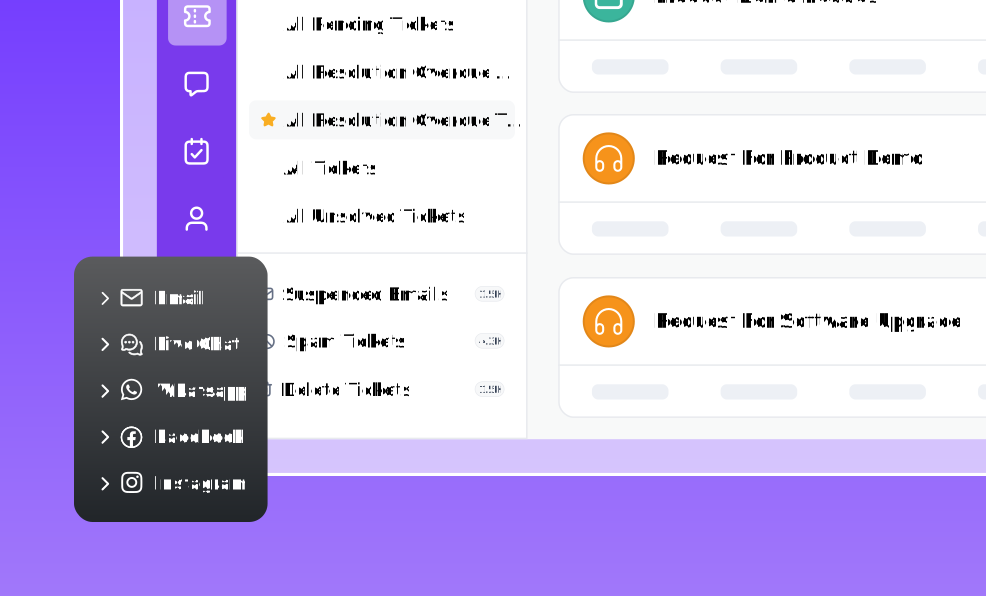
A strong HR help desk should include omnichannel support that consolidates inquiries from multiple communication channels like email, Slack, Microsoft Teams, and employee portals into one unified inbox.
Ensure the system can track requests consistently across these channels and allow HR representatives to switch between them without losing context, creating a seamless experience for both employees and HR teams.
Artificial intelligence and automation
Look for AI and automation features that streamline HR operations by:
- Automating repetitive tasks like updating employee leave days
- Routing tickets to the most appropriate HR team member
- Helping draft HR emails and ticket responses
- Analyzing employee satisfaction sentiments and behavior
- Offering support in multiple languages
These capabilities reduce HR workload, deliver faster and more precise support, and ensure consistent service quality that adheres to SLAs.
Employee self-service portal
A strong self‑service portal should provide a centralized location where employees can access HR policies, standard operating procedures (SOPs), benefits information, and essential forms without needing direct assistance.
The portal should include a well‑structured knowledge base with version control and an AI‑powered search engine that makes it easy for employees to find accurate information simply by typing keywords or phrases.
Integration capabilities
When considering integration capabilities, look for a help desk that connects smoothly with your existing HRIS, payroll systems, collaboration platforms, and other tools your HR team uses regularly.
An HR help desk should be able to connect with other productivity tools you use daily, such as CRM systems and social media apps, to:
- Provide a unified platform that streamlines processes
- Improve the HR team’s efficiency
- Reduce data silos
For example, the system can be connected to payroll platforms to enable employees to access their payrolls and inquire about deductions.
Robust reporting and analytics tools
A reliable HR help desk should include reporting and analytics features that provide visibility into service metrics such as SLA performance, response times, HR request trends, and team workload.
Look for tools that offer customizable dashboards, filtering options for deeper analysis, and the ability to track customer service KPIs like first‑contact resolution or escalation patterns, ensuring alignment with organizational goals.
Advanced security for enterprises
Given the sensitivity of HR data, ensure the help desk provides strong security measures, including role‑based access controls, detailed audit trails, and encryption for data both at rest and in transit.
The system should comply with major security standards and offer features for disaster recovery and business continuity, ensuring data protection even in cases of unexpected outages or cyber incidents.
Top 5 HR help desks for companies in 2026
For any company to succeed, it must employ the right HR help desk in the market to provide the best employee service.
We selected the tools below based on their HR‑focused features, scalability, automation capabilities, data security, and proven effectiveness in supporting HR workflows across organizations.
Here is a list of the top help desks for HR professionals:
BoldDesk
Best for HR teams prioritizing automation, self-service, and scalable HR operations management.
BoldDesk is the best choice for organizations seeking to enhance internal support and effectively address employee concerns.
It offers an extensive set of tools to help you manage your hiring, onboarding, payroll, time-off, employee data, and HR workflows in one place.
BoldDesk is an HR help desk solution that helps HR teams efficiently manage and resolve employees’ issues.
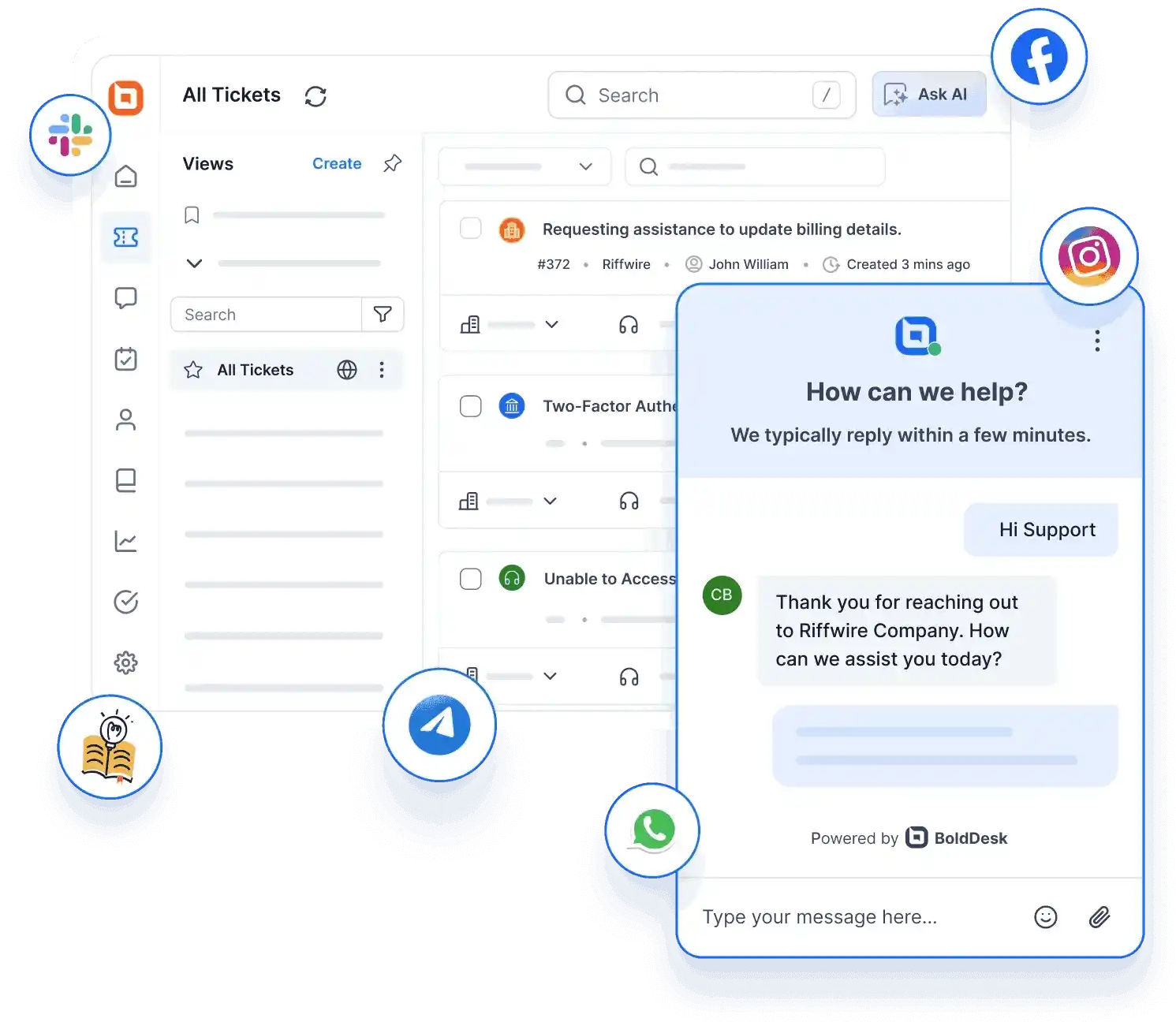
BoldDesk can help you improve the productivity of your HR department with the following features:
- A ticketing system that organizes, categorizes, prioritizes, and routes tickets to the most appropriate agent for easy tracking and resolution.
- Knowledge base software for creating, sharing, and storing HR policies, procedures, and relevant organizational information.
- Omnichannel customer service allows your team to manage all incoming requests from different communication channels from one unified inbox.
- AI Copilot complements your agents’ efforts, streamlines workflows, and automates repetitive processes and notifications.
- AI Agent effectively handles employee inquiries without human intervention, reducing manual workload for the HR team.
- Integration options to ensure you connect the HR help desk with other productivity tools and improve efficiency.
- Customization capabilities that let you tailor the look and feel of the help desk to match your brand.
- A multilingual help desk that empowers global organizations to manage their workforce seamlessly across different regions, regardless of language barriers.
- Reporting and analytics tools give insights into the system’s effectiveness and employee satisfaction.
- Security tools to ensure that sensitive employee and company data is protected through secure storage mechanisms.
Pricing
BoldDesk offers transparent, scalable pricing grouped by team size, giving businesses a simple way to grow their support operations.
Every plan includes all features from day one; no hidden costs, no feature restrictions, and no expensive upgrades.
| No. of agents | Monthly price (USD) | Free AI credits/month |
| 5 | $99 | 500 |
| 10 | $199 | 1,000 |
| 25 | $349 | 1,500 |
| 50 | $499 | 2,000 |
| 75 | $749 | 2,500 |
| 100 | $999 | 3,000 |
For a complete breakdown of pricing tiers and all available capabilities, explore the full BoldDesk pricing details on our pricing page.
BoldDesk AI add‑ons
BoldDesk offers AI‑powered add‑ons that help teams work smarter, streamline workflows, and improve ticket resolution efficiency.
- AI Agent: Automate ticket handling across support channels for $20 per 1,000 AI credits.
- AI Copilot: Equip agents with real‑time AI assistance for $20 per agent/month to speed up responses and reduce workload.
These add‑ons offer flexible, cost‑effective enhancements to boost overall support productivity.
Need more agents? We’ll help you find the right solution for your needs — chat with our experts now!
Deskpro
Best for HR teams requiring customizable workflows and multi-channel support.
Deskpro is an HR help desk that empowers the HR team to manage employee service interactions by offering support tools and self-service options.
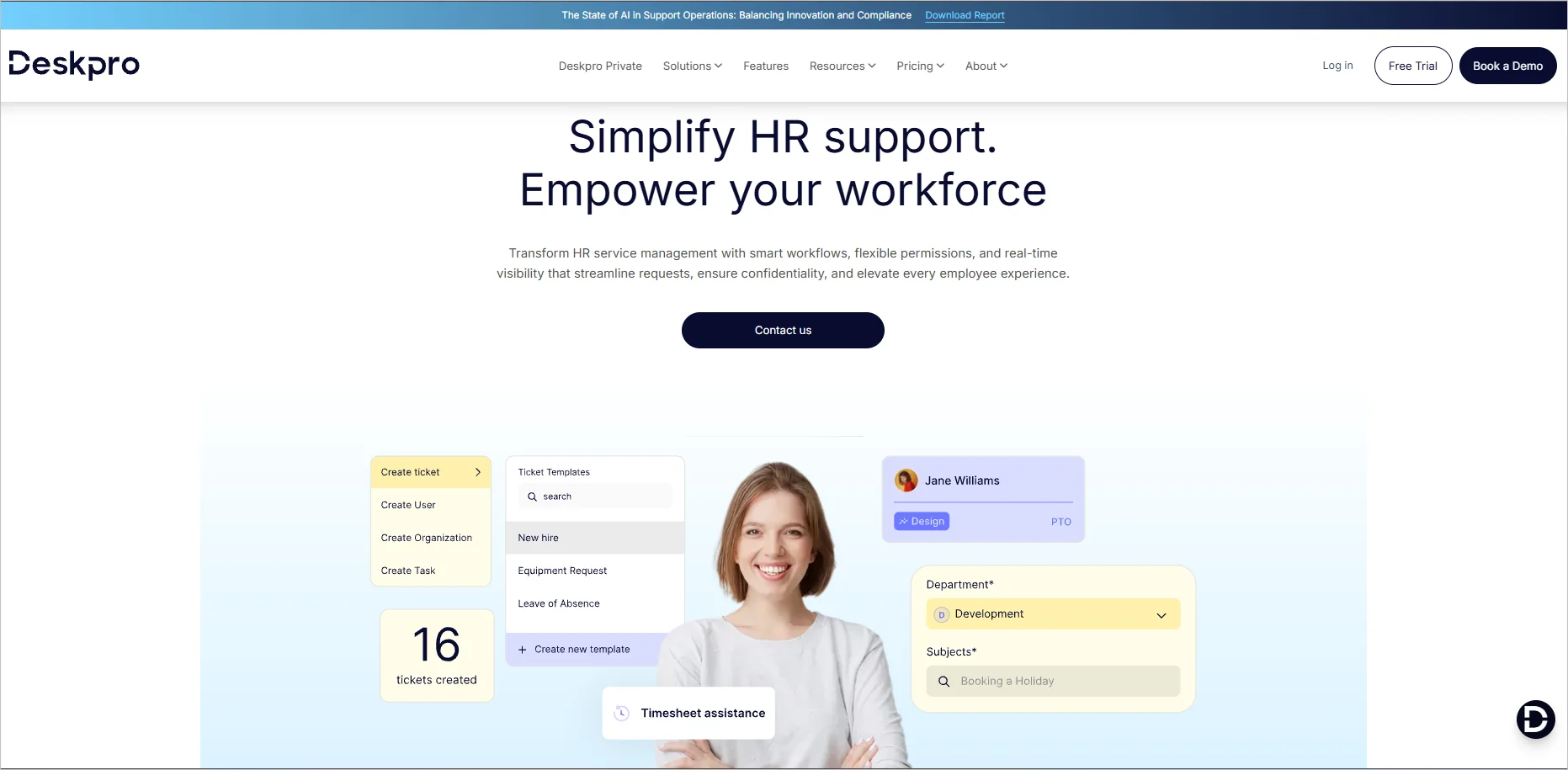
Features
- Automation
- Integration
- Deskpro AI
- Knowledge base
Pricing
Starts at $39/agent/month
Free trial: 14 days
Jira Service Management
Best for HR operations and employee lifecycle management.
Jira Service Management is an HR help desk software that provides support and manages requests from employees.
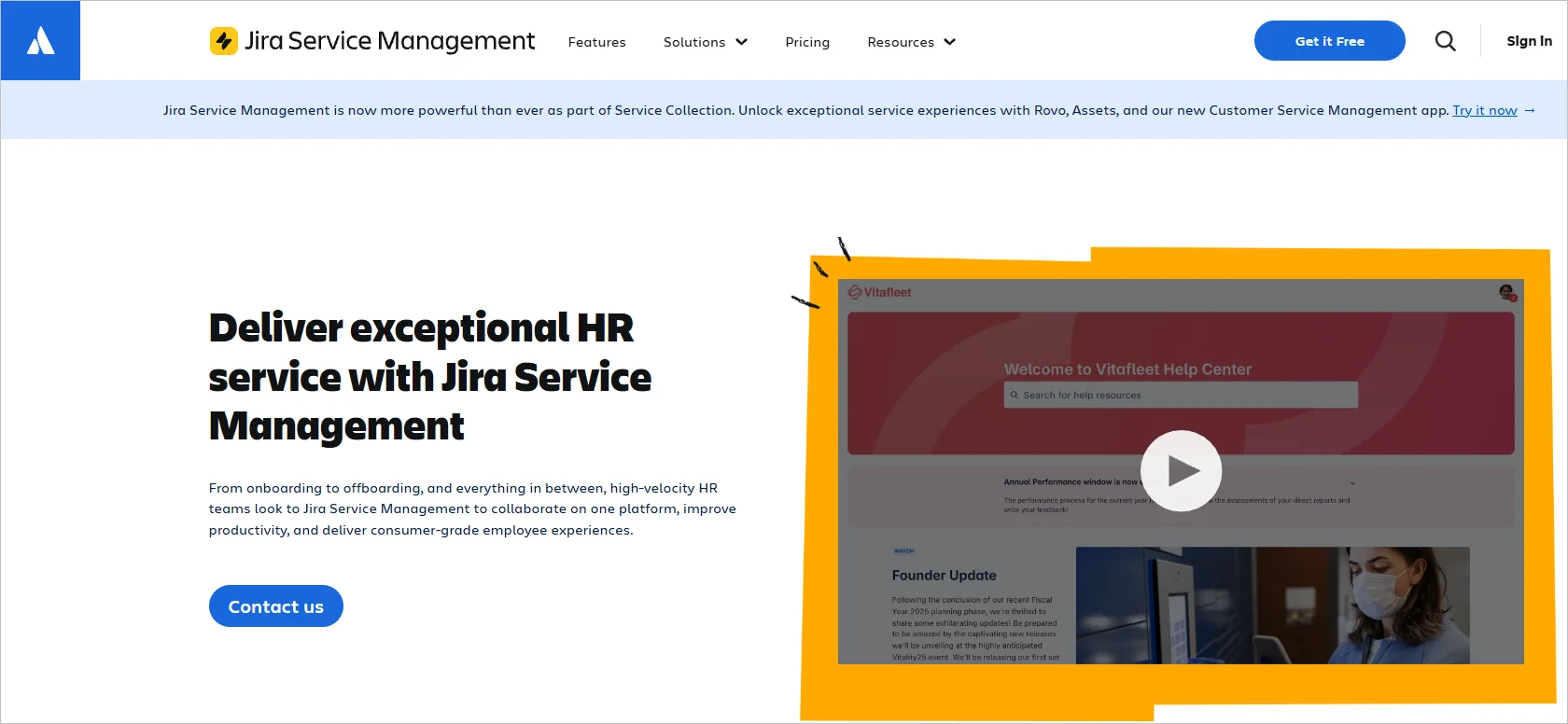
Features
- Artificial intelligence
- Knowledge base
- Incident management
- Reporting and analytics
Pricing
Starts at $20/agent/month
Free trial: 7 days
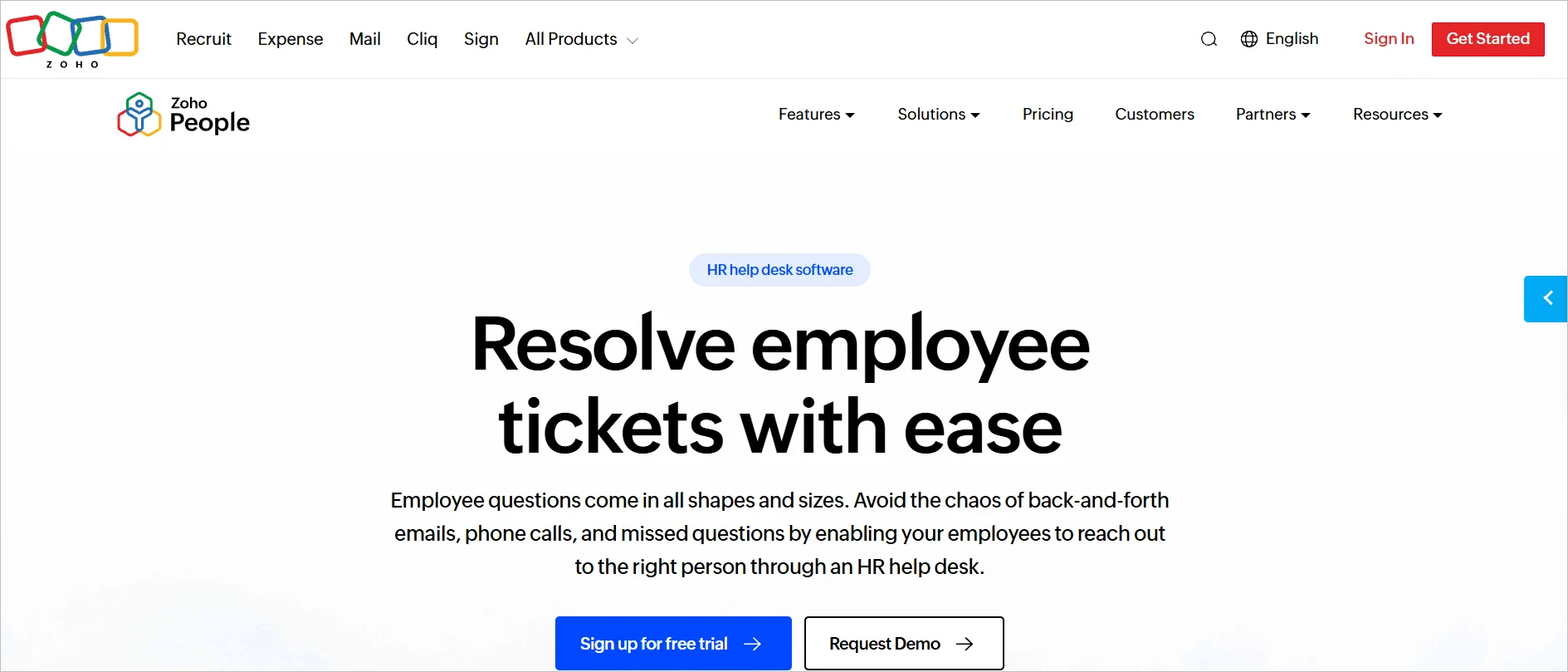
Zoho Desk
Best for HR teams requiring automation and cross-department collaboration.
Zoho Desk is a help desk for HR professionals that helps teams deal with employee issues received via various communication channels.
Features
- Automation
- Knowledge base
- Ticketing
- SLAs
Pricing
Starts at $1/agent/month
Free trial: 30 days
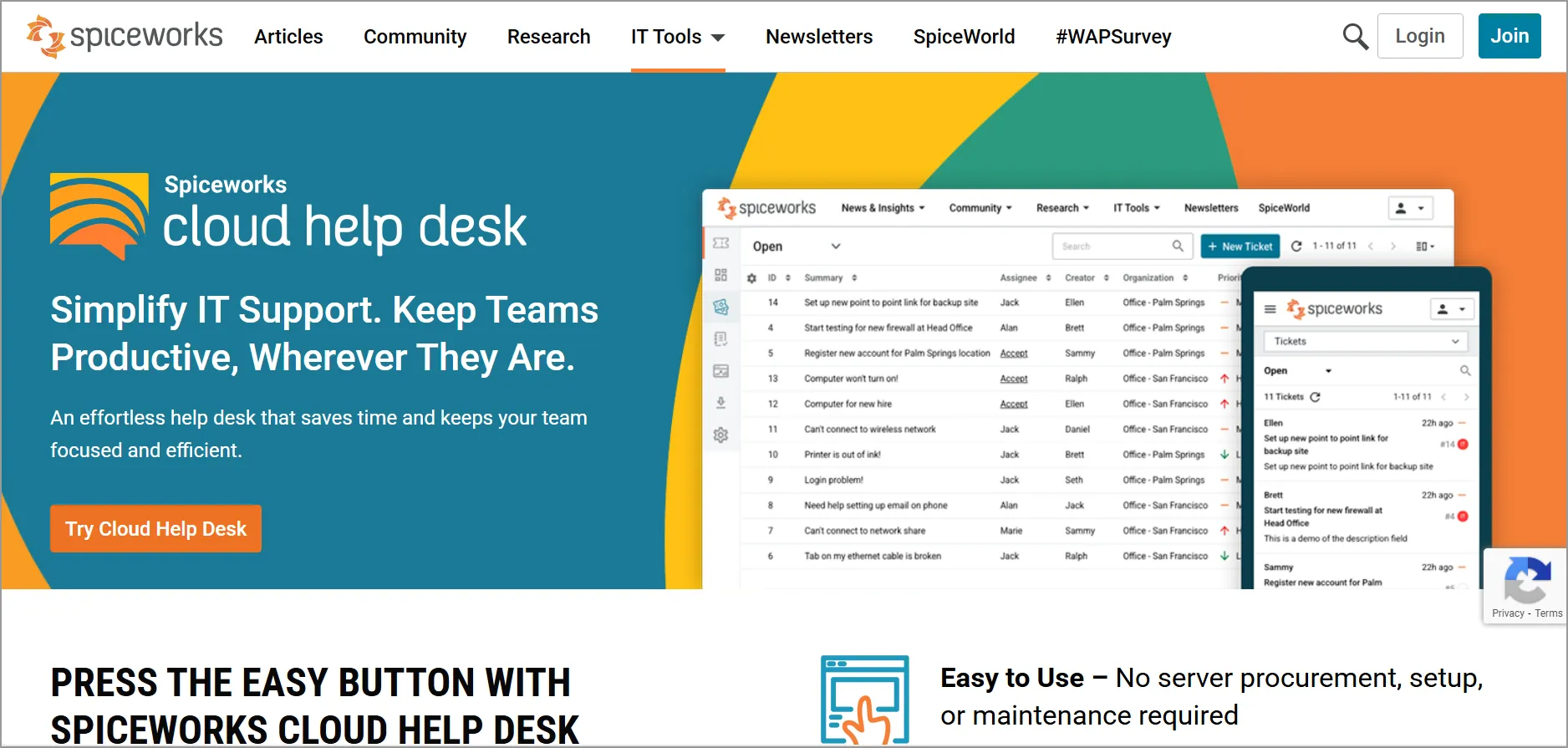
Spiceworks
Best for small HR teams needing a simple, free ticketing tool.
Spiceworks is HR help desk software with features that improve the HR team’s collaboration, automate ticket management, and optimize support operations for businesses.
Features
- Knowledge base
- Ticketing system
- Insight analysis
- Shared inbox
Pricing
Starts at $6/agent/month
Elevate your employee service by picking the right HR help desk software
The HR help desk is crucial for any organization as it enhances employee satisfaction, boosts productivity, and saves costs.
Choose a help desk HR that aligns with your business needs while also being comprehensive and considering employee reviews.
Ready to transform your HR support? Start a free trial to experience BoldDesk hands‑on, book a live demo to explore key features with an expert, and reach out to our support team anytime for onboarding guidance or personalized assistance.
Feel free to share your feedback in the comments section below.
Related articles
- Help Desk Automation Ideas to Improve Productivity
- FREE Help Desk Software for Startups in 2025
- Why Help Desk Software is Important for Your Business
FAQs on HR help desk
An HR help desk is required by an organization that provides support to employees. They include businesses of all sizes across various industries, educational institutions, government agencies, and non-profit organizations, among others.
It helps them manage support requests, troubleshoot issues, and maintain high user satisfaction.
HR departments are increasingly serving a diverse workforce with different needs. Therefore, they must switch to advanced processes that empower their team members to provide consistent and reliable support.
Yes. Most modern HR help desks are user-friendly and offer integration capabilities with other tools. Some HR help desk software may require expertise to set up integrations, while others offer straightforward solutions.
Always evaluate its integration capabilities before adoption to ensure suitability with your workflow requirements.