






 In this page

TL; DR: A ticketing system is a customer service tool that tracks, prioritizes, and manages customer and internal support requests efficiently. Comparing top solutions by capabilities, pricing, and scalability helps teams make informed decisions, improve response times, and deliver consistent, scalable support experiences.
Choosing the best ticketing system isn’t just about picking the most popular tool.
With dozens of platforms offering similar features on the surface, finding one that truly works for your team can quickly become overwhelming.
To help you decide faster, we’ve evaluated and compared 10+ of the best ticketing systems for customer support in 2026, based on features and automation capabilities, pricing and scalability, ease of use and integrations, and best-fit use cases.
Whether you’re dealing with growing ticket volumes, slow response times, or tools that don’t scale, this guide will help you find a solution that fits your workflow.
What is the best ticketing system?
The best ticketing system depends on your team size, support workflows, and budget.
Different businesses prioritize different capabilities, from automation and omnichannel support to ease of use and scalability.
Based on key criteria such as features, pricing, integrations, and real-world usability, the following tools stand out in 2026:
- Best overall: BoldDesk
- Best for small teams: Freshdesk
- Best for enterprises: Zendesk
- Best budget-friendly option: LiveAgent
What is a ticketing system?
A ticketing system is a customer support platform that tracks, organizes, prioritizes, and manages inquiries, requests, and issues from customers and internal teams across multiple channels.
It’s commonly used by customer support, IT help desk, and other service-oriented teams to improve response times, ensure accountability, and deliver consistent, timely customer service at scale.
Once a request is submitted, the system automatically converts it into a support ticket, allowing support teams to assign ownership, set priorities, collaborate efficiently, and monitor the progress through to resolution.
Comparison table for the best ticketing software for 2026
Here is a summary of the best ticketing software in the market today!
These best help desk ticketing systems were selected based on pricing, features, scalability, integrations, and verified user ratings from reputable review platforms such as G2, ensuring an accurate and up‑to‑date comparison.
| Best ticketing system & key features | Pricing plan | Best for | G2 ratings |
|---|---|---|---|
BoldDesk
|
|
AI‑powered ticketing system and automation | 4.5/5 |
Intercom
|
|
Conversational AI for support | 4.5/5 |
Front
|
|
Shared inbox for multichannel support | 4.7/5 |
Zendesk
|
|
AI-driven ticketing and workflow | 4.3/5 |
Freshdesk
|
|
Ticketing with AI assistance | 4.4/5 |
ProProfs
|
|
Shared inbox with collaboration tools | 4.7/5 |
LiveAgent
|
|
Unified view of tickets across multiple channels | 4.5/5 |
HubSpot Service Hub
|
|
Integration with HubSpot CRM | 4.4/5 |
Kayako
|
|
Live chat with workflow automation | 4/5 |
HappyFox
|
|
Workflow automation and task management | 4.5/5 |
Helply
|
|
Help desk with mobile support | 4.6/5 |
Help Scout
|
|
Customer-centric support experience | 4.4/5 |
Gorgias
|
|
E-commerce-focused omnichannel automation | 4.6/5 |
The best ticketing system tools for 2026
To make your decision easier, here’s a carefully selected list of the best ticketing system tools for 2026.
1. BoldDesk
Best for: AI-powered email ticketing and automation-led support workflows with built-in AI agents.
BoldDesk is a powerful AI-powered ticketing system designed to help support teams manage customer conversations, automate workflows, and improve response times.
Its intuitive interface, built-in AI capabilities, and scalable architecture make it a strong fit for both small teams and growing businesses looking to streamline customer support operations.
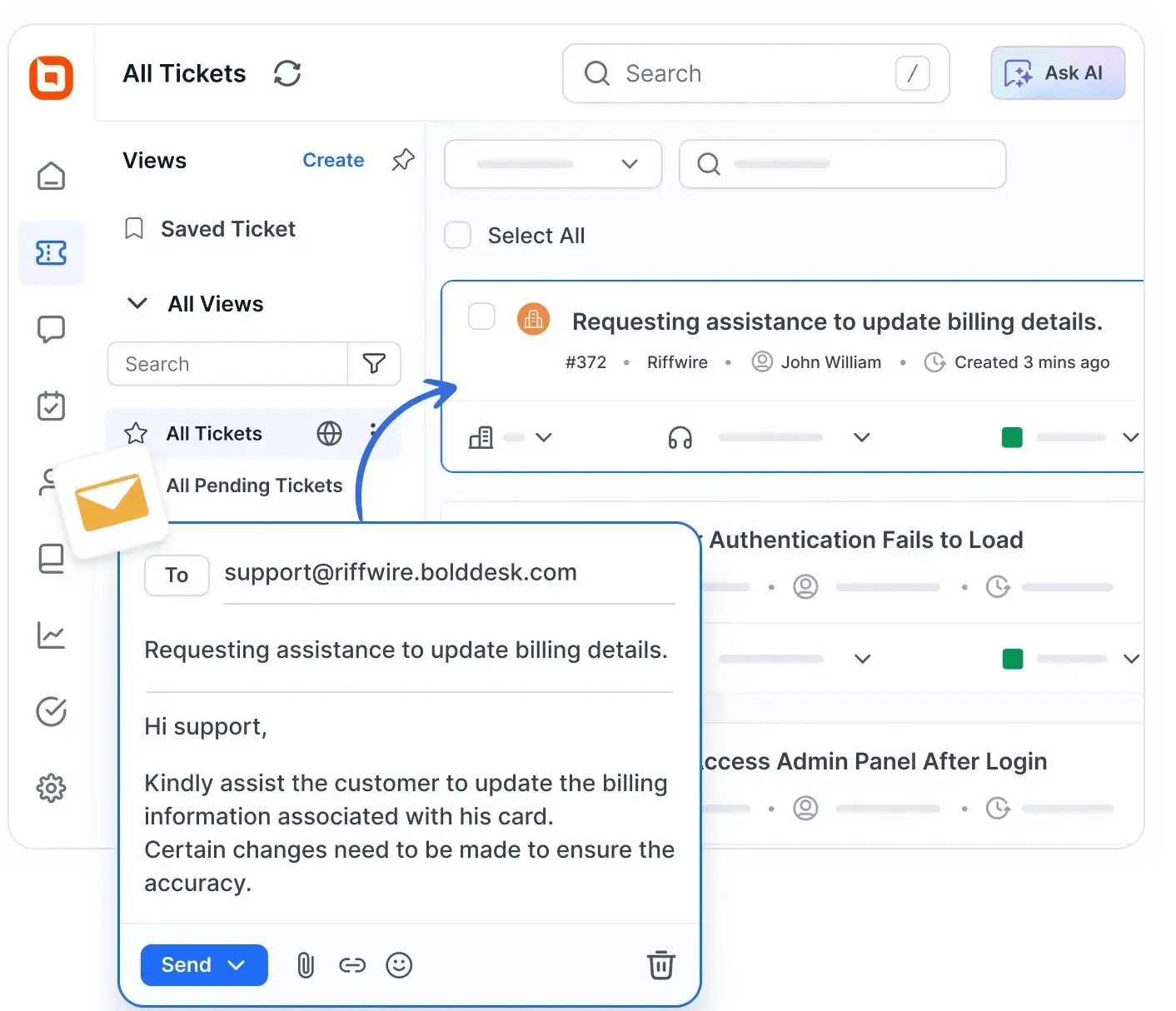
Its task management software, issue tracking, and advanced shared inbox tools help streamline workflows and boost agent productivity.
Designed to scale with your business and backed by regular updates, it offers the capabilities of leading help desk tools at a more affordable price.
Main features of BoldDesk
BoldDesk offers a range of features that help support teams handle daily customer requests more efficiently:
- Email ticketing system: Converts emails into tickets and assigns them to the right agents, ensuring no request is missed.
- Knowledge base software: Lets teams create helpful articles so customers can find answers on their own, reducing repetitive queries.
- Automated customer service: Automates routine tasks like ticket routing and follow-ups, helping agents save time and respond faster.
- Multilingual support: Enables agents to support customers in multiple languages, making global communication smoother.
- Artificial intelligence (AI): Boosts agent productivity with AI Copilot for drafting responses and summarizing ticket context, while AI Agents automate routine inquiries and ticket actions to reduce manual workload.
- Integrations: Connects with existing tools to keep all customer data and workflows in one place.
- Mobile help desk: Allows agents to manage and respond to tickets from anywhere, ensuring timely support on the go.
- Omnichannel support: Centralizes customer conversations from email, live chat, social media, SMS, and voice into a single inbox, enabling agents to deliver seamless support without switching between platforms.
- Reporting and analytics: Gathers real-time performance data to help teams make informed decisions and improve customer service.
- Customization: Allows teams to tailor workflows, ticket fields, and branding to match their business needs.
- Scalability: Supports growing teams with higher ticket volumes and complex workflows, ensuring support operations remain efficient as your business scales.
Pricing
BoldDesk offers transparent, scalable pricing designed for teams of all sizes. Every plan includes all features, allowing businesses to deliver exceptional support from day one, without hidden fees or costly upgrades.
| No. of agents | Monthly price (USD) | Free AI credits/month |
| 5 | $99 | 500 |
| 10 | $199 | 1,000 |
| 25 | $349 | 1,500 |
| 50 | $499 | 2,000 |
| 75 | $749 | 2,500 |
| 100 | $999 | 3,000 |
For a complete breakdown of pricing tiers and all available capabilities, explore the full BoldDesk pricing details on our pricing page.
BoldDesk AI add‑ons
Take your support experience further with intelligent add-ons designed to improve efficiency and reduce operational costs.
BoldDesk’s AI Agent enables automated ticket handling powered by AI for $20 per 1,000 credits, while AI Copilot provides real-time guidance to support agents for $20 per agent per month.
Together, these add-ons bring scalable, high-value automation to your support workflows.
Need more agents? Talk to our experts today, we’ll help you find the right solution for your team!
You are welcome to try a free trial or arrange a live demo for more insights.
2. Intercom
Best for: Conversational customer support and automated self-service through the Fin AI agent.
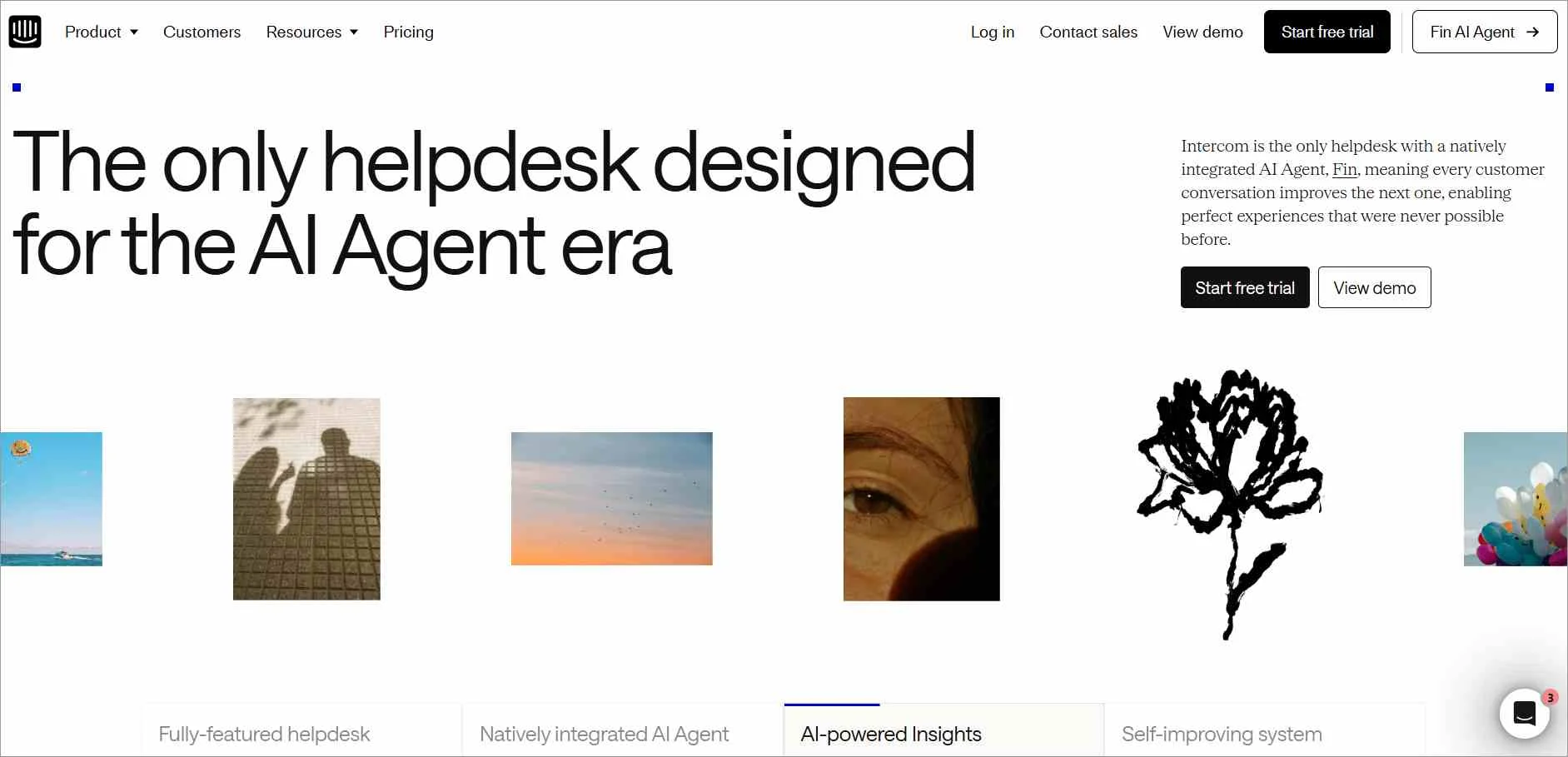
Intercom is identified as one of the best help desk ticketing systems that integrates help desk solutions, an AI chatbot, and proactive customer service.
Main features of Intercom
- Fin AI agent
- Help desk platform
- Shared inbox
- Integrations
| PRICING | |
| Plan |
|
Free trial: 14 days
3. Front
Best for: Team collaboration and shared ownership of customer conversations across email and multiple communication channels.
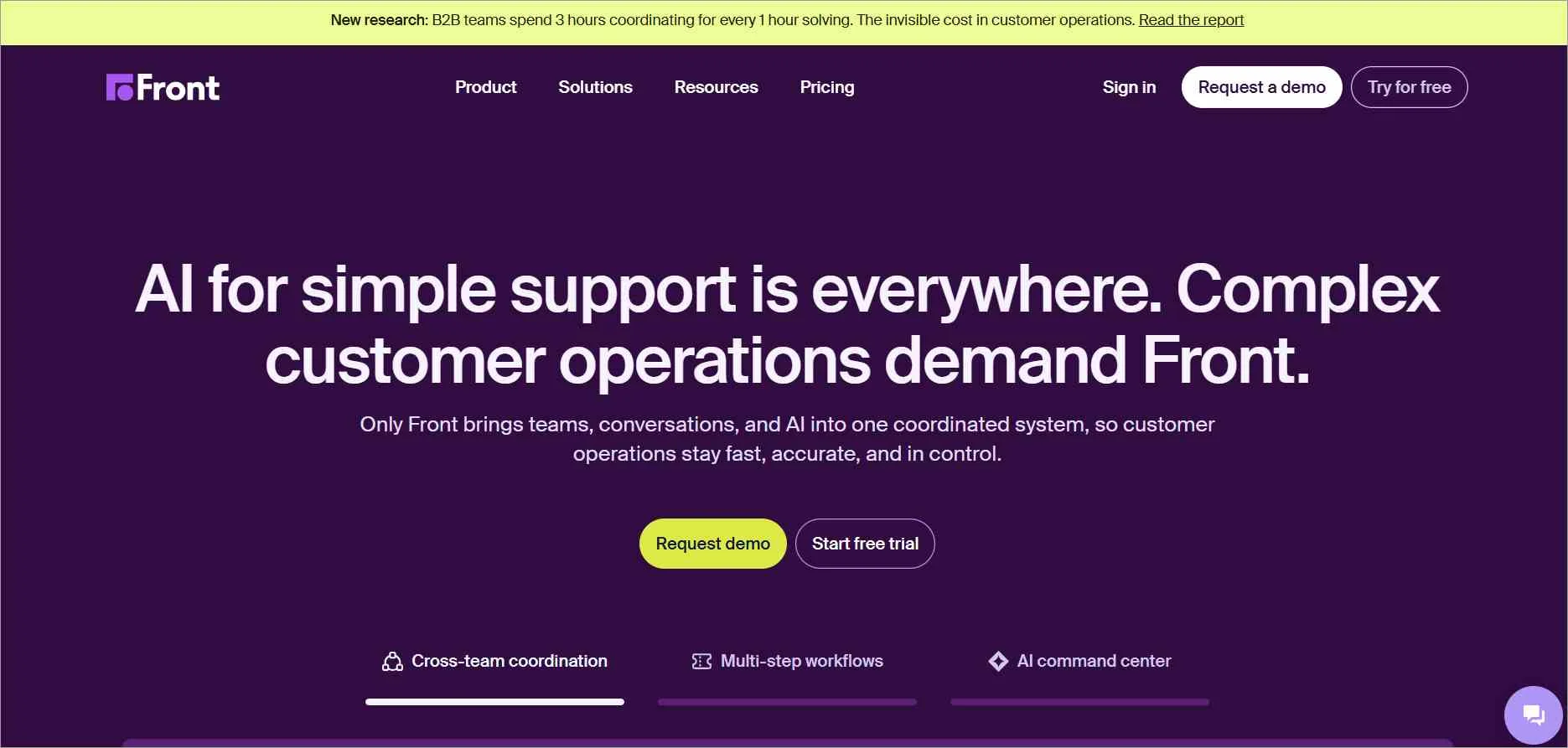
Front, a top ticketing system, centralizes interactions from various communication channels such as email, live chat, messaging, and social media, making it one of the best ticketing tools for a unified customer experience.
Main features of Front
- Omnichannel shared inbox
- Knowledge base software
- Front AI
- Integrations
| PRICING | |
| Plan |
|
Free trial: 14 days
4. Zendesk
Best for: Enterprise-grade ticketing with advanced automation and scalable customer support workflows.
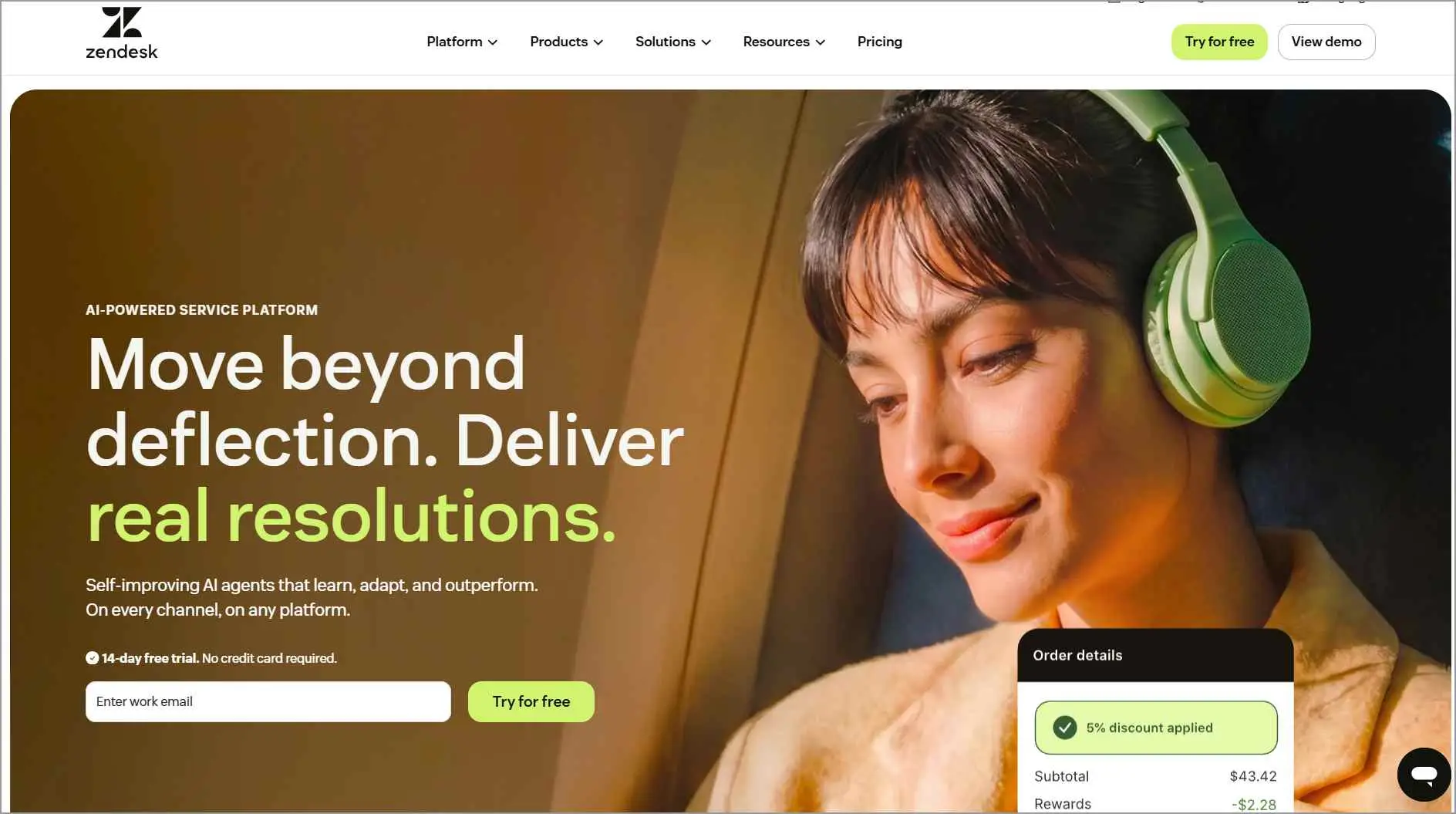
Zendesk is one of the best ticketing systems with features such as omnichannel communication support, knowledge base software, and automation.
Main features of Zendesk
- AI agents and Copilot
- Messaging
- Knowledge base
- Custom ticket fields
| PRICING | |
| Plan |
|
Free trial: 14 days
High Volume of Support Tickets? Manage Them Easily Now!
Get BoldDesk today at no cost as a startup! Empower your support team with robust tools to deliver exceptional customer support.
5. Freshdesk
Best for: Easy-to-use ticketing with built-in AI assistance for small to mid-sized support teams.
Freshdesk, a product of Freshworks, is one of the top ticketing systems with various features to streamline customer support operations.
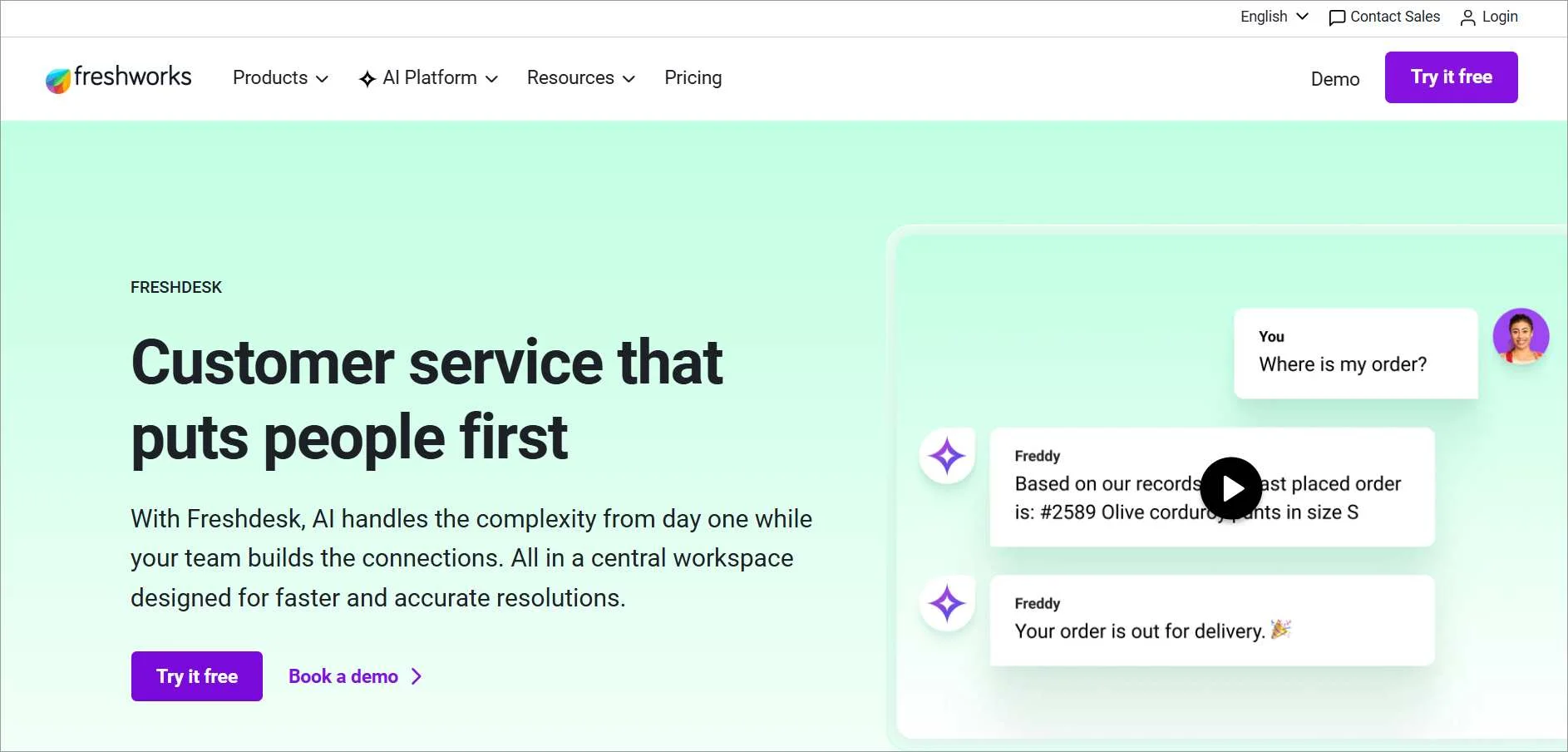
Main features of Freshdesk
- Knowledge base management
- Freddy AI
- Ticketing
- Collaboration tools
| PRICING | |
| Plan |
|
Free trial: 14 days
6. ProProfs Help Desk
Best for: Shared inbox ticketing with internal collaboration and knowledge base creation.
ProProfs Help Desk is among the best ticketing systems designed to streamline customer support and enhance communication between support teams and customers.
The features offered by ProProfs include knowledge base management and live chat support, and others.
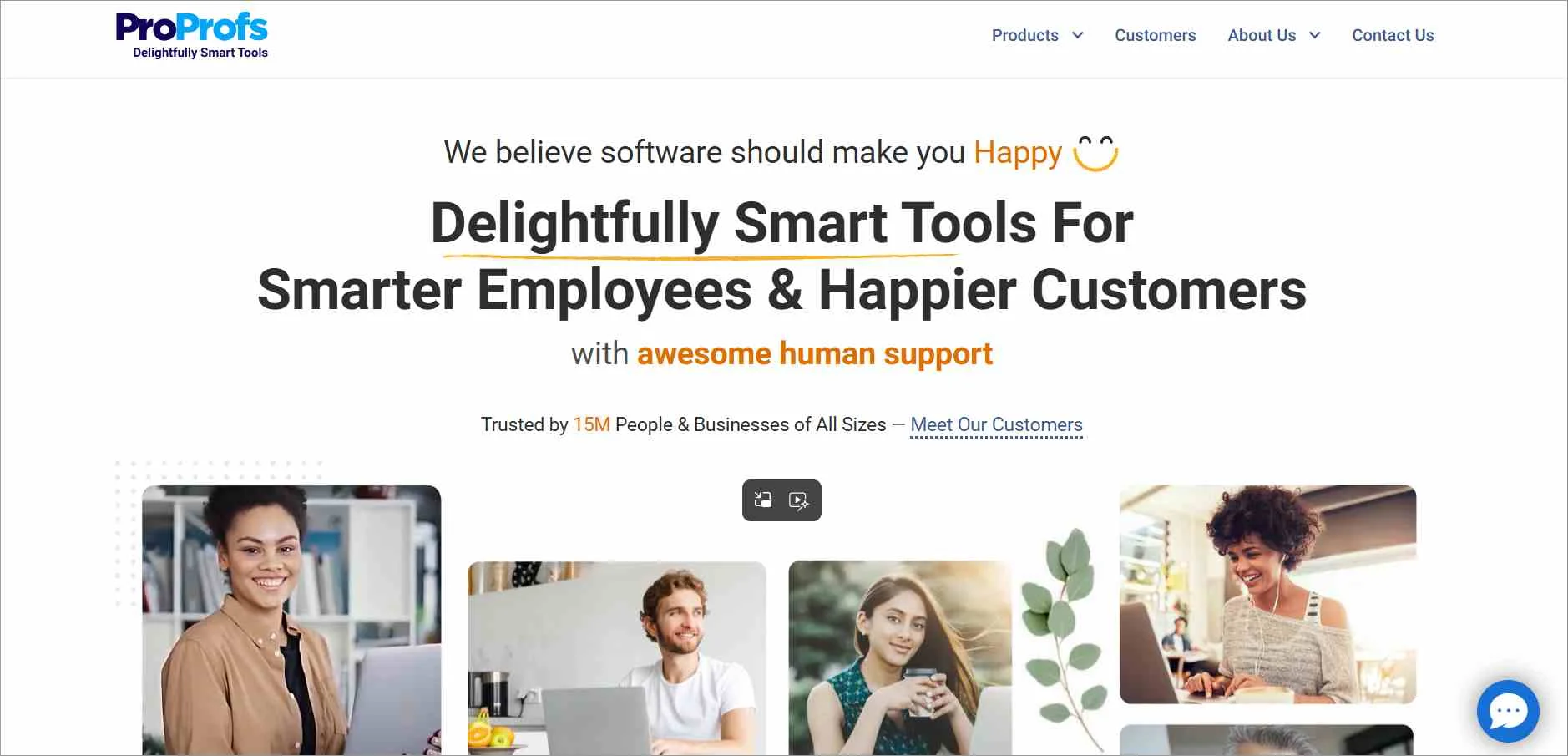
Main features of ProProfs
- Shared inbox
- Internal collaboration
- Knowledge base
- Mobile app
| PRICING | |
| Plan |
|
Free trial: 15 days
7. LiveAgent
Best for: Multi-channel ticket management with real-time routing and agent collision detection.
LiveAgent falls under the best ticketing systems list as it offers one universal inbox for communication between customers and support teams across all channels.
It has features like integration and automation rules as well.
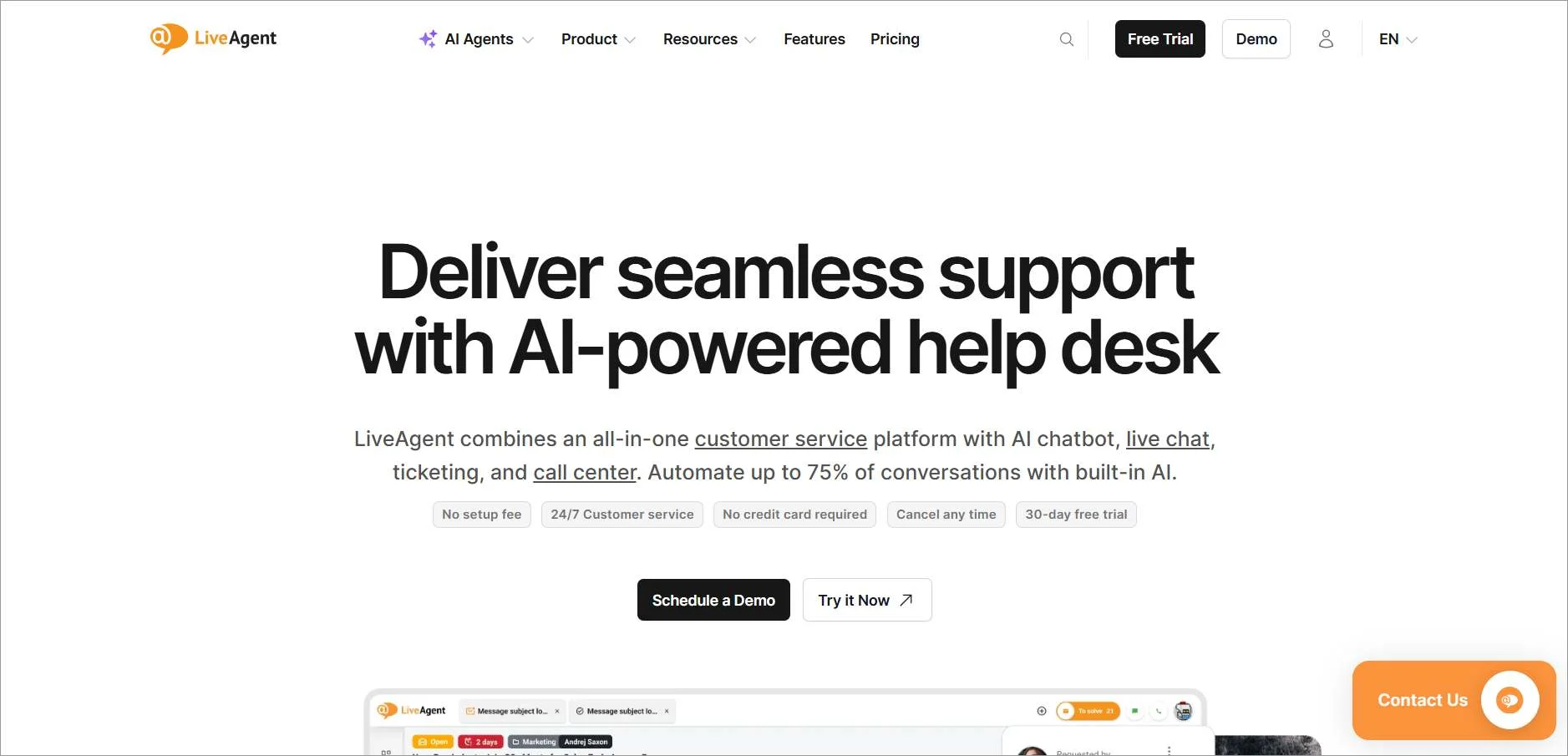
Main features of LiveAgent
- Hybrid ticket stream
- Third-party integrations
- Multilingual support
- Agent collision detection
| PRICING | |
| Plan |
|
Free trial: 30 days
8. HubSpot Service Hub
Best for: Ticketing and support automation tightly integrated with CRM and customer data.
HubSpot Service Hub is one of the best help desk ticketing systems, focusing on ensuring that all customer support data and communication are handled in a single, centralized space.
It has a shared inbox through which support teams can access customers and switch among several communication channels.
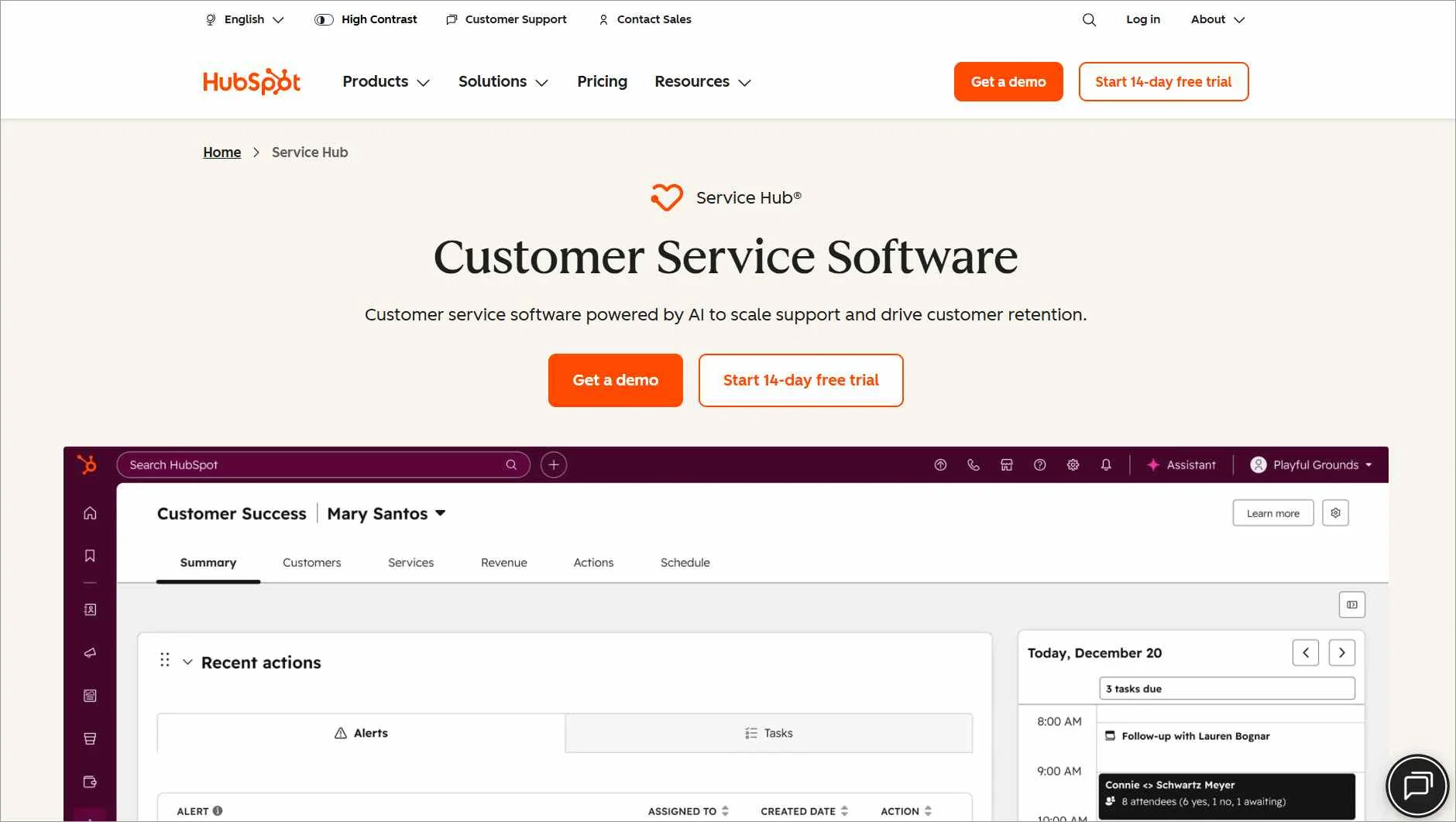
Main features of HubSpot Service Hub
- Task management
- Customer service analytics
- Help desk automation
- Knowledge base software
| PRICING | |
| Plan |
|
Free trial: 14 days
9. Kayako
Best for: Real-time customer support through live chat and workflow-based ticket automation.
Another best ticketing system for small-to-medium businesses (SMB) is Kayako, which provides support teams with functionalities to manage customer requests and interactions across multiple channels.
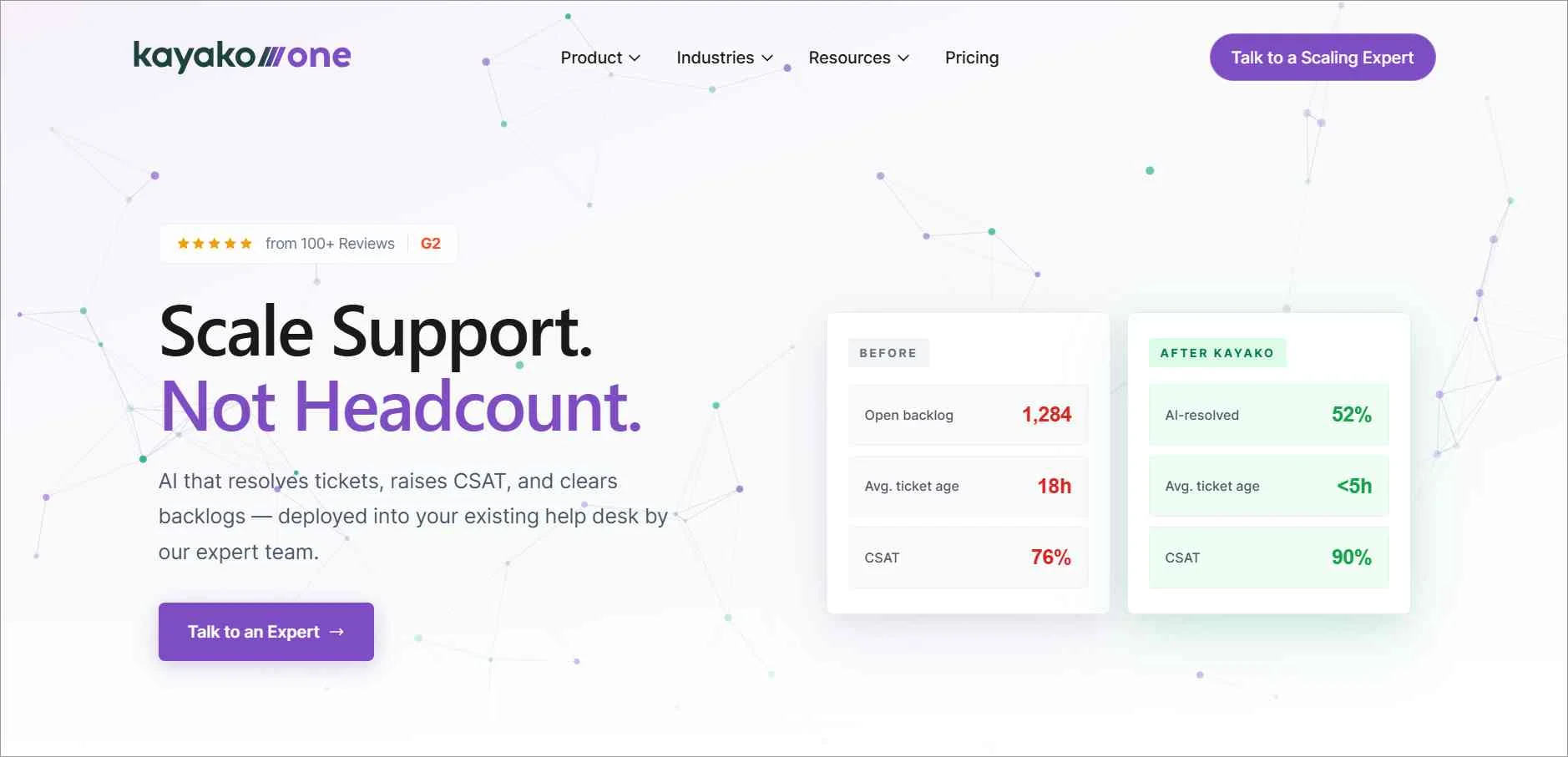
Main features of Kayako
- Workflow automation
- Live chat support
- Integrations
- Self-service support
| PRICING | |
| Plan |
|
Free trial: 14 days
10. HappyFox
Best for: Structured ticket workflows, task management, and process automation for support teams.
HappyFox stands out as one of the best ticketing systems designed to provide customer support solutions in a centralized platform.
It has functionalities such as live chat and a mobile application.
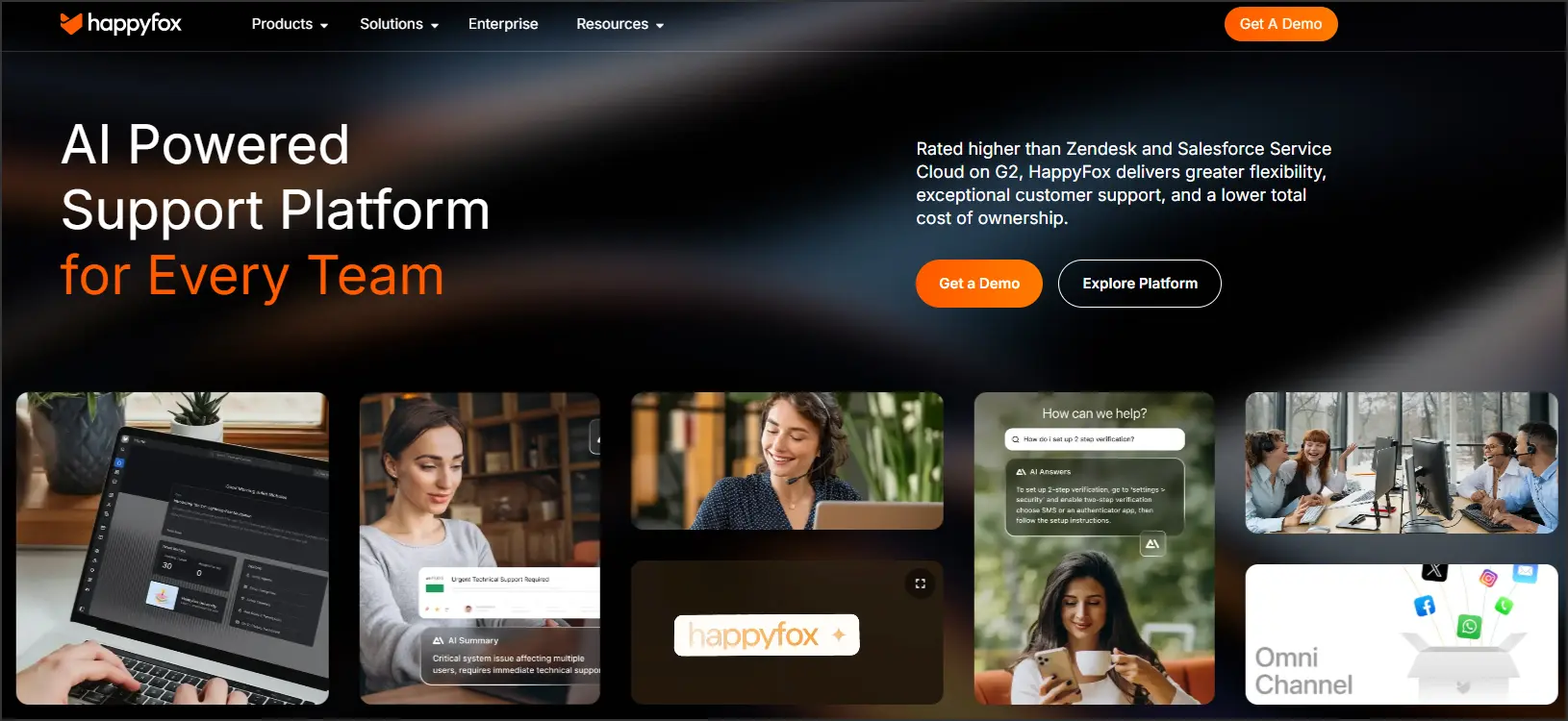
Main features of HappyFox
- AI assist
- Automation
- Knowledge base software
- Task management
| PRICING | |
| Plan |
|
Free trial: 14 days
11. Helply
Best for: Simple help desk ticketing with mobile support for small teams and startups.
Helply is among the best help desk & ticketing software suitable for growing businesses.
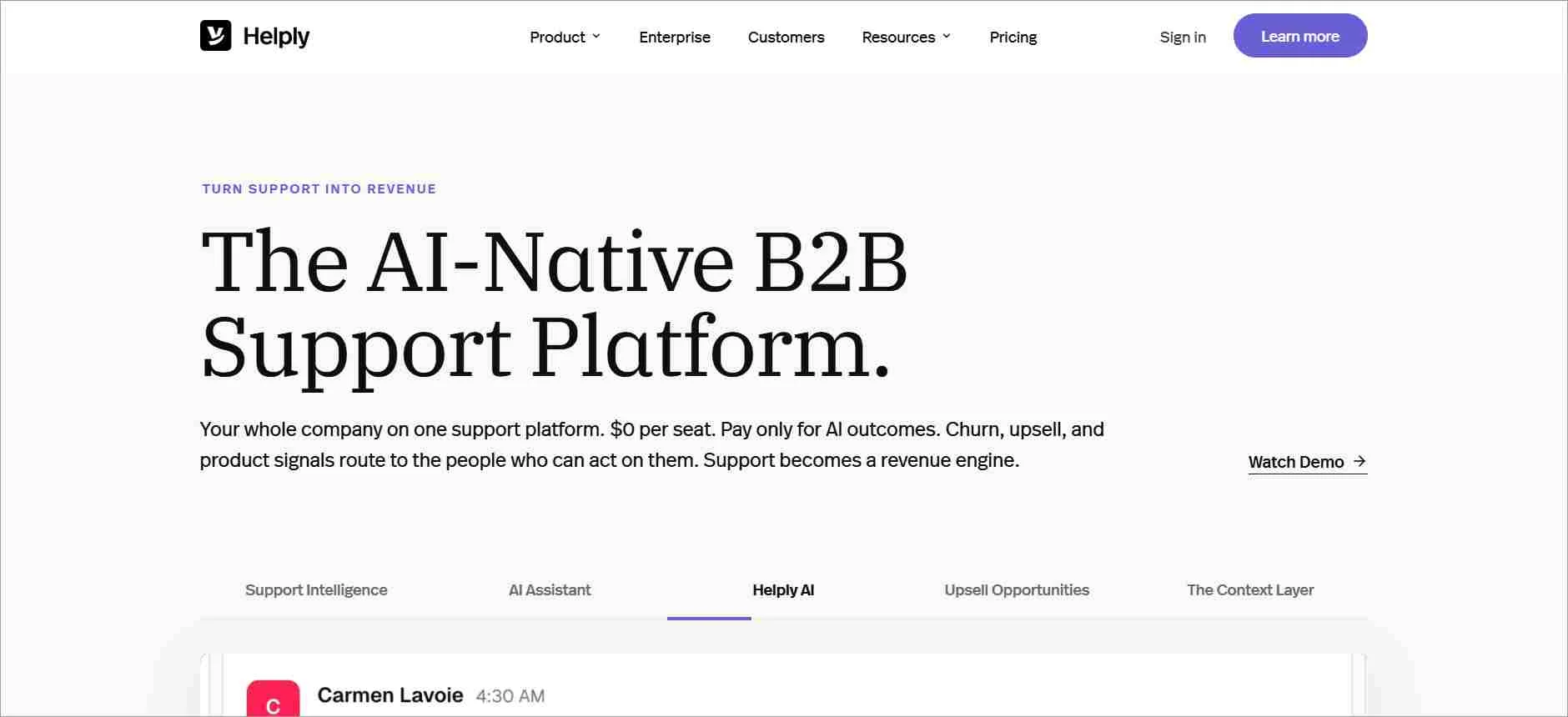
Main features of Helply
- Live chat widget
- Knowledge base software
- Custom integrations
- Mobile iOS and Android apps
| PRICING | |
| Plan |
|
Free trial: 30 days
12. Help Scout
Best for: Customer-centric support focused on clean workflows, reporting, and human-first experiences.
Help Scout, as the best ticketing software, integrates different features such as a shared inbox, live chat, and artificial intelligence to ensure successful customer interactions.
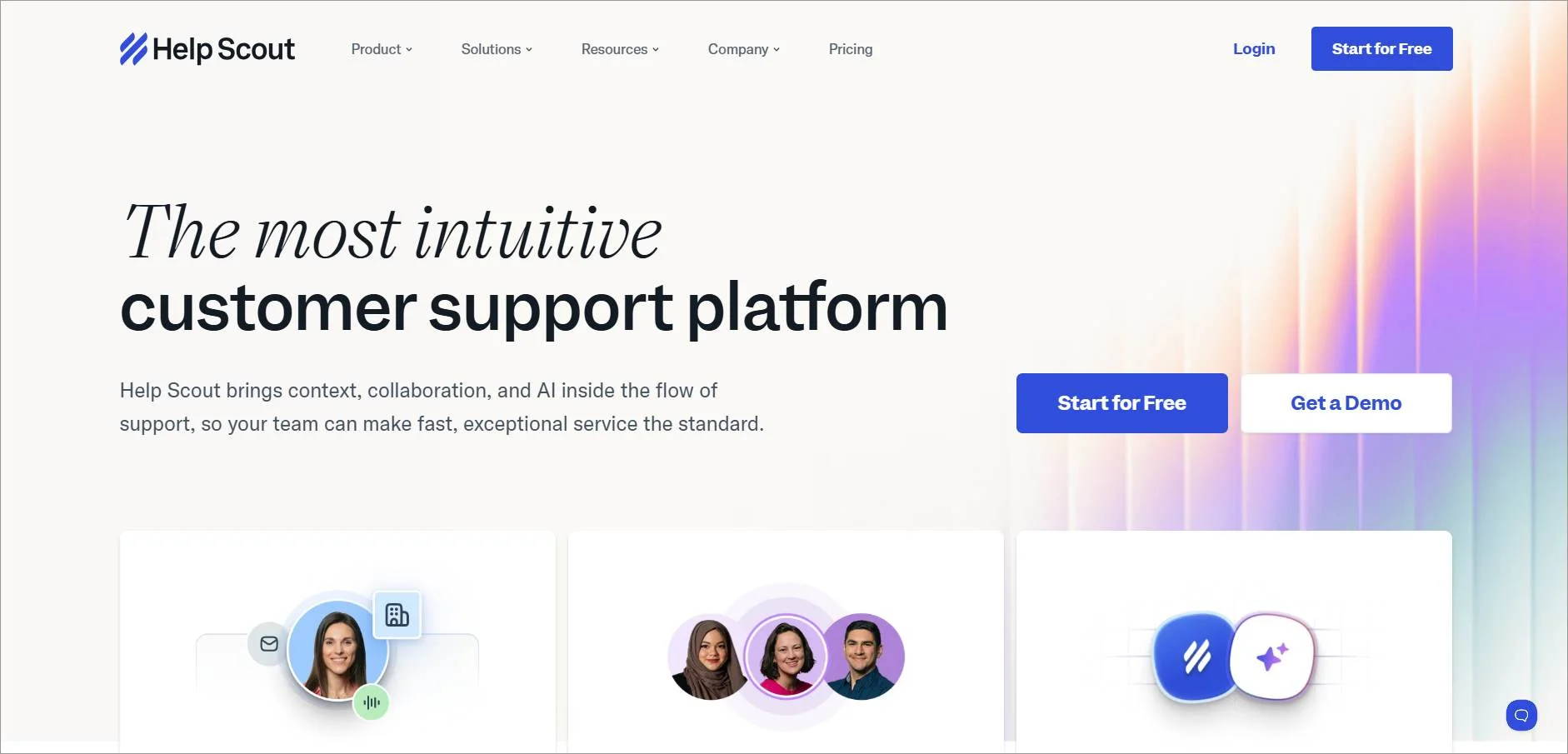
Main features of Help Scout
- Live chat
- Knowledge base software
- AI and workflow automation
- Reporting
| PRICING | |
| Plan |
|
13. Gorgias
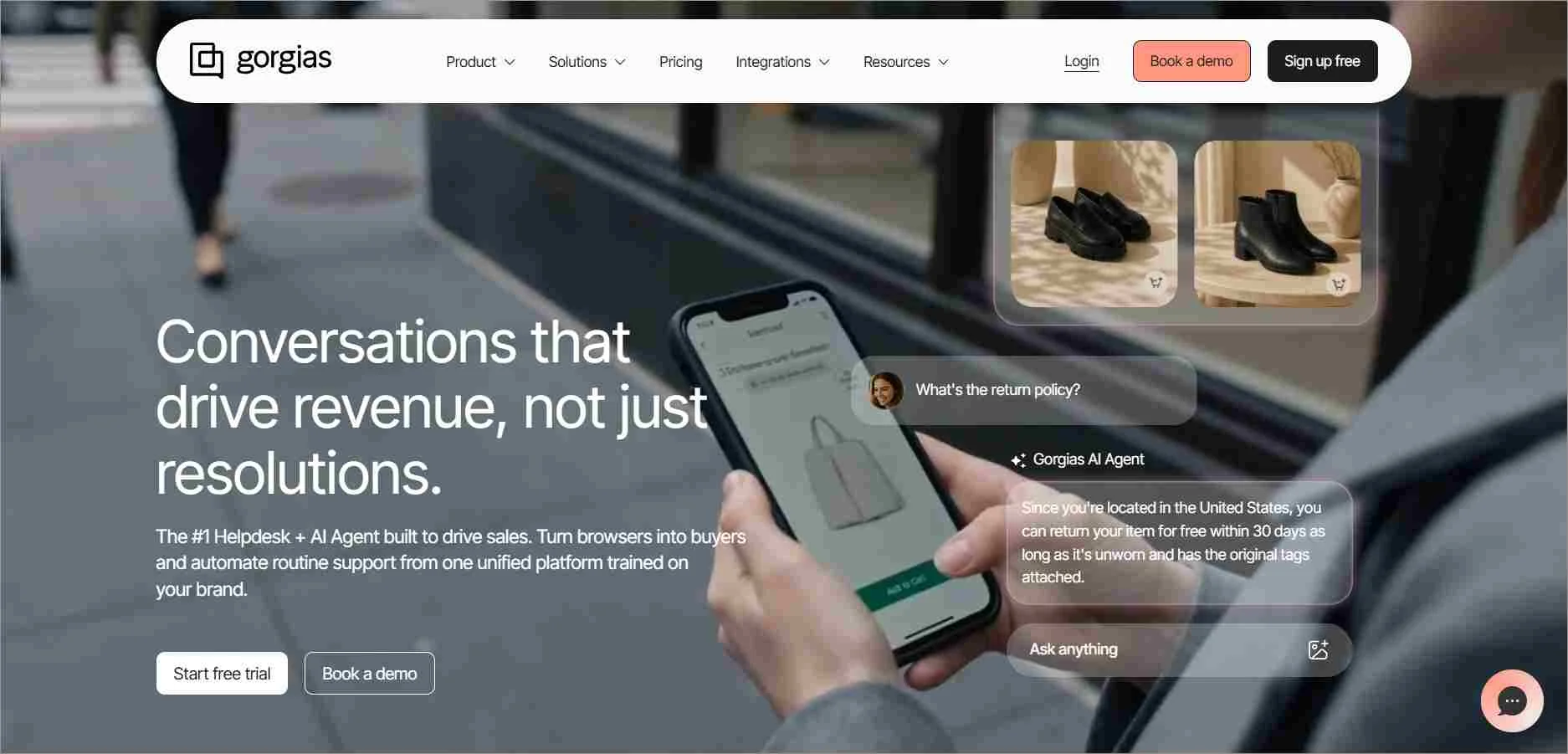
Best for: Ecommerce support automation with omnichannel ticketing and AI-driven workflows.
For Shopify e-commerce businesses seeking the best ticketing software, Gorgias is a suitable option.
It is AI-powered and has omnichannel communication support.
Main features of Gorgias
- Workflow automation
- Artificial intelligence
- Omnichannel support
- Mobile app
| PRICING | |
| Plan |
|
Types of ticketing systems used in customer support
Ticketing systems can be grouped by their purpose, functionality, or deployment model. The following are the most common types used by modern support teams.
- Customer service ticketing system: Manages external customer inquiries across channels like email and chat, helping teams track, assign, and resolve issues efficiently.
- IT help desk ticketing system: Handles internal IT requests such as software issues, hardware problems, and access requests to minimize downtime and improve employee productivity.
- Internal ticketing system: Supports non‑IT departments like HR or facilities by organizing and tracking employee requests in one centralized system.
- Help desk ticketing system: A general‑purpose system for capturing, prioritizing, and resolving support inquiries for both internal teams and external customers.
- Issue tracking ticketing system: Used mainly by development teams to log, prioritize, and resolve bugs and product issues throughout the software lifecycle.
- AI‑powered ticketing system: Uses AI to automate ticket categorization, routing, and responses, reducing manual effort and speeding up resolutions.
- Cloud‑based/ SaaS ticketing system: A vendor‑hosted solution accessed through a browser or app that runs on cloud infrastructure, offering quick setup, automatic updates, easy maintenance, and access anywhere for remote and distributed teams.
- On‑premises ticketing system: Installed on company servers, giving organizations full control over data, security, and customization.
- Open‑source ticketing system: Provides access to source code, allowing technical teams to customize features and workflows as needed.
- Enterprise ticketing system: Designed for large organizations, supporting high ticket volumes, complex workflows, and advanced reporting at scale.
What key features should you consider when choosing the best ticketing system?
When selecting a customer service ticketing system, ensure that it has all the features your team needs.
Here are the key features to look for:
Ticket management
The best ticketing system should let you log and manage individual user requests in the form of tickets.
These tickets include specific details such as descriptions, urgency, and user information.
Automation
You should have options to automate repetitive tasks like sending notifications, assigning tags to tickets, and triggering workflows for increased efficiency.
Omnichannel customer service
The best ticketing system should combine and track customer interactions across various channels (email, phone, live chat) in one place to deliver seamless support.
This centralization ensures that no request goes unnoticed and allows for seamless tracking and management of support tickets.
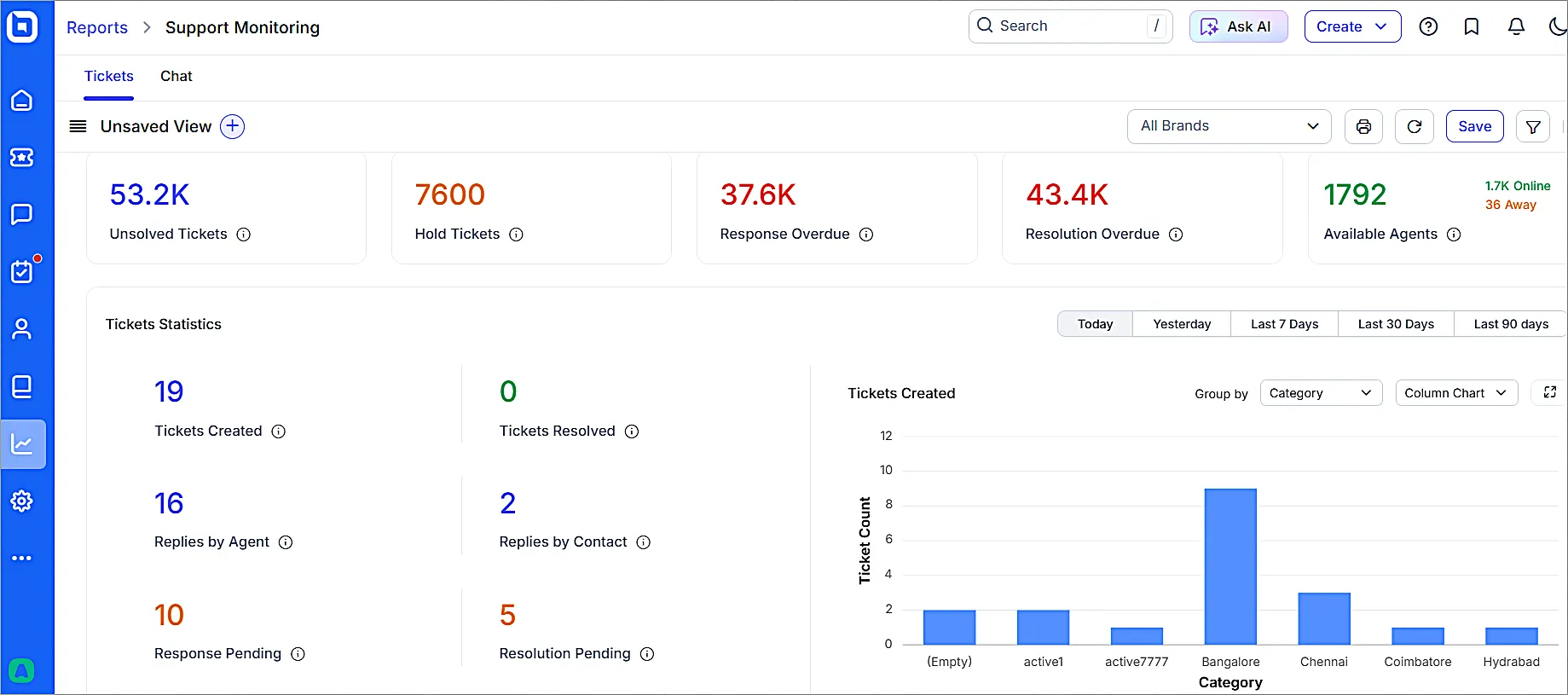
Reporting and analytics
The system should have features to track key metrics like resolution times, agent performance, and customer satisfaction to identify areas for improvement.
Customer insights are valuable for improving support services.
Customization
Every business has unique needs. The best ticketing system is the one that can enable you to customize fields, forms, and user interfaces to fit the specific needs of your organization.
The customer service ticketing software should be customizable to adapt to different workflow processes and branding requirements.
Integration capabilities
You should be able to connect your best ticketing system with your CRM and other third-party tools for streamlined workflows and improved productivity.
Security and compliance
Ensure the system meets your data security and privacy requirements, especially for sensitive information.
Self-service options
The best help desk & ticketing system should offer customer self-service options, such as knowledge base software, FAQ sections, community forums, or a customer self-service portal.
Help your customers find answers to common questions without needing to contact support, and reduce the number of tickets your team needs to handle with these tools.

Mobile accessibility
An advanced feature of the best desk ticketing system lets your team manage and resolve customer support tickets from their mobile devices.
Thus, support can be provided on the go without the need to be tied to a desktop computer.
Multilanguage support
The best help desk ticketing systems have varying levels of support for different languages. Look for one that lets you provide support to your customers in their native languages.
SLA management
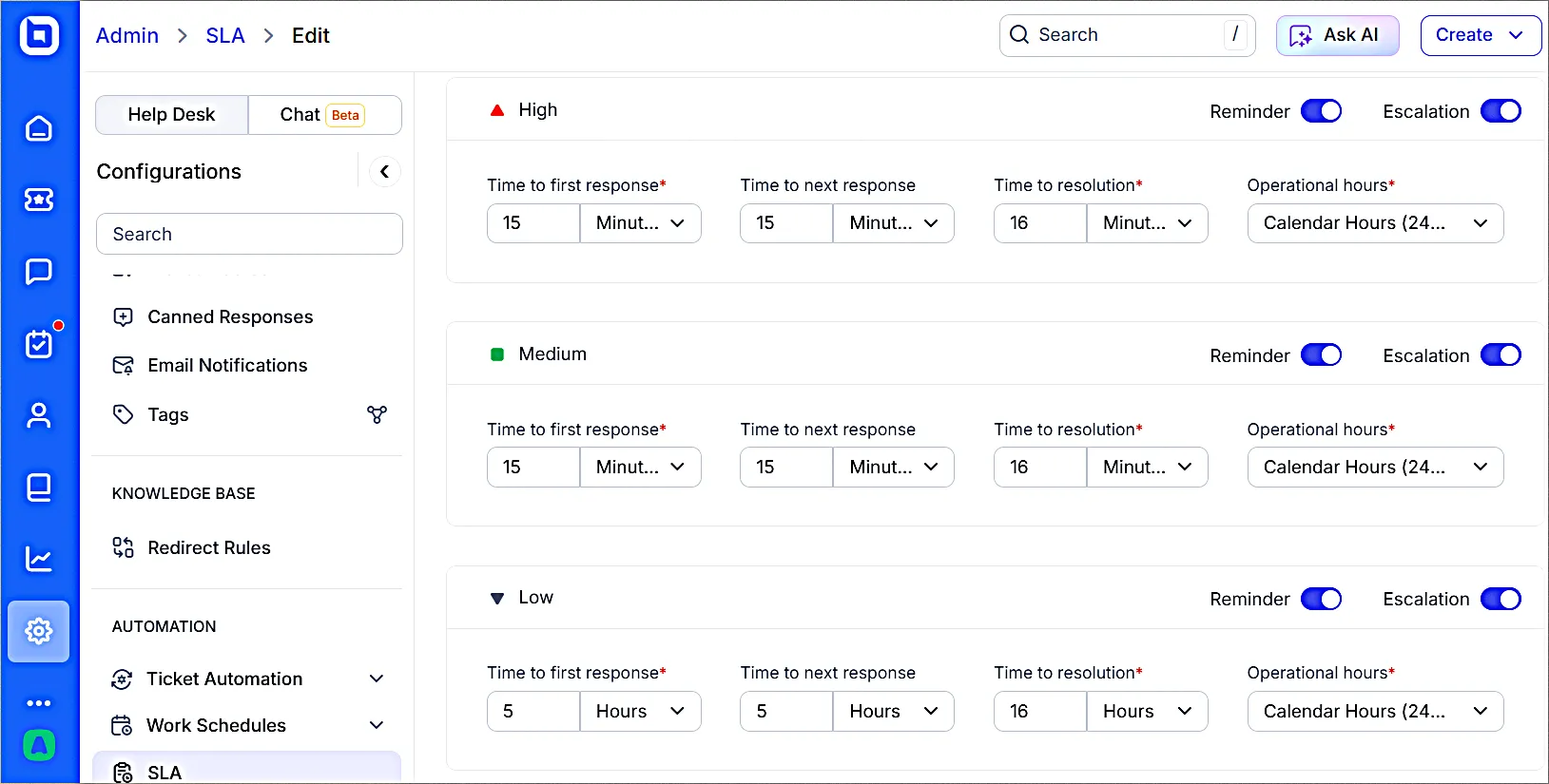
The top ticketing system should let you set and monitor response and average handle time targets for different ticket types, ensuring service quality commitments are met.
Use customizable automation rules to set SLA reminders, notifications, and alerts for prompt response and resolution to support issues.
Ensure effective escalation with event and time triggers.
Ease of use
Prioritize the best ticketing software that is user-friendly for both support agents and end-users. It should require minimal onboarding training so that both parties can easily familiarize themselves and navigate the software.
Artificial intelligence (AI) support
With emerging trends in AI Assist, AI Copilot, and AI Agent, look for the best ticketing systems that integrate AI features, such as summarization, customer sentiment analysis, rephrasing, translation, and suggestions.
Scalability
The best ticketing system should be able to grow with the organization, accommodate expanding teams, and handle increasing volumes of support requests and users over time.
The ability to scale ensures the system remains effective across different stages of business growth and operational complexity.
Cost friendliness and the value it provides
Consider the cost structure of the software, including licensing, fees, and any additional costs. Assess the value the software provides in terms of efficiency gains and improved customer satisfaction.
Compare features and pricing plans to find the best help desk ticketing system that is within your budget while delivering the value you need.
Efficiency of onboarding training
Evaluate what kind of training your team will need and what is offered by the software provider.
Responsive customer support and comprehensive training resources contribute to successful software installation and usage.
Benefits of using the best ticketing software
Upgrading to a ticketing software is a strategic investment that has the ability to revolutionize your support team and organization as a whole. Here are some key advantages:
- Improves efficiency and organization: Automated ticketing systems categorize tickets and automate repetitive tasks like request logging, assignment, and status updates, freeing up agents’ time for more complex problem-solving.
- Faster resolution times: Converting support issues conveyed through all channels into tickets in one platform ensures they are addressed promptly and efficiently, leading to customer appreciation.
- Scalability and adaptability: Many of the best ticketing systems can adapt to accommodate increasing ticket volume and evolving service requirements, making them suitable for businesses of all sizes.
- Increases accountability: Assigning tickets to specific agents promotes ownership and ensures clear accountability for resolving issues.
- Improves customer satisfaction: By providing timely and effective support, a ticketing platform can greatly enhance the satisfaction of customers seeking assistance.
- Reduces support-related costs: A ticketing system centralizes issue tracking, speeds up problem identification, and cuts down on repeated tasks by organizing communication and automating task assignment.
Common challenges faced by the best ticketing systems and how to solve them
Ticket management systems are essential for efficient customer support, but they come with their own set of challenges.
Inefficient ticket routing and assignment
When tickets are not routed to the appropriate team or individual, they may sit unresolved, causing delays, customer dissatisfaction, and uneven workloads that can lead to agent burnout.
To improve ticket assignment, use automated ticket routing based on predefined rules, regularly update configurations, and clearly define ticket ownership to ensure accountability and efficiency.
Failure to meet SLAs
When a support ticketing system provider fails to meet the standards outlined in a service level agreement (SLA), such as timely responses, it is considered an SLA breach and can result in lost customer trust and damage to the company’s credibility. To avoid SLA breaches, you can:
• Monitor SLA performance closely
• Use automation ideas to escalate tickets nearing deadlines
• Regularly update SLA terms
• Communicate transparently with customers about potential delays.
Resistance to change
Hesitance to adopt the best ticketing systems often stems from fear, self-satisfaction, or discomfort with new processes, especially among employees used to traditional methods of managing customer complaints.
Encourage change by offering comprehensive training and resources, clearly communicating the benefits of the new system, and involving support teams in the decision-making process.
Integration issues
Poor integration between a ticketing system and existing tools can lead to data mismatches, communication breakdowns, and workflow inefficiencies that ultimately harm customer service quality.
Ensure smooth integration by choosing ticketing software with flexible compatibility, verifying it works well with existing tools, and leveraging onboarding support from the help desk provider.
Lack of customer feedback
Without customer feedback, support teams lack the insights needed to measure satisfaction, identify pain points, and improve the effectiveness of their ticket resolution processes.
Strengthen the feedback loop by embedding surveys into the ticketing system, encouraging responses after resolution, and using feedback to drive continuous improvement to ensure customer retention.
Ineffective communication
Having poor communication in ticket management often results from unclear ticket details, a lack of updates, inconsistent messaging across channels, and inadequate personalization.
Enhance communication by keeping customers updated throughout the ticket lifecycle, encouraging clear ticket descriptions, personalizing responses, and offering multiple support channels like email, phone, and live chat support.
Choose the best ticketing system for your business
If you’re looking for a way to improve customer experience and streamline your support operations, the best help desk ticketing system is worth considering.
It empowers support agents, keeps customers informed, and ultimately leads to customer loyalty and satisfaction.
The best ticketing software is the one that aligns with your specific needs and workflows. Don’t hesitate to try out demos, compare features, and ask questions before making your decision.
I hope this helps you find the perfect customer support ticketing software for your team. Please share your thoughts and suggestions in the comment section below.
Related articles
- AI Customer Service Software: 9 Best Options for 2026
- What is IT Help Desk: Features, Benefits, and Best Practices
- 15 Best Help Desk Software in the Market Today
Frequently Asked Questions
A ticketing system is designed for structured, scalable support with automation and SLAs, unlike a shared inbox that focuses on basic message organization.
AI automates ticket categorization, suggests replies, routes tickets, and can resolve repetitive issues without human intervention.
Yes! BoldDesk offers free expert migration services for customers on select paid plans.
This allows you to seamlessly transfer your tickets, contacts, knowledge base articles, and other essential data from your current help desk software to BoldDesk at no extra cost.
Yes. BoldDesk offers multiple free options for eligible businesses.
These include a one‑year free plan for Syncfusion customers, a 12‑month free Momentum plan for startups, and a free nonprofit program supporting up to 10 agents for charities, NGOs, and nonprofits.
AI enhances ticketing systems by automating and optimizing support workflows.
It helps categorize and route tickets, suggest replies, and resolve repetitive issues, reducing agent workload and improving response speed.





