




TL;DR: An automated ticketing system helps businesses streamline customer support by automatically creating, assigning, prioritizing, and tracking tickets. This guide compares 10 automated ticketing systems for 2026 based on documented automation capabilities, pricing, and practical limitations.
If agents spend the start of every shift sorting requests, assigning owners and chasing overdue replies, your support process depends on someone remembering the next step. As the queue grows, that becomes harder to manage consistently.
An automated ticketing system can take over those repeatable steps. The right solution is not just about having automation. It is also about understanding the available triggers, plan limitations, and how the system manages exceptions and workflow failures.
This guide compares 10 options for customer support and service teams. It focuses on routing, timed actions, SLA escalation, “AI requirements and usage cost so you can build a useful shortlist.
What is an automated ticketing system?
An automated ticketing system is support software that creates or updates tickets and performs defined actions when events, conditions or time thresholds are met.
It can assign requests, set priorities, send notifications and move work through a support process without an agent performing every step manually.
For example, a new billing request can go to the billing queue, receive a response target, and trigger an alert if it remains unanswered.
An agent still owns the customer outcome; the system handles the repeatable coordination.
Ticket automation does not have to use AI. Rules can manage explicit conditions, while AI can help interpret unstructured requests or generate responses. Many teams use both.
Explore an automated ticketing system to see how these capabilities fit into a help desk.
Rule-based automation vs AI ticketing
For processes with clear, predefined outcomes, traditional rules and workflows are often the best choice because the decision path is explicit and predictable.
AI becomes valuable when the system needs to interpret natural language, understand context, summarize information, or work across approved knowledge sources and tools.
Regardless of the approach, organizations should identify situations where human oversight is required and ensure that a person reviews and approves the result before it is acted upon or deployed.
| Dimension | Rule-based automation | AI-assisted or AI-agent workflow |
| Trigger / input | Ticket creation, field change, reply or scheduled check | Customer message, conversation context, knowledge or tool output |
| Typical action | Assign a queue, change priority, send a reminder | Suggest a category, draft a reply, answer a question or execute an authorized action |
| Predictability | Logic is explicit; timing and competing rules still affect outcomes | Output can vary with context, model behavior and available evidence |
| Exception | Missing field, no matching rule, unavailable agent or failed integration | Ambiguous intent, insufficient knowledge, permission denial or failed action |
| Human review | Own the rules and review exceptions | Set approval boundaries and review uncertain or consequential outputs |
For a deeper explanation of how AI-powered ticket classification, routing, and triage work, see our AI ticketing system guide.
How we compared automation capabilities
We reviewed public vendor pricing, product information, and configuration documentation on 21 September 2026.
This is a documentation-based comparison, not a hands-on benchmark. BoldDesk publishes this guide and is included in the list.
Suitability recommendations reflect our editorial assessment of the documented capabilities.
We compared:
- Routing: Direct assignment, even distribution, workload-aware routing and required fields.
- Triggers: Actions on creation or updates, plus scheduled checks.
- SLA handling: Response targets, reminders and escalation behavior.
- Limits: Rule counts, execution conditions, timing and subscription dependencies.
- AI costs and controls: Which capabilities need separate usage allowances or add-ons.
- Fallback: What to test when a rule does not match, nobody is available or an external action fails.
None of the products’ complete fallback behavior was hands-on tested for this comparison.
Compare automated ticketing systems by workflow requirements
| System | Plan / scope reviewed | Routing and triggers | SLA / timed work | Main limit or dependency | Pricing basis |
| BoldDesk | One plan by team size | Assignment modes; create/update triggers | Hourly time triggers; SLA reminders/escalations | Rule order and time-trigger eligibility matter; AI usage separate | Five agents: $99/month annually or $116 monthly |
| Intercom | Advanced and Expert | Advanced: workflow builder and round-robin assignment | Expert lists SLAs | Fin usage charges; budget for the required plan | Seat subscription plus usage; confirm billing term |
| TeamSupport | Scale listing and automation documentation | Conditional routing and ticket actions documented | Reminder/escalation scenarios documented | Scale lists Automation; minimum eligible package and billing unit need confirmation | Request an automation-specific quote |
| LiveAgent | Medium business | 150 event rules | 30 time rules; five SLA rules | Rule allowances vary by tier; AI terms need separate review | $29/agent/month billed annually |
| Freshdesk | Growth and hourly-trigger guide | Creation/update rule types documented | Hourly triggers available from Growth | Calendar-hour scheduling; hourly actions have exclusions | Growth: $19/agent/month billed annually; AI usage extra |
| Help Scout | Plus and Pro; workflow guide | Plus includes round-robin; ordered workflows | Plus: two advanced SLA policies | Workflows generally run once per conversation; AI Answers extra | Per-user plans; confirm selected billing term |
| HappyFox | Smart Rules documentation; Help Desk pricing | Conditional assignment, tags and notifications | Time conditions and work schedules documented | Documentation mixes product names; confirm the applicable offer | Request quote matching Help Desk and required automation |
| Zoho Desk | Express, Professional and Enterprise | Express: direct assignment/workflows; Professional: round-robin/Blueprints | Express lists multilevel escalation | Skill-based assignment listed on Enterprise; action eligibility varies | Regional per-user pricing; quote the required edition |
| Jira Service Management | Current Service Collection offer and automation docs | Configurable automation flows | Scheduled flows and service workflows | Plan allowances and runtime limits; AI entitlements vary | Agent/plan quote; specify the current automation usage unit |
| Zendesk | Automation guide; regional pricing | Event triggers and time-based automations | Automations run hourly | Each automation processes up to 1,000 tickets/hour; package eligibility varies | Obtain a quote for the required routing/SLA package |
Source check: 21 September 2026. The selected plans provide a basis for evaluation but differ in included features. Verify pricing against official sources on the day of publication.
10 Best automated ticketing software solutions
Choose a shortlist around your team’s most frequent handoffs and exceptions. Then ask each vendor to demonstrate the same workflow in the plan you would actually buy.
1. BoldDesk
Best for: Support teams that want assignment, event rules and SLA management in one help desk.
BoldDesk supports automation triggered by ticket creation, ticket updates, and elapsed time.
Its email assignment documentation distinguishes even distribution from load-based routing, letting you evaluate queue allocation against the way your agents work.
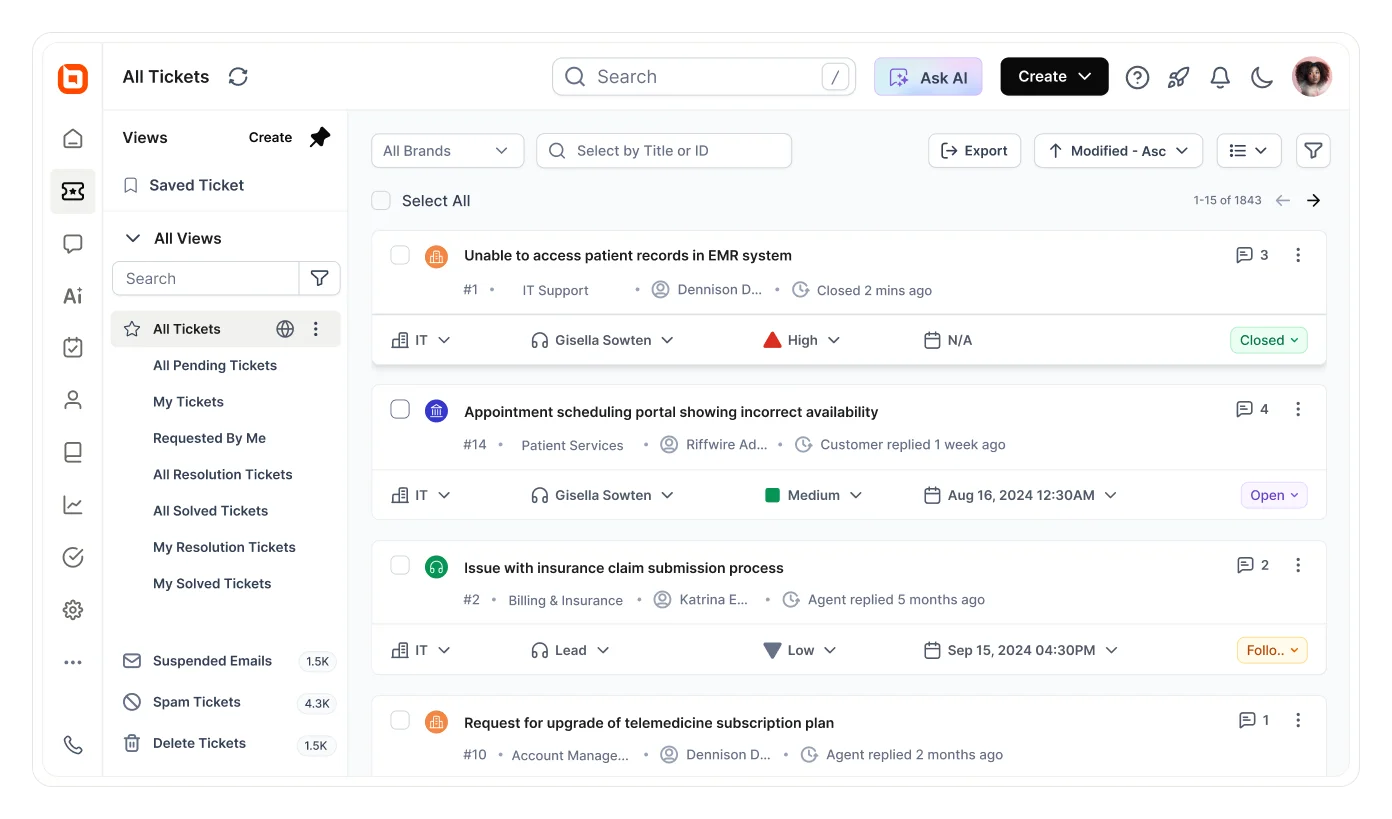
Trade-off: Automation rules require deliberate ordering. Timed checks are hourly, so they should not be treated as exact-minute timers. Review automation changes in ticket history; the documentation does not describe a central report listing every rule execution.
Pricing: Five agents cost $99/month billed annually ($1,188/year), or $116/month billed monthly. Every tier includes monthly AI credits: 1,000 a month at the $99 tier. Additional credits are $40 per 1,000, and AI Copilot is included.
Evaluate: Run one routing rule, one SLA escalation and one exception path. Review BoldDesk’s pricing and AI usage terms against your team size before expanding the rollout.
G2 rating: 4.5/5
“I think BoldDesk is one of the best tools I’ve used for system management. I really value the feedback feature, and during my time using the CSAT, it has been good. The ticket management aspect is appreciated as well. The initial setup was very usual, and it was easy to complete.” – Vishal N.
2. Intercom
Best for: Teams combining conversational support with automated routing and AI.
Intercom’s Advanced plan includes a workflow automation builder and round-robin assignment. Expert adds SLAs. This distinction matters if a buying requirement includes both automated assignment and contractual response targets.
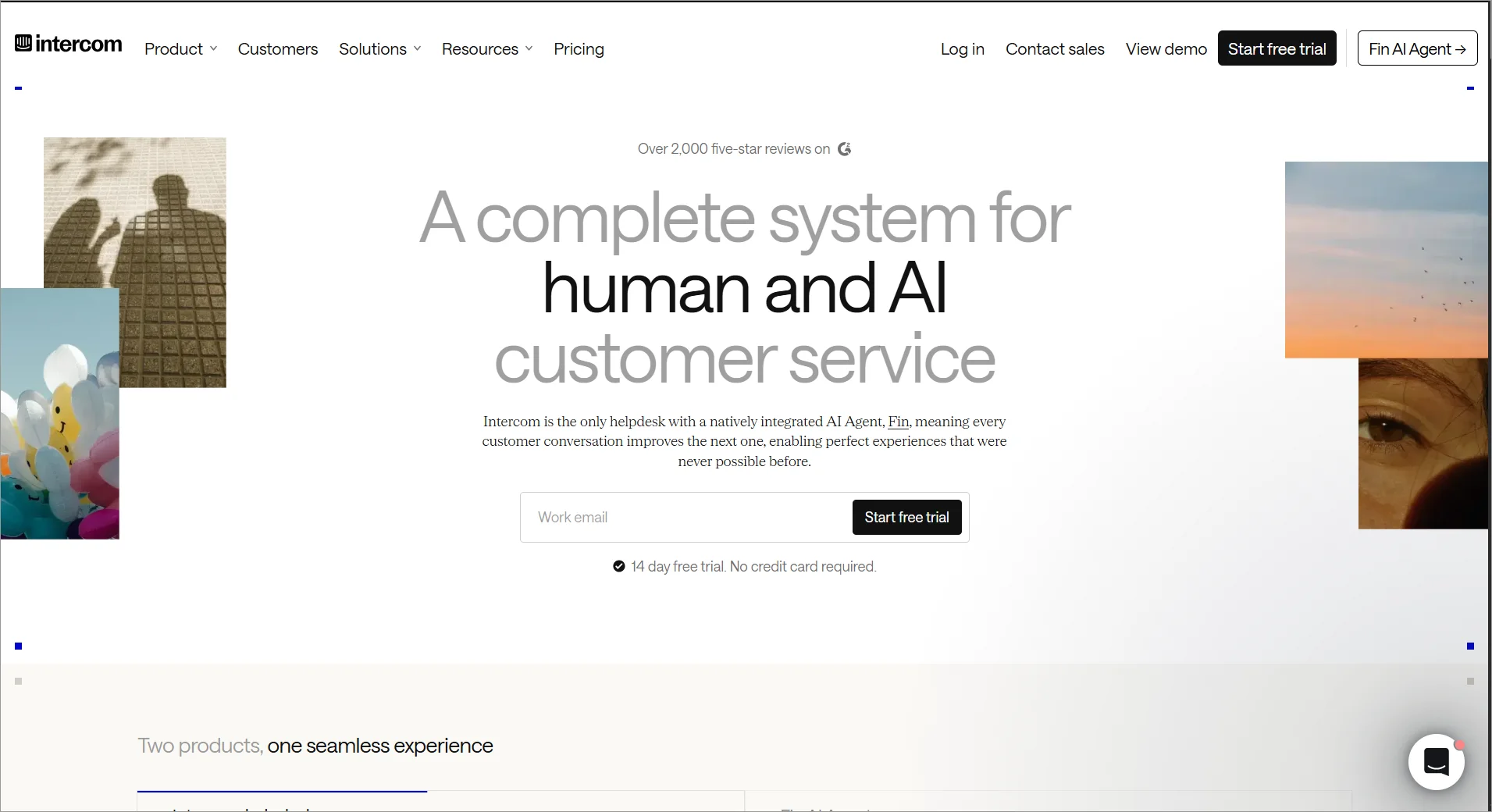
Trade-off: Fin availability does not make usage unlimited. It is advertised from $0.99 per outcome, alongside the relevant seat subscription. Confirm which completion and handoff events count toward charges.
Evaluate: Price advanced or expert against the actual workflow rather than applying the lowest entry-plan price to all capabilities. Demonstrate a conversation that needs a human and check how it reaches an owned queue.
G2 rating: 4.5/5
When asked what they liked best about Fin, one reviewer highlighted “the ticket management macros and many shortcuts.” – Safwan S.
3. TeamSupport
Best for: B2B support teams whose requests need customer and account context.
TeamSupport documents ticket automation for keyword-based routing, notifications, reminders and escalation scenarios.
Its Microsoft Teams integration provides automation examples of sending workflow messages to team channels.
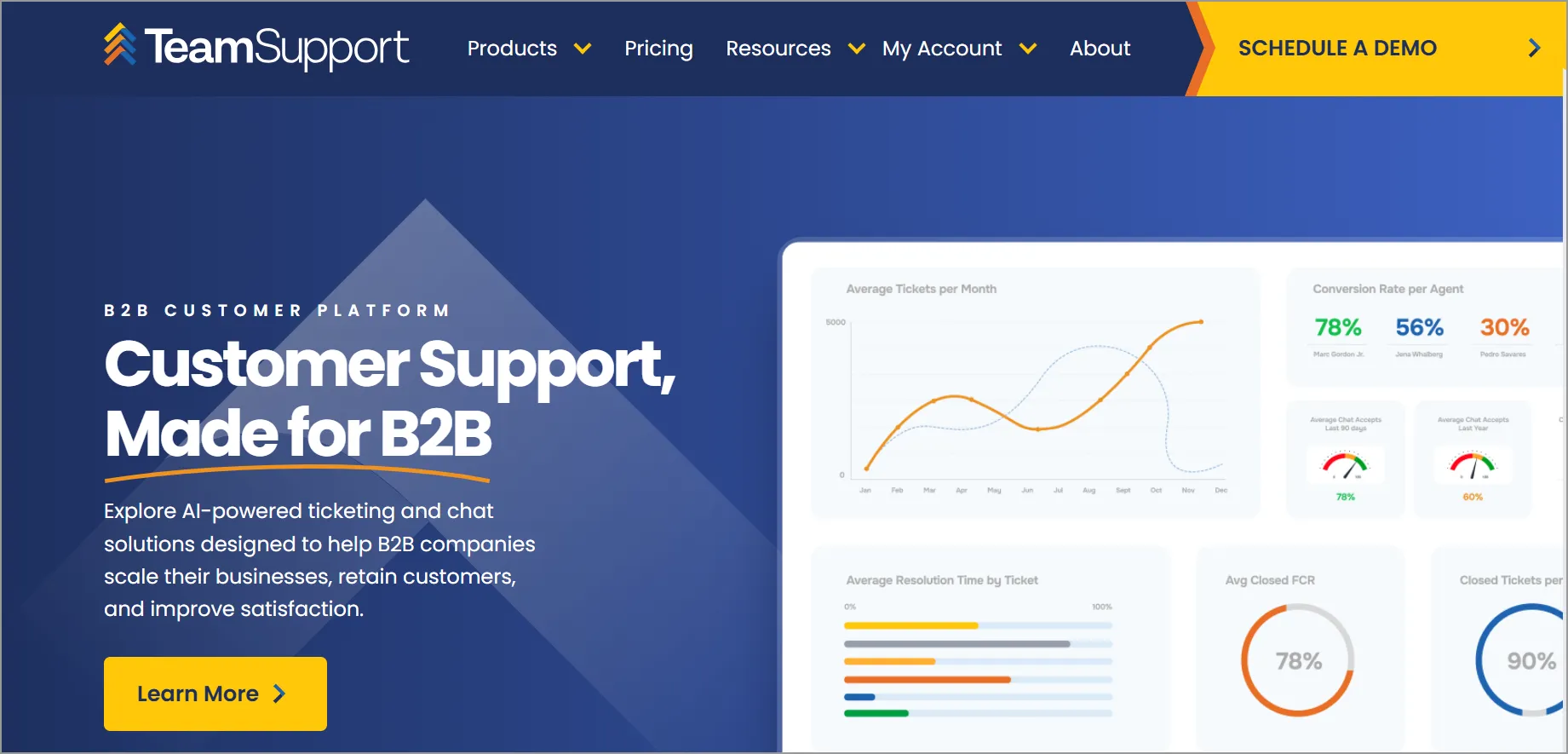
Trade-off: The pricing page lists Automation under Scale. Its Starter plan is listed at $45 per month billed annually for up to five users, but this does not establish a complete five-agent automation offer or confirm whether pricing is per user.
Evaluate: Request a quote naming the automation entitlement, billing unit, users and any onboarding charges. Demonstrate an account-specific escalation and who remains responsible for the customer update.
G2 rating: 4.4/5
“There are a lot of features as we can integrate with SNOW portal, public and private comments, and auto-closure requests of the ticket and many more.” – Sunil M.
4. LiveAgent
Best for: Teams evaluating ticketing and chat with scheduled follow-ups or phone support.
Medium Business is the useful comparison point when time rules and SLAs are required. Its published allowance includes 150 event rules, 30 time rules and five SLA rules.
Trade-off: Basic ticketing does not establish eligibility for every channel or automation. Count the rules you need, including exceptions and separate department policies, before choosing a tier.
Pricing and evaluation: Medium is $29 per agent/month billed annually. Test a timed follow-up and an overdue-ticket escalation, then verify channel and AI costs separately.
G2 rating: 4.5/5
“Managing emails or social media messages as support tickets through LiveAgent and making everything easily accessible for teams to review interactions has supported our ability to ensure consistent service quality.” – Ingy H.
5. Freshdesk
Best for: Teams organizing ticket handling through creation, update and scheduled rules.
Freshdesk documents hourly triggers from Growth. These can assign tickets or notify people when time conditions match.
Its timing guide specifies calendar hours and sequential processing; the action may occur after the threshold rather than at the exact minute.
Trade-off: Hourly rules cannot use every condition or action available to event rules. For example, the guide excludes triggering webhooks from hourly actions. Validate the trigger type your integration needs.
Pricing and evaluation: Freshdesk pricing starts at $19 per agent/month billed annually. Additional AI usage can add cost. Confirm the required assignment method and SLA configuration on your selected edition.
G2 rating: 4.4/5
“I like Freshdesk because it is easy to use and helps businesses manage customer support efficiently. It keeps customer requests organized, makes communication easier, and helps support teams respond quickly.” – Saidi R.
6. Help Scout
Best for: Teams automating shared-inbox organization and conversation handling.
Help Scout’s automatic workflows use conditions to perform actions and run in list order. Its guide generally limits each workflow to one run per conversation, with a stated exception for AI draft generation configured across all threads.
Trade-off: Test reopened conversations and repeated follow-ups; do not assume that a matching conversation will run the same workflow again.
Pricing and evaluation: Plus includes round-robin routing and two advanced SLA policies. Pro expands routing and SLA options. AI Answers is separately advertised at $0.75 per resolution. Obtain a quote with the selected billing term and workflow allowance.
G2 rating: 4.4/5
“Its clean and effective interface, which is easy to use; its shared inbox keeps the entire team organized, while all features help resolve issues faster.” – Eklavya Y.
7. HappyFox
Best for: Teams evaluating condition-driven ticket handling and cross-team processes.
HappyFox’s Smart Rules documentation covers assignments, tags, notifications, time conditions and work schedules.
The reviewed guide describes one action per Smart Rule and points to HappyFox Workflows for multistep automation.
Trade-off: That guide sits under Help Desk but references AI Contact Center in its text. Confirm which behavior and entitlement apply to the product being quoted rather than assuming all HappyFox products share them.
Pricing and evaluation: Request a scoped proposal for Help Desk, any separate Workflows product and required AI services. Demonstrate a sequence with more than one action and its failure path.
G2 rating: 4.5/5
“Task management, ease of setting up, quick onboarding.” – Verified User in Hospital & Health Care.
8. Zoho Desk
Best for: Teams choosing an automation edition around explicit process requirements.
Zoho Desk’s published feature lists separate direct assignment and workflows on Express from round-robin assignment and Blueprints on Professional. Enterprise adds skill-based assignment.
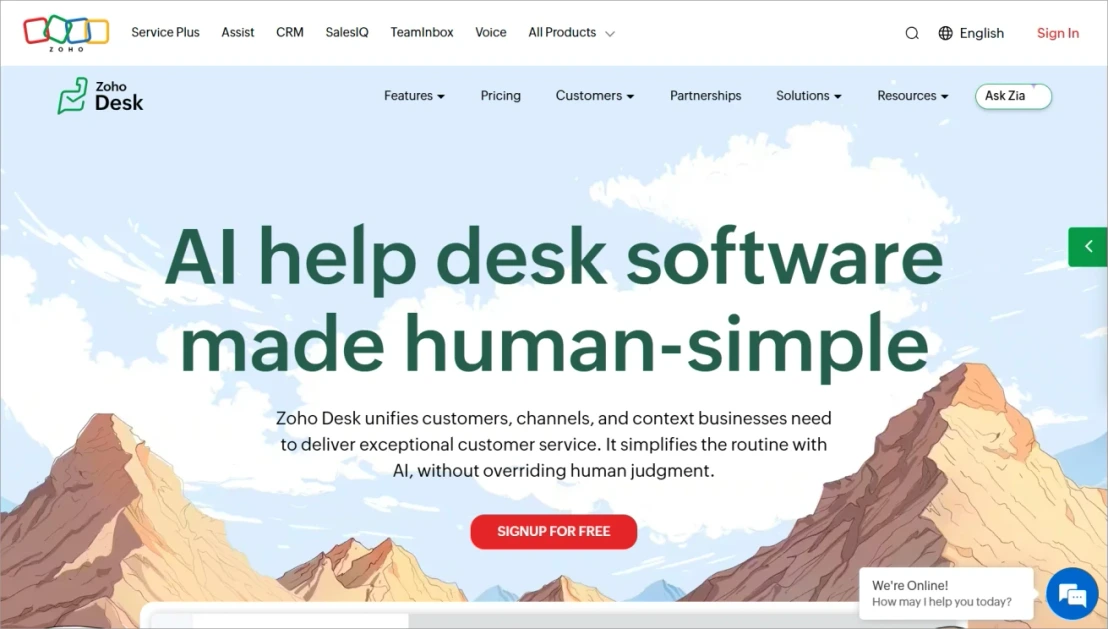
Trade-off: A low entry price is not the price of every routing method. Custom actions, webhooks, AI capabilities and other functions need edition-level checks.
Pricing and evaluation: Use current regional pricing to test your required assignment method and the behavior of each Blueprint transition.
G2 rating: 4.4/5
“The simplicity of use. Multiple options to create departments and define SLA.” – Rodrigo C.
9. Jira Service Management
Best for: IT and service teams coordinating structured requests and operational work.
Jira Service Management offers configurable automation flows. The current pricing destination is Atlassian’s Service Collection, so evaluate the actual bundle and entitlements in your quote.
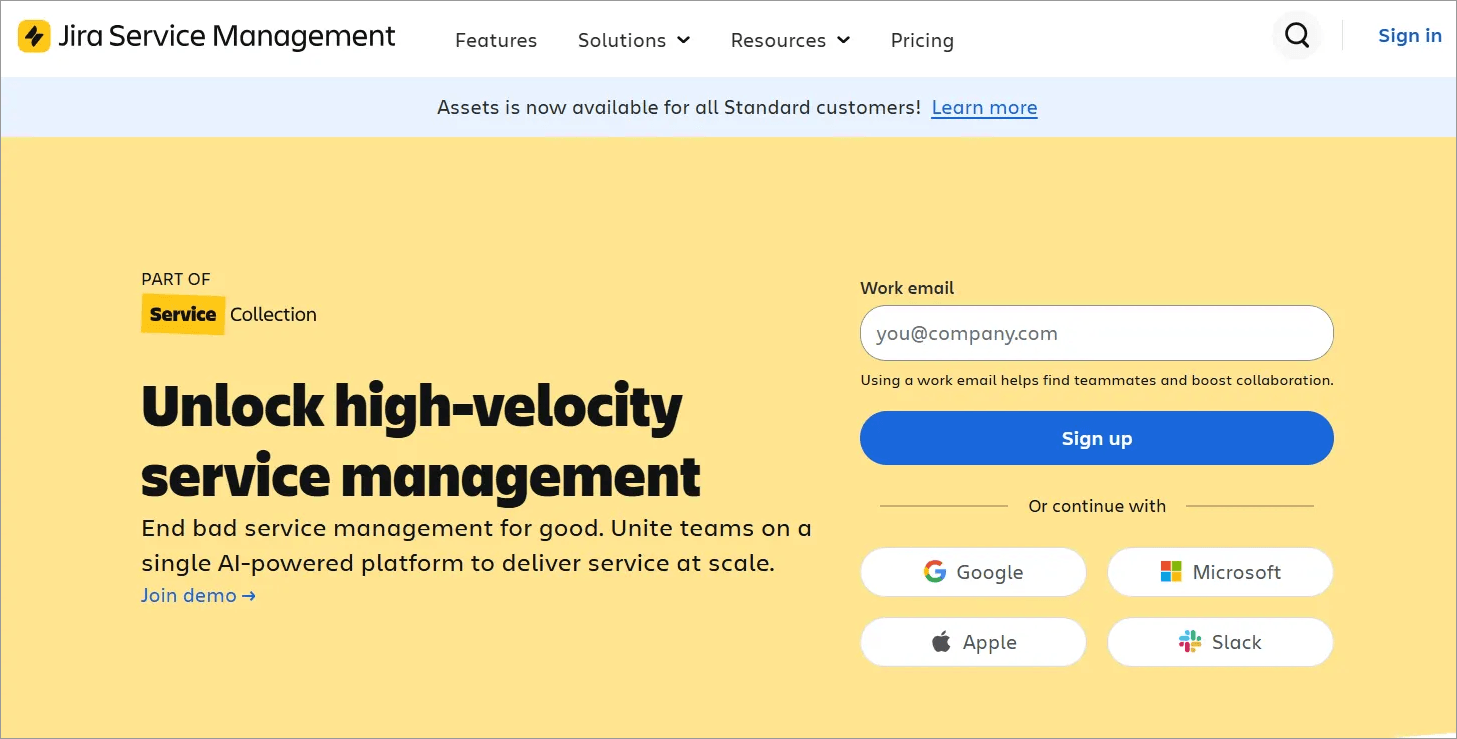
Trade-off: Automation allowances and runtime limits are different constraints. Atlassian documents concurrency, processing and loop-detection limits; a large allowance does not remove those restrictions.
Evaluate: Confirm whether the quoted allowance is measured in steps, executions or another current unit. Test the audit log and recovery process when a flow is throttled or a connected service fails. Do not carry an older generic $20 agent price into the proposal.
G2 rating: 4.3/5
“We primarily use it for ticketing technical issues. It is great because you can search for an incident name if you are not sure what to choose. It is also user-friendly. Most users would be able to figure out how to use it without training.” – Precious M.
10. Zendesk
Best for: Support operations evaluating event-based business rules alongside scheduled ticket actions.
Zendesk distinguishes triggers from hourly automations. Its guide states that each automation can act on at most 1,000 tickets per hour, and closed tickets are excluded.
If more tickets qualify, processing can continue in later cycles.
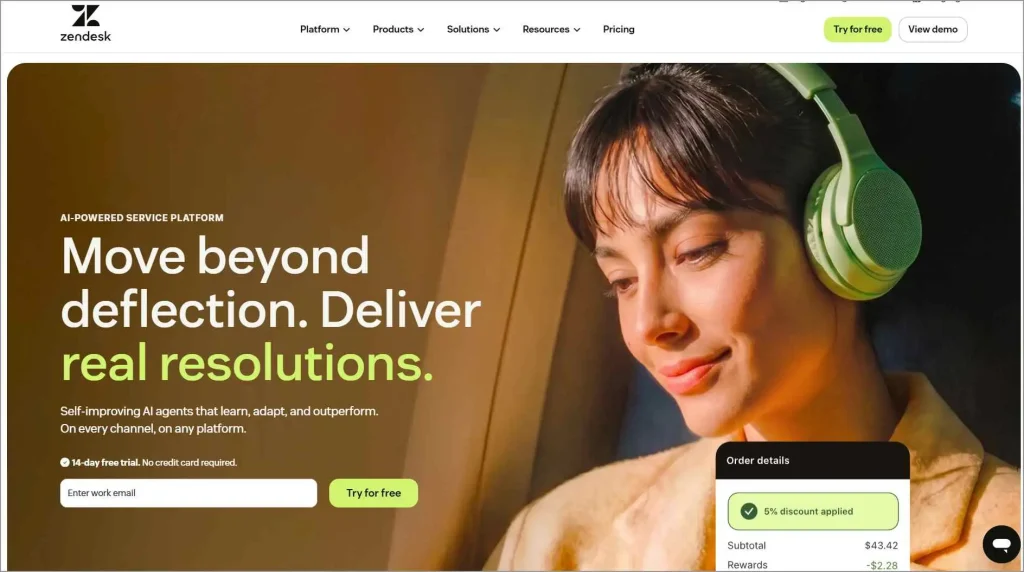
- Zendesk home page
Trade-off: A scheduled automation is not an exact-minute timer. Rule order and ticket changes affect which later conditions match.
Pricing and evaluation: Obtain a regional quote covering your required routing, SLAs and AI features. Test a high-volume queue and a customer reply arriving during an automation cycle.
G2 rating: 4.3/5
“Being able to reply straight from Outlook and have it land back in the ticket without any extra steps is a big help. The unassigned-ticket alerts also catch anything that might otherwise fall through the cracks when the team is heads down on something else.” – Raul C.
Example: How to route, escalate, and close a support ticket
Start with one request type and define who is responsible at each stage. The billing-support example below shows how routing, escalation, and closure could work, including how to handle exceptions.
It illustrates a possible setup, not tested results. Adjust the targets to match your team’s service commitments.
| Step / trigger | Conditions | Action | Exception / fallback | Accountable owner |
| New ticket | Billing request; no existing owner | Route to the billing team using one defined assignment method | Missing category or no eligible agent: Route to the triage queue for review | Queue lead |
| SLA applied | Ticket matches the billing support policy | Set response and resolution targets using agreed operational hours | No specific policy matches: use an approved default and review unmatched tickets | Support operations |
| Response deadline approaches | First agent response is still due | Send a configured reminder to the agent or group | No recipient or delivery failure: supervisor checks overdue view | Assigned agent |
| Response deadline breached | Response still outstanding | Notify the escalation owner | Alert delivery alone does not transfer ownership; the lead must acknowledge and act | Escalation lead |
| Work completed | Agent confirms the request is resolved | Mark resolved and explain the outcome to the customer | Unfinished external action: retain ownership and keep work open | Assigned agent |
| Scheduled closure | Resolved for the chosen interval; no qualifying reopen | Close under the approved policy | Reply, dispute or another unresolved issue: keep in an active handling path | Queue lead |
Configure this workflow in BoldDesk
Use these documented setup paths, then validate the result in your account:
- Assignment: Create an auto-assignment rule for the relevant mailbox or ticket conditions. Choose the eligible group and either Even Distribution or Load-Based assignment. Avoid configuring a competing create-ticket assignee action for the same request.
- SLA: Under Admin → Automation → SLA, define matching conditions, operational hours and response/resolution targets. Configure reminder recipients before the due time and escalation recipients after it. Only the first matching SLA applies; review the default policy as well.
- Closure: Configure a time rule for eligible resolved tickets after your chosen interval. Treat hourly processing as scheduled evaluation, not an exact deadline.
- Exceptions: Test a missing category, an unavailable agent, a late customer reply and overlapping rules. Check ticket history to understand the resulting changes.
Use the help desk automation overview for the wider set of supported workflows.
Choose automation that handles exceptions as well as normal requests
A rule that works on a clean sample can still fail in a real queue. Bring a small, representative set of tickets into the evaluation and agree on the expected result before running them.
Verify the assignment method
Direct assignment sends work to a chosen owner. Round-robin generally rotates through eligible agents. Load-based routing considers workload according to the product’s implementation. Skill-based routing adds qualification criteria.
These are not interchangeable; ask how availability, capacity and existing ownership affect the result. See our automated ticket routing guide for a deeper comparison of assignment methods.
Test timing, repeated actions and customer replies
Include the following acceptance cases:
- Two rules match the same request: which action takes precedence?
- A ticket already has an owner: does automation preserve or replace them?
- All eligible agents are unavailable: where does the ticket wait, and who monitors it?
- A customer replies before a closure rule runs: does the current state prevent closure?
- A timed condition remains true: can it send repeated notifications?
- A webhook fails: can staff find the error and retry safely?
- A reopened conversation needs a second reminder: will the same rule execute again?
Record the actual result and configuration alongside each case. An unassigned queue is only a fallback when someone is responsible for checking it.
Separate ticket automation from business actions
Updating a ticket’s priority is different from changing a customer’s subscription, issuing a refund or resetting access in another system. For external actions, confirm the integration, permissions, error handling and approval boundary.
An automated acknowledgment is also different from a useful answer. Do not count every sent message as a resolved request or assume that routing alone removes the need for staffing.
Budget for the workflow you intend to run
Price the minimum subscription that supports the required routing method, trigger type, SLA policy and integration. Add AI usage, channel charges, mandatory onboarding and administrator effort where applicable.
Ask for rule-count and usage limits in writing. Also ask what happens when the allowance runs out: additional charges, delayed processing, blocked actions or a required upgrade can have different operational consequences.
If automation is only one part of your purchase, use our broader best ticketing systems comparison to assess the complete support platform.
Measure whether automation improves support
Automation should reduce unnecessary handling while keeping requests correctly owned and customers informed.
Measure outcomes before and after a controlled rollout using the same definitions and comparable ticket types.
| Metric | Working definition | What it helps reveal |
| Time to first owner | Ticket creation to first valid assignment | Whether requests wait for manual sorting |
| Reassignment rate | Tickets reassigned at least once/tickets in the same cohort | Whether routing sends work to the right place |
| SLA breach rate | Breached eligible targets/all eligible targets | Whether reminders and escalation support service commitments |
| Automation exceptions | Failed, skipped or unmatched cases requiring intervention | Where the process needs repair |
| Reopen rate | Resolved tickets reopened within a defined window/ resolved tickets in that cohort | Whether closure is happening before the work is complete |
| Manual handling time | Sampled agent time spent on the targeted administrative steps | Whether the workflow actually saves effort |
These are suggested measurement definitions, not vendor benchmarks. Separate AI-generated answers, automated acknowledgments and human replies when evaluating response quality.
Add customer feedback so a faster queue does not hide unresolved requests.
Try an automated workflow with your team’s sample tickets
The best way to evaluate automation is to test it against the same scenarios your team handles every day, including edge cases and exceptions.
Choose one queue, one assignment rule and one escalation policy. Run ordinary requests and exception cases through the same setup, then check ownership, notifications and the resulting ticket history.
To evaluate BoldDesk, start a 15-day free trial and test the workflow above.
Related articles
- 16 Best Help Desk Software for 2026 Compared
- Cloud-Based Ticketing System: Definition, Features, & Best Tools (2026)
- Help Desk vs Service Desk: Understanding the Main Difference
FAQs on automated ticketing system
No. Rules can assign requests, update fields and send reminders based on explicit conditions. AI adds capabilities such as interpreting a message or drafting a response, but it is not required for basic workflow automation.
Start with a frequent, clearly defined task such as routing one request category or reminding an owner about pending work. Establish the exception owner and test overlapping conditions before expanding to more queues.
No. Rotation and workload-aware allocation use different decision criteria, although products may combine them. Verify how the selected tool counts workload, checks availability and handles agents who reach capacity.
Yes, if silence is treated as proof that a problem is solved. Use a defined closure policy, communicate the outcome and test replies or reopened requests before enabling automatic closure at scale.
Cost depends on the subscription, agent count, required automation features, billing term and usage charges. Compare a named plan against your workflow rather than using the cheapest advertised ticketing price as the automation budget.
Not necessarily. Several tools in this comparison process time-based rules on hourly cycles. Check execution frequency and operational-hour settings separately from your SLA targets.


