
BoldDesk + Microsoft Teams Integration

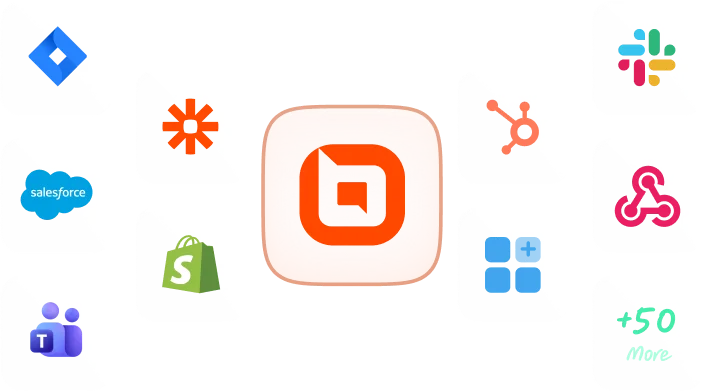
Connect with Microsoft Teams and notify a message in a chat and channel.

Hands connecting BoldDesk and Microsoft Teams puzzle pieces with icons of a ticket, lightbulb, and clock around them

Why you should integrate Microsoft Teams with BoldDesk

  • Optimize customer service operations.
  • Empower your support team to provide excellent customer service with our integrated solution.
  • Centralize customer interactions for convenience and efficiency on one platform.
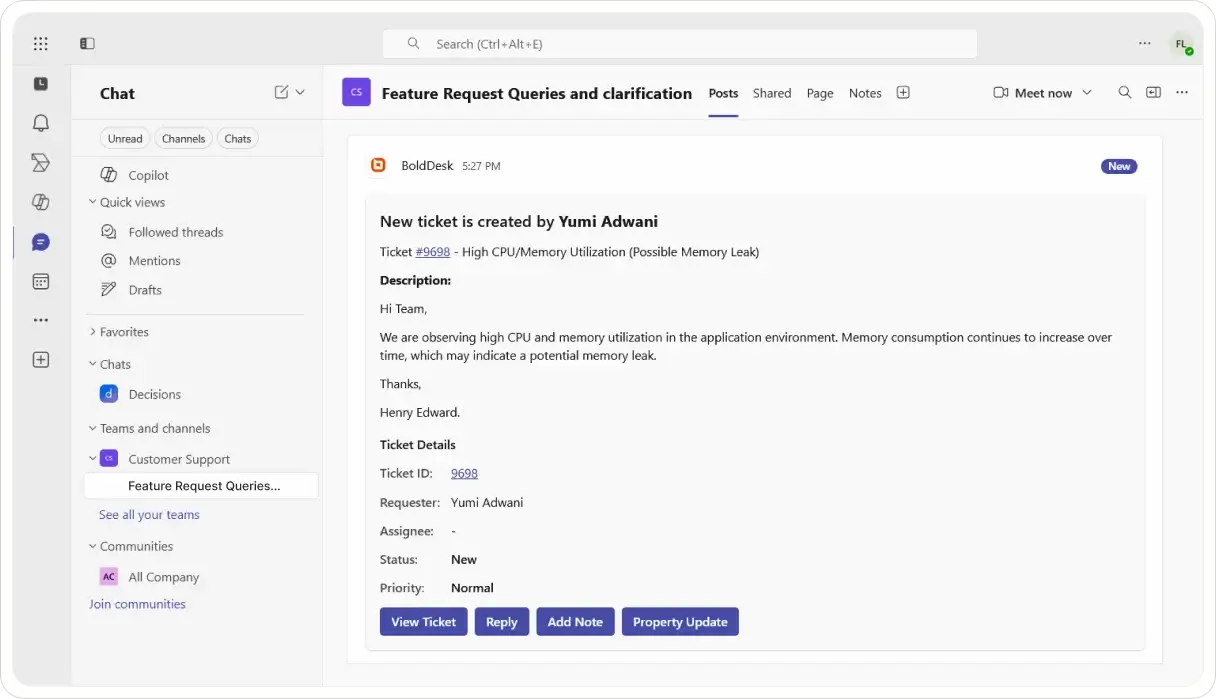
  • Manage support tickets efficiently with real-time updates in Microsoft Teams.
Illustration of someone pointing at a Microsoft Teams window showing BoldDesk ticket updates with a ticket icon.

Create ticket from Microsoft Teams

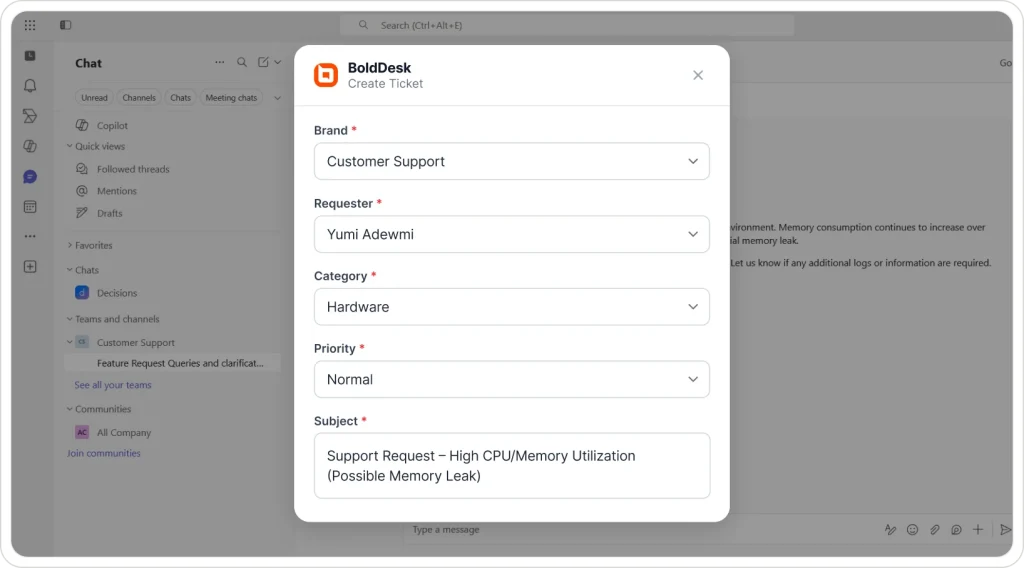
  • Create a ticket in a Teams channel or chat.
  • Format the ticket description with text formatting, tables, and images.
  • Organize data in ticket descriptions with table support for issues needing detailed information.
  • Create tickets for customers to log and track issues efficiently, even if reported through different channels.

Keep up-to-date with live notifications

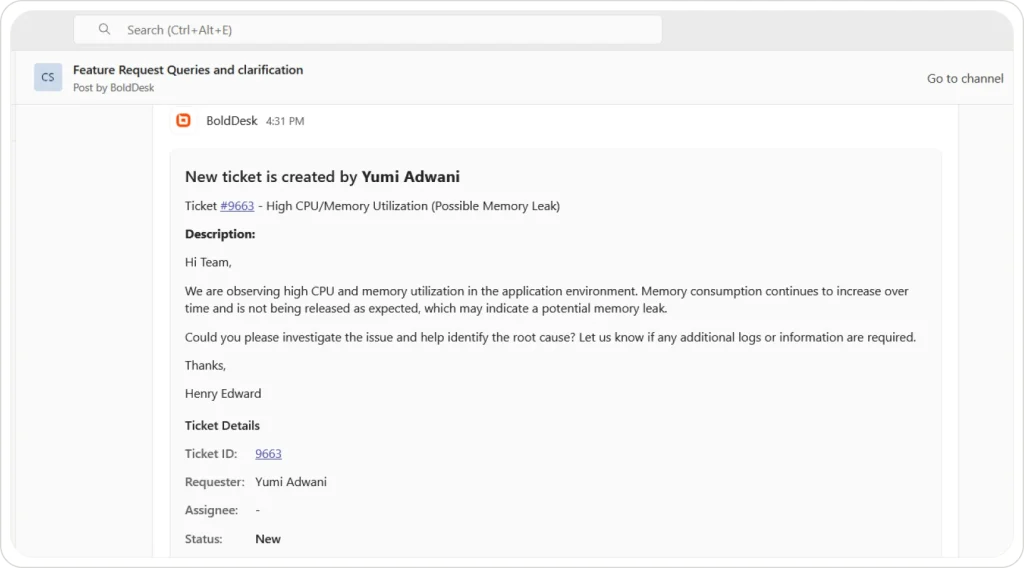
  • Enable real-time alerts for ticket events to be informed.
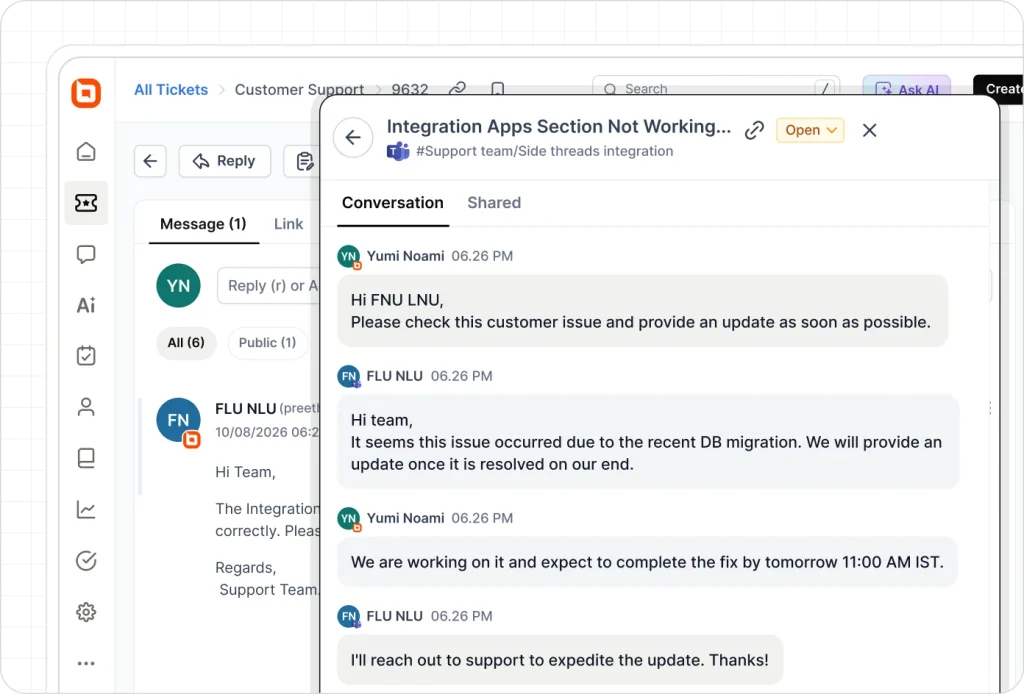
  • Receive threaded message notifications to keep context within the ticket conversation.
  • Easily track ticket status and progress in Microsoft Teams.
  • Notify assignee directly of ticket information.
Illustration of a laptop showing BoldDesk alerts in Microsoft Teams with icons like a stopwatch, bell, and ticket.
Illustration of BoldDesk and Microsoft Teams windows linked by sync icon, surrounded by ticket, chat, and analytics icons.

Two-way sync between Microsoft Teams and BoldDesk

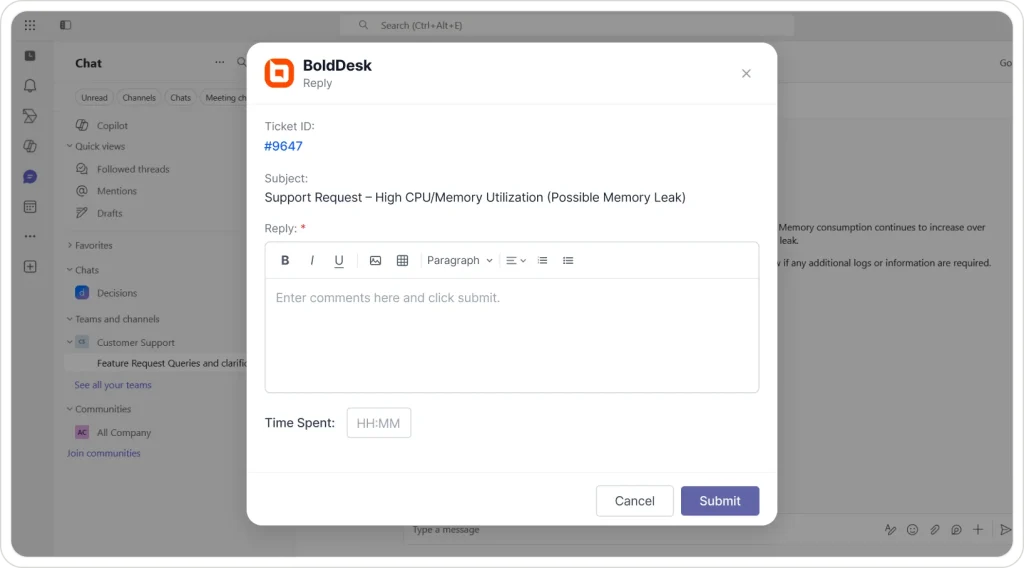
  • Respond to a ticket through the Teams platform by providing a detailed and professional reply.
  • Create a public note on the Teams platform for all team members to view and reference.
  • Add a private note to a ticket within Microsoft Teams for internal use.
  • Modify the attributes of the ticket, such as its priority level and current status.

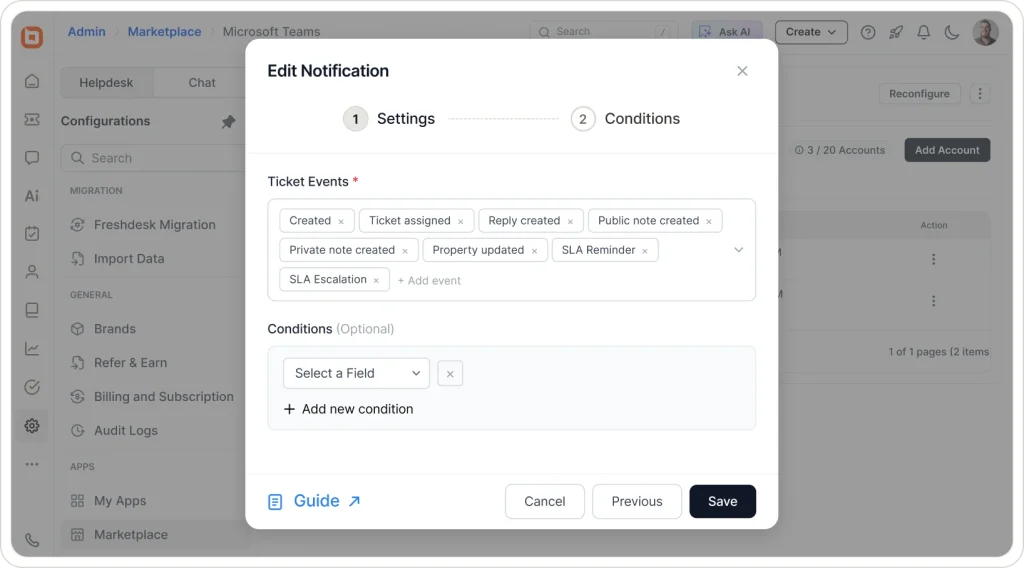
Customize notifications based on specific criteria

  • Customize notification settings for individual chats and channels.
  • Allow users to filter notifications based on brand affiliation.
  • Receive updates related to specific categories of interest.
  • Implement status update alerts to keep users informed.
  • Ensure the delivery of pertinent information by tailoring notifications to user preferences.
Illustration showing Microsoft Teams with BoldDesk settings panels, gears, and alert icons representing configurable alerts.

For more information on how to get started with the Microsoft Teams integration

Test out all the features of BoldDesk

Start your 15-day free trial with instant access

  • No credit card required
  • Easy setup
  • 80% AI Agent Automation
  • 100+ Rich Features
  • No credit card required
  • Easy setup
  • 80% AI Agent Automation
  • 100+ Rich Features
Help desk software interface showing ticket updates with multi-channel icons for Facebook, WhatsApp, and Slack.