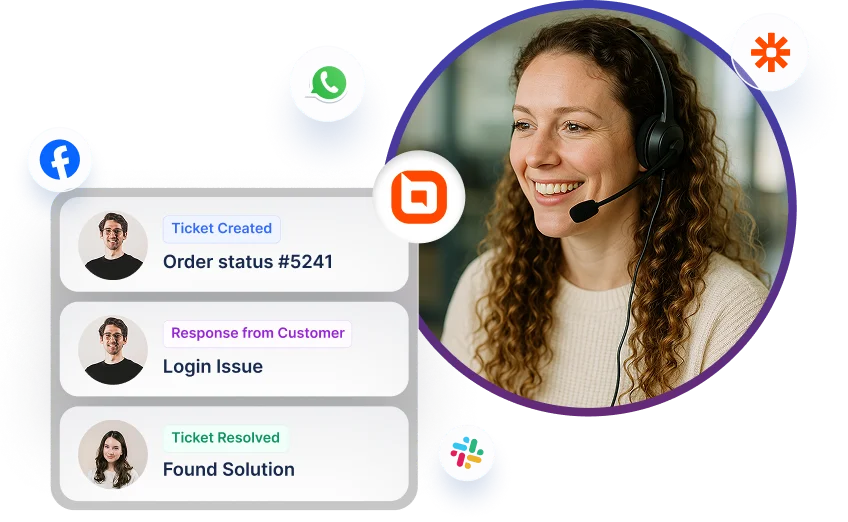
BoldDesk + Custom Apps Integration
Sync Custom Apps issues with BoldDesk tickets to keep up with the latest information.
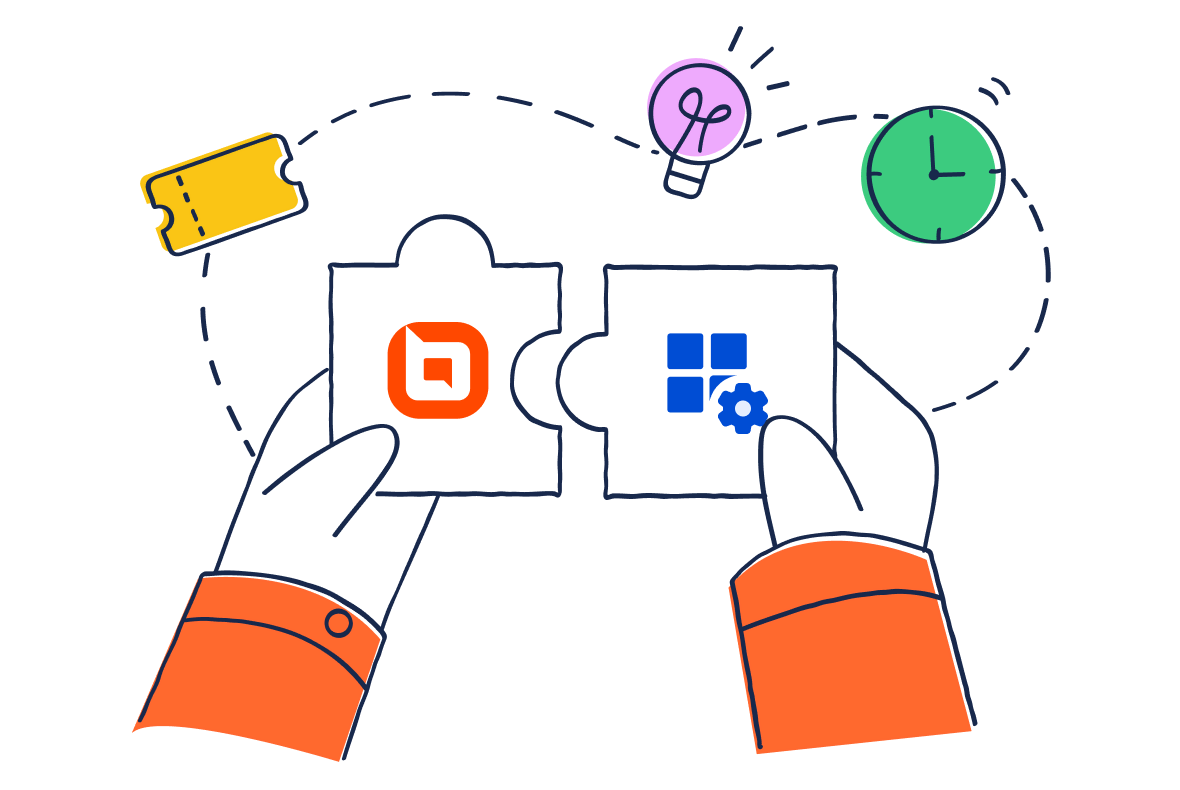
Integrating Third-Party App Data with BoldDesk
By using the custom app feature, you can quickly integrate your internal applications with BoldDesk and create custom workflows within your applications, resulting in increased efficiency throughout your organization.
Show context-specific data in BoldDesk from a third-party app
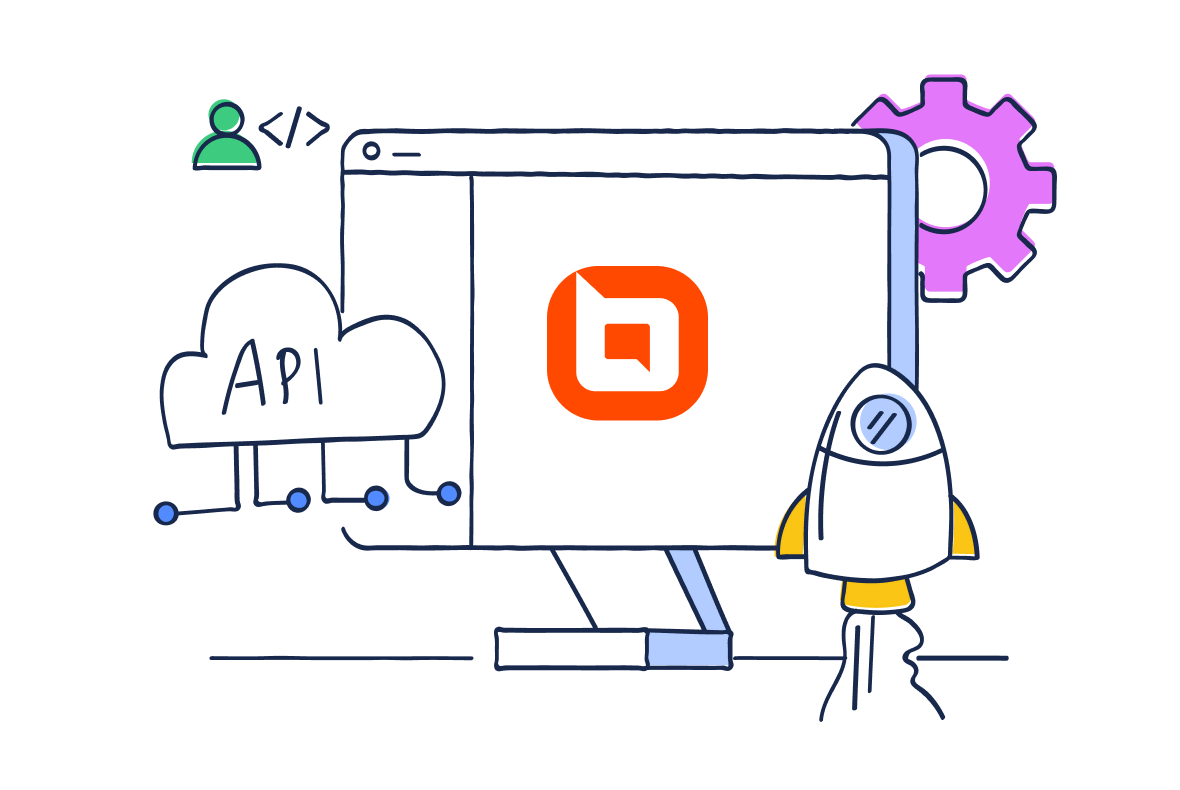
The custom app feature helps pull third-party application data into the BoldDesk ticket details page. When the custom app loads, it sends the ticket properties to the third-party app’s hook URL and renders the returned information.
Additionally, custom apps can be installed on contact and contact group pages.
The following ticket properties will be sent to the third-party app:
-
Contact
-
Contact Group
-
Category
-
Agent
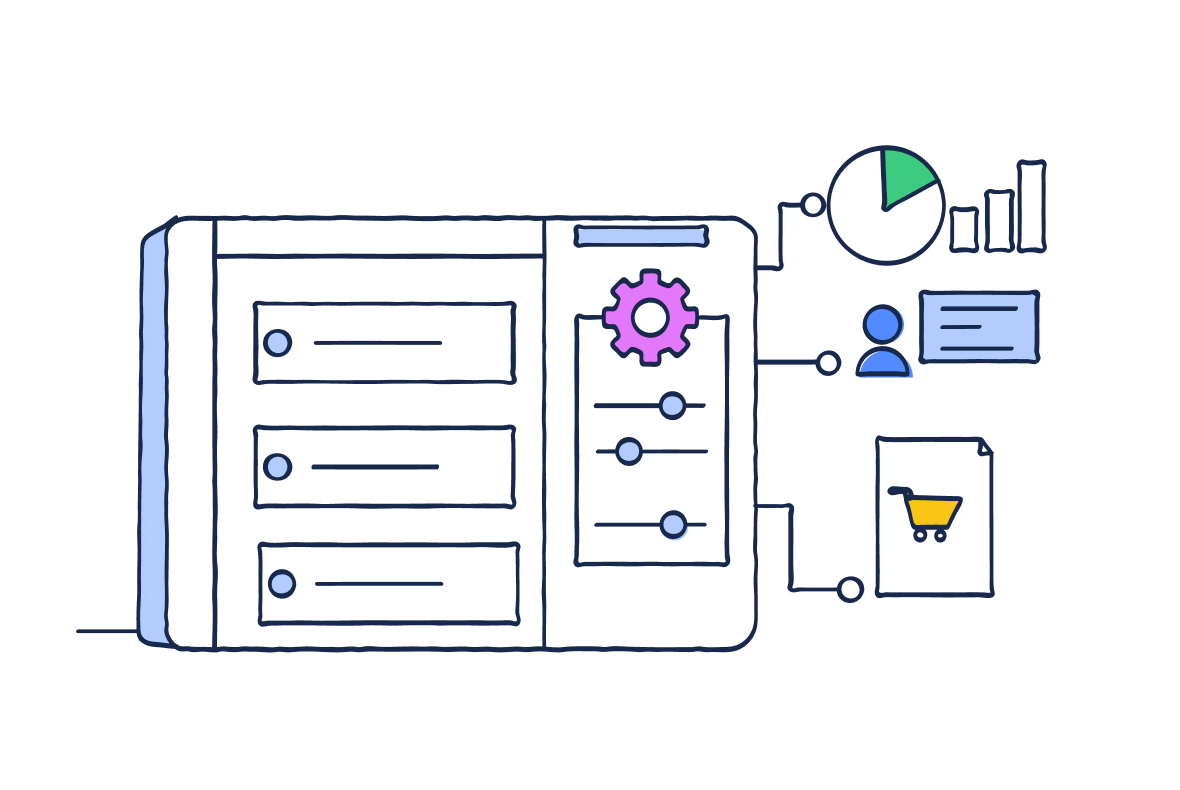
Customize the sidebar view
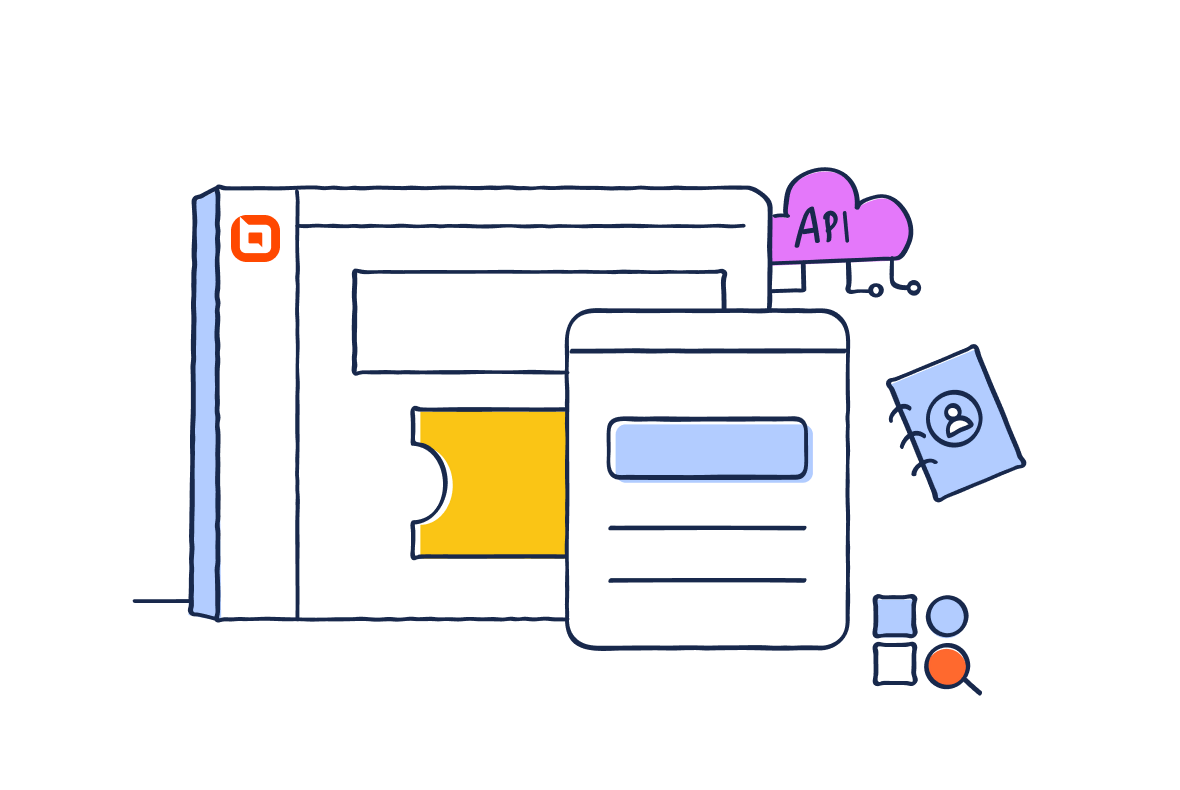
To personalize the sidebar view, the custom app provides many predefined HTML templates and CSS styles. You can easily code your widgets and render them in the sidebar using the provided templates and styles.
The custom app can display data for a variety of scenarios. Here are a few examples:
-
Customer information
-
Order details
-
Revenue data
Custom app security
When creating a custom app, securely transfer data to your HTTPS endpoint URL and check whether it was sent from BoldDesk.
The custom app provides two degrees of security while accessing your data:
-
Identity verification
-
Signature request

For more information on how to get started with the Custom Apps integration
Start your 15-day free trial with instant access
-
No credit card required
-
Easy setup
-
80% AI Agent Automation
-
100+ Rich Features
-
No credit card required
-
Easy setup
-
80% AI Agent Automation
-
100+ Rich Features